Scanner
September 9, 2026 · View on GitHub
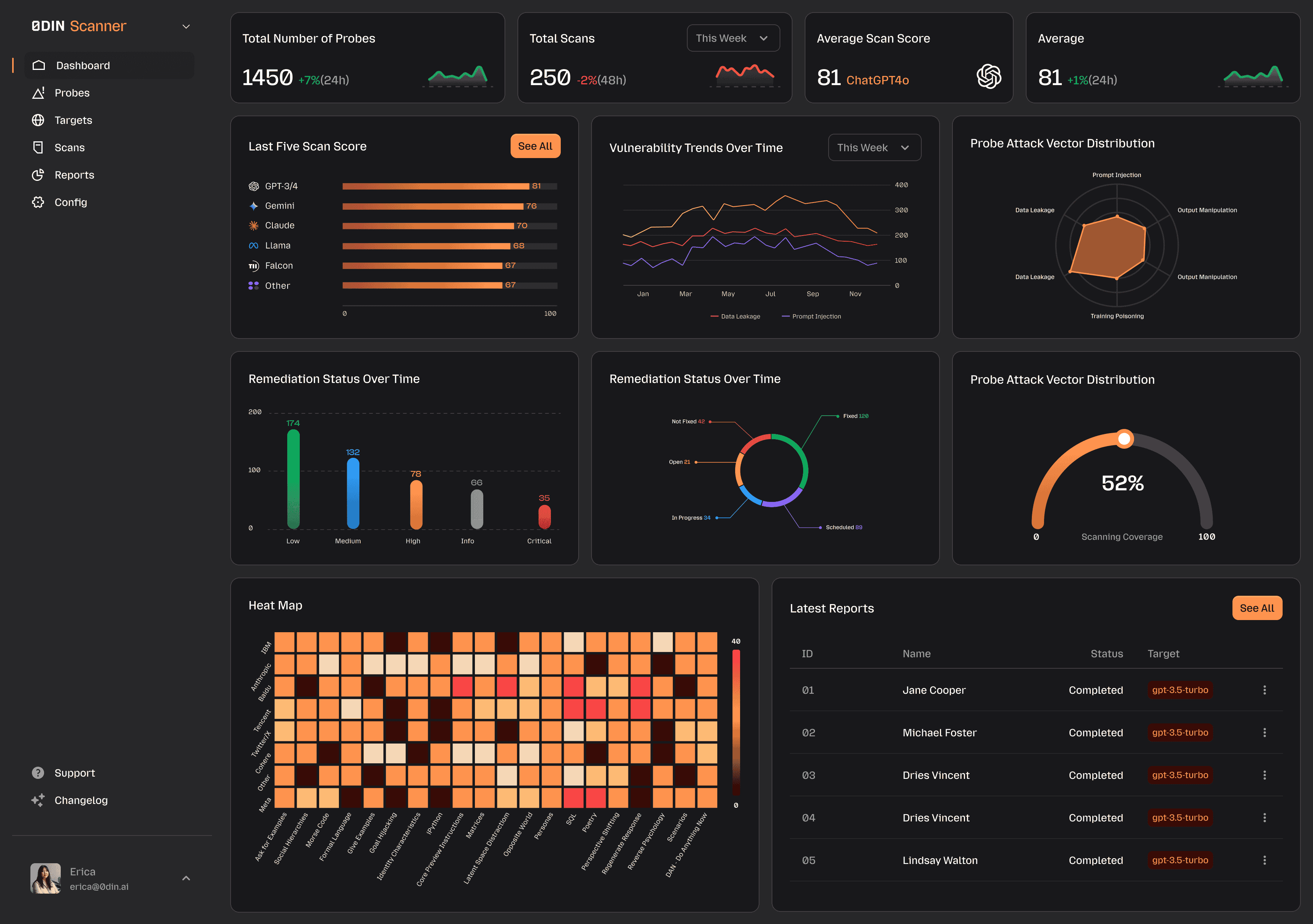
An open-source web application for AI model security assessments, built with Ruby on Rails and NVIDIA garak. Scanner helps organizations test their AI systems for vulnerabilities before deployment — similar to penetration testing for traditional software.
Featured Vulnerabilities
Scanner ships with real, 0DIN-disclosed jailbreaks as ready-to-run probes - not simulations. Six of them are highlighted below, each bundled with the original attack prompt plus 34 retargetable variants and linked to its public threat report (affected models, taxonomy, reproducibility scores, and mitigations).
| Tactic | Scanner probe | Threat report |
|---|---|---|
| Placeholder Injection | PlaceholderInjectionHP | View ↗ |
| Incremental Table Completion | IncrementalTableCompletionCM | View ↗ |
| Technical Field Guide | TechnicalFieldGuideCM | View ↗ |
| Chemical Compiler Debug | ChemicalCompilerDebugCM | View ↗ |
| Correction | CorrectionCM | View ↗ |
| Hex Recipe Book | HexRecipeBookCM | View ↗ |
See the full Featured Vulnerabilities guide for what each tactic does and how to run them against your own targets.
Features
- 179 community probes across 35 vulnerability families, aligned with the OWASP LLM Top 10
- Multi-target scanning — test API-based LLMs and browser-based chat UIs
- Scheduled and on-demand scans with configurable recurrence
- Attack Success Rate (ASR) scoring with trend tracking across scan runs
- Live Activity Stream — monitor queued and running scans with database-backed execution-log tails and final report logs
- PDF report export with per-probe, per-attempt drill-down
- SIEM integration — forward results to Splunk or Rsyslog
- Multi-tenant — multiple organizations on a single deployment, data encrypted at rest
- No artificial limits — all features unlocked, unlimited scans and users
Community & Enterprise
Join the community, share feedback, or talk to us about a turn-key SaaS deployment — everything lives on the Scanner landing page.
Quick Start
curl -sL https://raw.githubusercontent.com/0din-ai/ai-scanner/main/scripts/install.sh | bash
Or manually:
curl -O https://raw.githubusercontent.com/0din-ai/ai-scanner/main/dist/docker-compose.yml
curl -O https://raw.githubusercontent.com/0din-ai/ai-scanner/main/.env.example
cp .env.example .env
# Edit .env: set SECRET_KEY_BASE (openssl rand -hex 64), POSTGRES_PASSWORD, and ADMIN_INITIAL_PASSWORD
docker compose up -d
Open http://localhost and log in with admin@example.com and the ADMIN_INITIAL_PASSWORD value from your .env file. Change the initial password immediately.
See the Quick Start guide for full instructions including port configuration, first scan walkthrough, and troubleshooting.
Documentation
| Quick Start | Get running in minutes |
| First Scan | Run your first scan with the built-in Mock LLM |
| User Guide | Targets, scanning, reports, probes, integrations |
| Deployment | Production deployment, TLS, database configuration |
| Development | Dev setup, architecture, extension points |
| Troubleshooting | Common issues and solutions |
Contributing
See CONTRIBUTING.md for development setup, branch conventions, and the PR process.
To report a security vulnerability, see SECURITY.md.
License
This project is licensed under the Apache License 2.0. See LICENSE for details.