Timer-CLI
January 5, 2026 · View on GitHub
A very simple Python CLI tool to start a countdown timer.
Installation
Easily install timer-cli using pip:
pip install timer-cli
Usage
$ timer [options] duration
How to specify a duration
The duration of your timer can be either:
- A duration string (
__h__m__s) - An absolute datetime (
YYYY-MM-DD, orYYYY-MM-DDTHH:MM:SS) - A time only, meaning the next occurrence (
THH:MM:SS)
Duration examples
timer 1h30m #1hr 30mins
timer 25m #25mins
timer 15m30s #15mins 30secs
timer 2026-01-25T14:00
timer T14:00
Options
--no-bell
Supplying the --no-bell flag will stop the terminal from "ringing the bell" (making a sound) once the timer has finished.
-m, --message
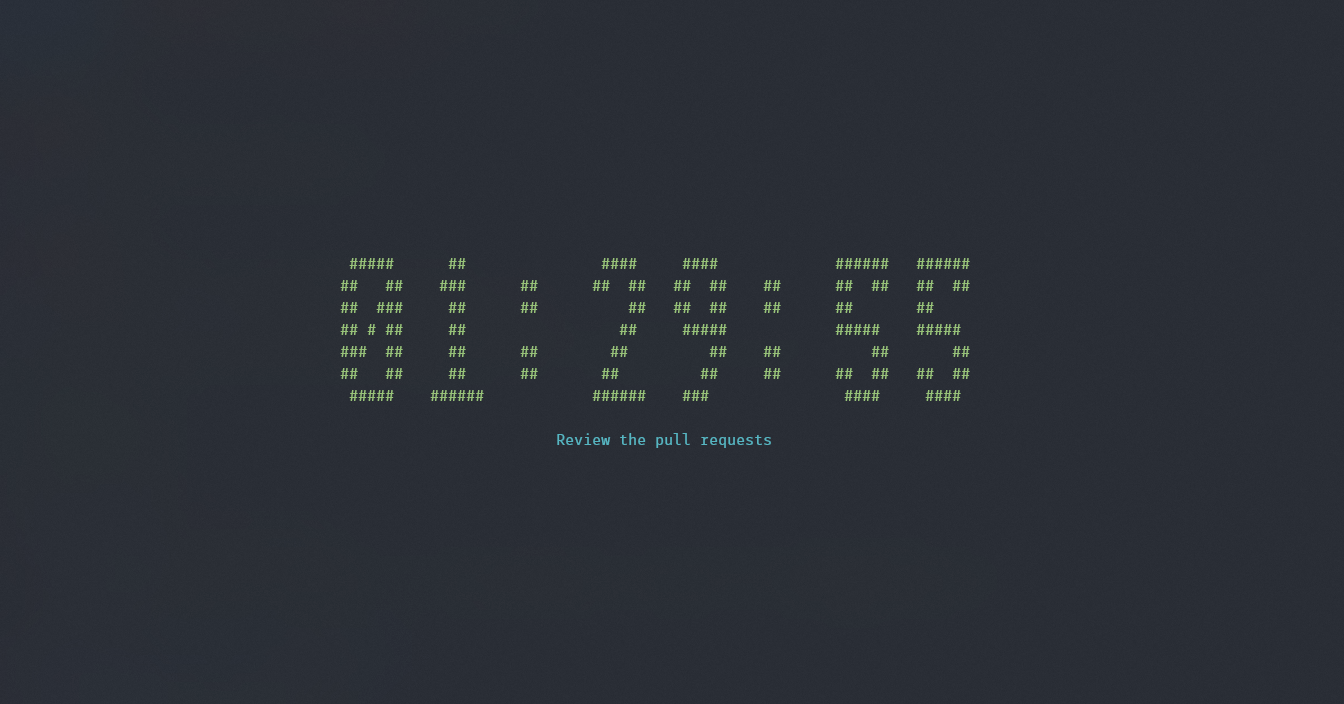
Use this flag to specify a message to display under the timer. Make sure to surround your string with quotation marks.
$ timer 1h30m -m "Review the pull requests"
--font
You can customize the font used to render the timer with
timer --font <font_name> duration
Check for available fonts with timer --list-fonts
Contributing
Contributions are always welcome!
If you have a suggestion that would make this better, please fork the repo and create a pull request. You can also simply open an issue with the tag "enhancement". Don't forget to give the project a star! Thanks again!
- Fork the Project
- Create your Feature Branch (
git checkout -b feature/AmazingFeature) - Commit your Changes (
git commit -m 'Add some AmazingFeature') - Push to the Branch (
git push origin feature/AmazingFeature) - Open a Pull Request
License
This code is distributed under the Apache-2.0 license. See LICENSE for more information.