2nthony's dotfiles
January 29, 2026 · View on GitHub
💤 LazyVim 
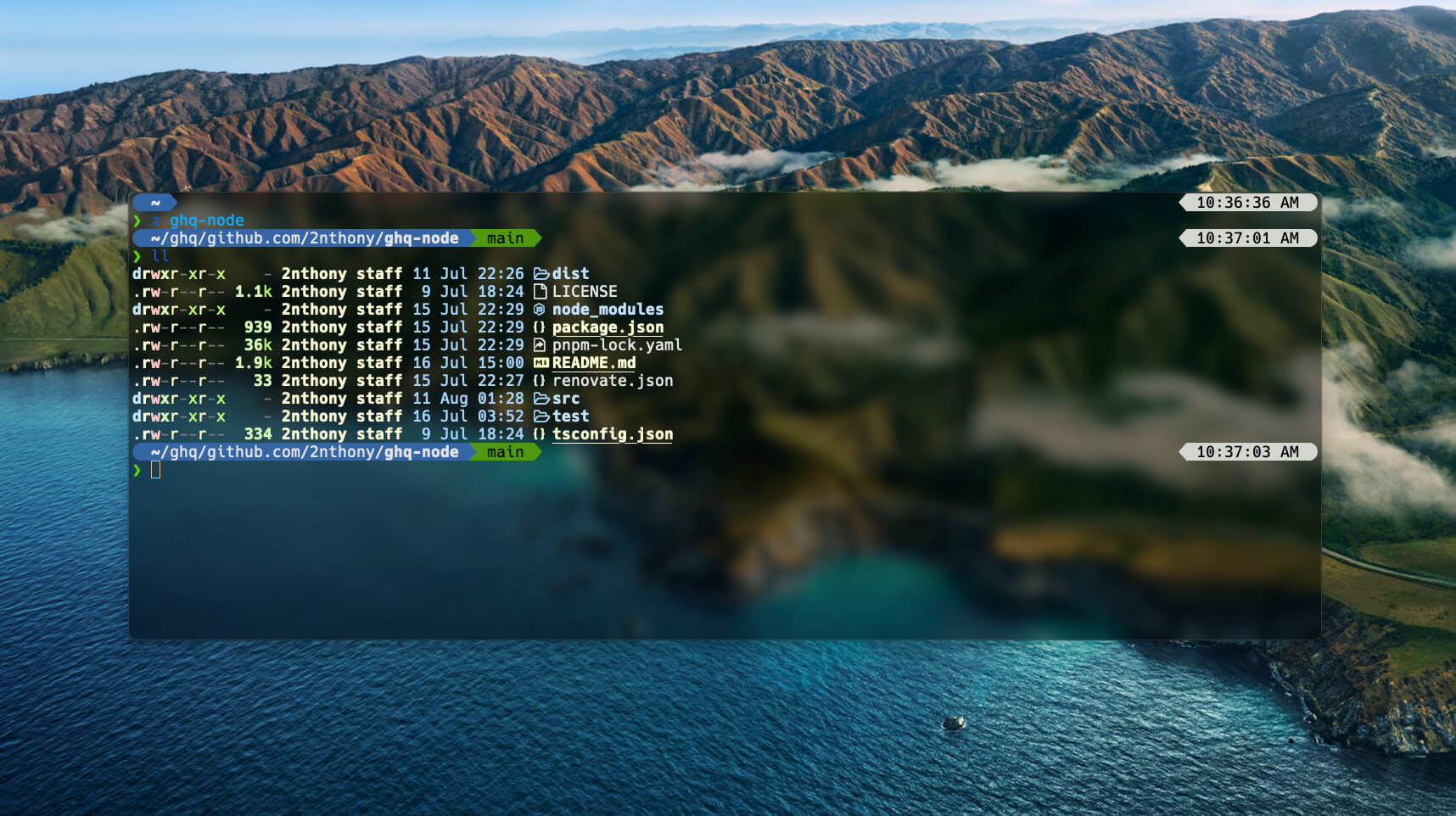
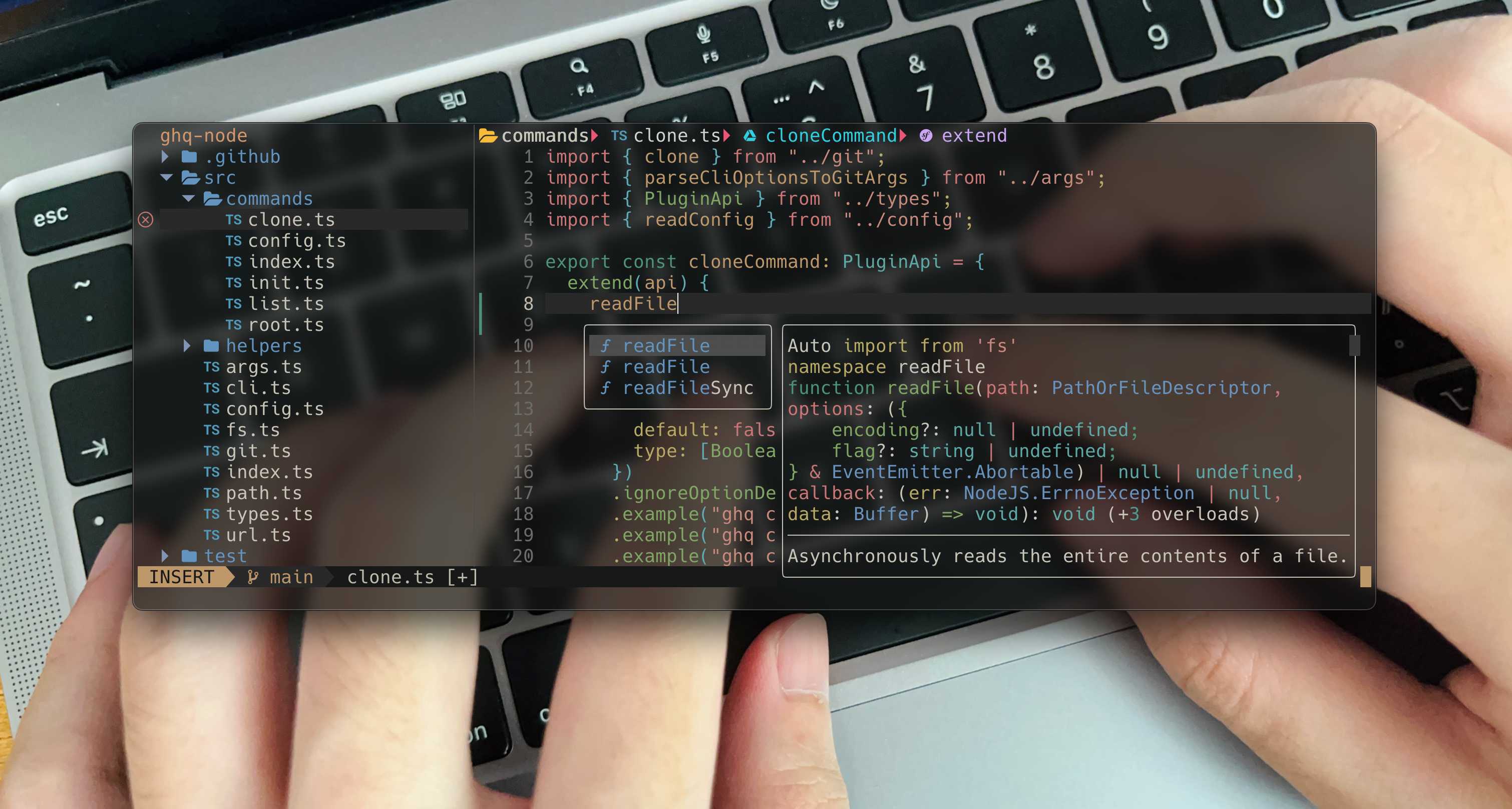
Features:
- Refined keymaps for snippet(VS Code like)
- Partially support VS Code workspace settings(vscode.lua)
Setup
- Install LazyVim
- Clone this repo and link
nvimto~/.config
git clone https://github.com/2nthony/dotfiles.git ~/yourclonedpath
ln -s ~/yourclonedpath/.config/nvim ~/.config
Plugins
All plugins plugins/.
Keymaps
- LazyVim keymaps
- Personal keymaps
- Press the
<space>key to check all
General
<C-h>better^<C-l>better$<s-(opt/alt)-j>copy line(s) down<s-(opt/alt)-k>copy line(s) up
Credit
WezTerm
Link config
ln -s ~/yourclonedpath/.config/wezterm ~/.config
Load config
echo 'return require("2nthony")' > ~/.wezterm.lua
Zsh
ln -s ~/yourclonedpath/.zshrc ~
- oh my zsh
- antigen - Plugin manager
- zsh-z - Jump directory
- zsh-syntax-highlighting
- zsh-autosuggestions
- fzf-zsh-plugin
- Maple Font
- ghq - GitHub repositories manager
- eza -
lsreplacement - Volta - Node.js package manager
- Starship - Shell prompt UI
Zed
Settings and Keymaps
ln -s ~/yourclonedpath/.config/zed/settings.json ~/.config/zed
ln -s ~/yourclonedpath/.config/zed/keymap.json ~/.config/zed