Telephoto
July 12, 2026 · View on GitHub

A lightweight, privacy-first alternative to Google Photos — powered by Telegram
Unlimited backups • No subscriptions • Your data, your control





📸 What is Telephoto?
Telephoto is a simple, privacy-focused Android app that backs up your photos and videos to Telegram using a bot you control.
Unlike traditional cloud services, your media goes directly to your own Telegram chat — giving you unlimited storage, fast access, and full ownership of your data.
✨ Features
AI
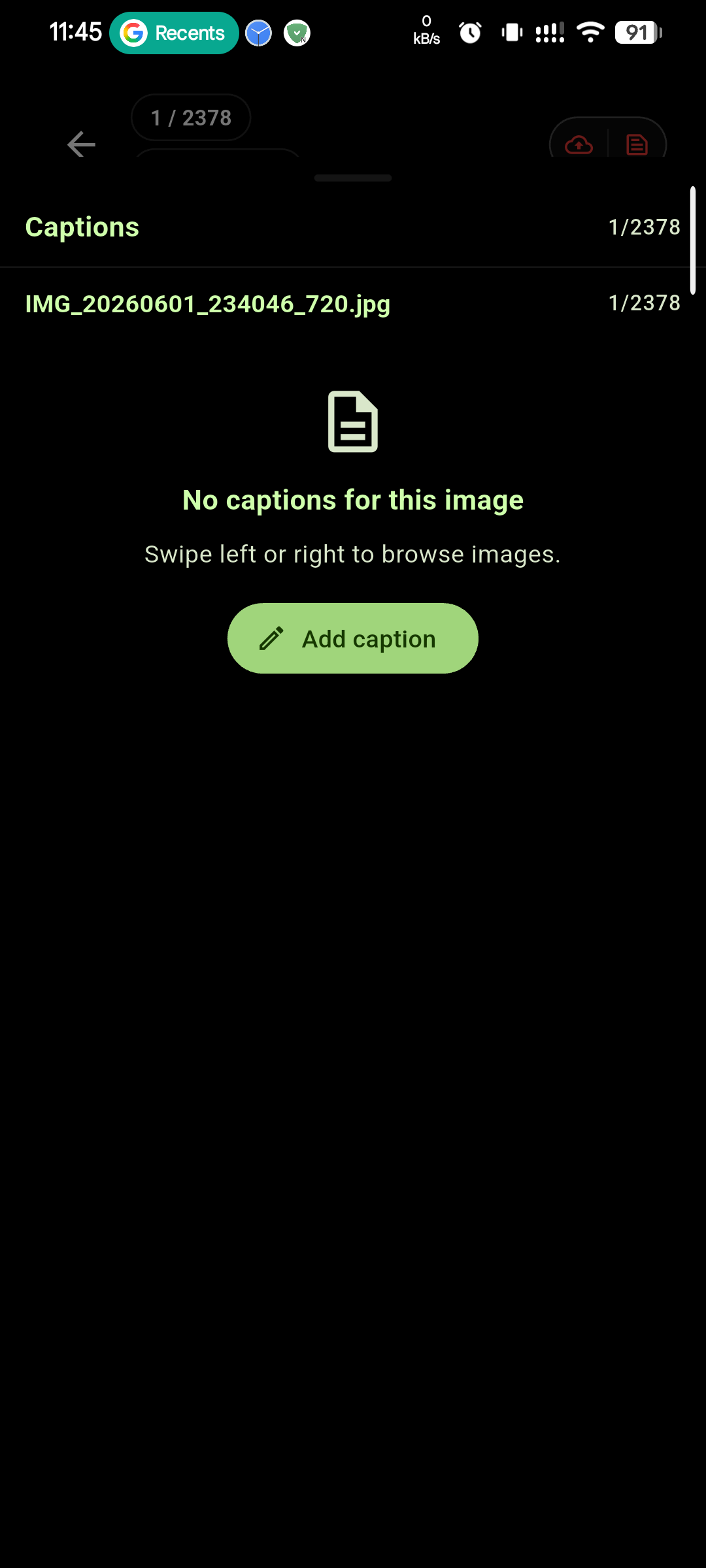
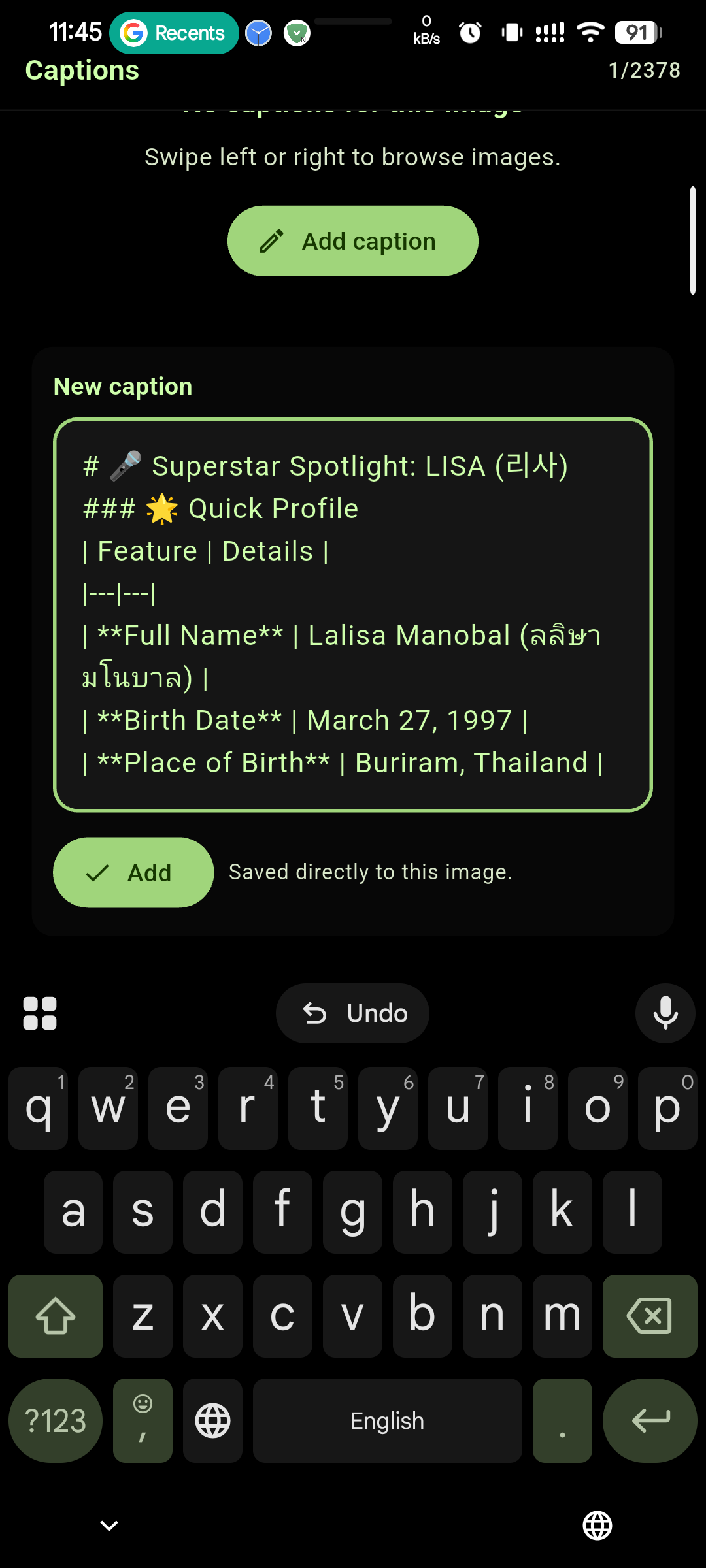
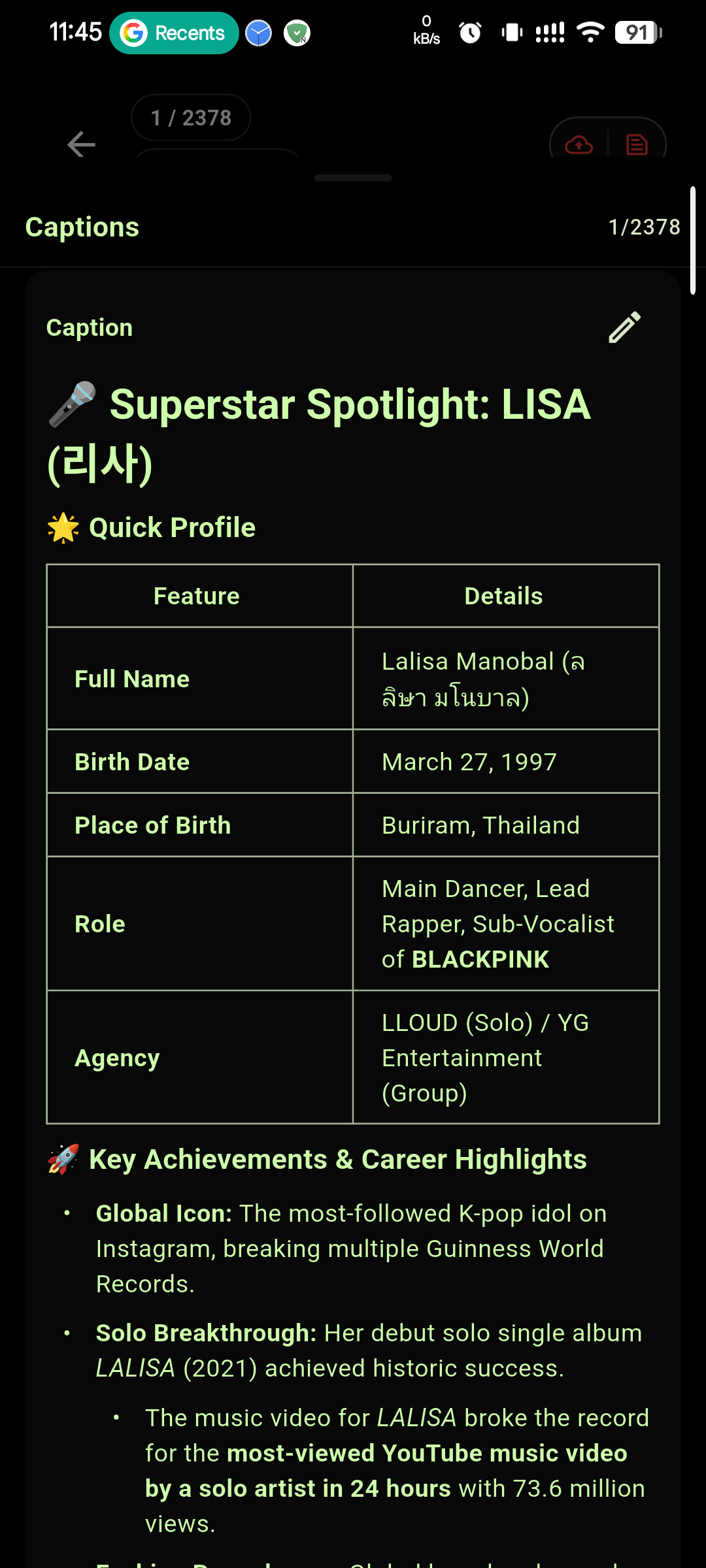
- AI auto caption - integrated Gemini chatgpt API to give you context about the image transcription translation and many more.
📤 Backup & Storage
- Custom Telegram bot backup — your media is stored in your own Telegram chat
- Unlimited cloud-style storage — no subscription lock-in
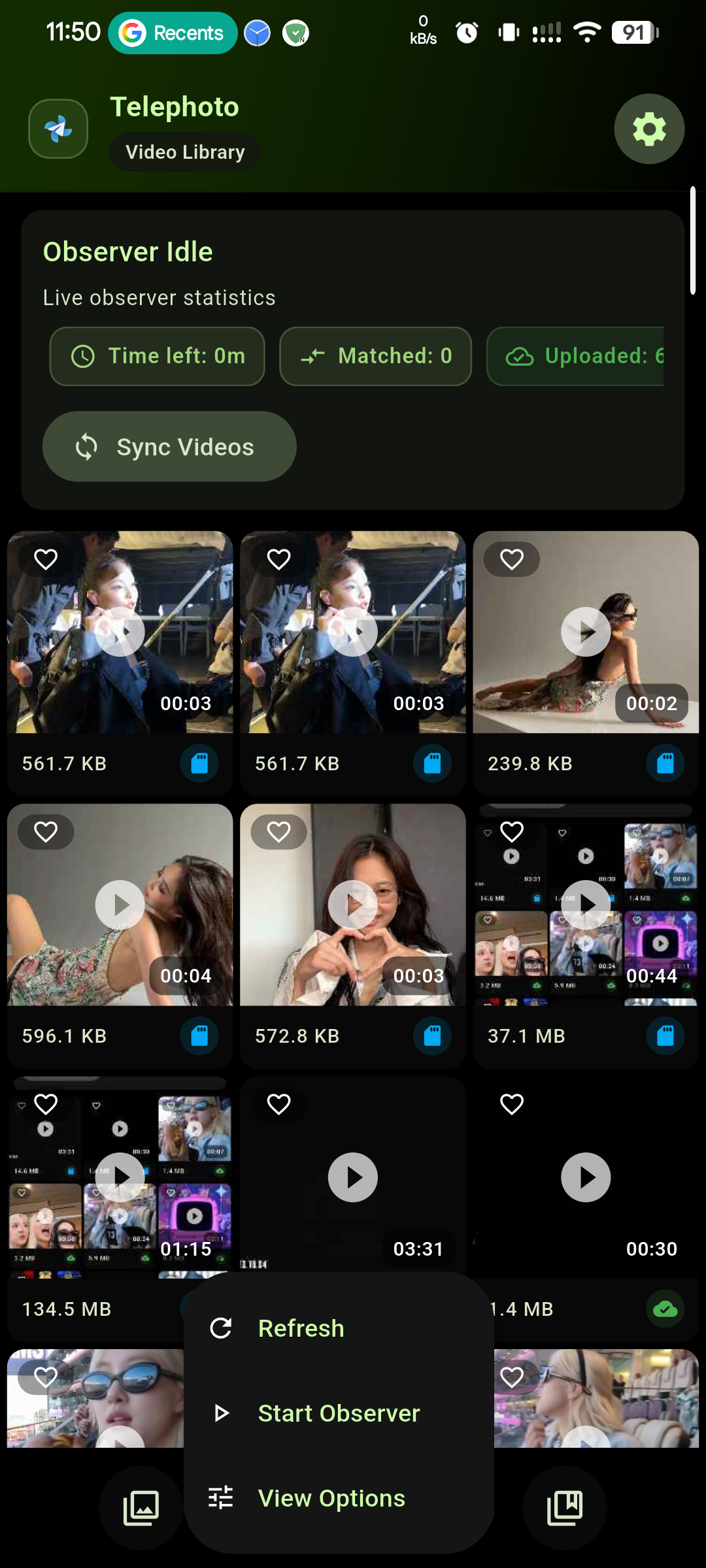
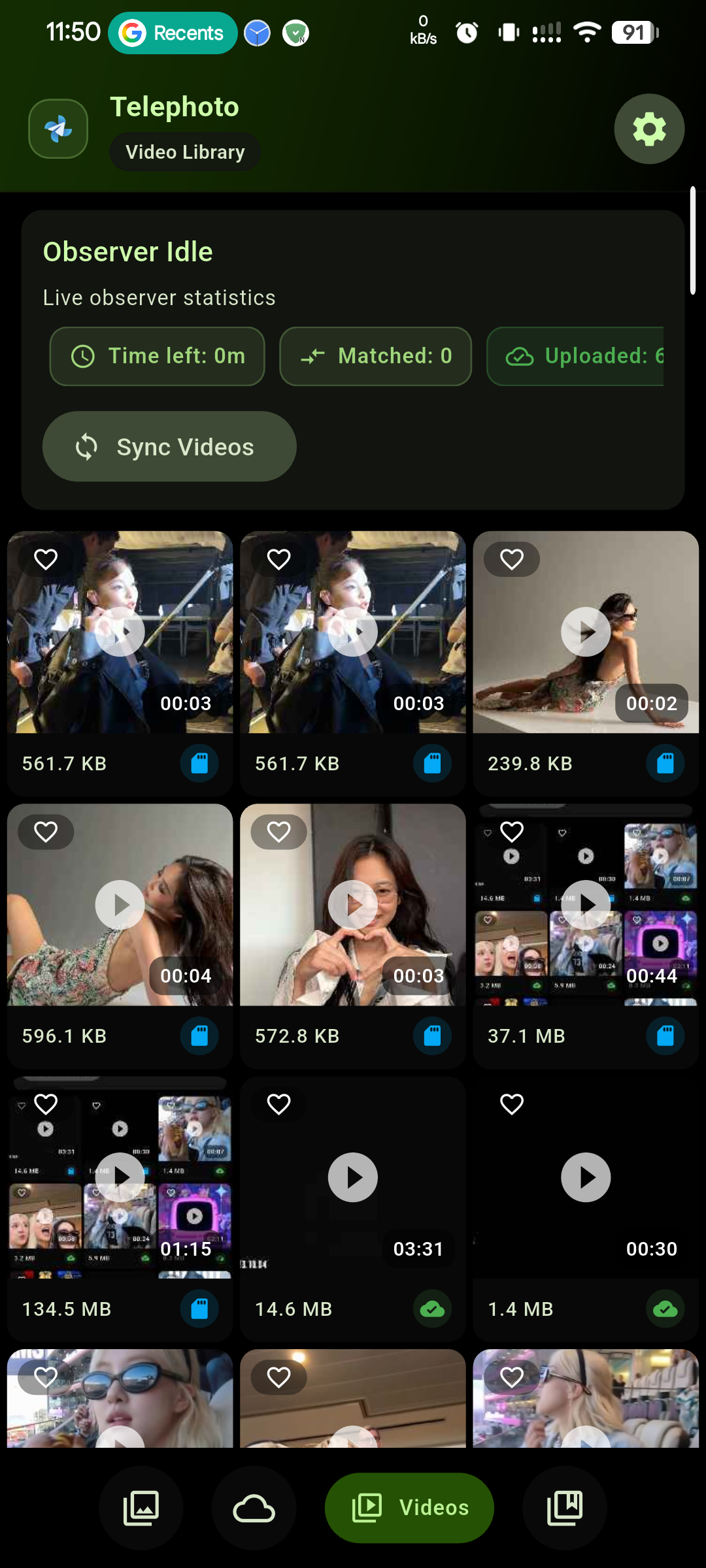
- Video Backup — back up videos to your Telegram cloud
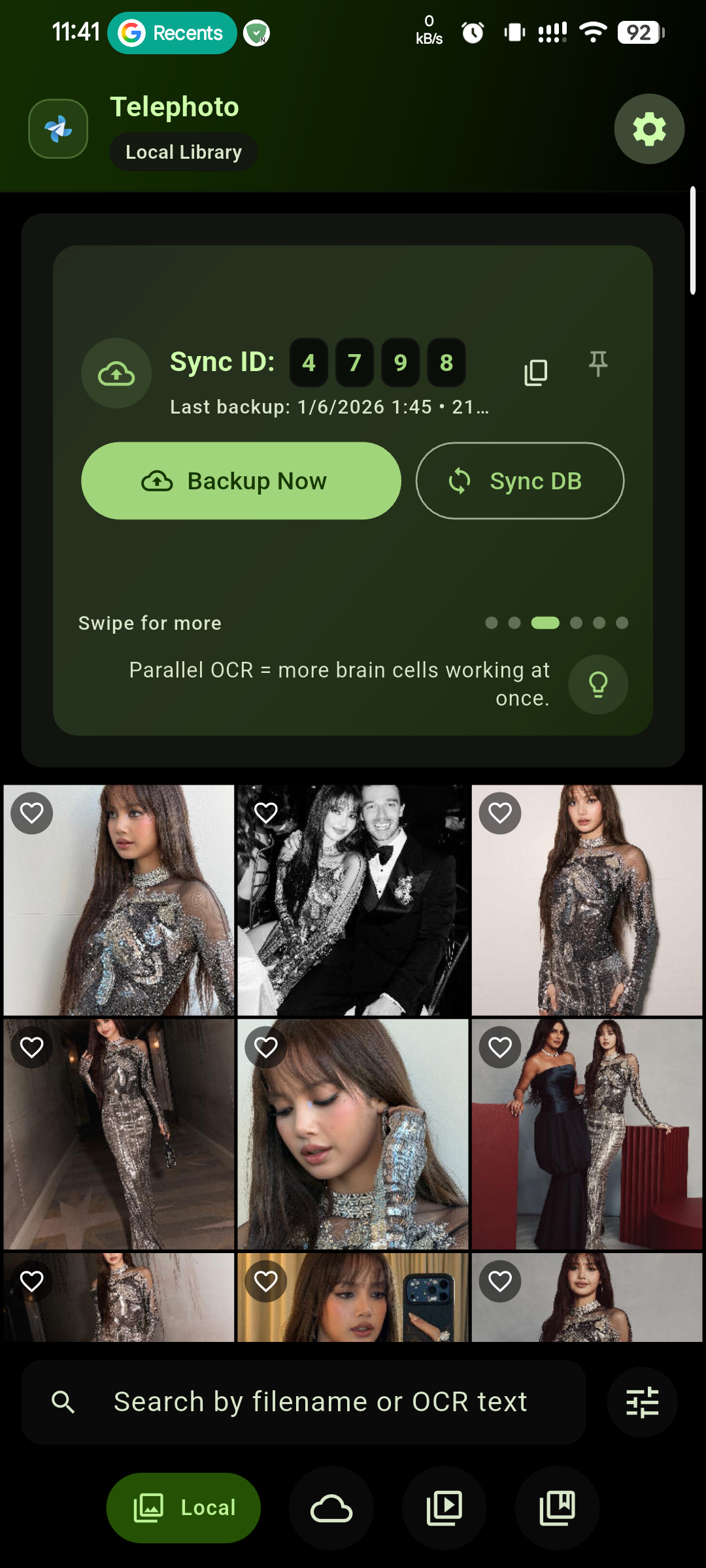
- Manual Backup and Smart Sync — upload all files or only new/missing ones
- High-resolution uploads — supports images up to 40 MB each
- Image pre-conversion before upload — improves compatibility and upload reliability
- Folder include/exclude controls — choose exactly what gets backed up
🎮 Media Viewing & Organization
- Video Player — play videos directly inside Telephoto
- Reel Mode — short-video style continuous viewing experience
- Video Player Gesture Control — quick gestures for seek, volume, and brightness
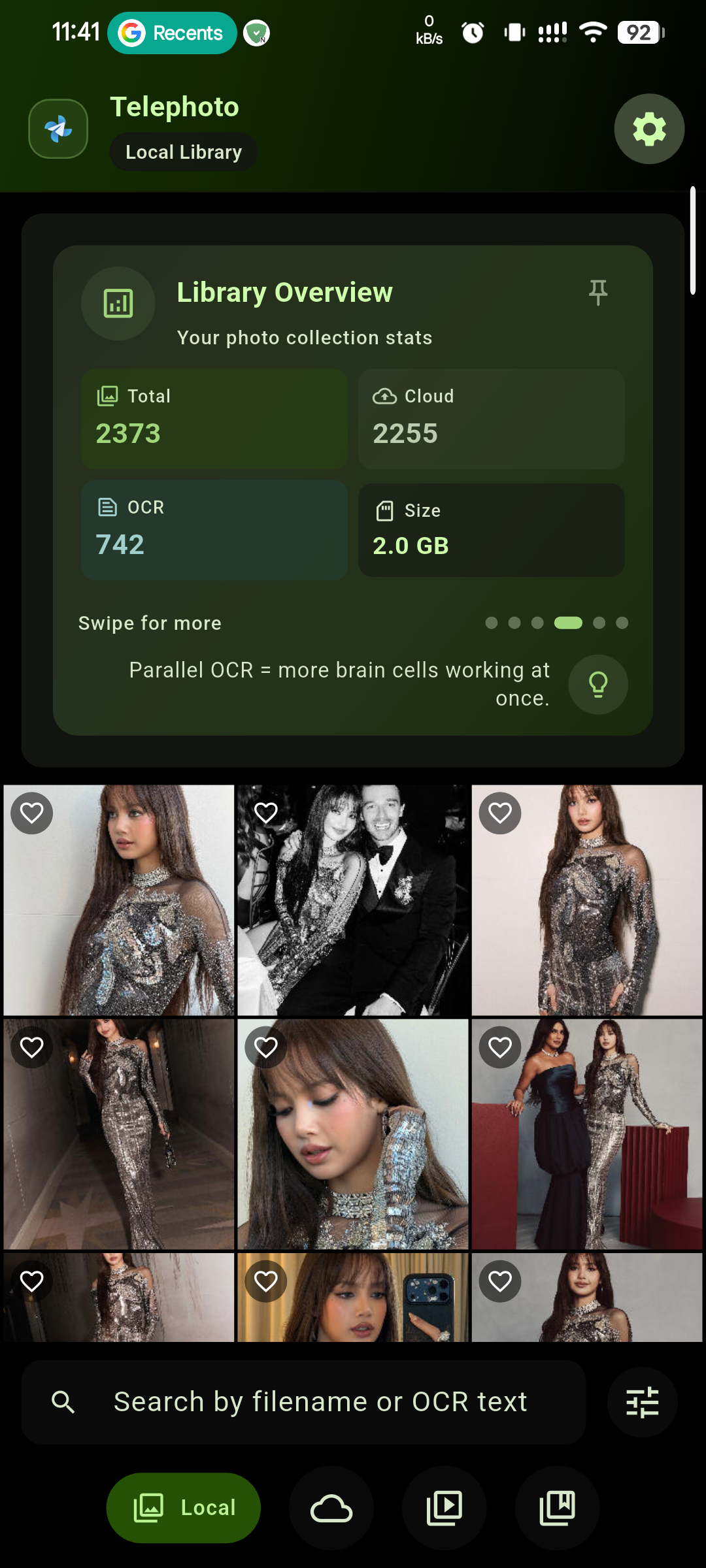
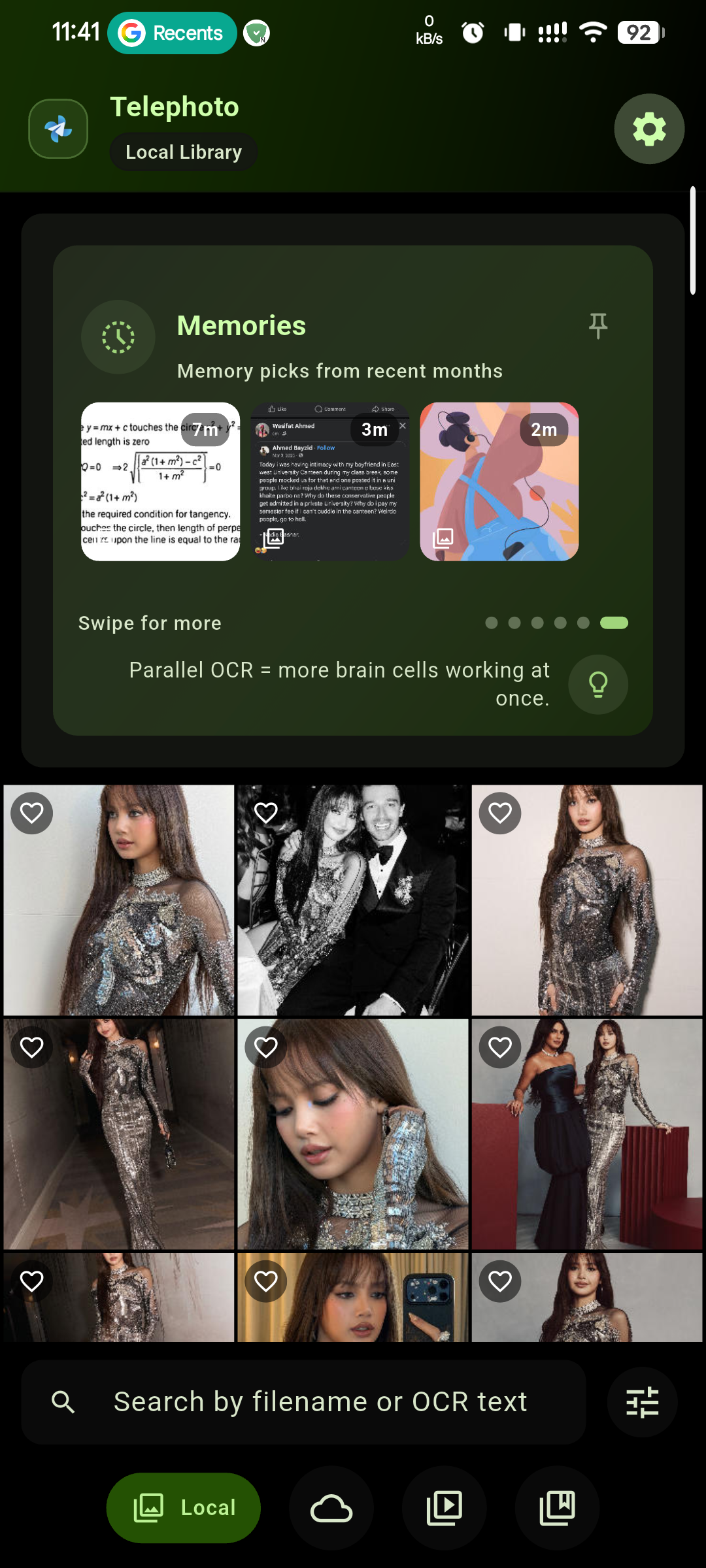
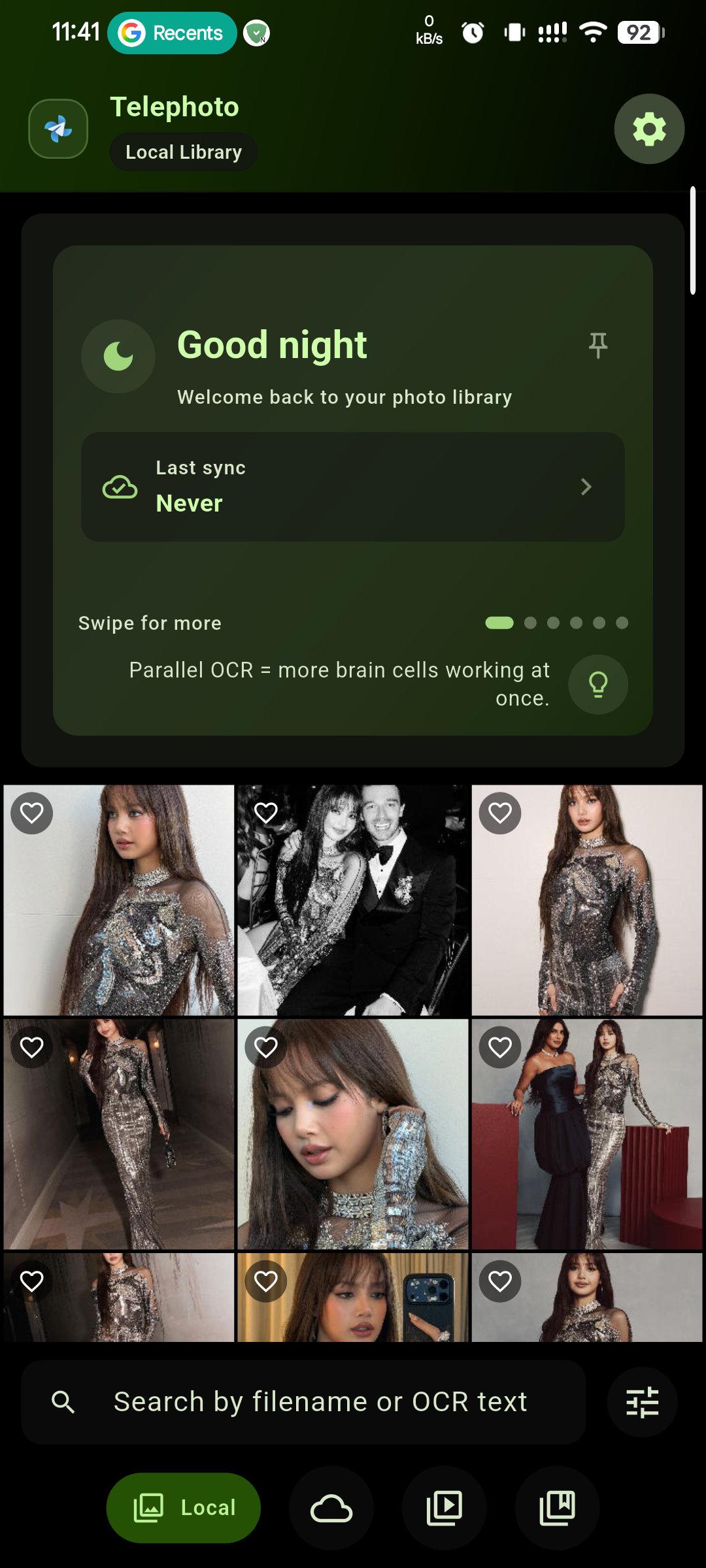
- Library overview — quick summary of your media library
- Infocards in Gallery — see useful status and media insights at a glance
- Memories card — reminders from past photos
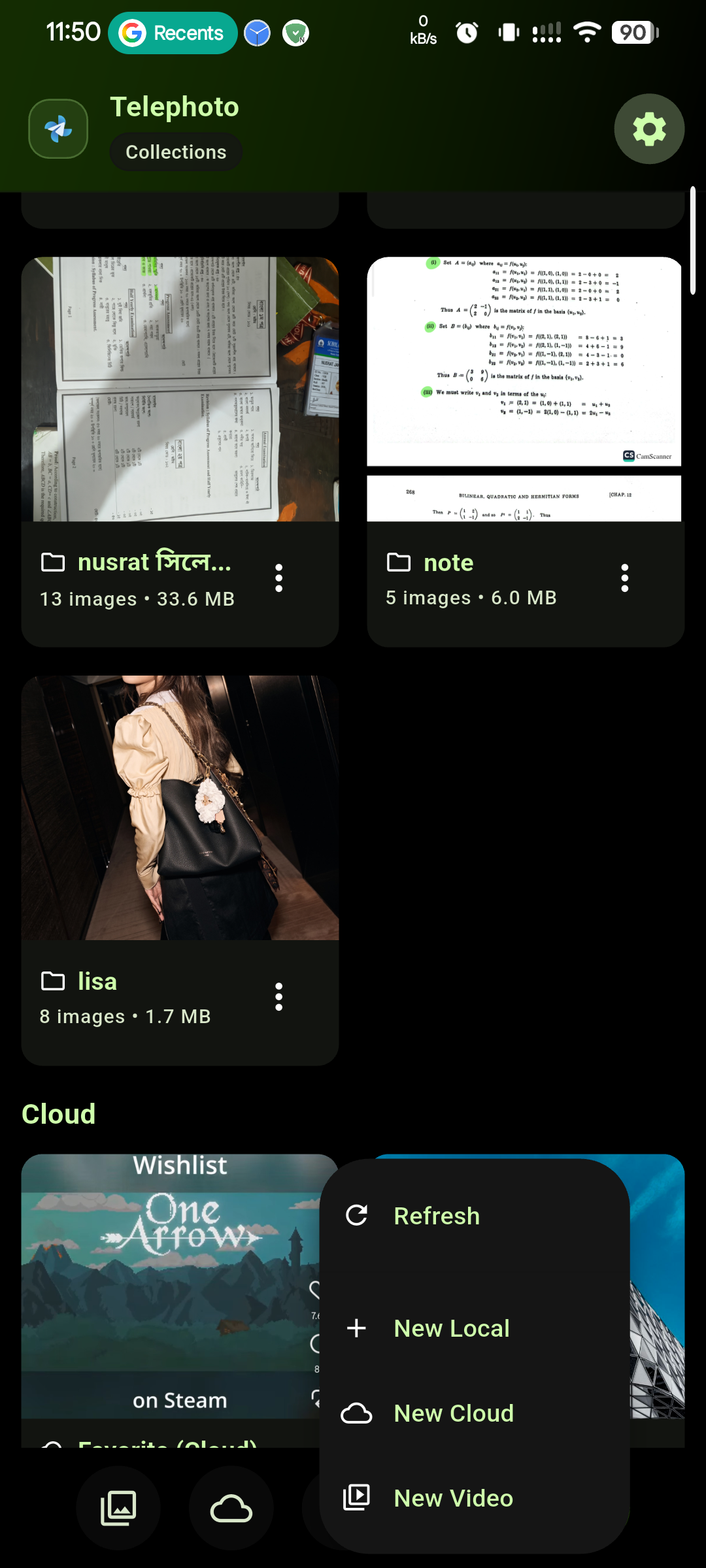
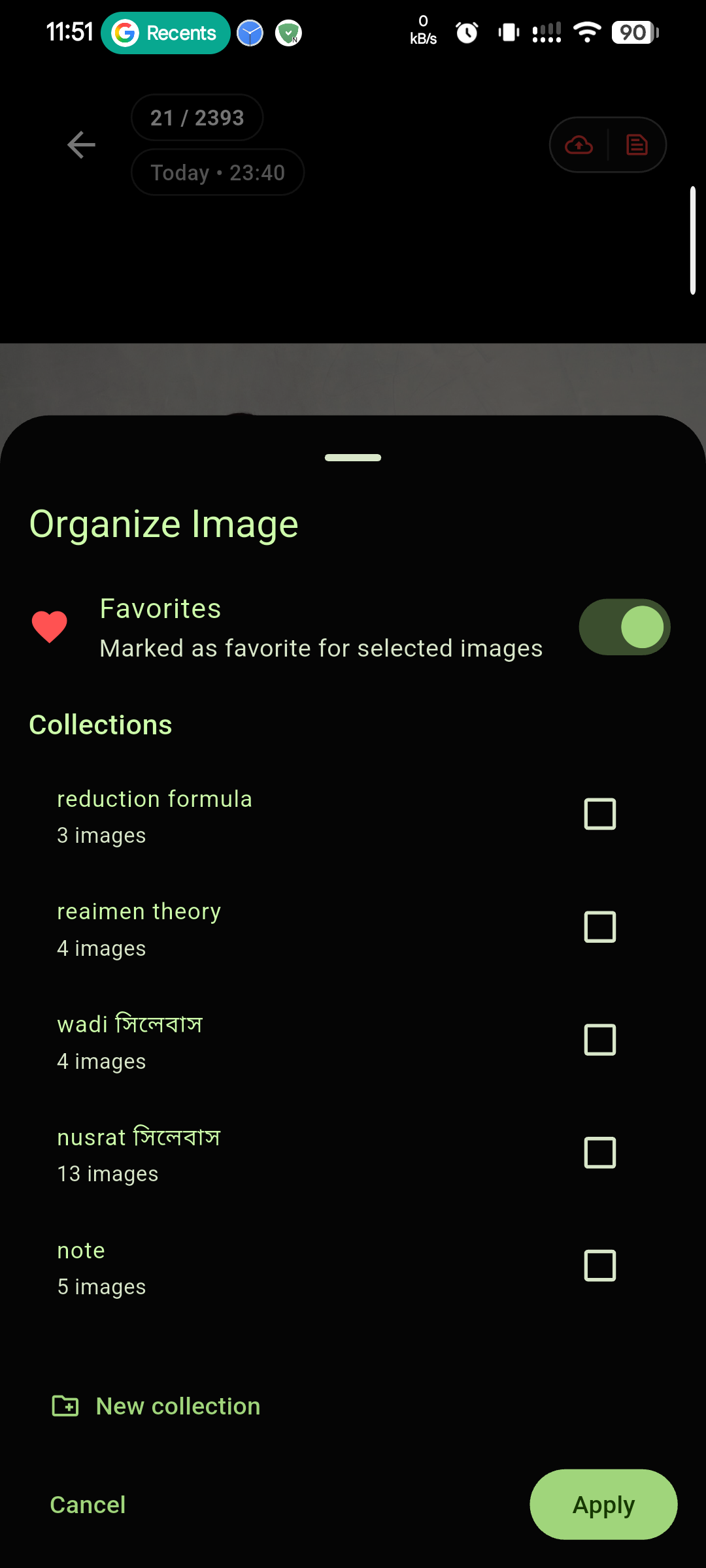
- Cloud Collection and Cloud Favorite — organize cloud media more easily
- Collection cloud option — create/use cloud collections directly in Collection
- Video Favorites — mark important videos for fast access
- Video Collections — organize videos into custom collections
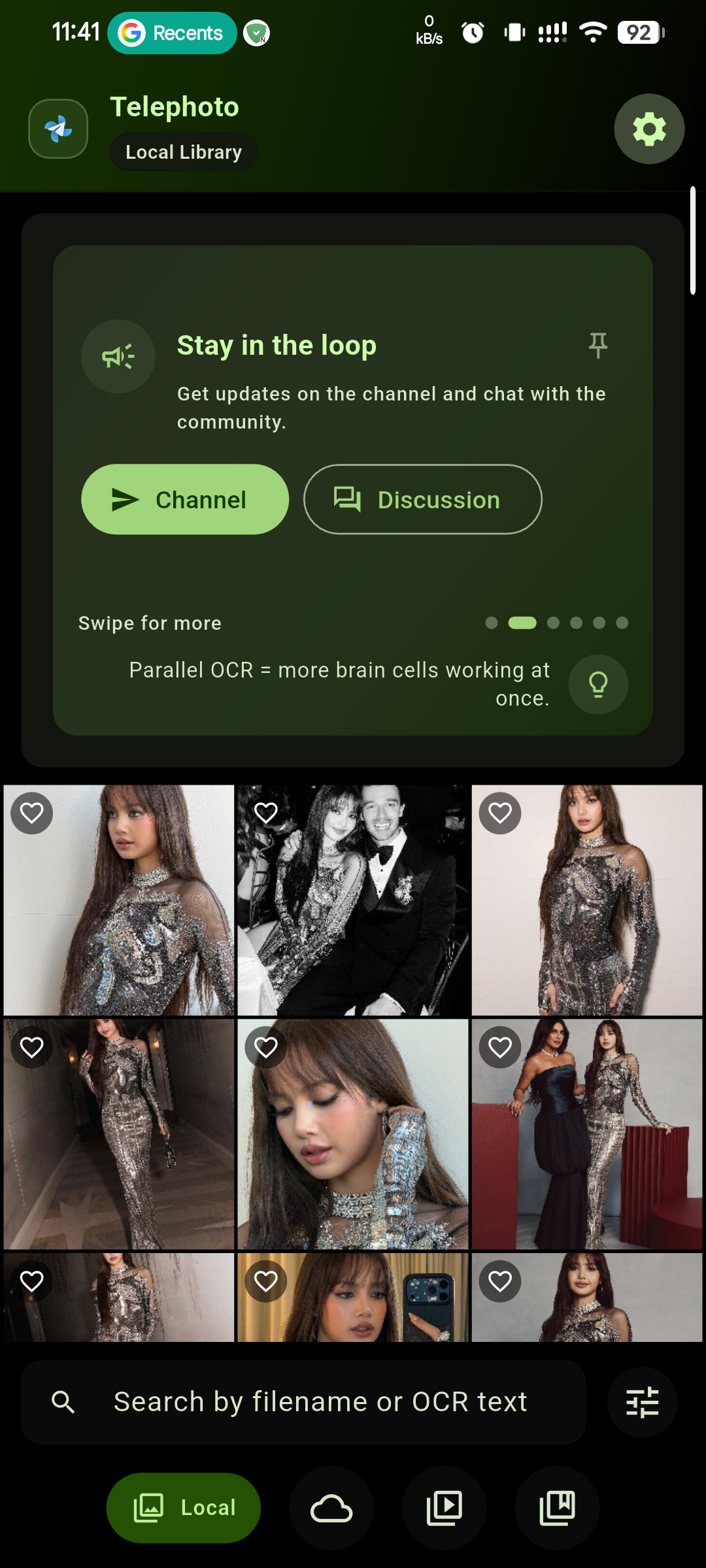
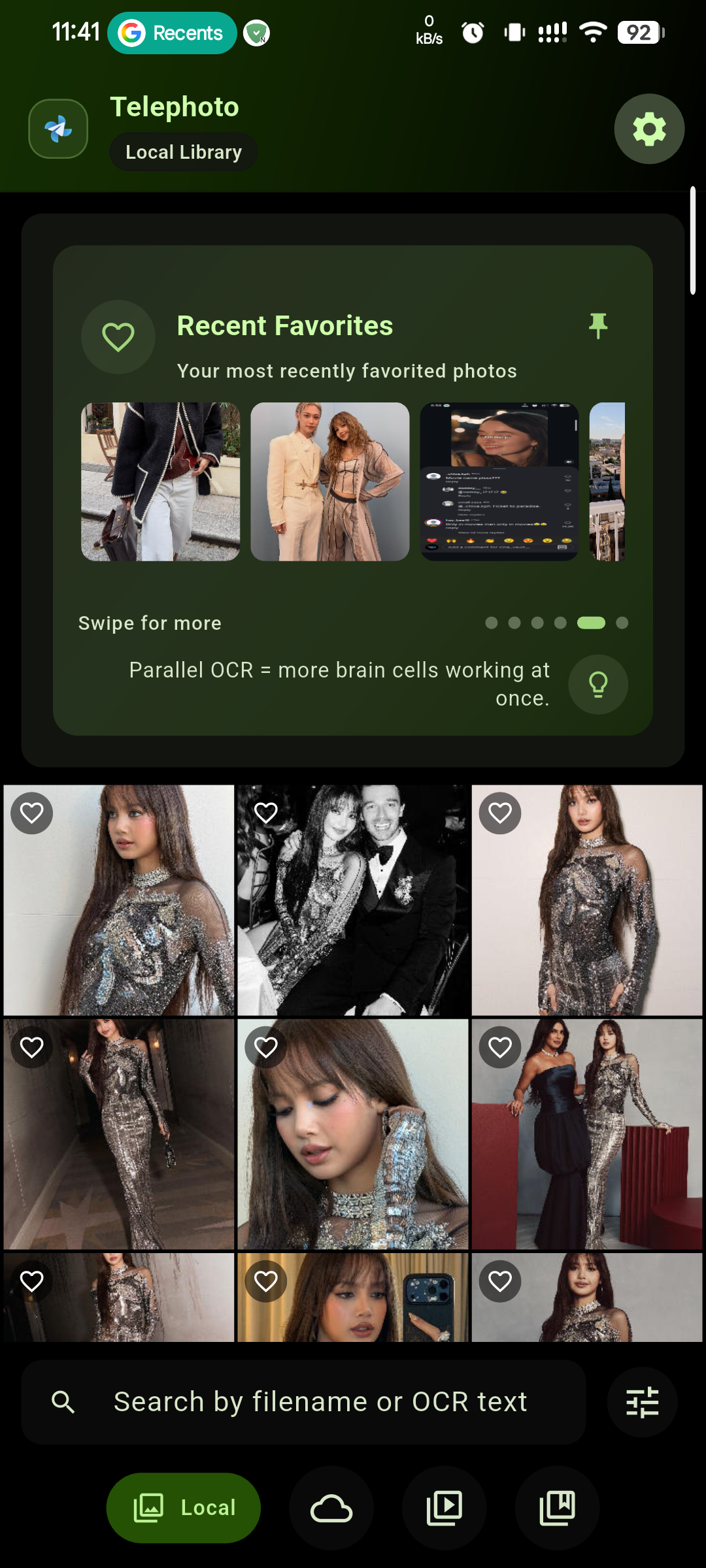
- Card pinning — keep important cards at the top
- Cloud preview UI — added Favorite and Info buttons
👁️ View Options
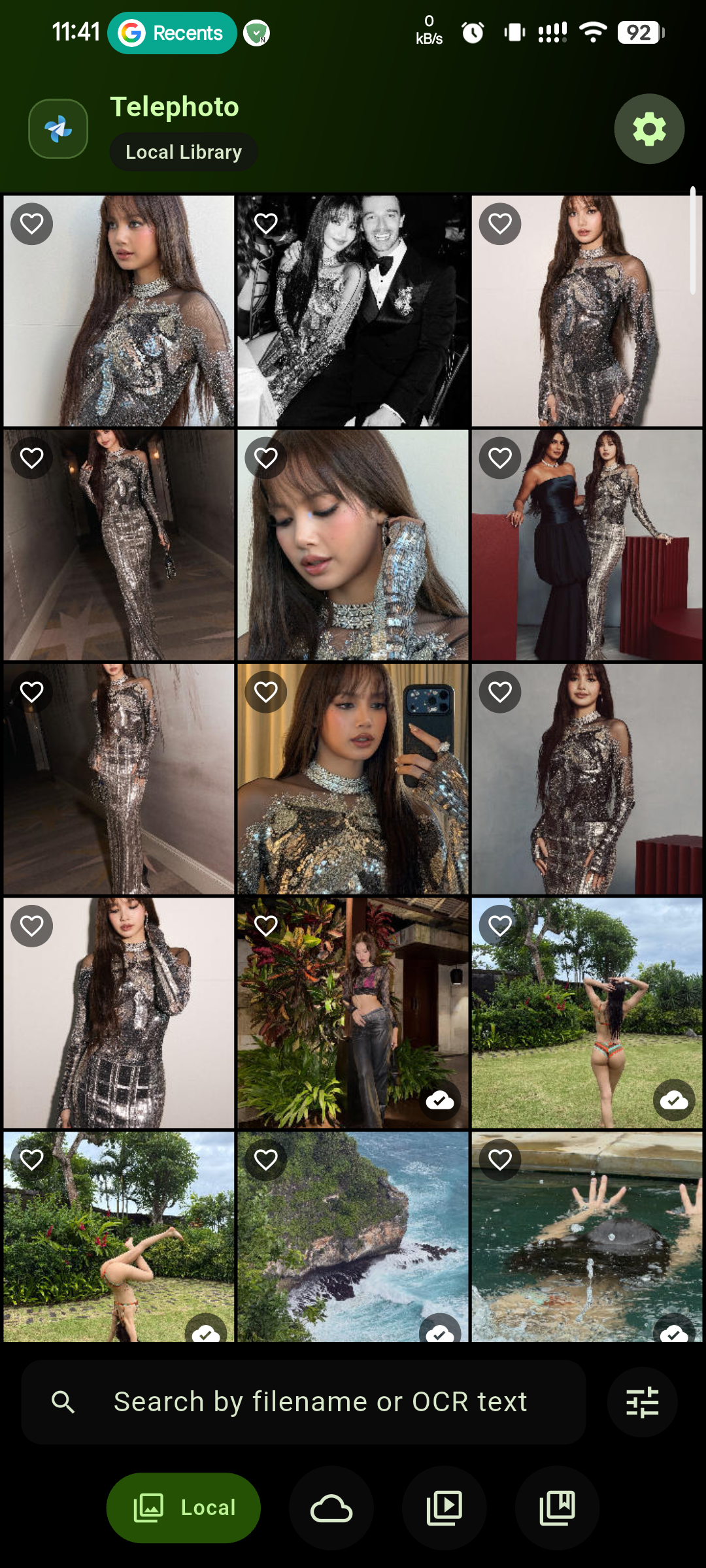
- Cloud view options — grouping, sorting, filtering, grid view, and list view
- Local tab view options — group, sort, filter, grid view, list view, and tree view
- Grid column control — adjustable 2 to 6 columns
🔍 OCR & Search
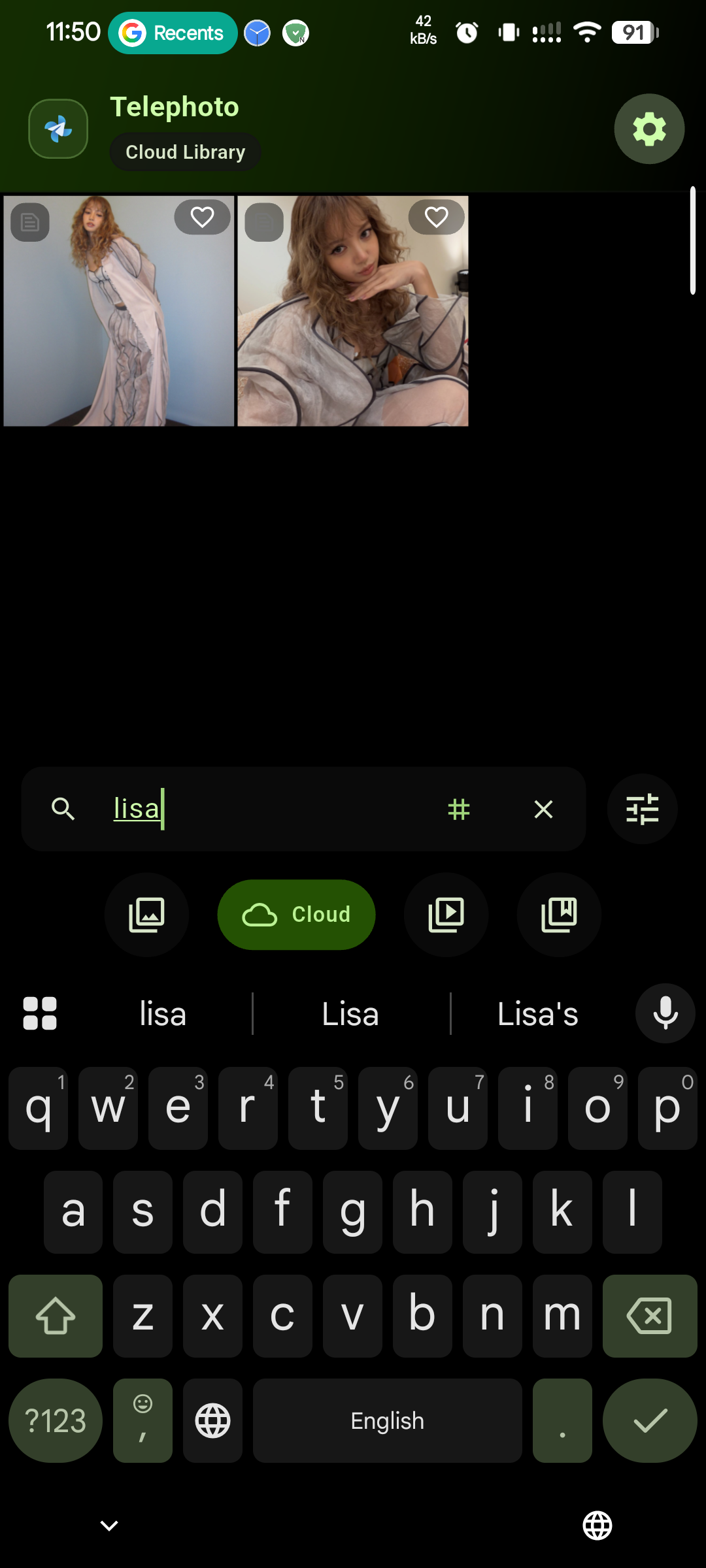
- Offline OCR (100+ languages) — search screenshots, documents, and text photos
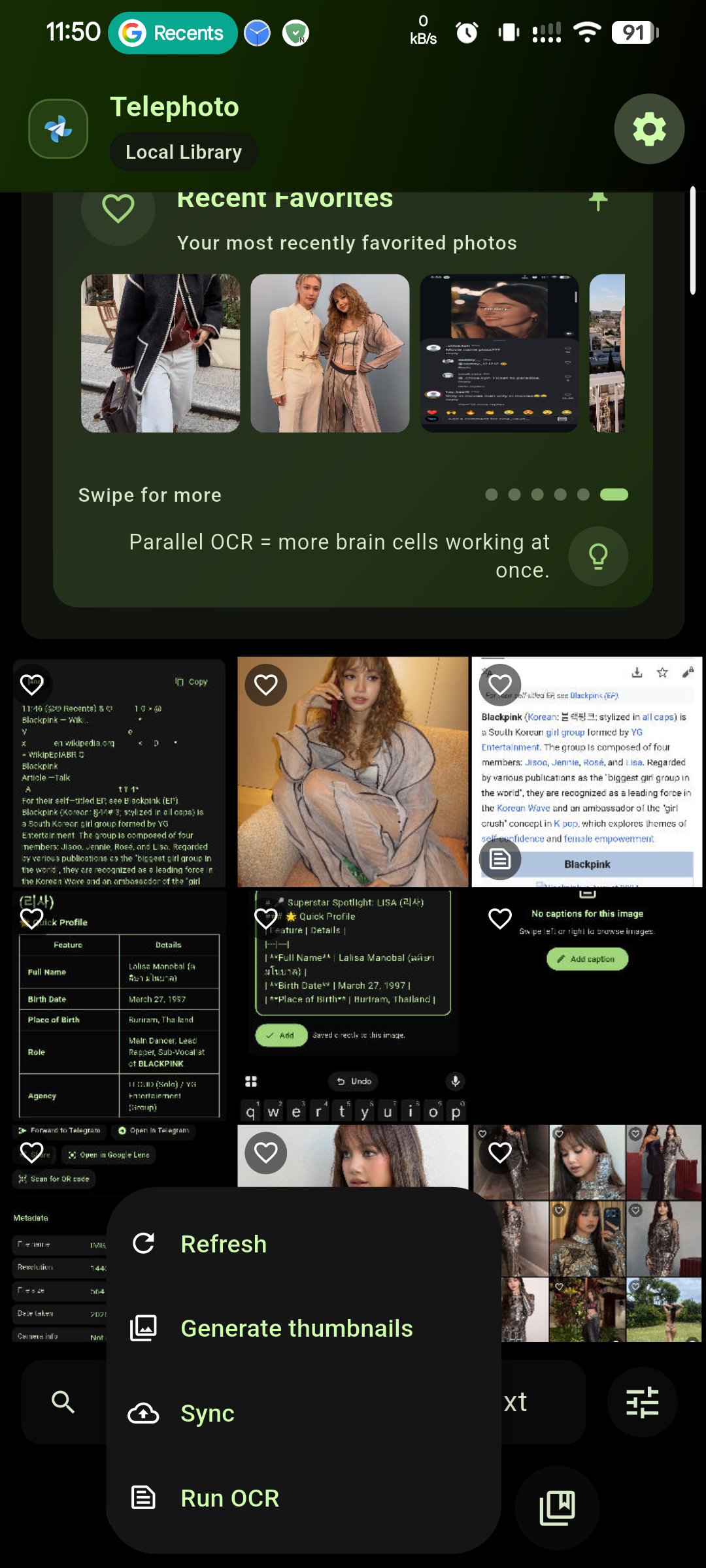
- Parallel OCR and improved OCR workflow — faster, cleaner recognition and updates
- Per-image OCR reprocessing — refresh OCR for selected images when needed
⚙️ System & Reliability
- Improved upload/delete/OCR pipeline — better overall media processing flow
- Improved background operation — more reliable long-running tasks
- Improved delayed cloud deletion algorithm — safer cloud cleanup handling
- Auto migration for local image collections — smoother upgrades
- Encrypted database backup and restore — secure metadata/settings portability
- Database backup reminder card — prompts you to protect app data
- Use Telephoto as a viewer from other apps — open and view images directly
🆕 What's New in Version 60
🔄 Cross-Device Synchronization
Sync your media seamlessly across all your devices — changes made on one device reflect everywhere
📂 Optimized Collection Tab
Faster, smoother, and more intuitive collection management
📝 Rich Captions
- Image Captions — add descriptive text to your photos
- Markdown Support — format your captions with bold, italic, links, and more
- Tags & Hashtags — organize and discover photos with #tags
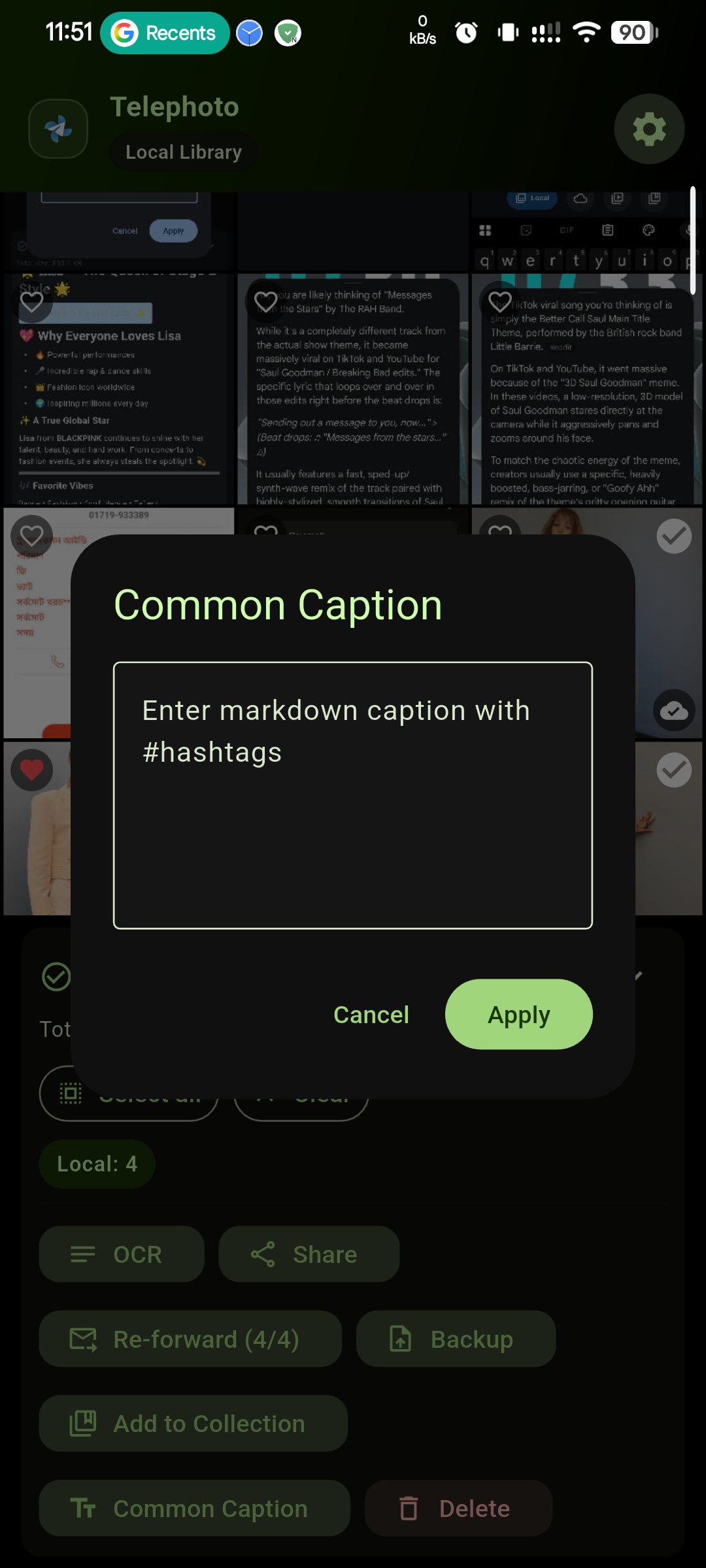
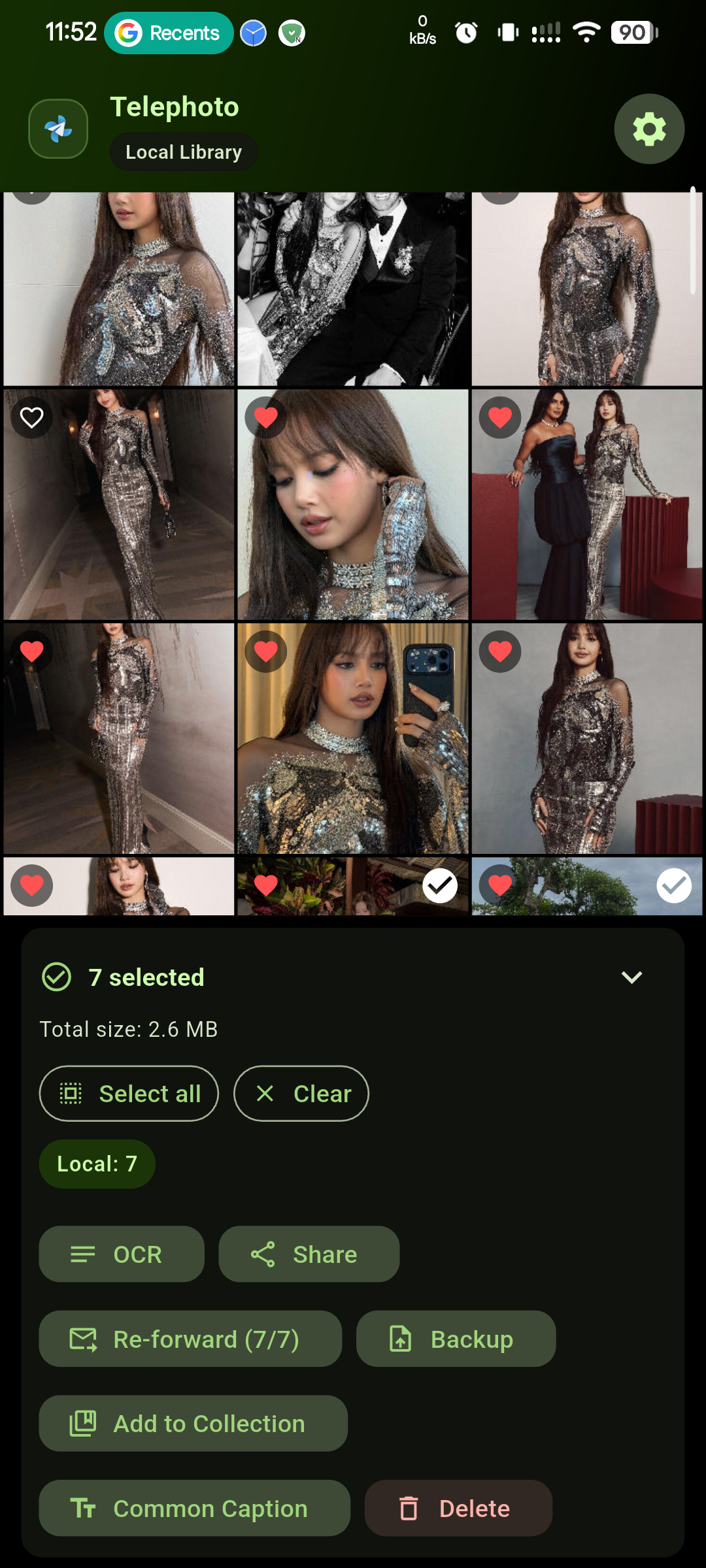
- Common Caption — apply the same caption to multiple images at once
🔍 Enhanced Search
New optimized search algorithm for faster and more accurate results
🖼️ Improved Media Viewing
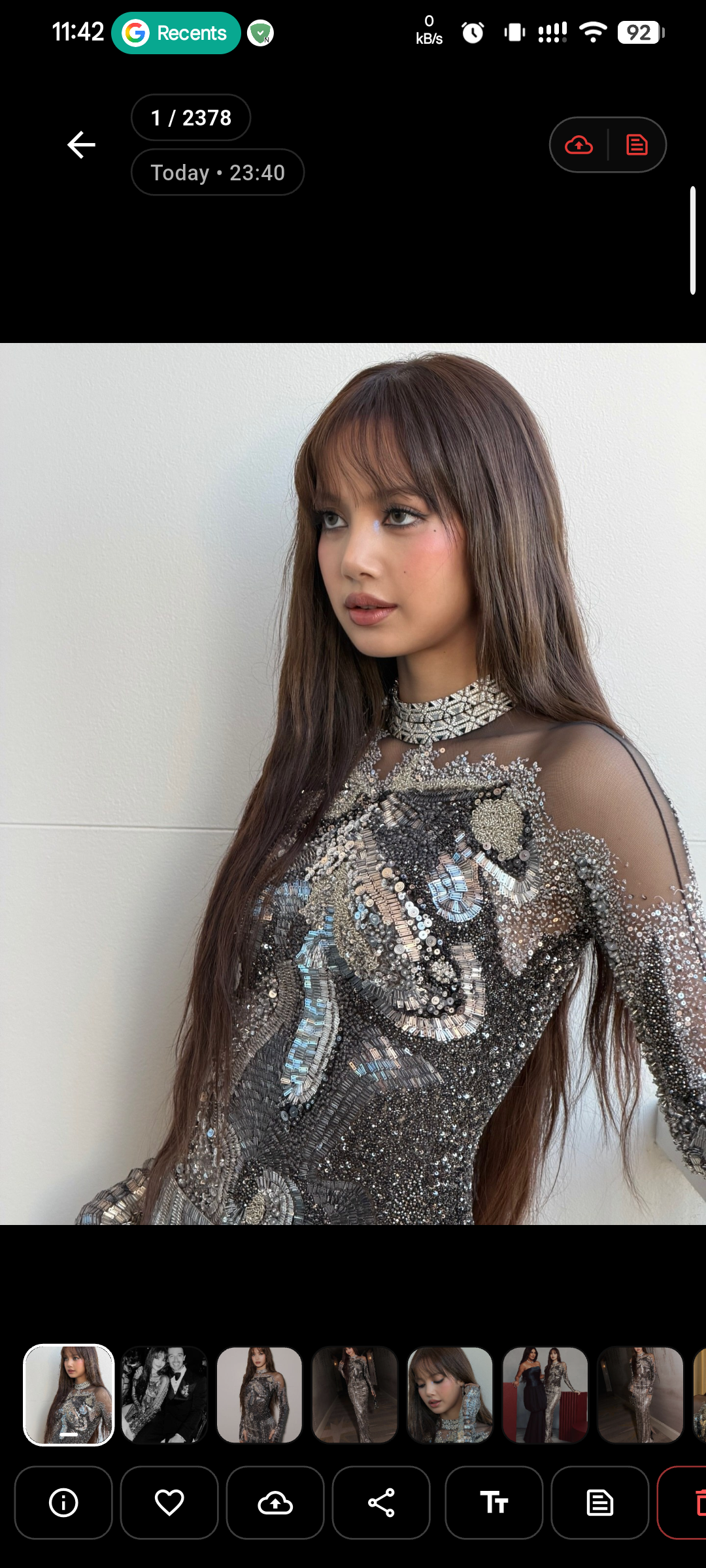
- Optimized Image Viewer — smoother zooming and navigation
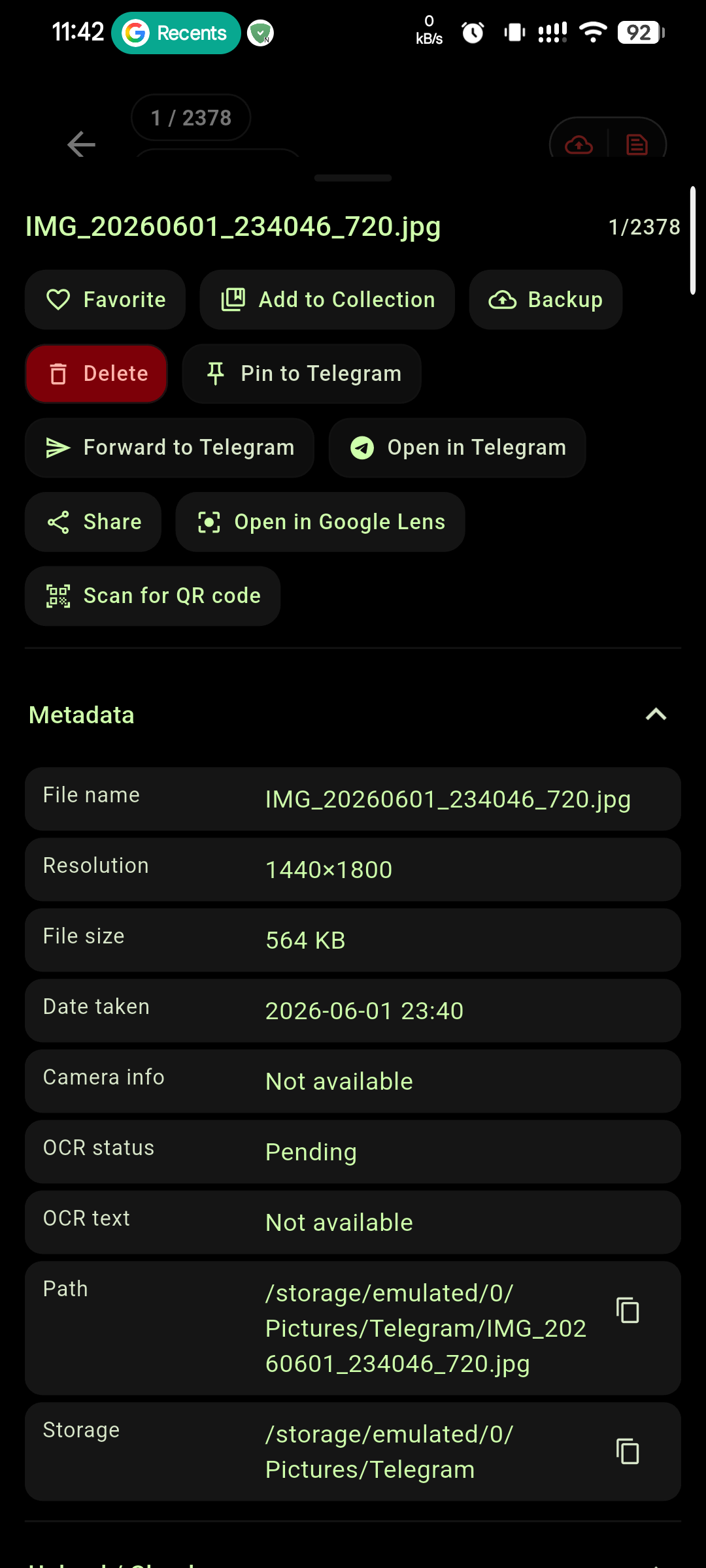
- QR Code Scanner — scan QR codes directly from images
- Revamped UI — fresh new look for image preview and cloud image preview
- Thumbnail Wheel — quickly scrub through images with an intuitive thumbnail slider
⚡ Quality of Life
- Tap to Scroll to Top — quickly return to the top of any list with a single tap
- Recent Favorites — quickly access your most recently favorited items
- Sync ID Implementation — improved backend tracking for reliable synchronization
📱 Home Screen Widgets (Android 16+)
Official widget support — view your memories and recent photos right from your home screen
Version 60 brings powerful cross-device sync, rich Markdown captions with hashtags, a completely revamped UI, and official Android 16+ widget support. Update today to experience the future of privacy-first cloud backup.
🖼️ Screenshots
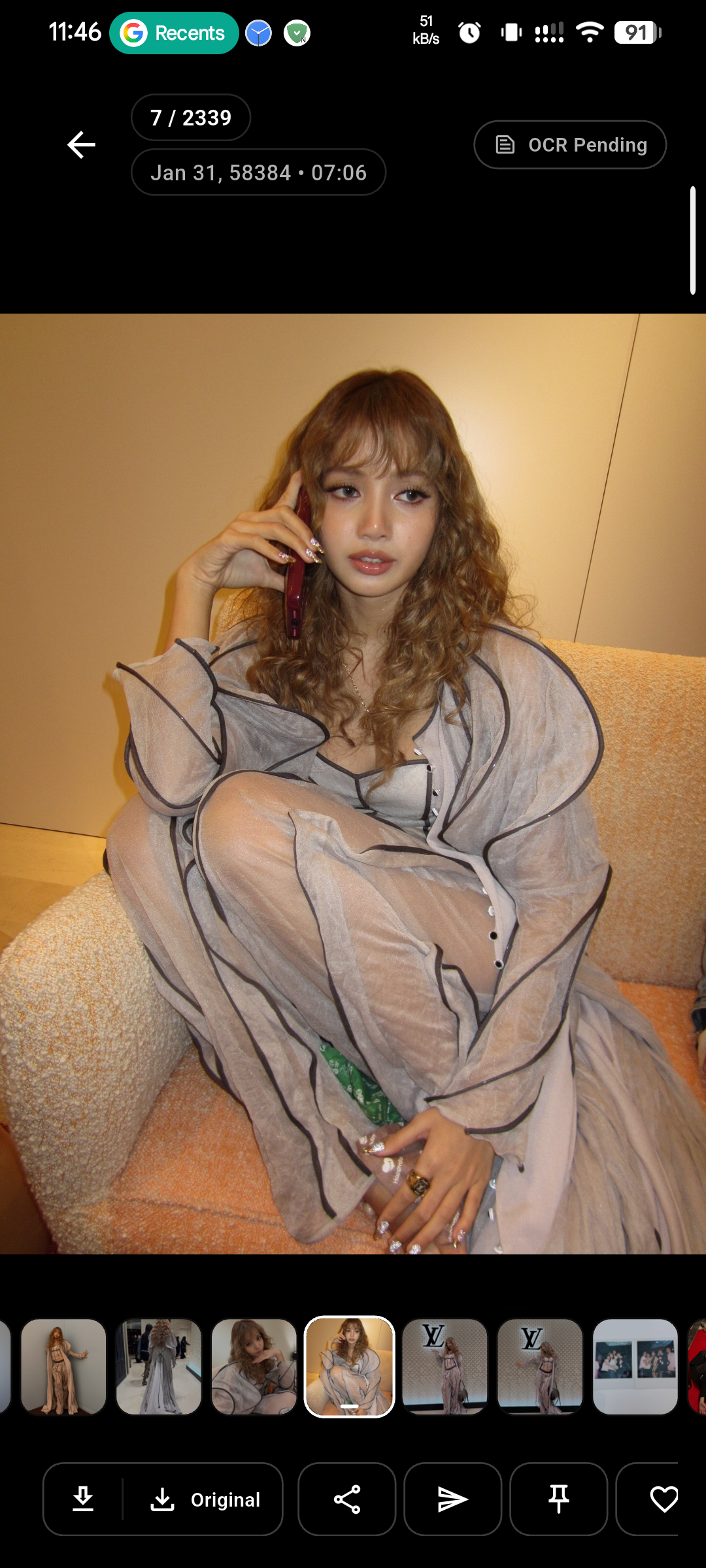
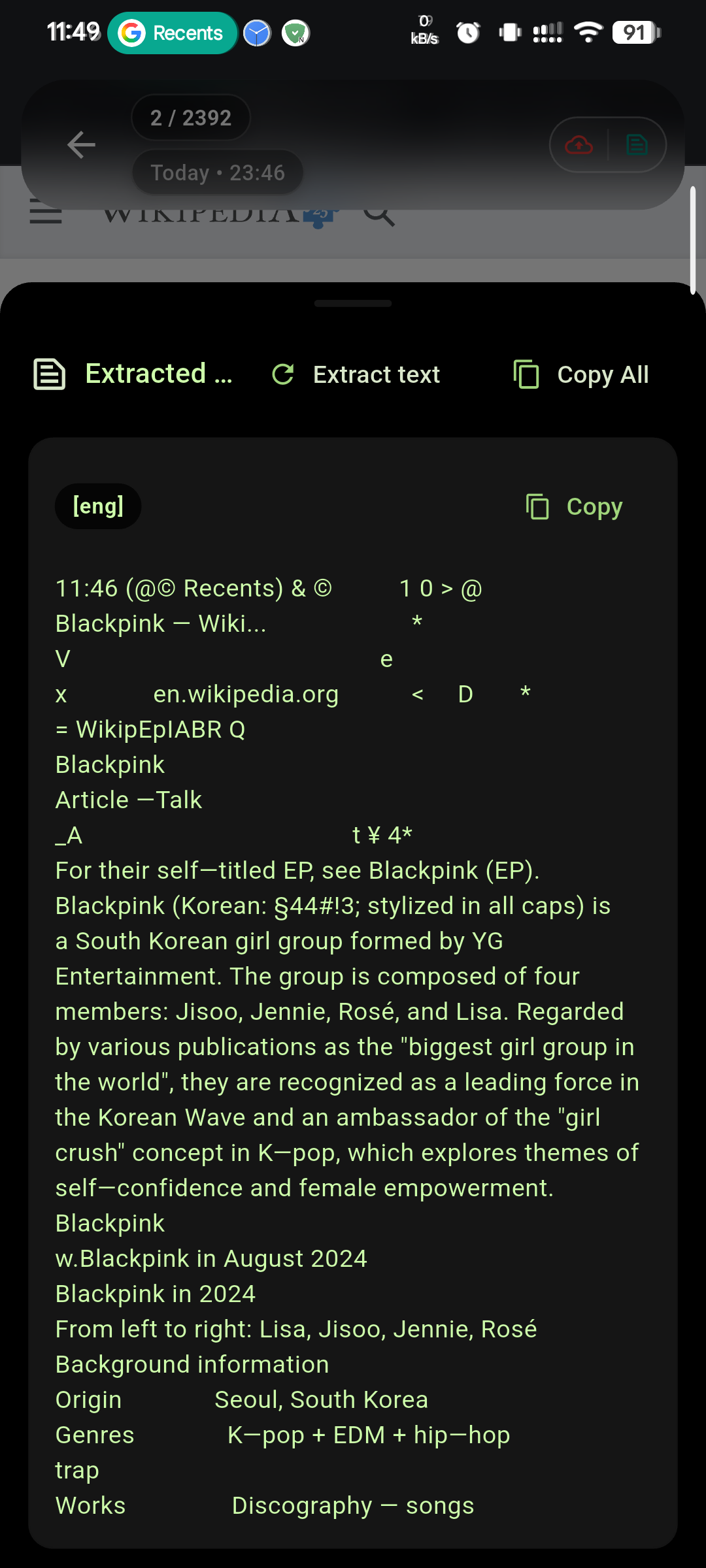
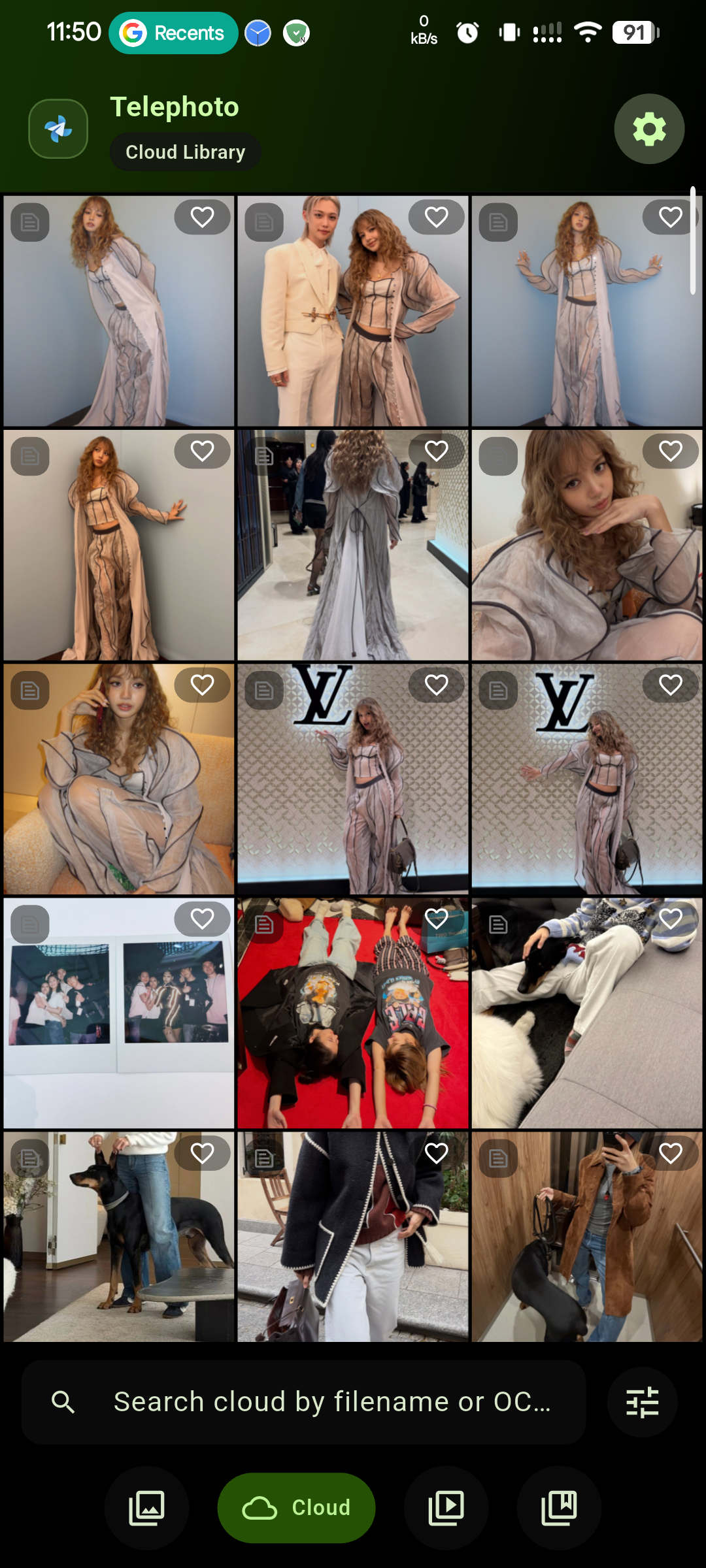
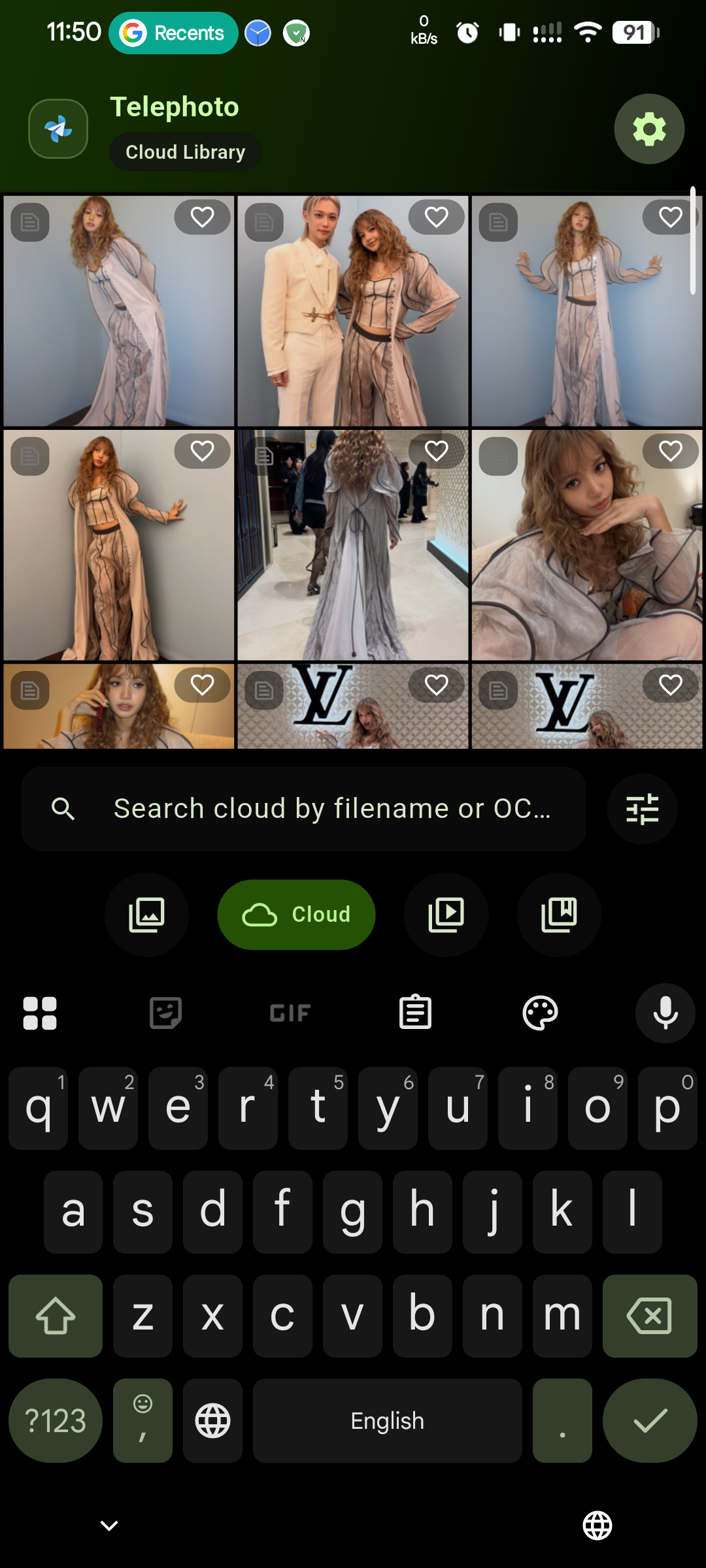
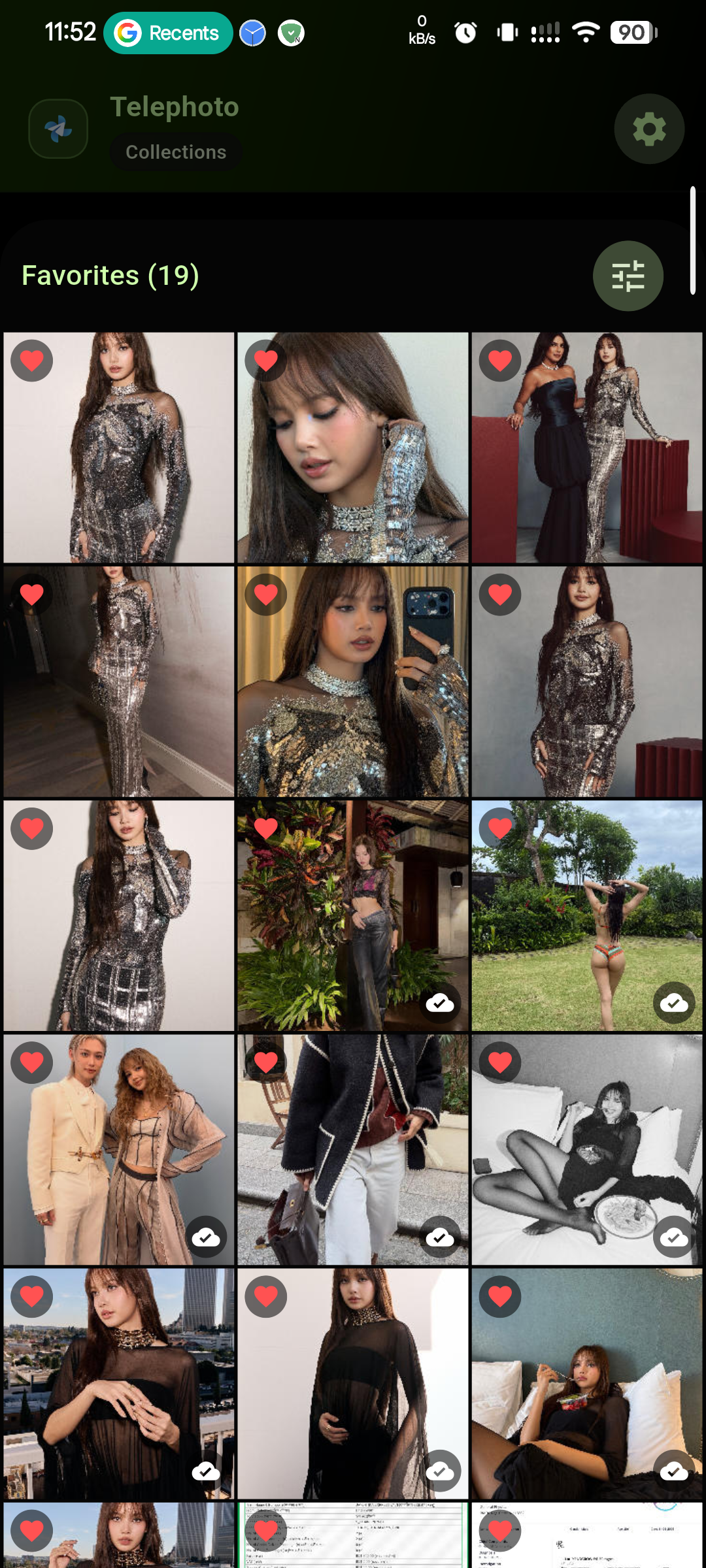
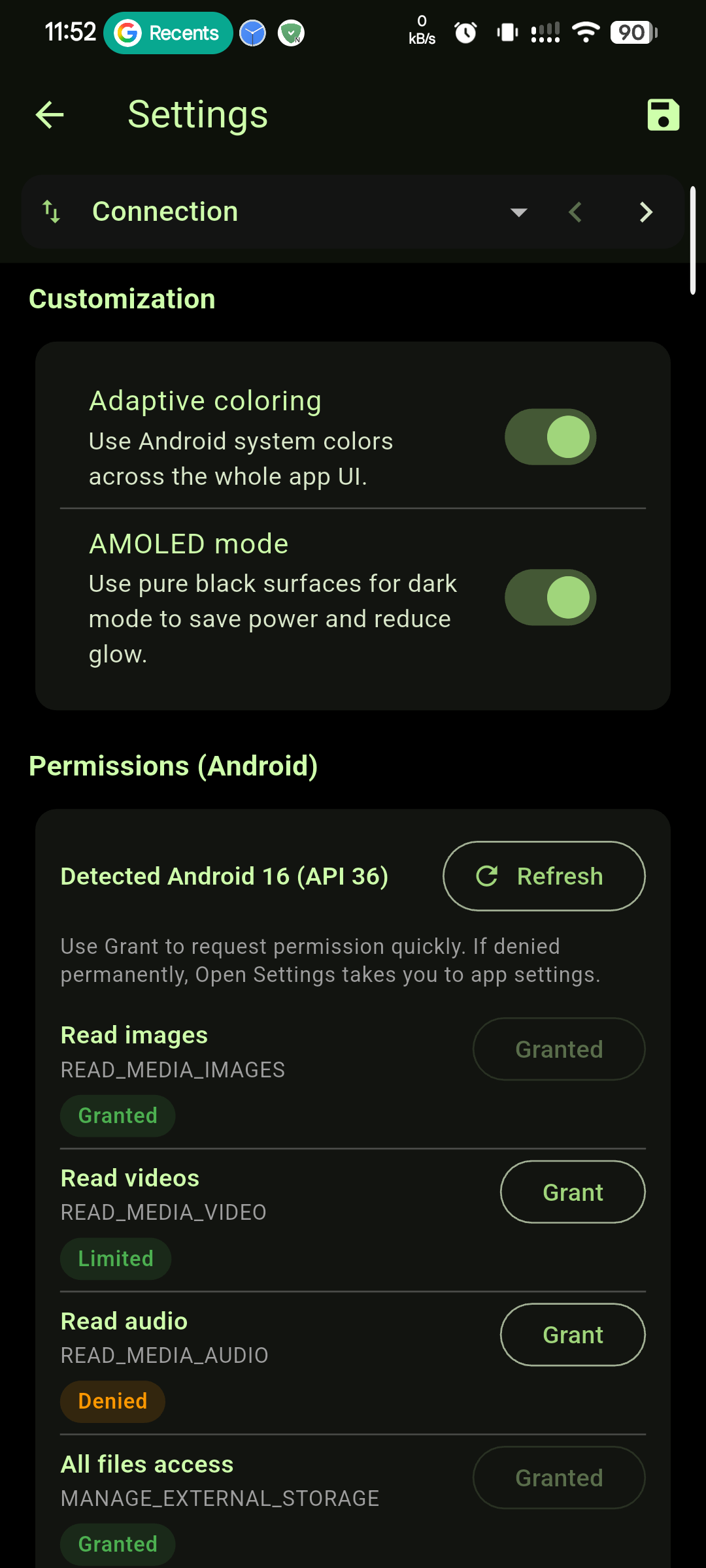
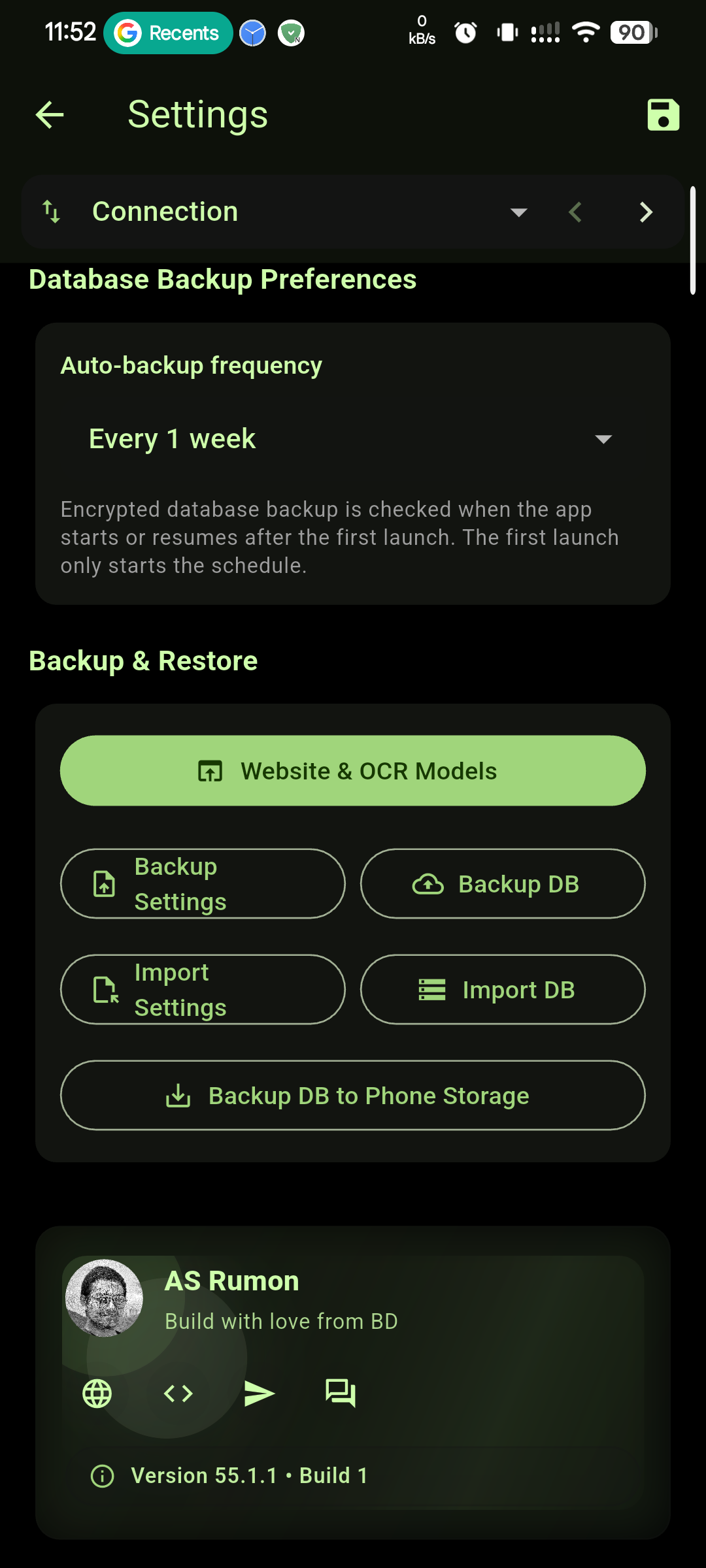
📱 Getting Started
1️⃣ Installation
Download the latest APK and install it on your Android device.

Latest on GitHub: 60.0
2️⃣ The Bot Setup
- Open @BotFather and send
/newbot - After bot creation, copy only the HTTP API token from BotFather reply (format:
123456:ABC-DEF...) - Open your new bot chat and send
/start - Open @Check_Telegram_IDBot (or @ScanIDBot) and choose which ID you want: User ID or Group ID
- If you choose User ID, copy your numeric ID (example:
987654321) and use it directly in Telephoto - If you choose Group ID, first add your created bot to that group and set it as admin, then copy the group ID (usually starts with
-)
- If you choose User ID, copy your numeric ID (example:
- Paste the bot token + selected ID into Telephoto Settings
What to copy: Copy only the bot token and one ID value (user ID or group ID). Do not copy bot usernames, labels, or extra reply text.
Example:
123456:ABC-DEF...(bot token)987654321(user ID) or-1001234567890(group ID)
3️⃣ Required Permissions
🛑 Manual Action Required
Settings > Apps > Telephoto > Permissions → Enable "Files and media"
🛠️ Tech Stack
- Flutter & Dart
- Telegram Bot API
- On-device OCR (Tesseract)
🌐 Website • 📢 Telegram Channel • 💬 Discussion Group • 📥 Download APK