Logger
January 8, 2023 · View on GitHub
Write-up author: jon-brandy
DESCRIPTION:
A client reported that a PC might have been infected, as it's running slow. We've collected all the evidence from the suspect workstation, and found a suspicious trace of USB traffic. Can you identify the compromised data?
HINT:
- NONE
STEPS:
- First, unzip the
.zipfile given.
RESULT

- Since it's a
.pcapfile, let's open it using wireshark.
RESULT
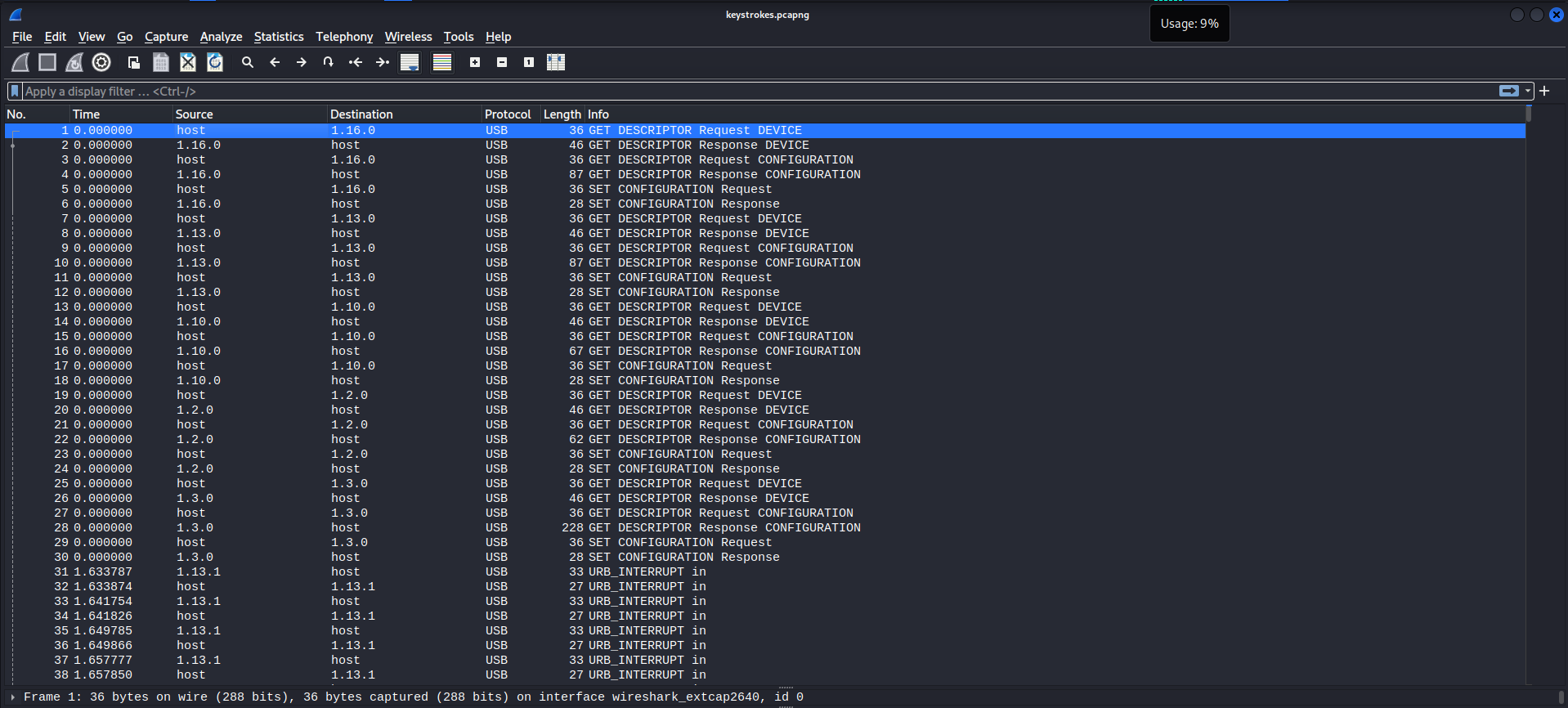
- Notice there are many
URB_INTERRUPTpackets.
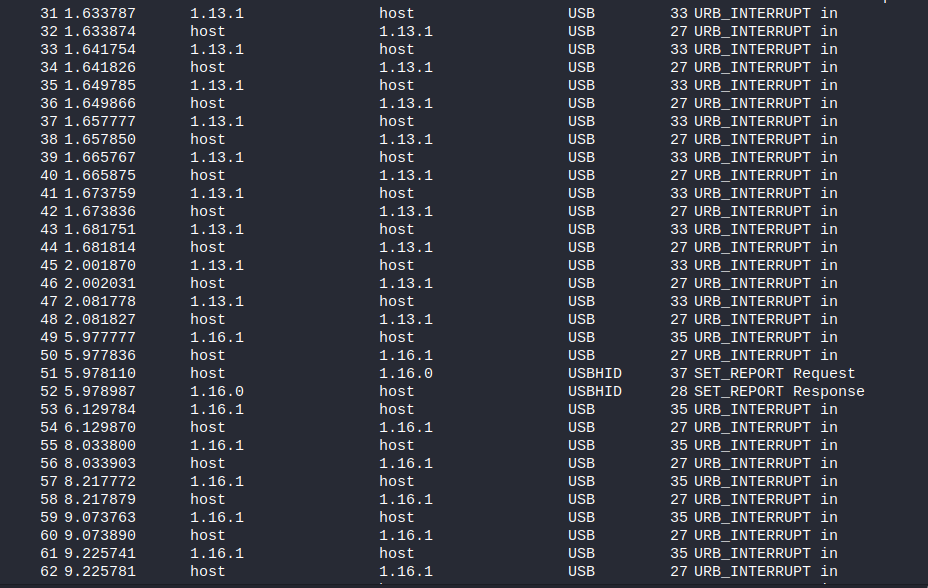
- These USB packets are keystrokes, there was some vuln that affect USB wireless devices. (keyboard).
- Let's export all of it as the indicates keystrokes.
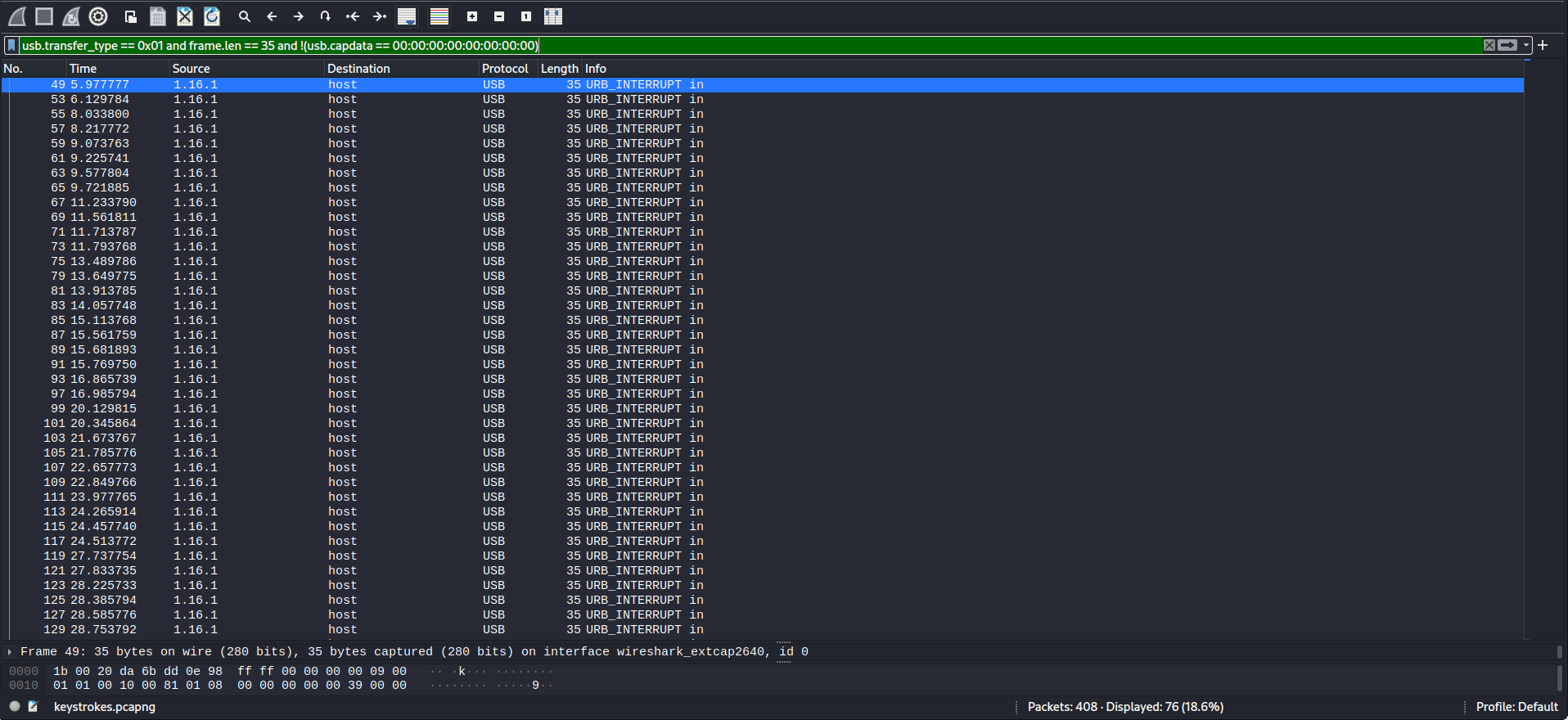
- First we need to filter the USB Keyboard packets. I did a small outsource about the command to use, found out this one:
usb.transfer_type == 0x01 and frame.len == 35 and !(usb.capdata == 00:00:00:00:00:00:00:00)
RESULT
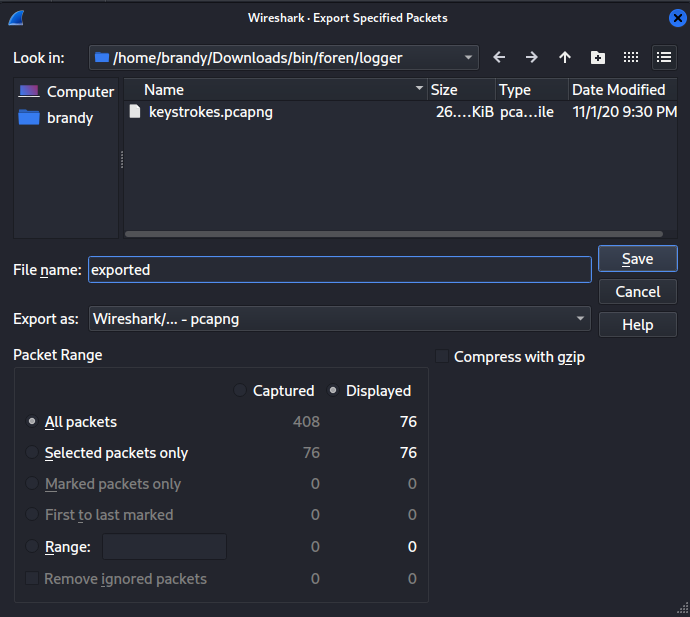
- Now select all the packets, then click file -> export specified packets.
RESULT - give any name, then click save.
- Now to get the flag, i used this python script.
COMMAND - to get the .txt file which we will use for the script.
tshark -r ../../../../../Downloads/bin/foren/logger/exported.pcapng -Y 'usb.capdata && usb.data_len == 8' -T fields -e usb.capdata | sed 's/../:&/g2' > keystrokes.txt
RESULT

- Following the capslock command, we shall get the flag!
FLAG
HTB{i_C4N_533_yOUr_K3Y2}