Persistence
January 7, 2023 · View on GitHub
Write-up author: jon-brandy
DESCRIPTION:
We're noticing some strange connections from a critical PC that can't be replaced. We've run an AV scan to delete the malicious files and rebooted the box, but the connections get re-established. We've taken a backup of some critical system files, can you help us figure out what's going on?
HINT:
- NONE
STEPS:
- First, unzip the
.zipfile given. - Check the type of extracted file.
RESULT

- Since it's a
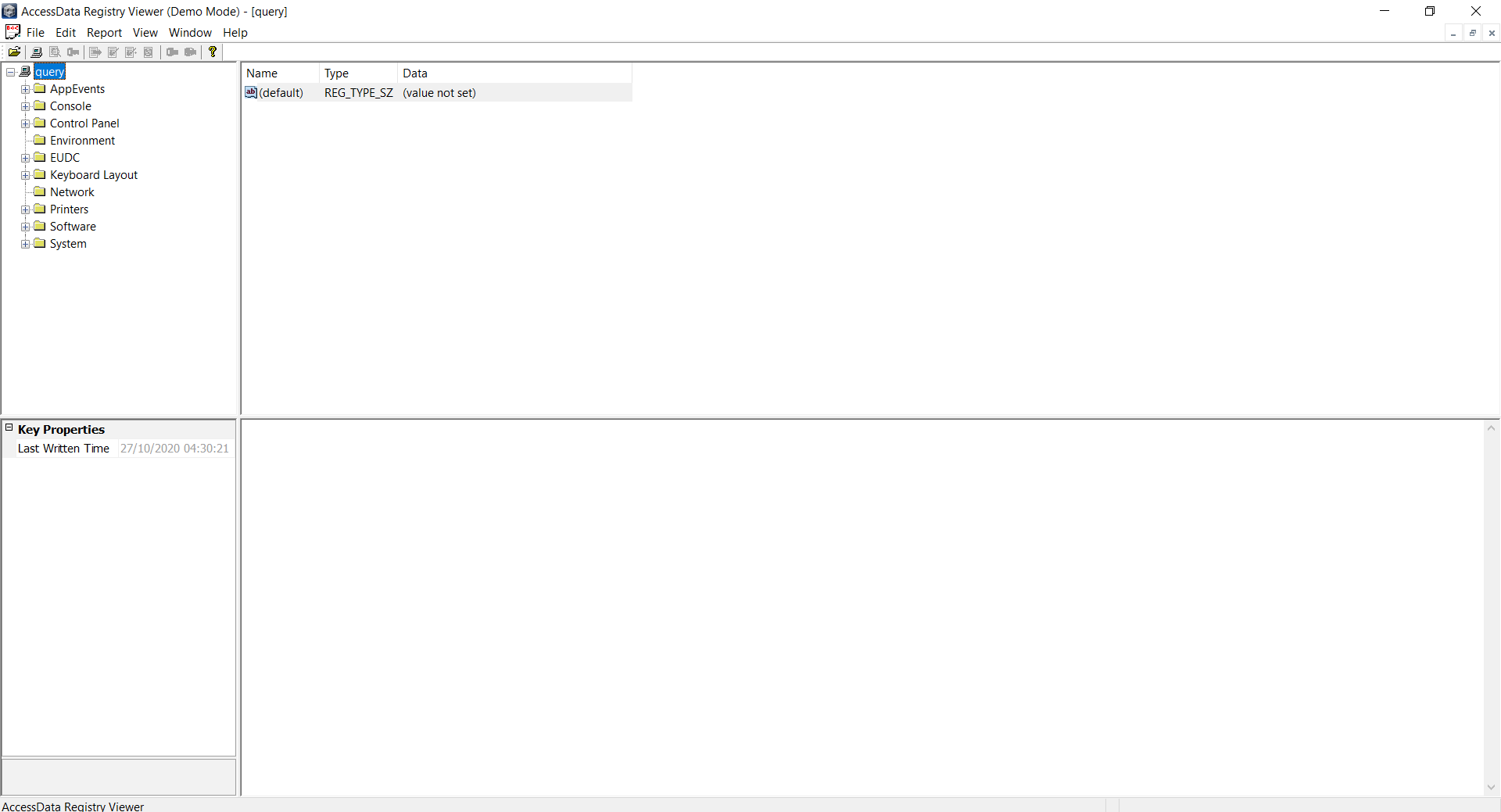
registry file, let's open the file with Registry Viewer.
RESULT
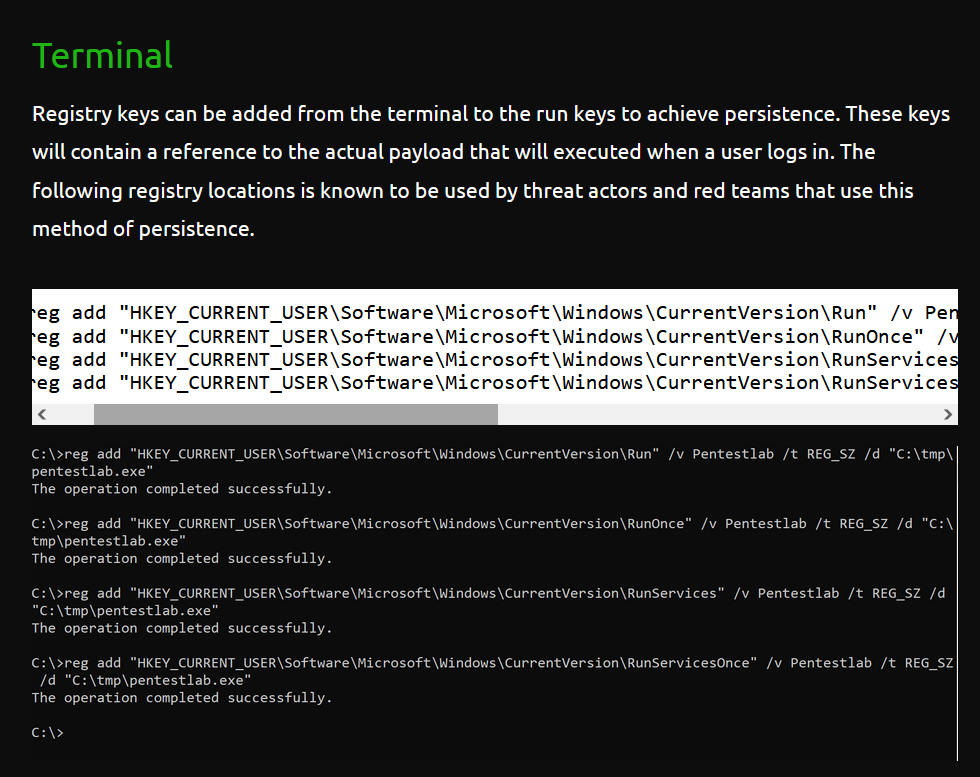
- I did a small outsouce about Persistence - Registry Run Kes and found out that the key must be stored inside these paths.
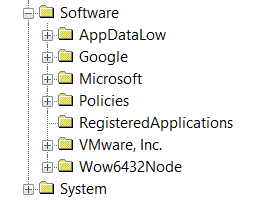
- Now let's open software.
INSIDE - SOFTWARE
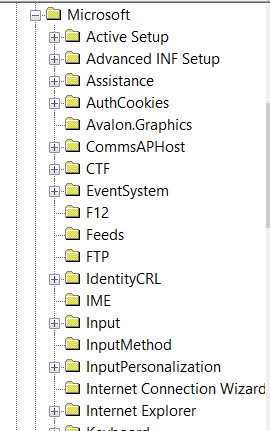
- Check inside microsoft.
INSIDE - MICROSOFT


- Let's jump to windows.
INSIDE - WINDOWS
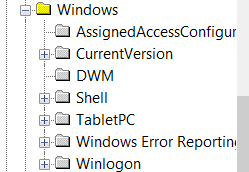
- Jump to currentVersion and choose
run.

RESULT

- Looks like the flag is encoded in base64. Let's decode it.
RESULT
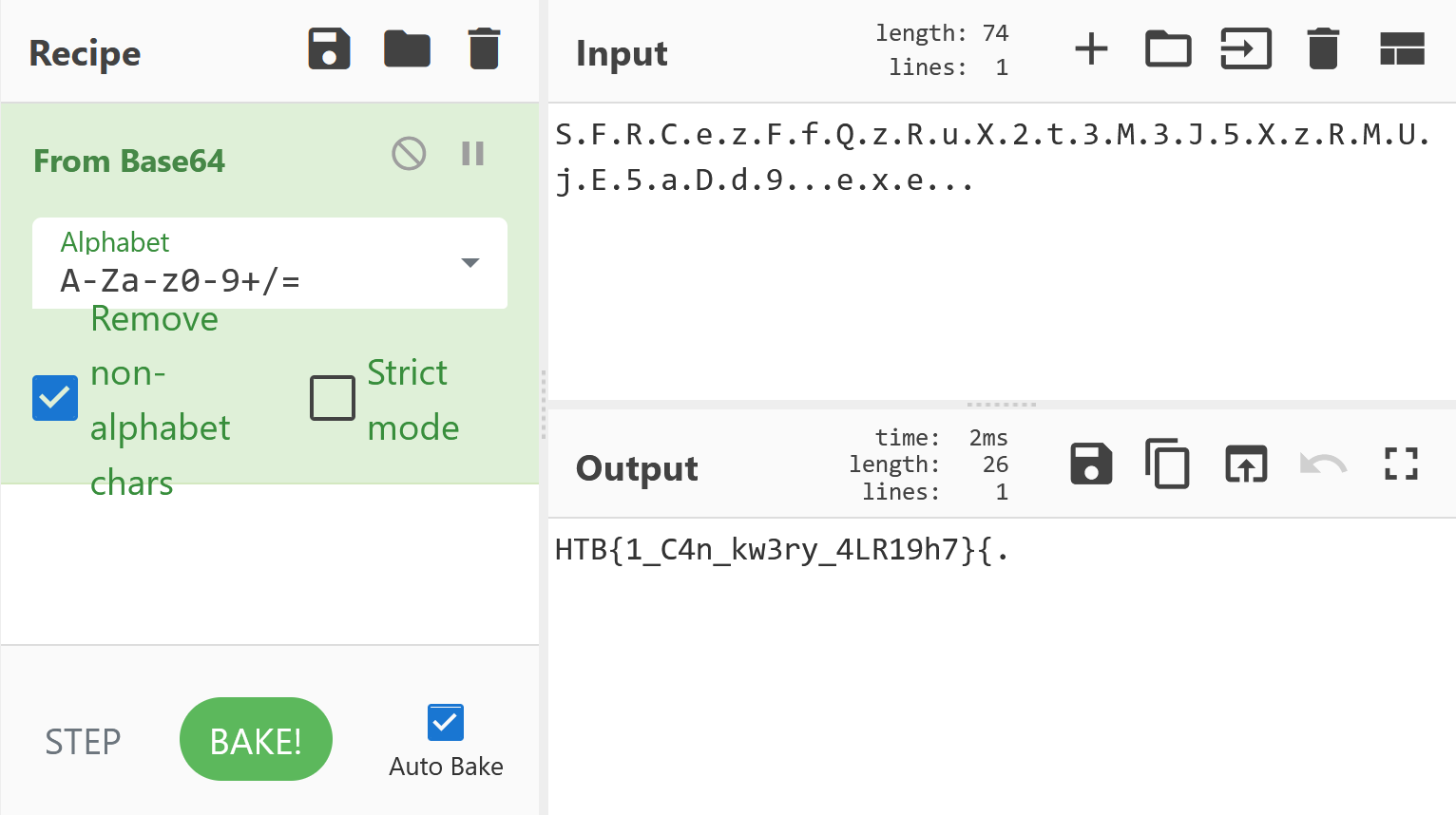
- Got the flag!
FLAG
HTB{1_C4n_kw3ry_4LR19h7}
LEARNING REFERENCES:
https://pentestlab.blog/2019/10/01/persistence-registry-run-keys/