CTHUAWEIPUSH.md
September 26, 2025 · View on GitHub

👋 Introduction
CleverTap Huawei Push SDK provides an out of the box service to use the Huwaei Push Kit.
®️ Register
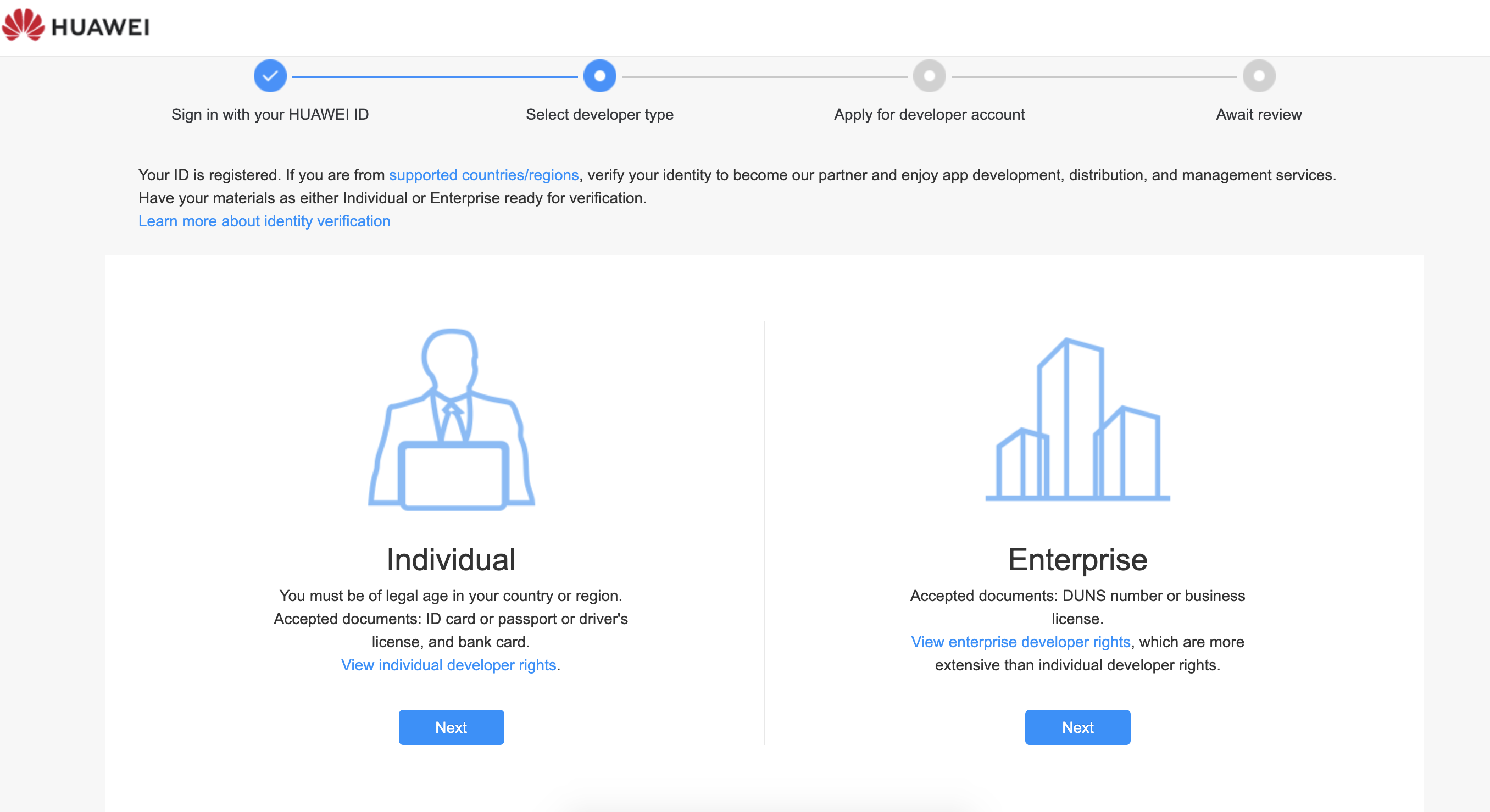
The first step to access the Huawei cloud push is registered as a Huawei developer on the Huawei Website.
🔨 Enable Push Kit
Once you login to the console, enable the Push Kit.
🚀 Integration
Download the agconnect-services.json file from the Huawei Console. Move the downloaded agconnect-services.json file to the app directory of your Android Studio project.
- Add the following dependency to your Project-level
build.gradlefile
buildscript {
    repositories {
        // FOR HUAWEI ADD THIS
        maven {url 'http://developer.huawei.com/repo/'}

    }
    dependencies {
        // FOR HUAWEI ADD THIS
        classpath "com.huawei.agconnect:agcp:1.9.1.301"
    }
}

allprojects {
    repositories {
        // FOR HUAWEI ADD THIS
        maven {url 'https://developer.huawei.com/repo/'}
       }
}
- Add the following to your app’s
build.gradlefile
implementation "com.clevertap.android:clevertap-hms-sdk:1.5.1"
implementation "com.huawei.hms:push:6.11.0.300"

//At the bottom of the file add this
apply plugin: 'com.huawei.agconnect'
- Add the following to your
AndroidManifest.xmlfile of the application
<meta-data
    android:name="CLEVERTAP_PROVIDER_1"
    android:value="@string/hps_manifest_entry" />
-
Note: If you are using CleverTapAPI.instanceWithConfig for initialisation, make sure it is done in Application class before any activity is created.
-
If you are using Custom
HmsMessageServiceclass then inside the onNewToken method, pass the token to CleverTap using the following code
override fun onNewToken(token: String?, bundle: Bundle?) {
    super.onNewToken(token, bundle)
    if (token != null) {
        cleverTapAPIInstance.pushRegistrationToken(token, HmsConstants.HPS, true)
    }
}