Rich Markdown Diff
April 30, 2026 · View on GitHub
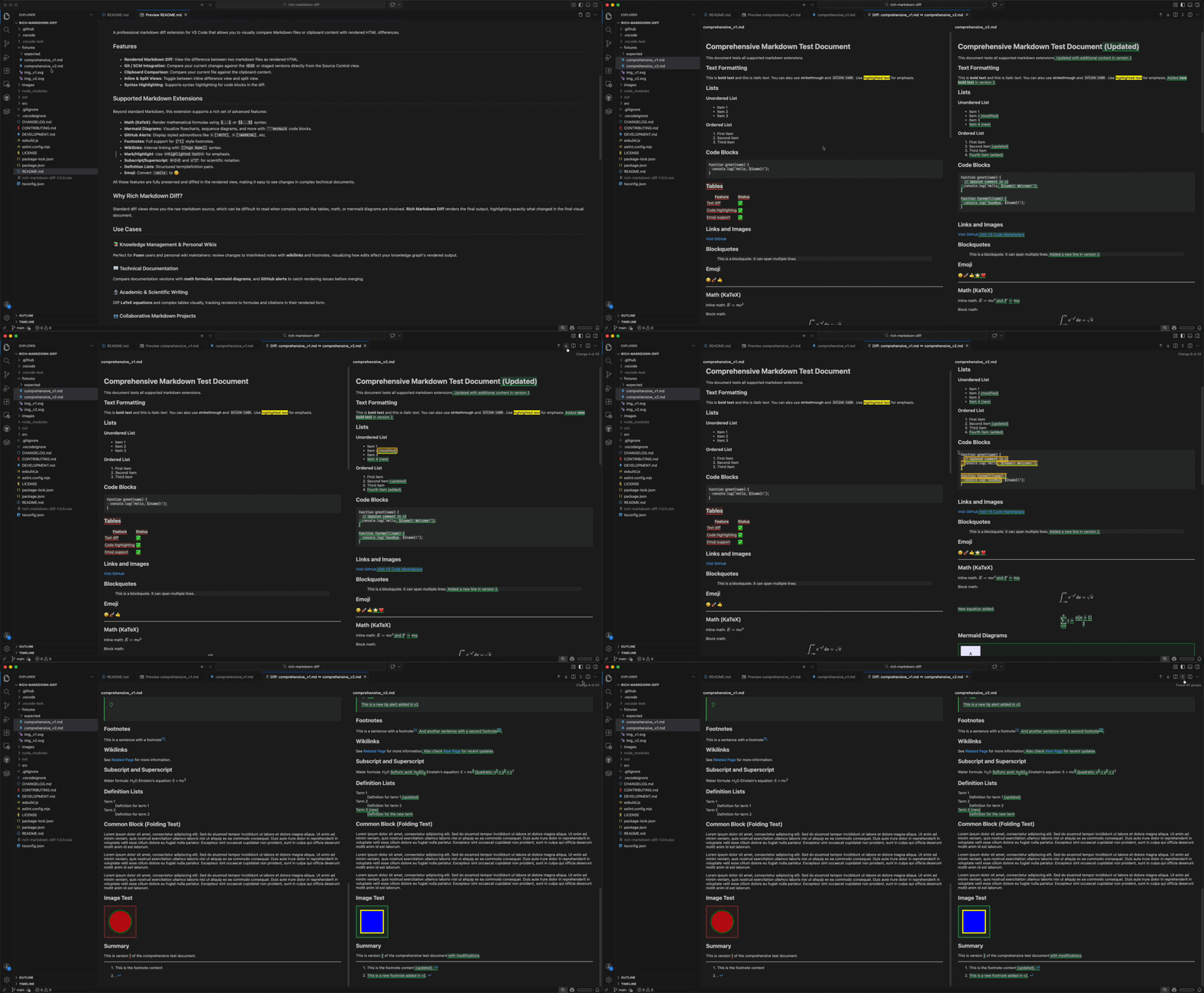
A professional VS Code extension for visual Markdown comparison. Compare rendered HTML side-by-side or inline, including Math, Mermaid, and complex slide decks.
Key Features
- Visual Diff: Compare rendered output instead of raw source code.
- Git Blame: Hover to see commit history for any line in the diff view.
- Interactive Image Diff: New "Swipe" and "Onion Skin" modes for visual image comparison.
- Marp Support: Full visual diffing for Marp slide decks (
marp: true). - Git Integration: Diff directly from Source Control view (Workspace, Staged, or HEAD).
- Obsidian Support: Support for
#tagand![[link]]transclusions. - Quick Edit: Modify image paths or block metadata directly within the diff view.
- Clipboard Compare: Compare any Markdown file against your clipboard.
Supported Extensions
| Extension | Support Details |
|---|---|
| Marp | Render and diff slide decks with full theme support. |
| Math | High-quality KaTeX rendering for formulas. |
| Mermaid | Flowcharts, sequence diagrams, and Gantt charts. |
| Obsidian | Native support for Tags (#tag) and Transclusions (![[link]]). |
| Alerts | GitHub-style [!NOTE], [!WARNING], etc. |
| Structure | Robust diffing for Tables, Nested Lists, and Footnotes. |
| Misc | Wikilinks, Emoji, Sub/Superscript, and Definition Lists. |
Use Cases
- 🖼️ Marp Presentations: Verify slide layout and theme changes visually.
- 📚 Knowledge Bases: Review changes in foam/wiki notes with wikilinks and footnotes.
- 📖 Technical Docs: Catch rendering issues in Mermaid diagrams and math formulas.
- 🔬 Academic Writing: Track revisions to LaTeX equations and complex tables.
- 👥 Peer Review: Focus on the final rendered output rather than raw Markdown syntax.
Usage
1. Compare Files
Select two .md files in the Explorer, right-click, and select Show Markdown Diff.
2. Git & SCM
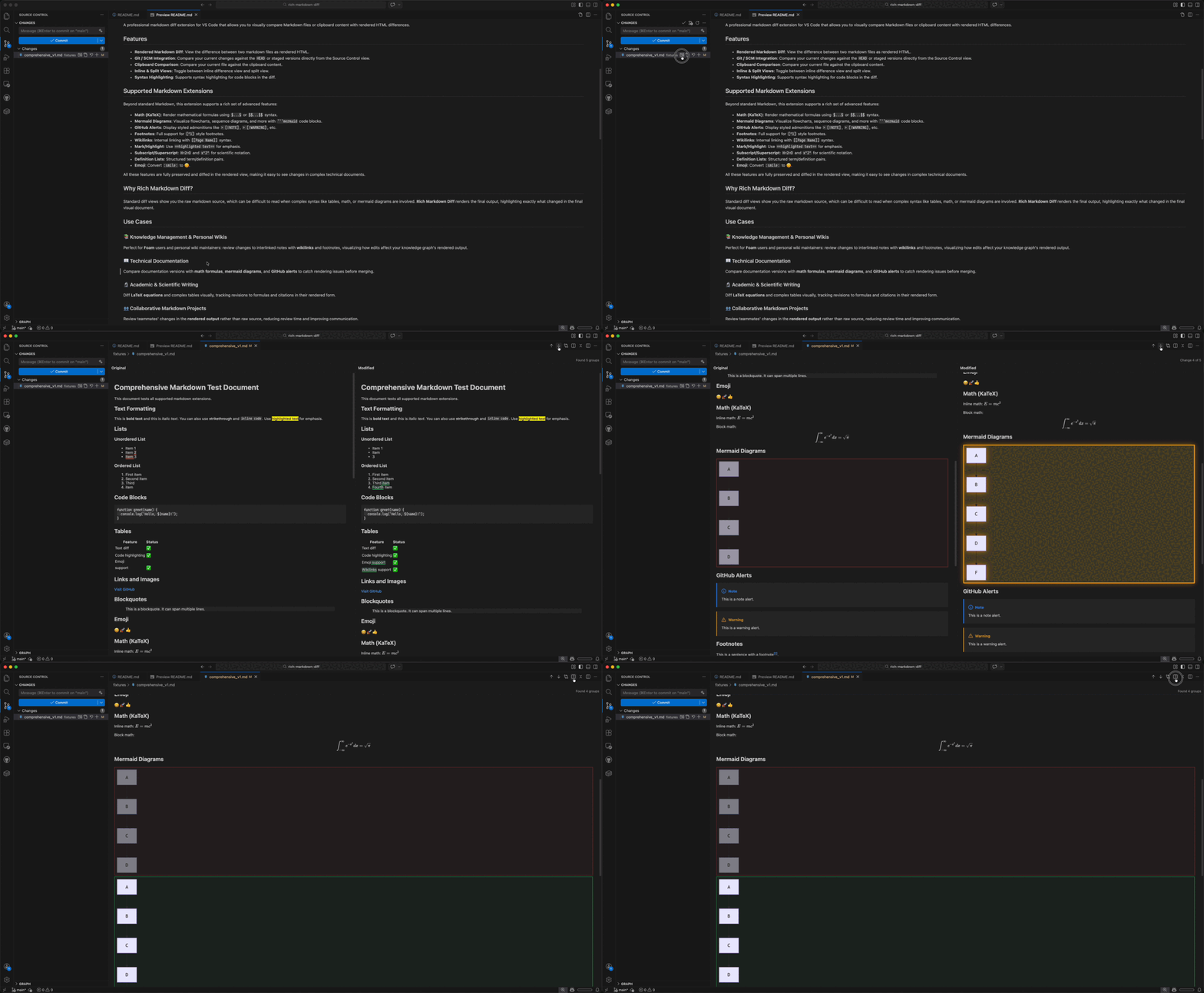
Click the Show Markdown Diff icon next to any modified Markdown file in the Source Control view.
3. Clipboard Comparison
Right-click in any Markdown editor and choose Compare with Clipboard.
Technical Details
For technical setup or contribution guidelines, please see:
- DEVELOPMENT.md - Architecture and local setup.
- CONTRIBUTING.md - How to contribute.
License
Licensed under the MIT License.