EXACT
July 17, 2026 · View on GitHub



EXACT (EXpert Algorithm Collaboration Tool) is a web-based platform for labeling whole slide images, 3D volumes, DICOM series, video, and standard raster images — built for multidisciplinary research teams that need version control, AI-assisted workflows, and a full REST API.
What's New
Tabular Data (2026)
Attach structured spreadsheet data directly to any image set — a full in-browser spreadsheet editor with version history.
- CSV and XLSX import / export with a dark-themed spreadsheet editor
- Full version history with diff-based storage and one-click restore
- Per-column filtering, column reordering, hidden rows and columns
- Drag-and-drop CSV onto the imageset page to import as a table or attach as an auxiliary file
- Paste any EXACT URL into a cell — it renders as a rich reference chip ("Image set: Tumor Slides")
- Right-click context menu to insert or remove references, with a tree picker for lazy-loaded imagesets and images
- Exported XLSX files include clickable hyperlinks for all EXACT references
Admin Impersonation (2026)
Superusers can temporarily act as any other user for support and debugging. A persistent banner makes the impersonation state clear; the original session is fully restored on exit.
Folder Upload for DICOM and MRXS (2026)
Upload an entire DICOM series or MRXS dataset as a folder — EXACT assembles the series automatically.
Team Statistics (2026)
A new statistics dashboard shows annotation progress per team: coverage, verification rates, and annotator breakdowns.
Search (2026)
Full-text search within image sets (press Ctrl+F) and across teams from the main navigation.
Modernised UI (2026)
- Refreshed imageset page with a new LightRoom v2 viewer and improved image list
- Reworked annotation type management under Products & Types
- Upload images directly from the image list view
- Image creator information shown in the viewer
- Beautified login and logout screens
- New logo
NIfTI 3D Volume Support (2026)
Upload .nii and .nii.gz volumetric files. The viewer renders axial slices with z-scaling from the NIfTI voxel geometry header; coronal and sagittal reconstructions use standard NIfTI coordinate remapping. Includes a z-slider for manual cross-section registration.
Passkeys (2025)
Passwordless login via FIDO2/WebAuthn — Windows Hello, Apple Passkeys, and hardware security keys. Users register keys in their profile and sign in with a single gesture. See Passkeys setup guide.
Features
| Area | What EXACT provides |
|---|---|
| Image types | WSI via OpenSlide, DICOM, NIfTI (.nii/.nii.gz), CZI, CellVizio, MRXS, Olympus VSI, PNG, JPG, MP4, AVI |
| Annotation | Bounding box · circle · polygon · segmentation tiles · paint brush · scissors & glue · knife split |
| Collaboration | Teams, shared image sets, concurrent editing, annotation verification workflow |
| Version control | Full annotation history with diff-based storage and per-version links |
| Tabular data | Spreadsheet editor per image set, CSV/XLSX import/export, cell-level references |
| AI integration | Plugin system for algorithm-assisted labeling; density maps; segmentation overlays |
| Screening mode | Tile-by-tile WSI review with keyboard-driven navigation |
| REST API | Browsable DRF API + dynamic OpenAPI/Swagger schema; EXACT-Sync Python client |
| Authentication | Password, passkeys (FIDO2/WebAuthn), optional LDAP |
| Offline sync | Bidirectional sync with SlideRunner desktop tool |
| Export | Configurable export formats, annotation maps, density maps |
| Caching | Redis-backed tile and session caching — see Caching docs |
Quick Start
Docker (recommended)
git clone https://github.com/DeepMicroscopy/Exact.git
cp exact/exact/settings.py.example exact/exact/settings.py
docker-compose -f docker-compose.yml up -d --build
Navigate to http://localhost:8000/ · Default credentials: exact / exact
Production
cp env.dev env.prod && cp env.dev.db env.prod.db
# Edit env.prod, env.prod.db, and settings.py for your environment

docker-compose -f docker-compose.prod.yml up -d --build
docker-compose -f docker-compose.prod.yml exec web python3 manage.py migrate --noinput
docker-compose -f docker-compose.prod.yml exec web python3 manage.py createsuperuser
docker-compose -f docker-compose.prod.yml exec web python3 manage.py collectstatic --no-input --clear
Navigate to http://localhost:1337/
After each upgrade
python3 manage.py migrate
python3 manage.py compilemessages
python3 manage.py collectstatic
See UPGRADE.md for version-specific migration notes.
Native (macOS / Linux)
Expand native install instructions
Prerequisites (Ubuntu/Debian)
apt-get update && apt-get install \
  python3-pip dos2unix python3-openslide python3-opencv libvips libvips-dev
sudo apt install postgresql
Ubuntu 20.04: Known issue with OpenSlide — rebuild pixman to fix it.
Database
sudo -iu postgres psql
CREATE USER exact PASSWORD 'exact';
CREATE DATABASE exact WITH OWNER exact ENCODING UTF8;
Application
pip3 install -r requirements.txt
cp exact/exact/settings.py.example exact/exact/settings.py
# Edit: SECRET_KEY · DEBUG · ALLOWED_HOSTS · database · UPLOAD_FS_GROUP

python3 manage.py migrate
python3 manage.py createsuperuser
python3 manage.py runserver
Email verification — add to settings.py:
EMAIL_BACKEND = 'django.core.mail.backends.smtp.EmailBackend'
EMAIL_HOST     = 'smtp.googlemail.com'
EMAIL_PORT     = '587'
EMAIL_HOST_USER     = 'you@gmail.com'
EMAIL_HOST_PASSWORD = 'your-password'
EMAIL_USE_TLS  = True
Keyboard Shortcuts
Annotation Viewer
| Key | Action |
|---|---|
| Del x | Delete selected annotation |
| Escape | Cancel editing |
| Enter | Confirm / save |
| Ctrl+Z | Undo |
| c | Toggle annotation mode |
| y | Toggle annotation visibility |
| b | Push annotation type to background |
| Ctrl+A | Draw on top of existing annotation |
| 0–4 | Change local annotation label |
| Shift+0–4 | Change global annotation label |
| q / e | Previous / next image |
| Shift+q / e | Previous / next frame |
| r | Rotate image |
| f | Flip image |
| s | Scissors — delete from selection |
| g | Glue — add to selection |
| d | Knife — split object |
| Shift+scroll | Resize paint brush |
| Arrow keys | Pan viewing window |
| Ctrl+F | Search images |
Screening Viewer
| Key | Action |
|---|---|
| a / d | Screen left / right tile |
| w / s | Screen up / down tile |
| j / l | Navigate left / right tile |
| i / k | Navigate up / down tile |
REST API
- Browsable API: https://exact.cs.fau.de/api/v1/
- Python client:
pip install EXACT-Sync— GitHub · Notebooks - OpenAPI schema:
GET /api/v1/openapi— import EXACT-API.yml into Swagger Editor
Authentication
curl -X POST -H 'Content-Type: application/json' \
  -d '{"username":"exact","password":"top_secret"}' \
  http://127.0.0.1:8000/api/auth/token/login/
Query examples
# Filter by name, expand related objects
GET /api/v1/images/image_sets/?name__contains=Tumor&expand=product_set,main_annotation_type

# Select specific fields
GET /api/v1/images/image_sets/?fields=id,name

# Exclude fields
GET /api/v1/images/image_sets/?omit=images,product_set
All available endpoints
users/users               /api/v1/users/users/
users/teams               /api/v1/users/teams/
users/team_membership     /api/v1/users/team_membership/
images/images             /api/v1/images/images/
images/image_sets         /api/v1/images/image_sets/
images/set_tags           /api/v1/images/set_tags/
images/screening_modes    /api/v1/images/screening_modes/
annotations/annotations        /api/v1/annotations/annotations/
annotations/annotation_types   /api/v1/annotations/annotation_types/
annotations/verifications      /api/v1/annotations/verifications/
annotations/log_image_actions  /api/v1/annotations/log_image_actions/
administration/products        /api/v1/administration/products/
Citation
If you use EXACT in your research, please cite:
Marzahl et al. EXACT: A collaboration toolset for algorithm-aided annotation of almost everything. Scientific Reports 11, 4343 (2021). https://doi.org/10.1038/s41598-021-83827-4
@Article{marzahl2021exact,
  title   = {EXACT: a collaboration toolset for algorithm-aided annotation of images with annotation version control},
  author  = {Marzahl, Christian and Aubreville, Marc and Bertram, Christof A. and Maier, Jennifer
             and Bergler, Christian and Kr{\"o}ger, Christine and Voigt, J{\"o}rn
             and Breininger, Katharina and Klopfleisch, Robert and Maier, Andreas},
  journal = {Scientific Reports},
  year    = {2021},
  volume  = {11},
  pages   = {4343},
  doi     = {10.1038/s41598-021-83827-4}
}
Built on imagetagger by Fiedler et al. (RoboCup 2018).
Documentation
Notebooks for API usage, inference, segmentation, density maps, cluster workflows, and more live in doc/ and can be viewed at NBViewer.
Video tutorials (older, cover core features)
| Topic | Video |
|---|---|
| Installation with Docker |  |
| First steps | 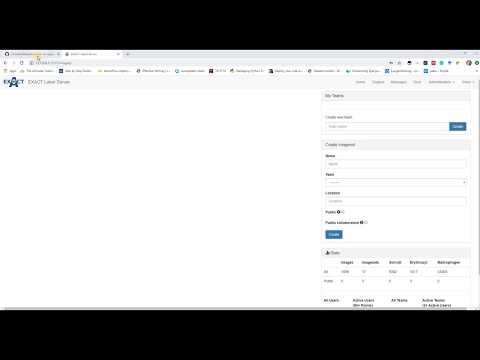 |
| Products & annotation type setup | 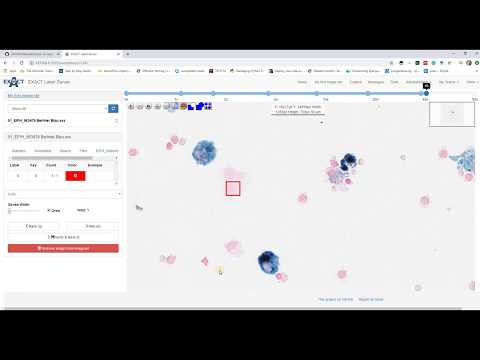 |
| Study and annotation modes | 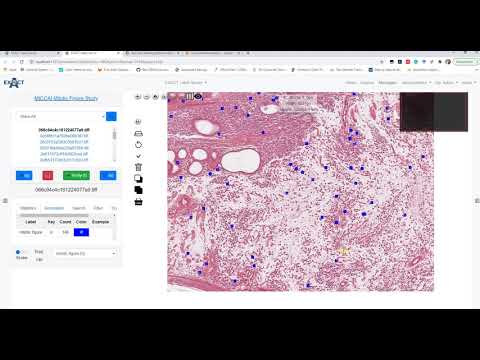 |
| Annotation maps | 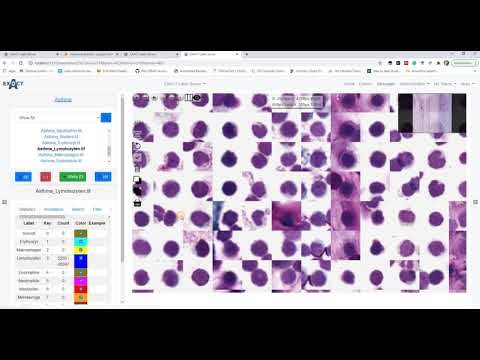 |
| Density maps | 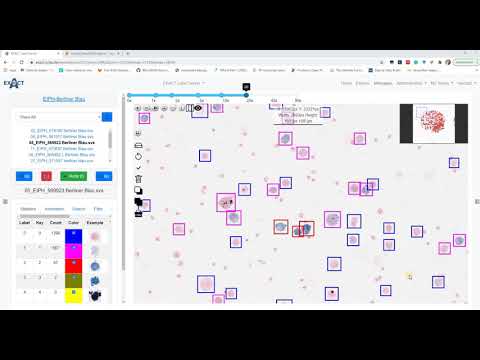 |
| Cluster annotations | 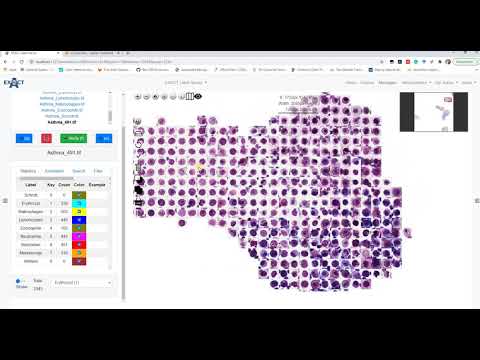 |
| Annotation versioning | 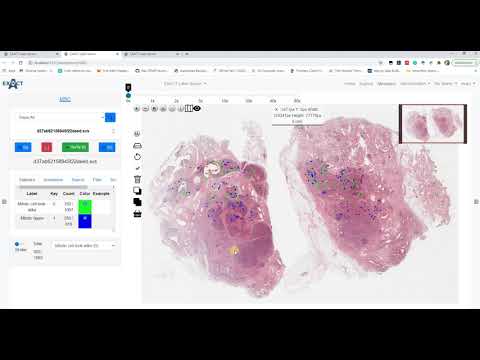 |
| Inference | 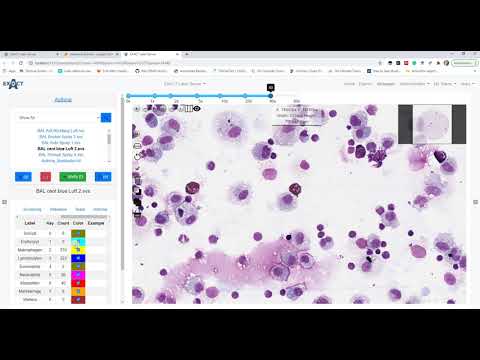 |
| Segmentation | 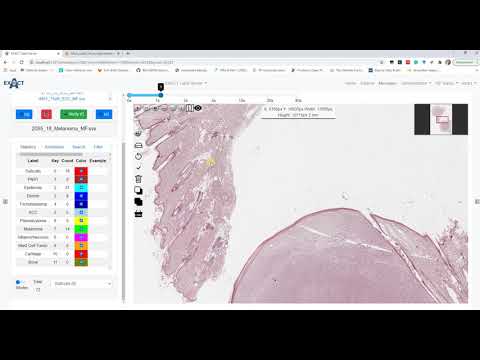 |
| Image registration | 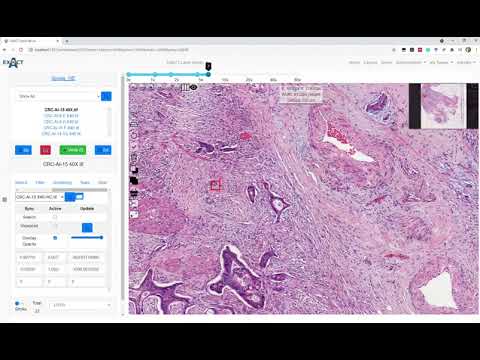 |
| SlideRunner sync | 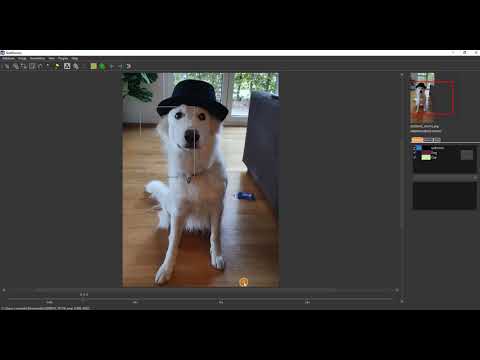 |
Dependencies
| Library | License |
|---|---|
| Django | BSD |
| djangorestframework | BSD |
| OpenSlide Python | LGPL 2.1 |
| OpenSeadragon | BSD-3 |
| numpy | BSD |
| opencv-python | MIT |
| Pillow | PIL License |
| openpyxl | MIT |
| Bootstrap | BSD |
| jQuery | MIT |
| nibabel | MIT |
| psycopg2 | LGPL |
| gunicorn | MIT |
MIT License · © DeepMicroscopy · exact.cs.fau.de