VOID
April 19, 2026 · View on GitHub



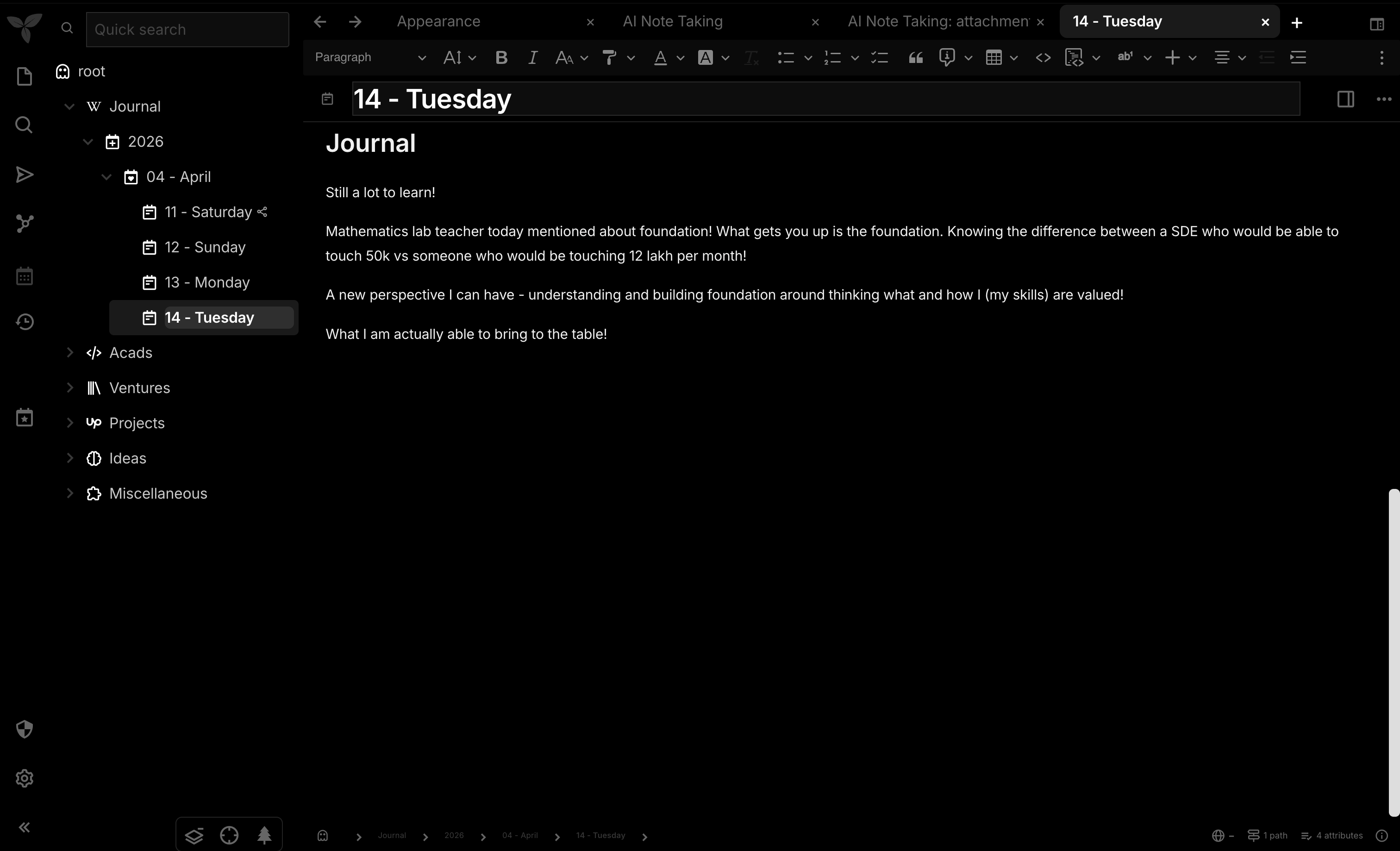
A minimalist, high-contrast, pure black theme for TriliumNext. VOID is designed for those who want their notes to float in a deep, distraction-free abyss. Built with a focus on typography, smooth transitions, and a premium "void" aesthetic.
Features
- True Black (#000000): Optimized for OLED displays and deep-focus sessions.
- Inter Typography: Uses the Inter font family for maximum readability.
- micro-interactions: Subtle hover effects and smooth transitions (0.15s).
- TriliumNext Aware: Specifically rebuilt to support the latest TriliumNext variables.
- Deep Clean: Removes unnecessary borders and box shadows for a modern, flat look.
Installation
Getting VOID up and running takes less than a minute:
- Create a new note: Click the
+icon and set the type to "Code" and language to "CSS". - Add the Theme Label: Add a label to the note:
#appTheme=void. - Paste the CSS: Copy the contents of
void-trilium-theme.cssand paste it into your new note. - Select the Theme: Go to
Options→Appearance→ select "void" from the theme dropdown. - Reload: Press
Ctrl+R(orCmd+Ron Mac) to apply the changes fully.
Customization
VOID is built using standard CSS variables. You can easily override colors by editing the :root block at the top of the CSS file:
:root {
  --main-background-color: #000000;
  --main-text-color: #ffffff;
  --accented-background-color: #0a0a0a;
  /* ... more variables ... */
}
👤 Credits
Developed with ❤️ by Dikshant Jangra.
🤝 Contributing
VOID is an open-source project and I'm open to contributions! Whether it's fixing a bug, adding a new feature, or improving the documentation, your help is welcome.
- Fork the Project
- Create your Feature Branch (
git checkout -b feature/AmazingFeature) - Commit your Changes (
git commit -m 'Add some AmazingFeature') - Push to the Branch (
git push origin feature/AmazingFeature) - Open a Pull Request
Note: This theme is optimized for TriliumNext. Compatibility with original Trilium may vary.