KEEP ANDROID OPEN
August 16, 2026 · View on GitHub
KEEP ANDROID OPEN


Dragon Launcher - Fast Gesture based android launcher
Dragon Launcher is a highly customizable, gestures based Android launcher focused on speed and efficiency.


















⚠️ Due to Android restrictions, you have to disable Android Play protect during installation, to avoid Dragon being blocked by Google
The reason is likely that Dragon asks for sensitive permissions - normal, that's a launcher
🎉 Thank you very much to the stargazers !
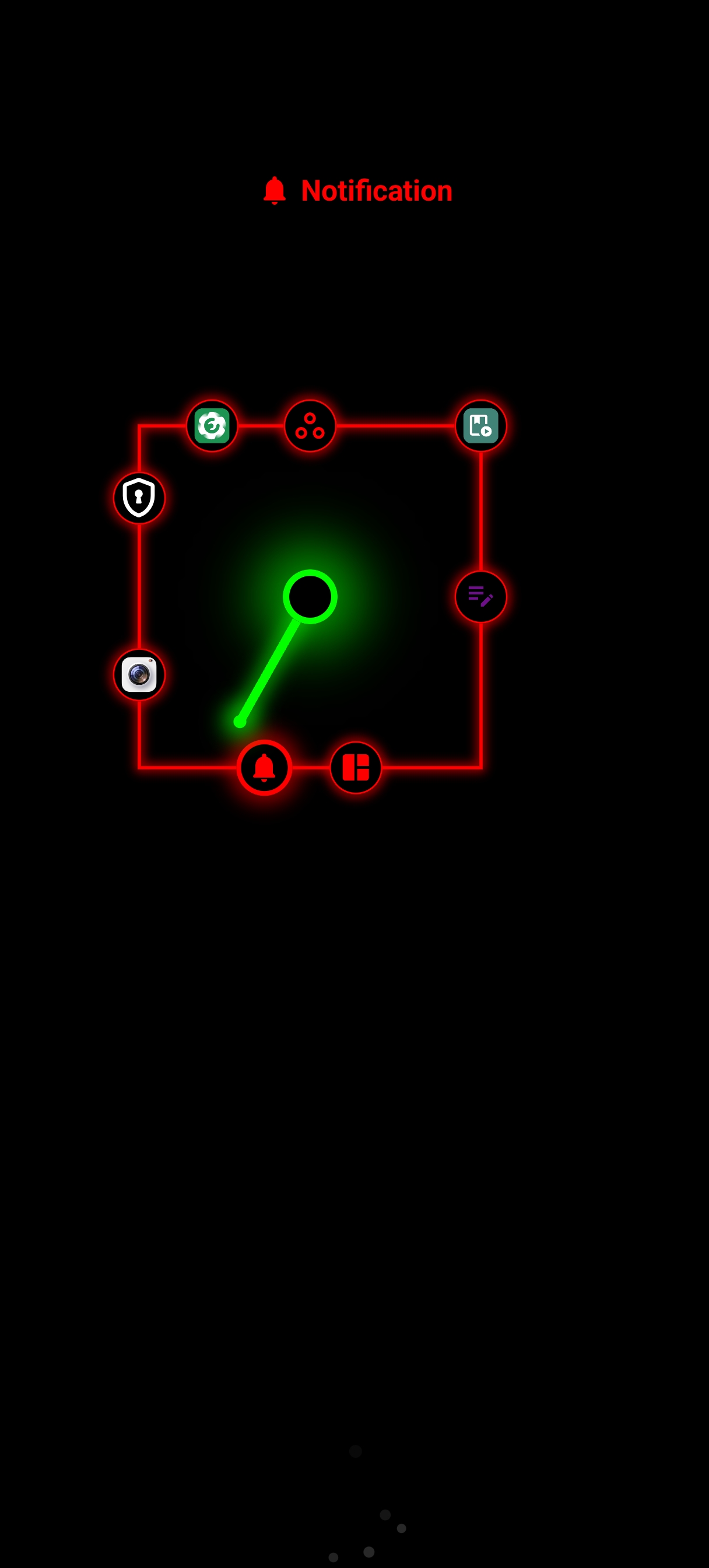
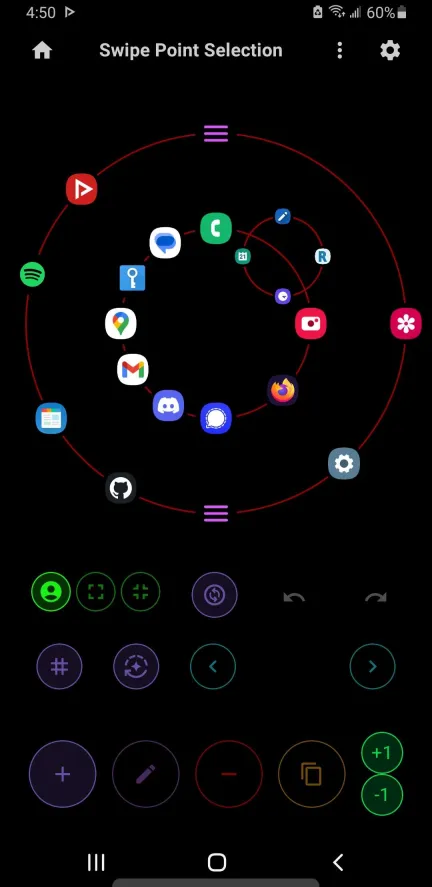
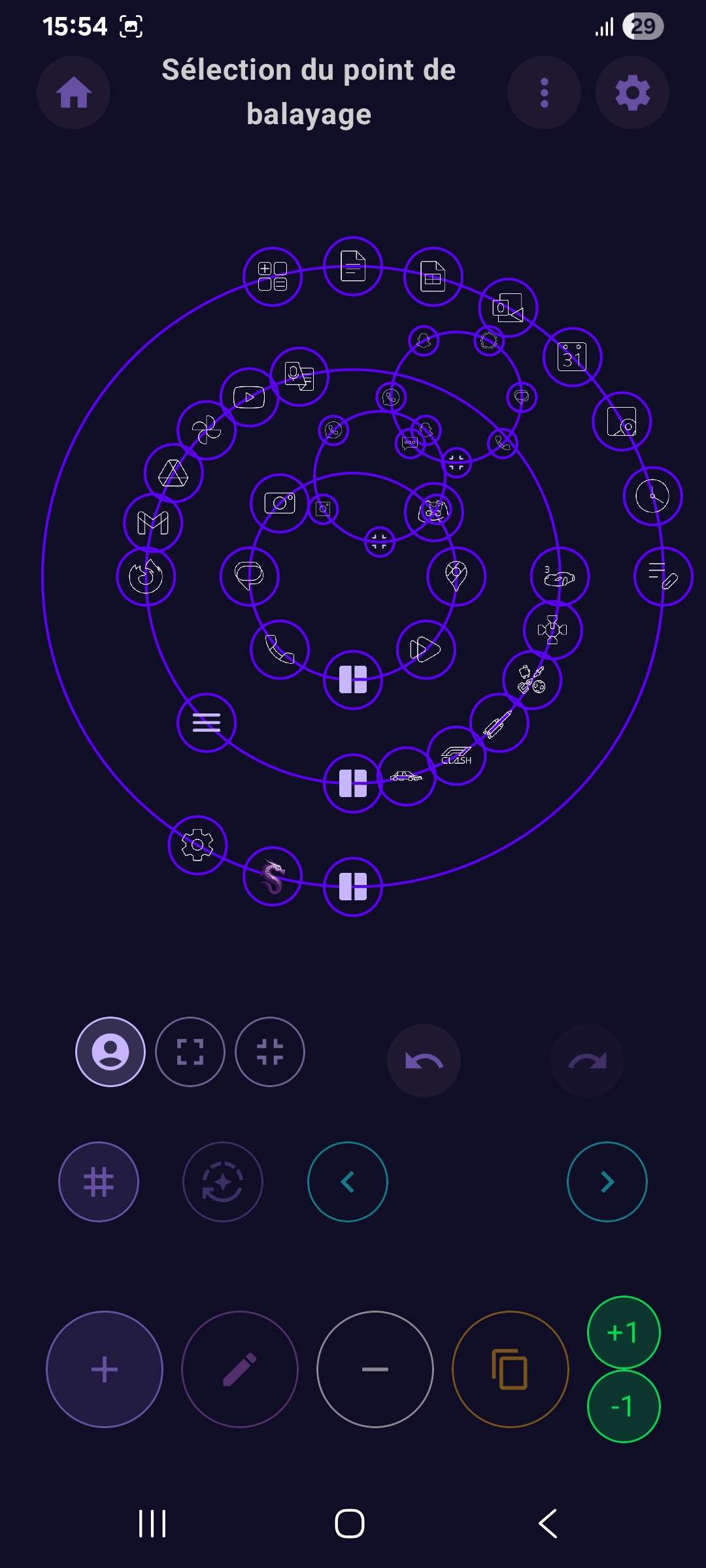
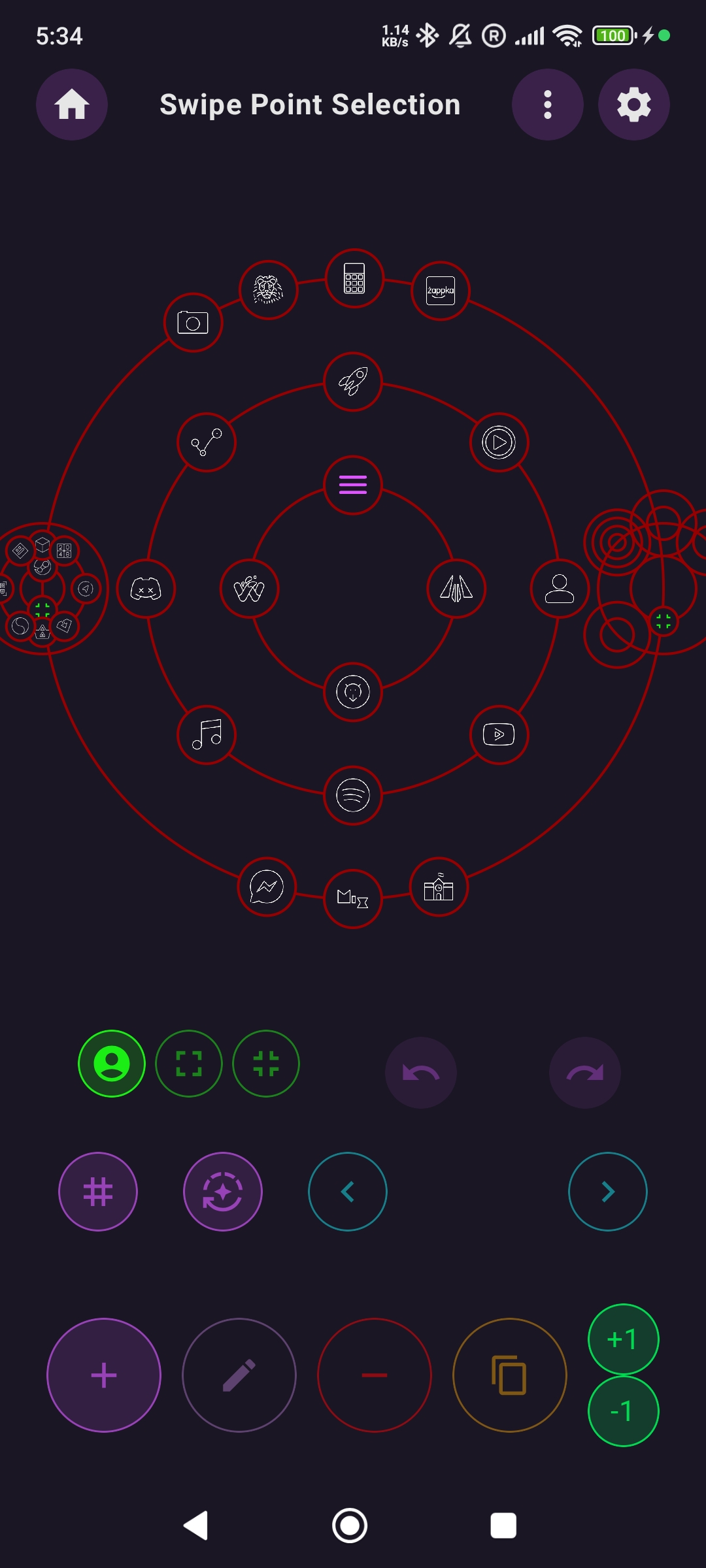
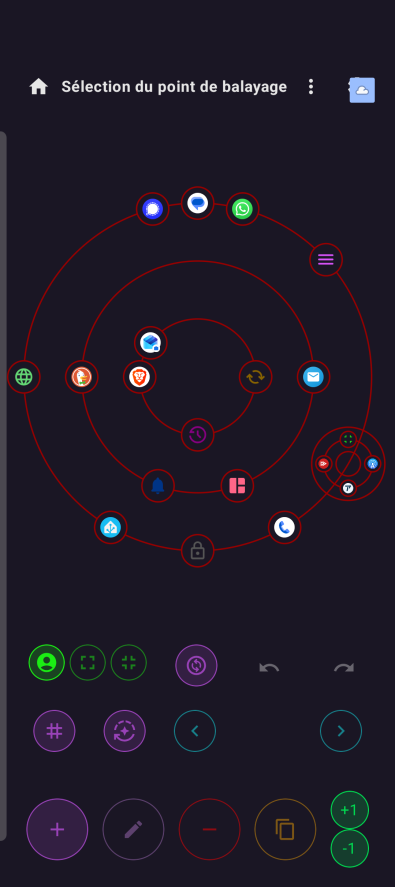
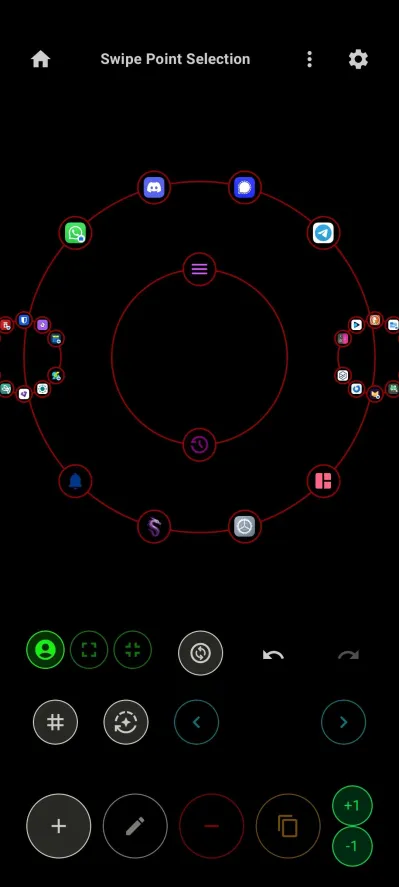
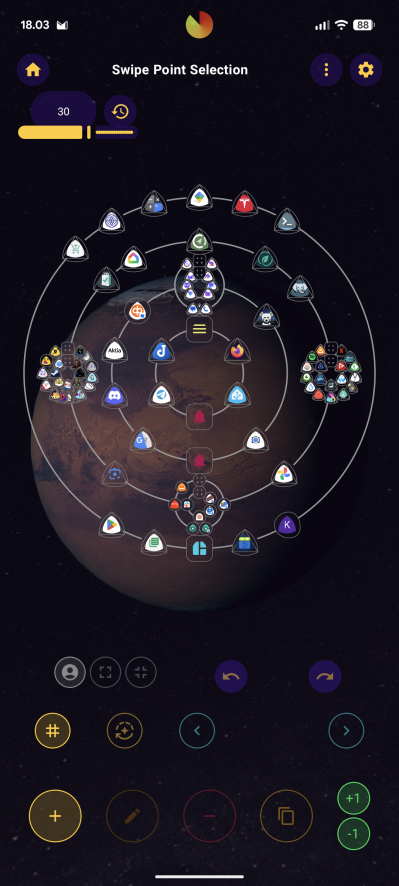
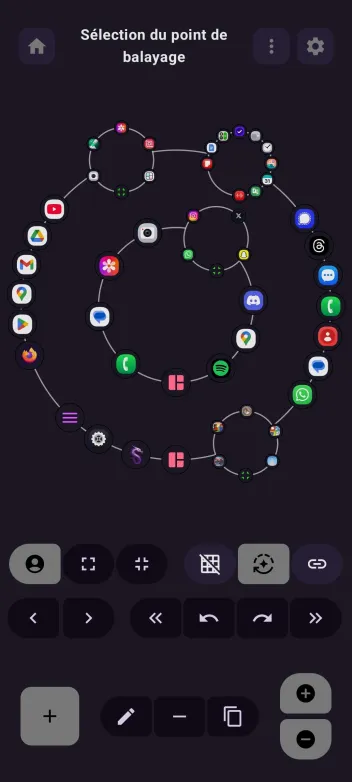
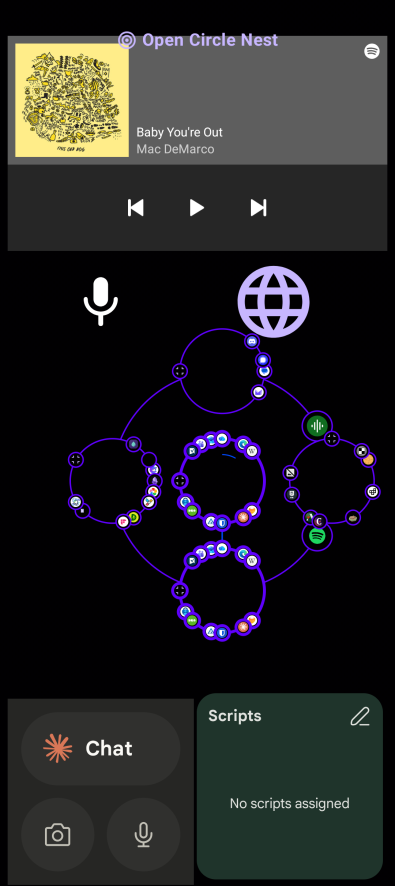
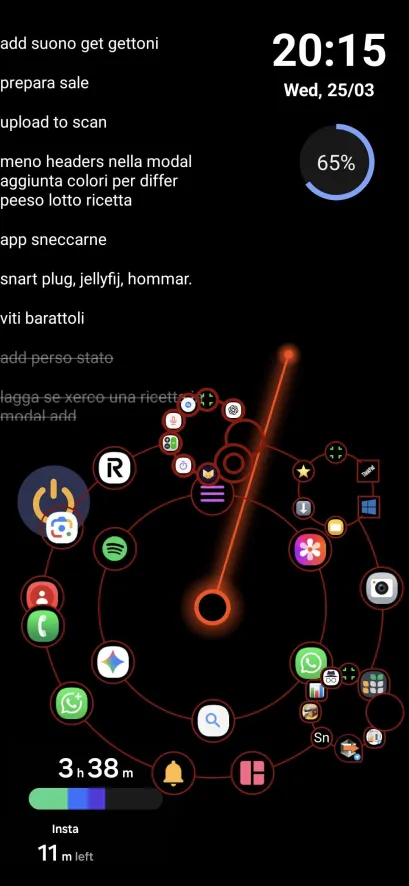
The main Idea of this launcher is to launch your apps via gestures.
- You can customize your list of fast access apps easily in the settings
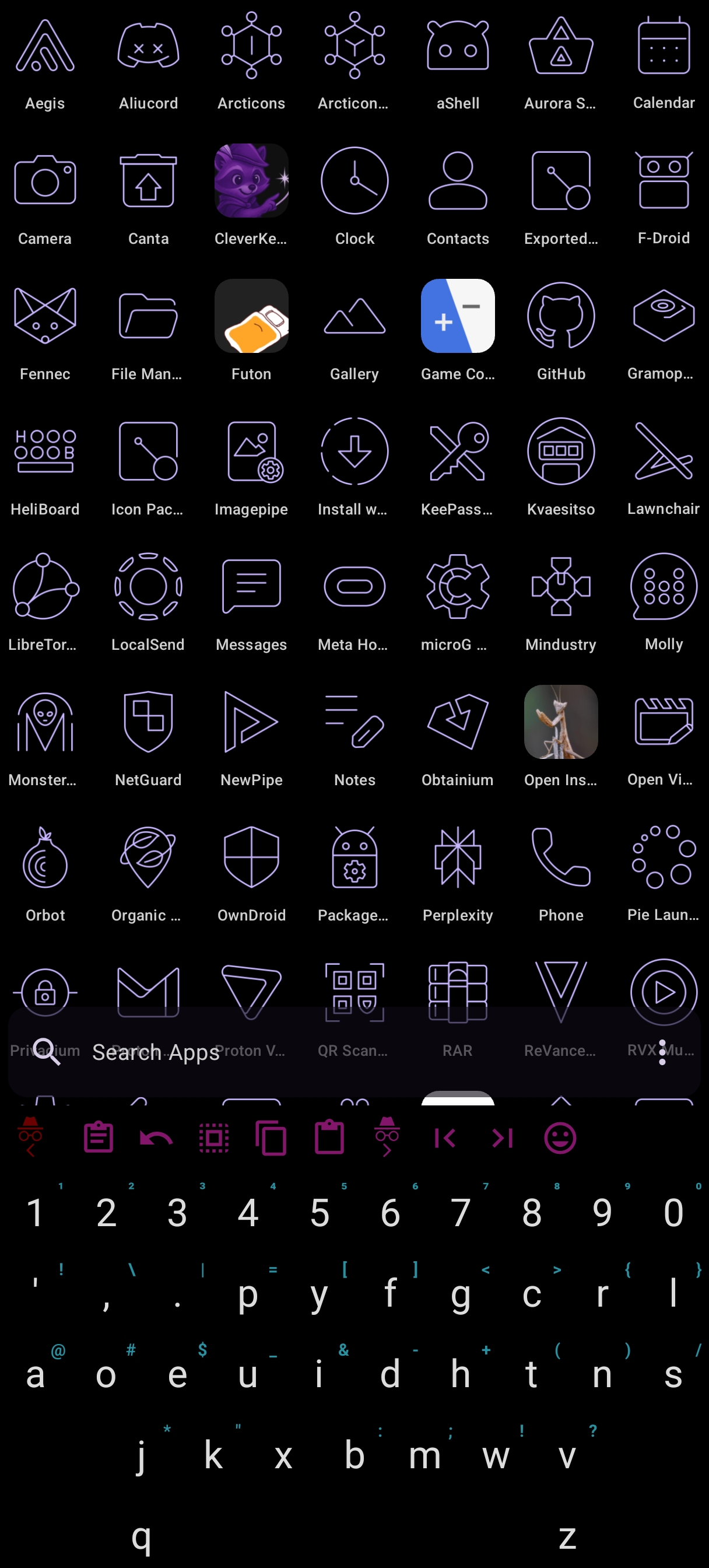
- Use the app drawer to pick an app and browse apps
Permissions
Dragon Launcher is a launcher: some of the permissions below are required by Android itself for core launcher duties (listing apps, setting the wallpaper, reacting to boot). This is the full list of permissions declared in the app manifests and why each one is used. None of them are used to collect or transmit data — the app has no internet access and does not even declare the INTERNET permission.
| Permission | Type | Why it is used |
|---|---|---|
android.permission.POST_NOTIFICATIONS | Runtime | Notifications from the app, e.g. Wellbeing app timers and break reminders. Also uses to display the download progress of the fonts |
android.permission.QUERY_ALL_PACKAGES | Install | List every installed app to power the app drawer, app/app-shortcut/widget pickers and icons. |
android.permission.ACCESS_NETWORK_STATE | Install | Show network connectivity (Wi-Fi / mobile data) in the status bar. |
android.permission.READ_BASIC_PHONE_STATE | Install (app op) | Basic phone state only, to display the mobile data / hotspot type in the status bar. |
android.permission.VIBRATE | Install | Haptic feedback on gestures and interactions. |
android.permission.SET_WALLPAPER | Install | Set the home screen wallpaper from the launcher. |
android.permission.RECEIVE_BOOT_COMPLETED | Install | Restore the launcher and restart services after the device reboots. |
android.permission.EXPAND_STATUS_BAR | Install (signature) | Expand the notification shade / quick settings from a swipe action. |
android.permission.REQUEST_INSTALL_PACKAGES | Special access | Install APK files opened through a launcher action. |
android.permission.REQUEST_DELETE_PACKAGES | Install | Offer to uninstall an app from the launcher (the system asks for confirmation). |
android.permission.BIND_APPWIDGET | Install | Bind widgets to the home screen. |
com.android.alarm.permission.SET_ALARM | Install | Start the system alarm-clock flow from an action. |
android.permission.SCHEDULE_EXACT_ALARM | Special access | Schedule exact alarms for Wellbeing timers. |
android.permission.FOREGROUND_SERVICE | Install | Run foreground services (Wellbeing timers, overlay reminders). |
android.permission.FOREGROUND_SERVICE_SPECIAL_USE | Install | Foreground service type specialUse for the timer overlay. |
android.permission.SYSTEM_ALERT_WINDOW | Special access | Show the Wellbeing "time to stop" popup over other apps. |
android.permission.PACKAGE_USAGE_STATS | Special access | Optional: usage statistics for the Wellbeing feature. |
android.permission.KILL_BACKGROUND_PROCESSES | Install | Stop a tracked app when its timer expires (Wellbeing). |
android.permission.INTERACT_ACROSS_USERS | Install (signature) | Interact with the work profile / other Android users. |
android.permission.INTERACT_ACROSS_USERS_FULL | Install (signature) | Full cross-user access (work profile, private space). |
android.permission.ACCESS_HIDDEN_PROFILES | Install | Android 15+: access apps in Private Space and other hidden profiles. |
Privacy & security
- No data collection
- Dragon Launcher has no access to the internet -> it cannot steal your data
- Uses Accessibility permissions (optionally) to:
- Expand notifications panel (needed by android)
- Uses accessibility to expand the notifications panel
- Expanding the quick actions / notifications isn't required on some Android version, there is a hidden settings in the debug tab, to change the way it opens the quick actions, cause on my phone, the notifications action opens the quick actions
- Lock screen (needed by android)
- It uses accessibility to lock the screen, as you pressed the lock button
- Open recent apps (needed by Android)
- You can choose to open the recent apps, just like when you click on the Square button, or do the recent apps gesture
- Auto launch Dragon on system launcher detected (used by some Xiaomi users that cannot set another default launcher without losing the gesture navigation)
- It will launch Dragon Launcher when the accessibility detects that you entered your system launcher, for a default launcher-like experience when it cannot be set as android default (configurable in debug settings)
- Expand notifications panel (needed by android)
- All data stored locally (you can backup manually or use the auto backup feature)
Screenshots



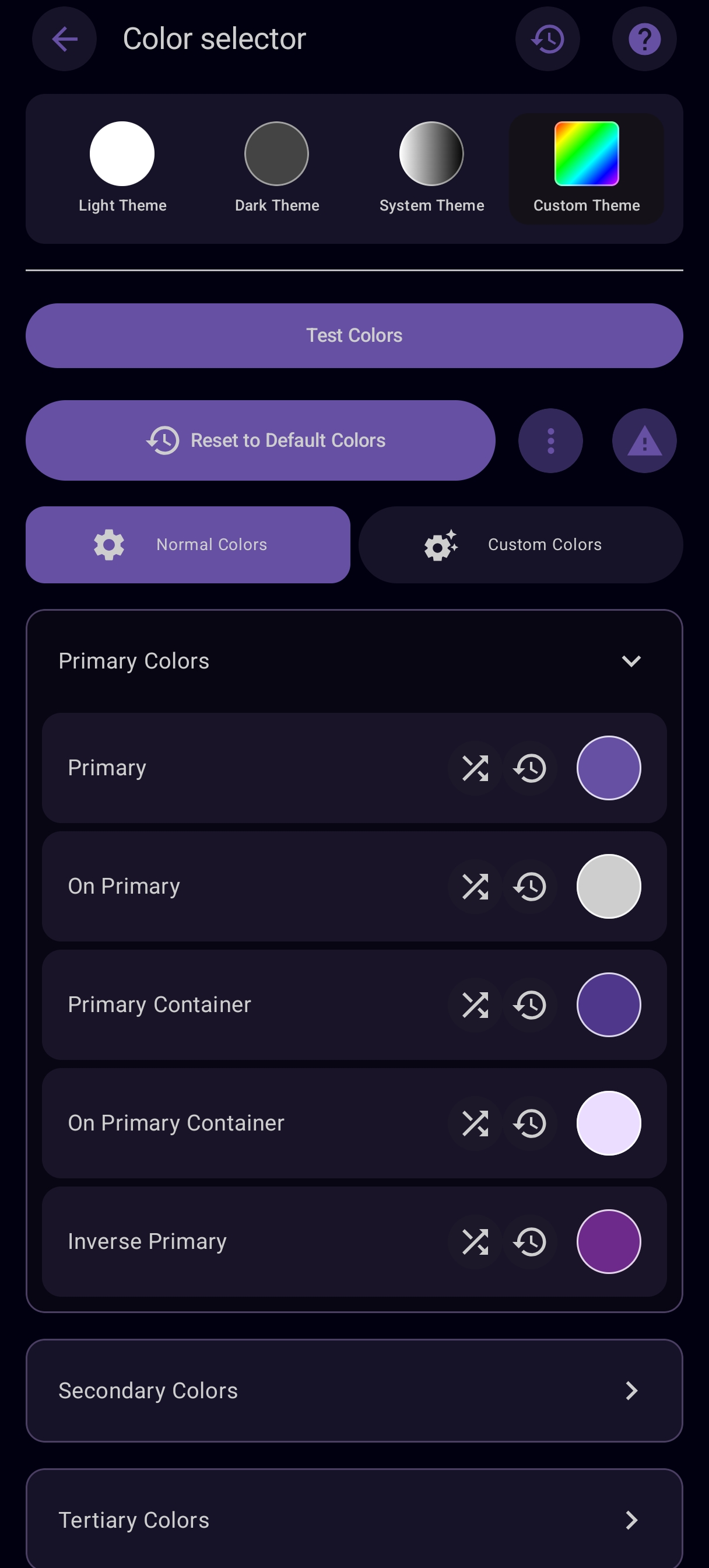
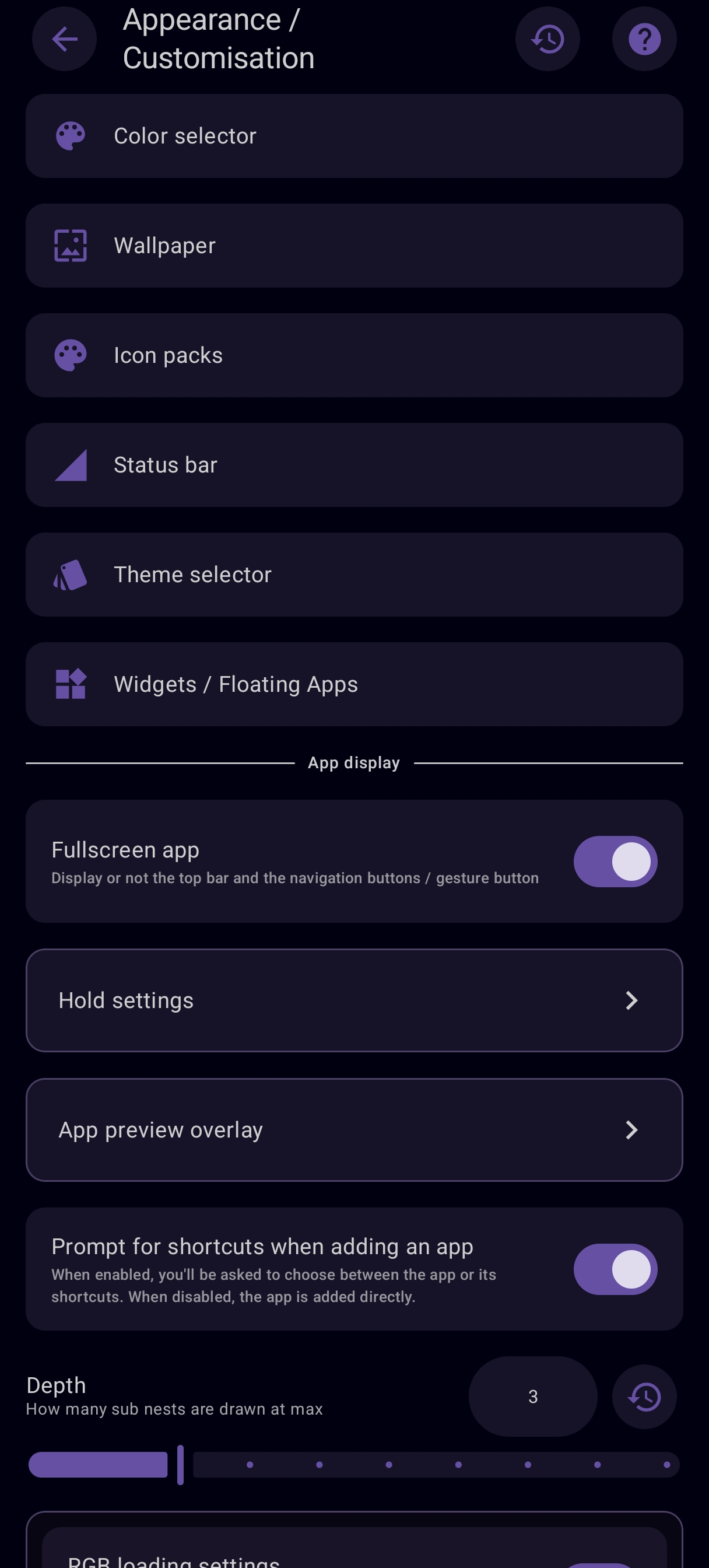
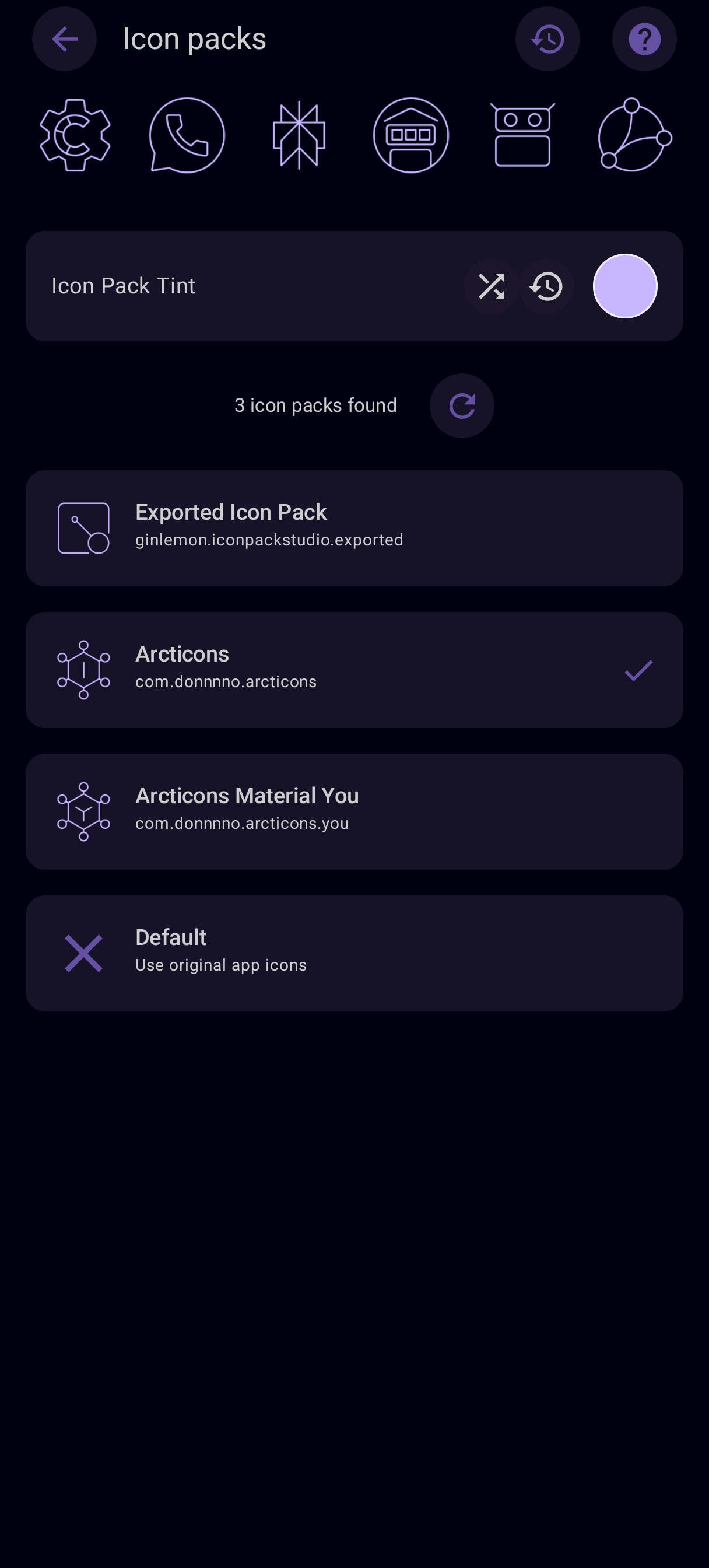
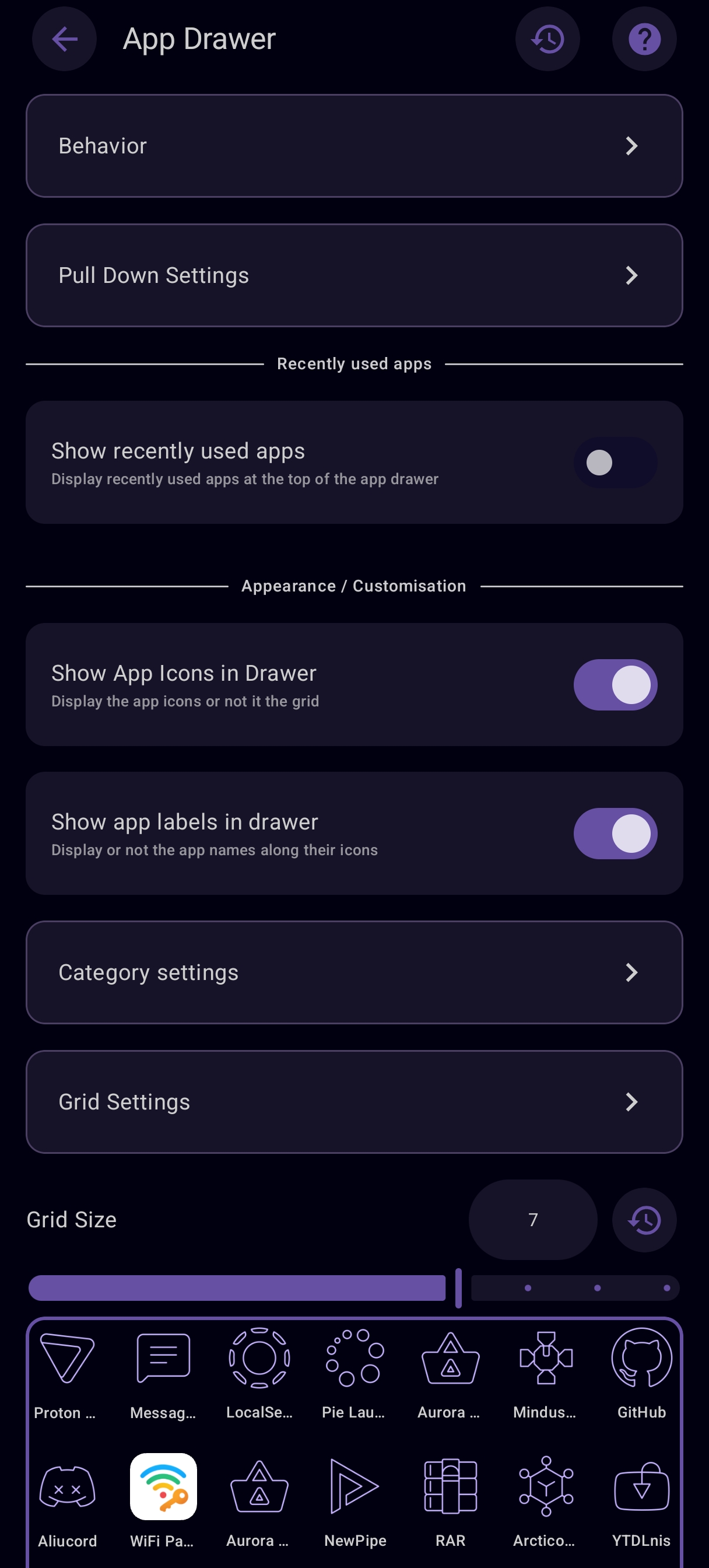
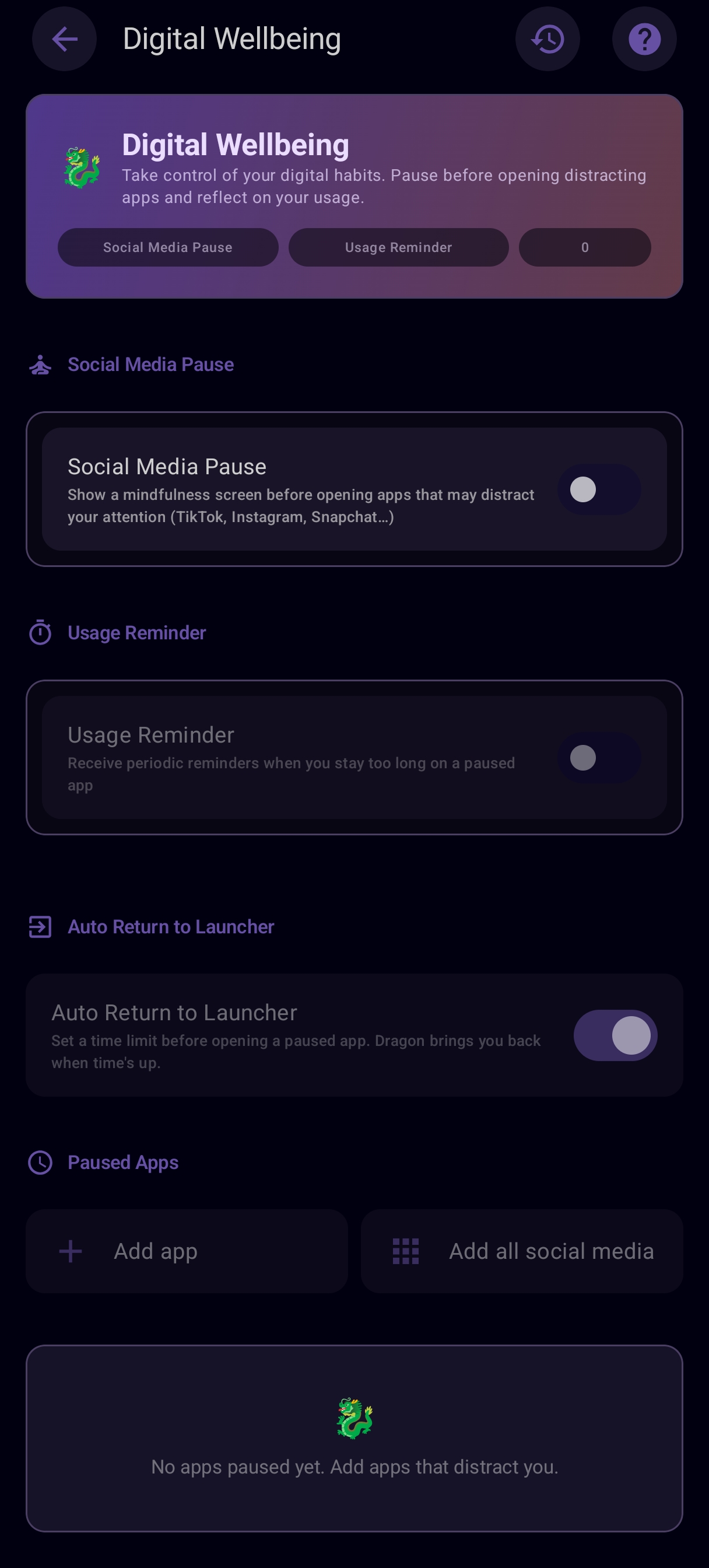
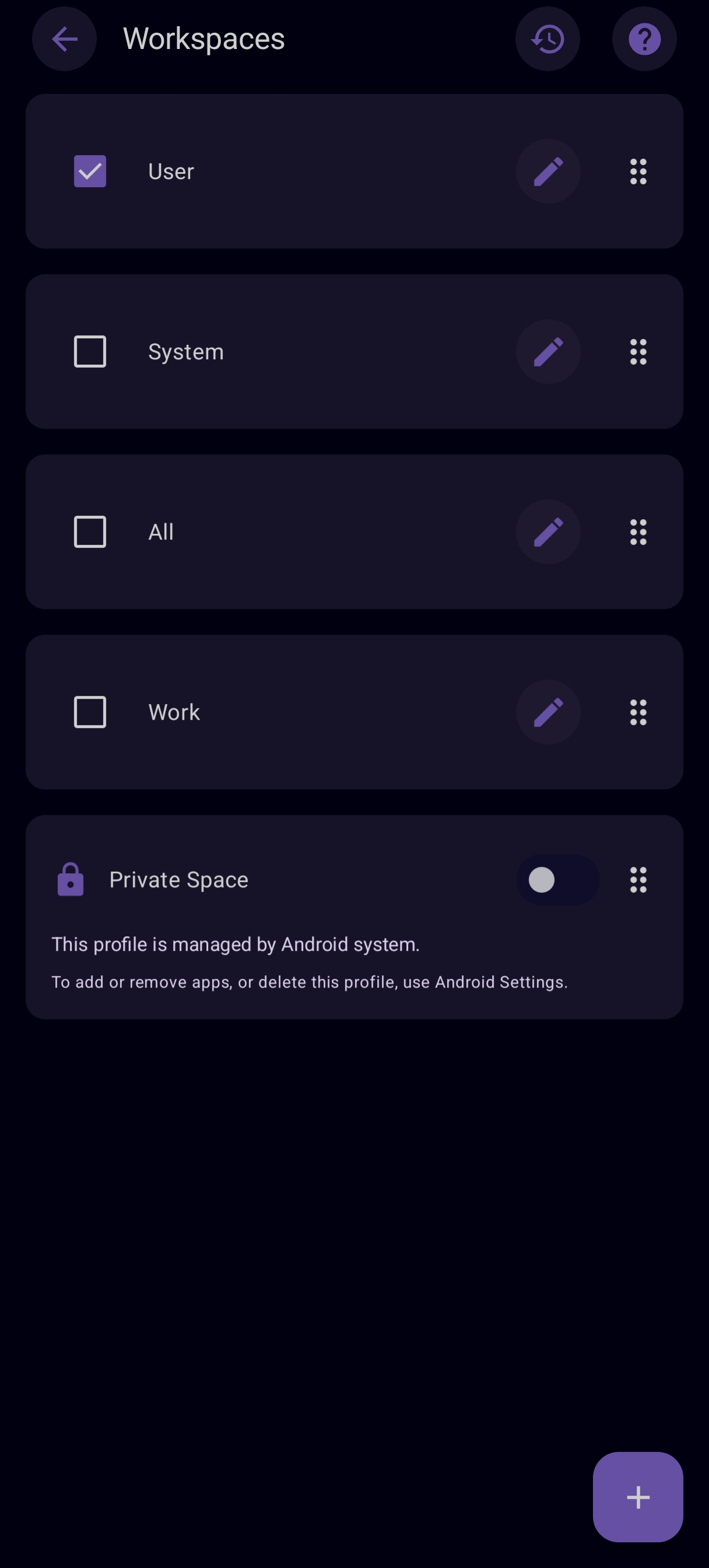
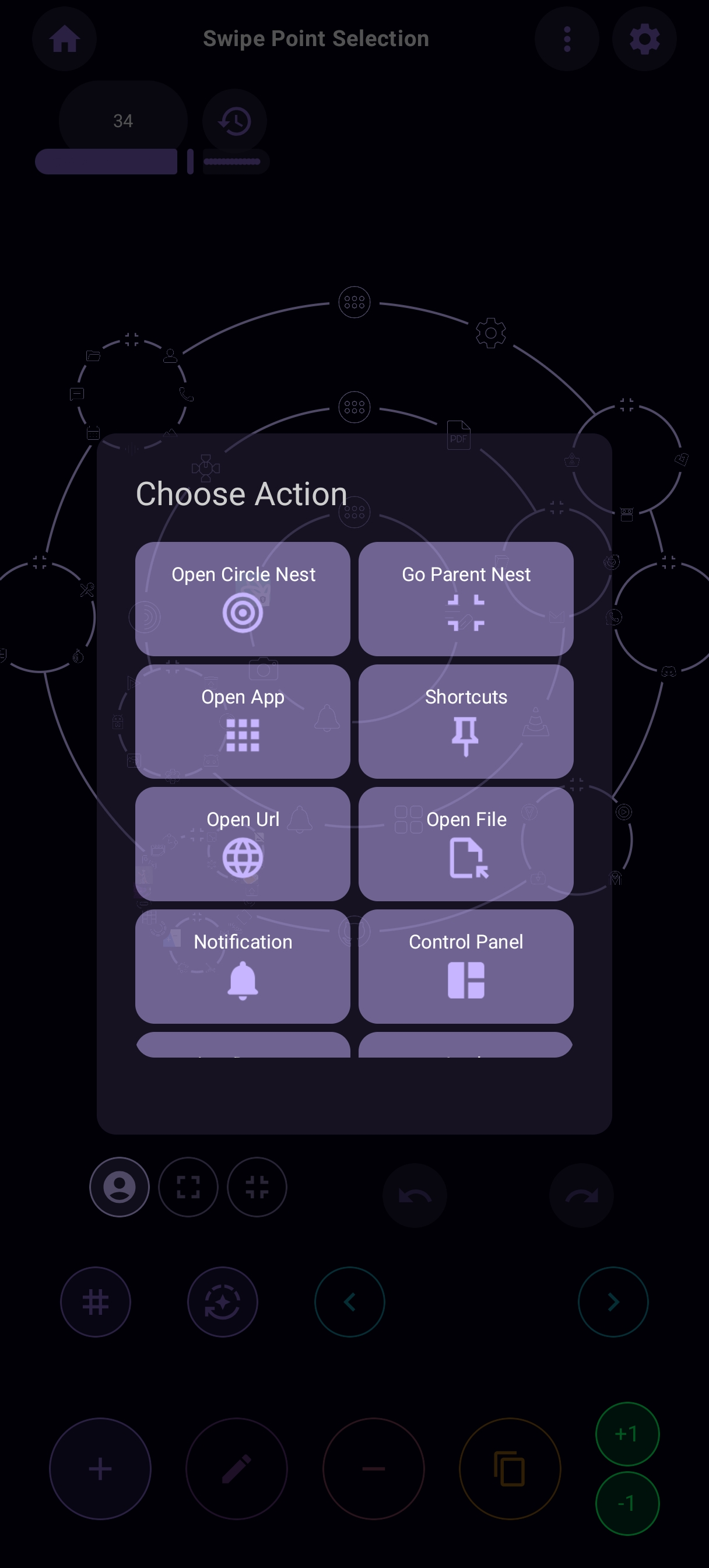
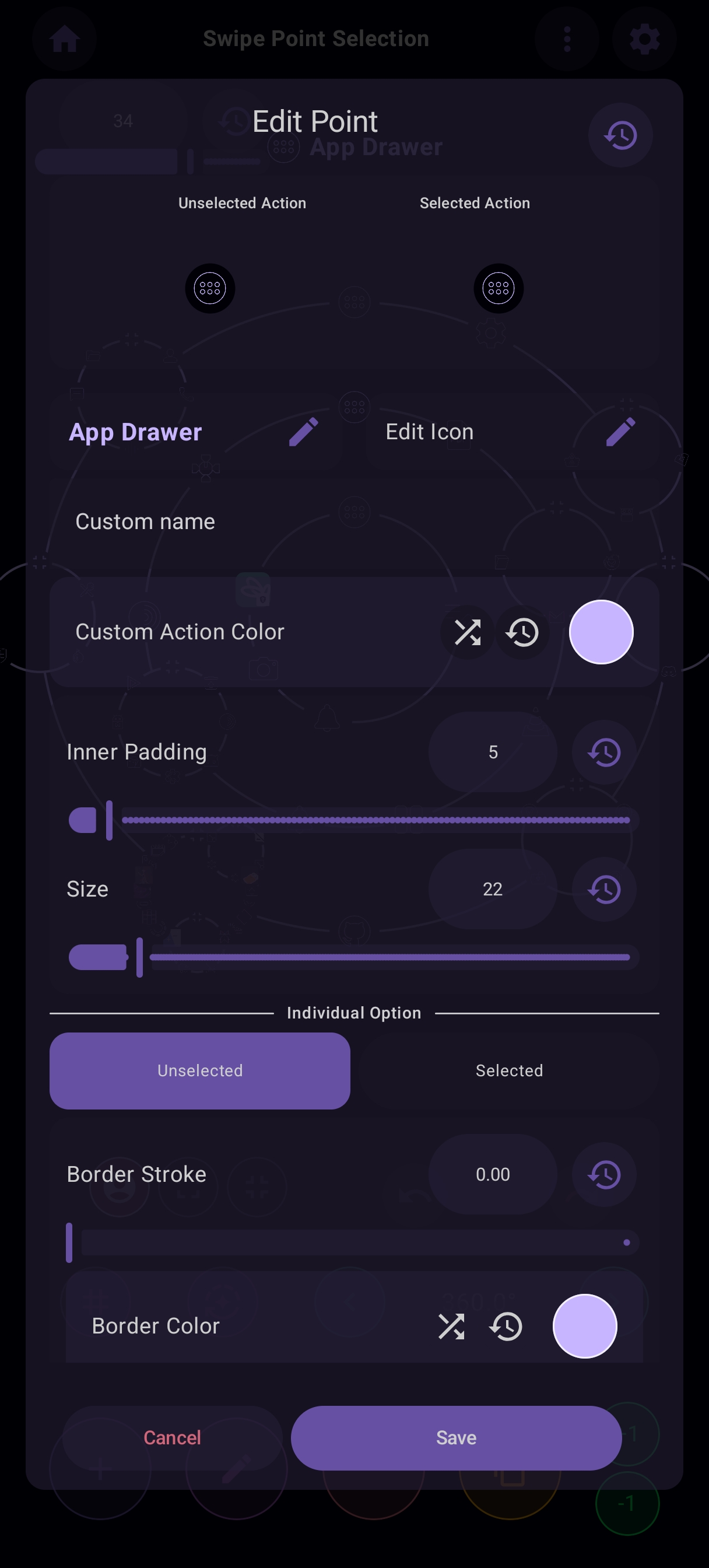
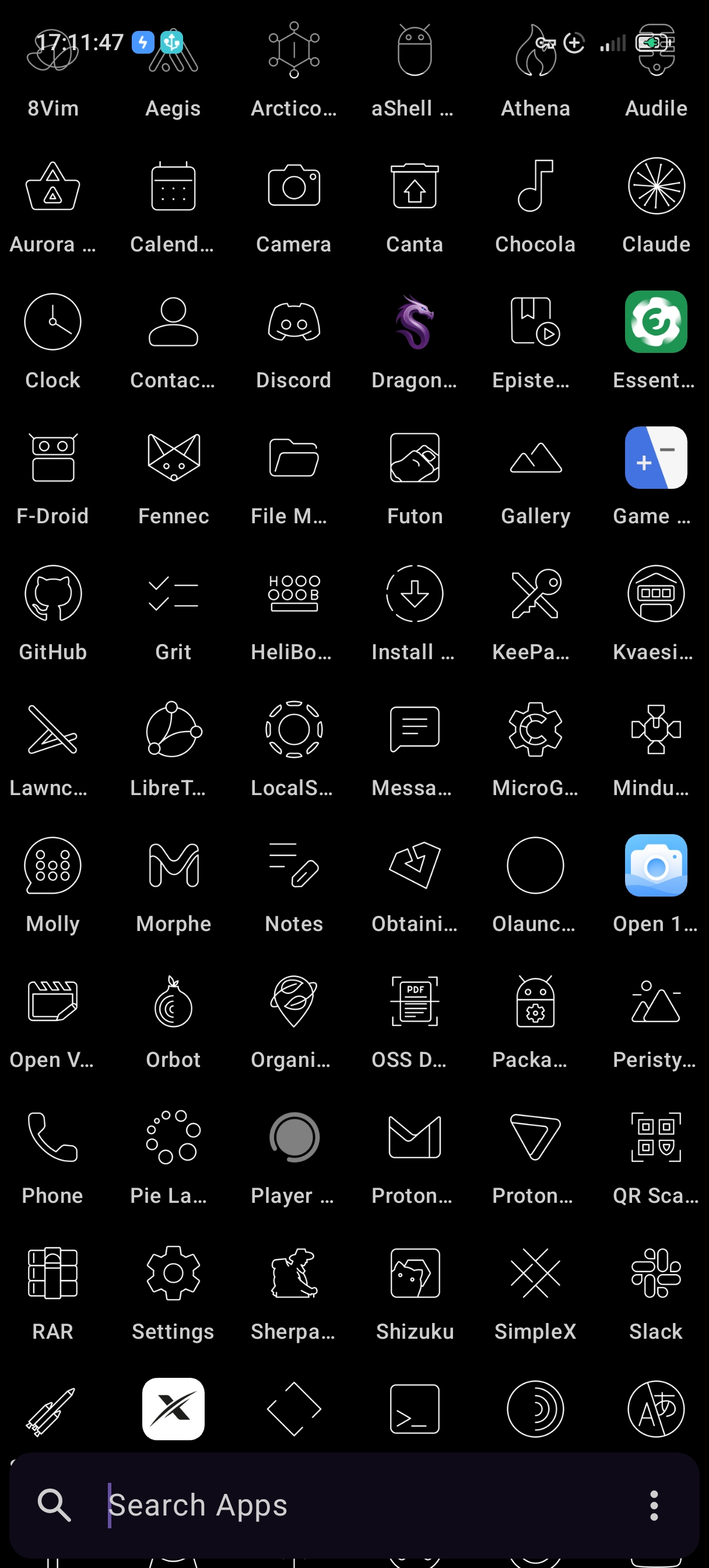
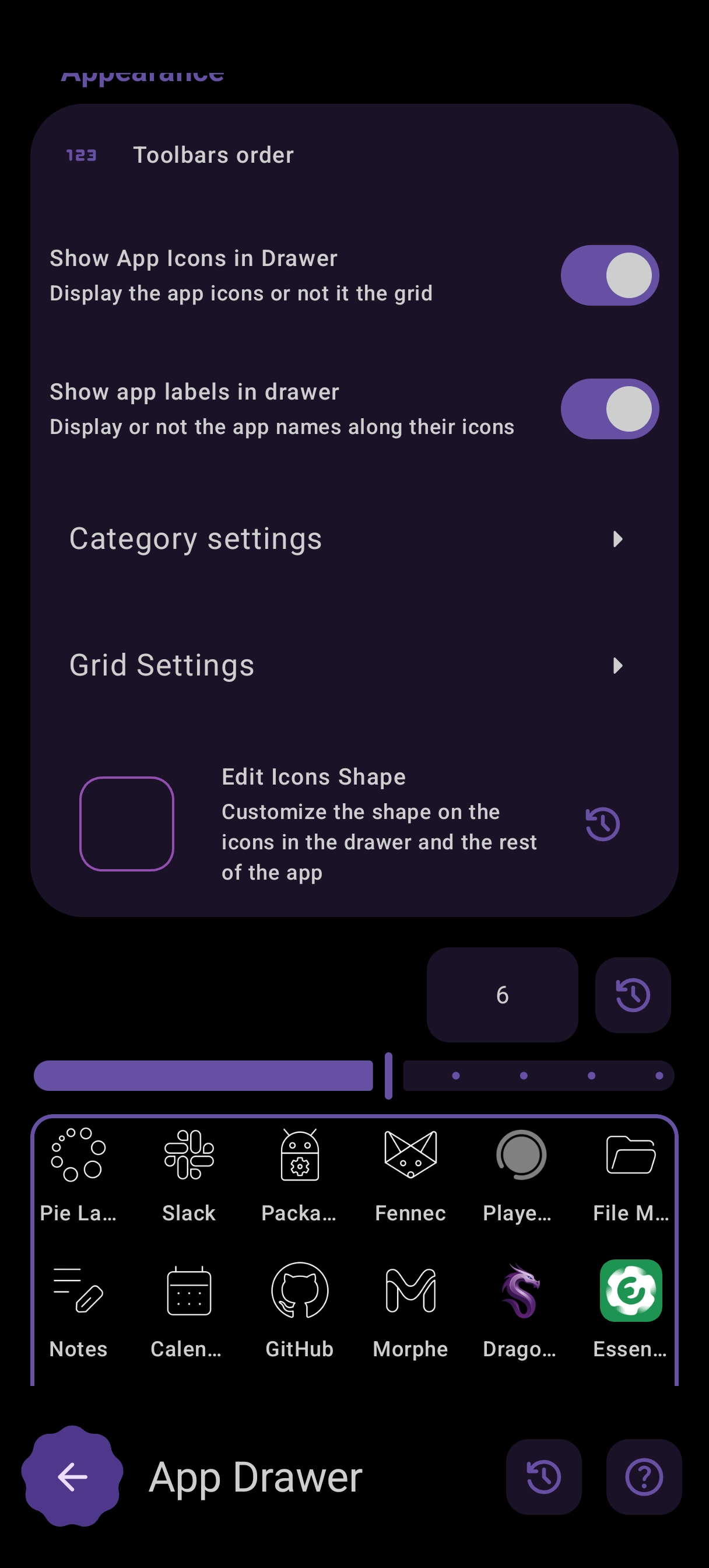
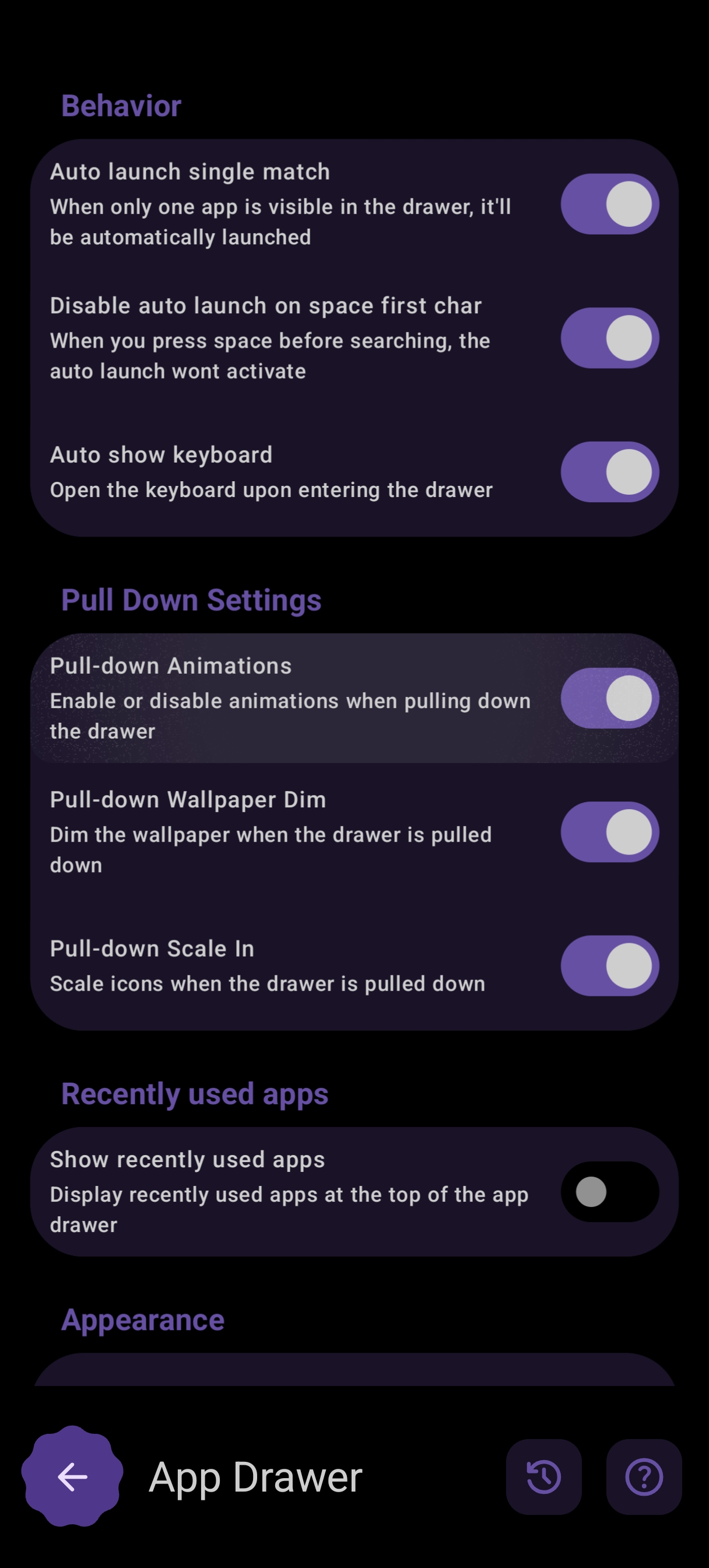
User Screenshots
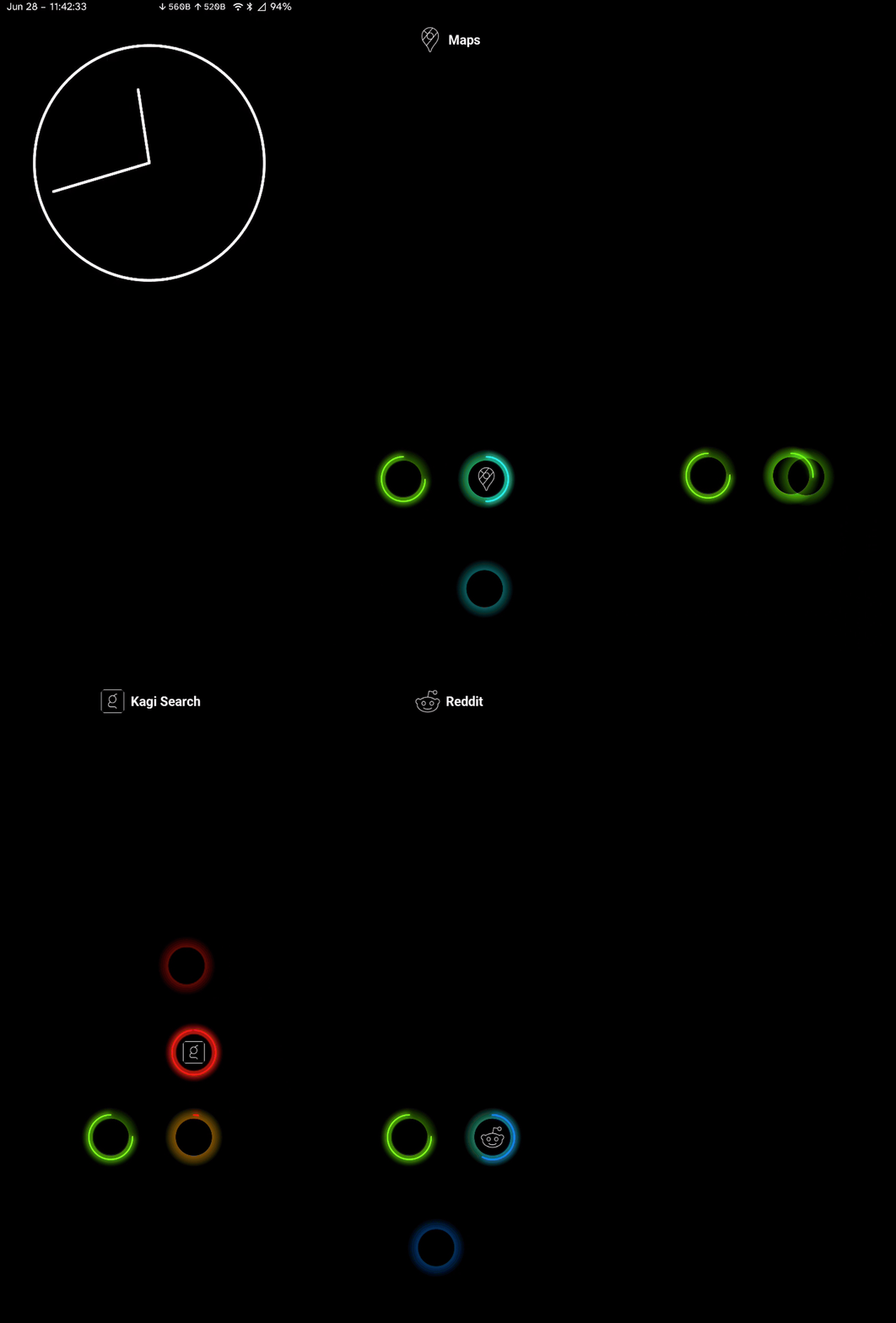
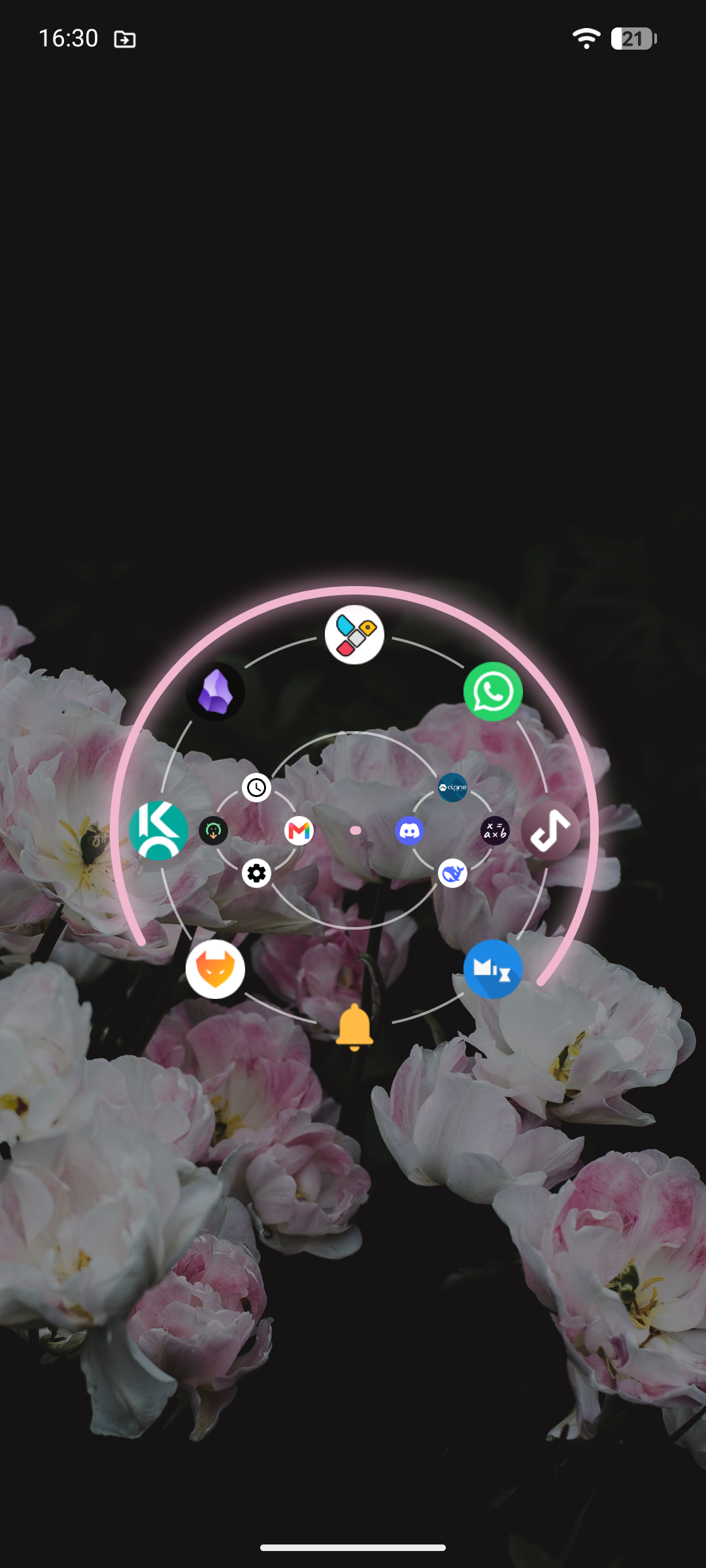
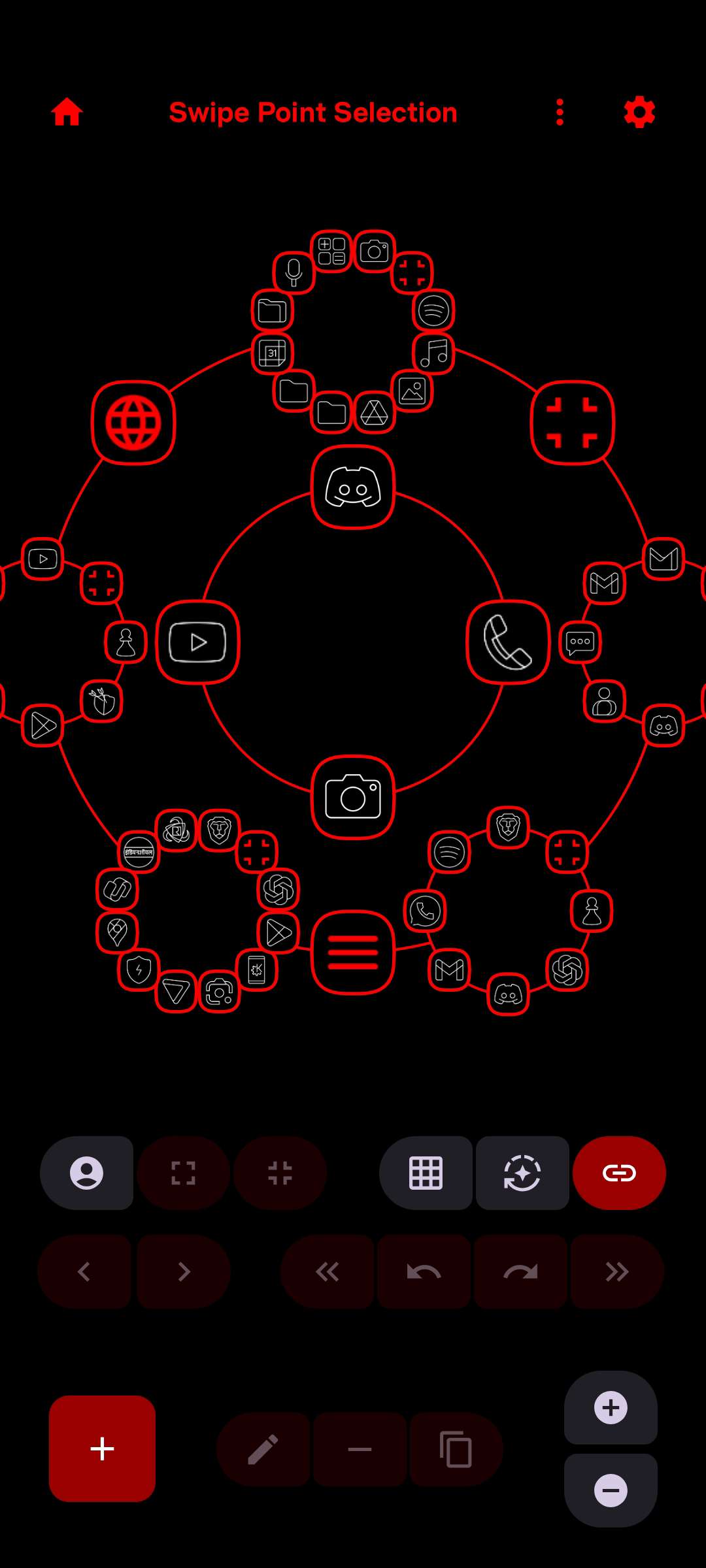
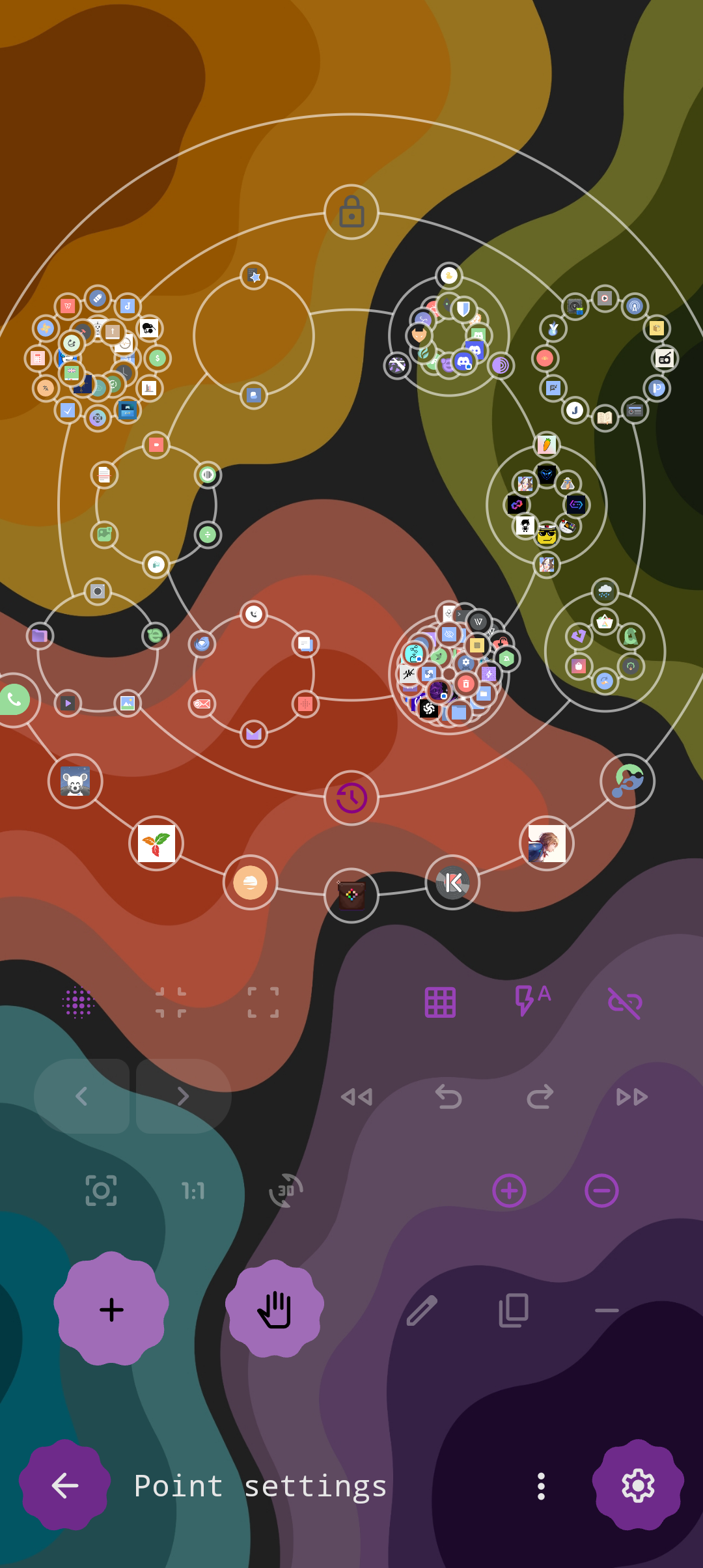
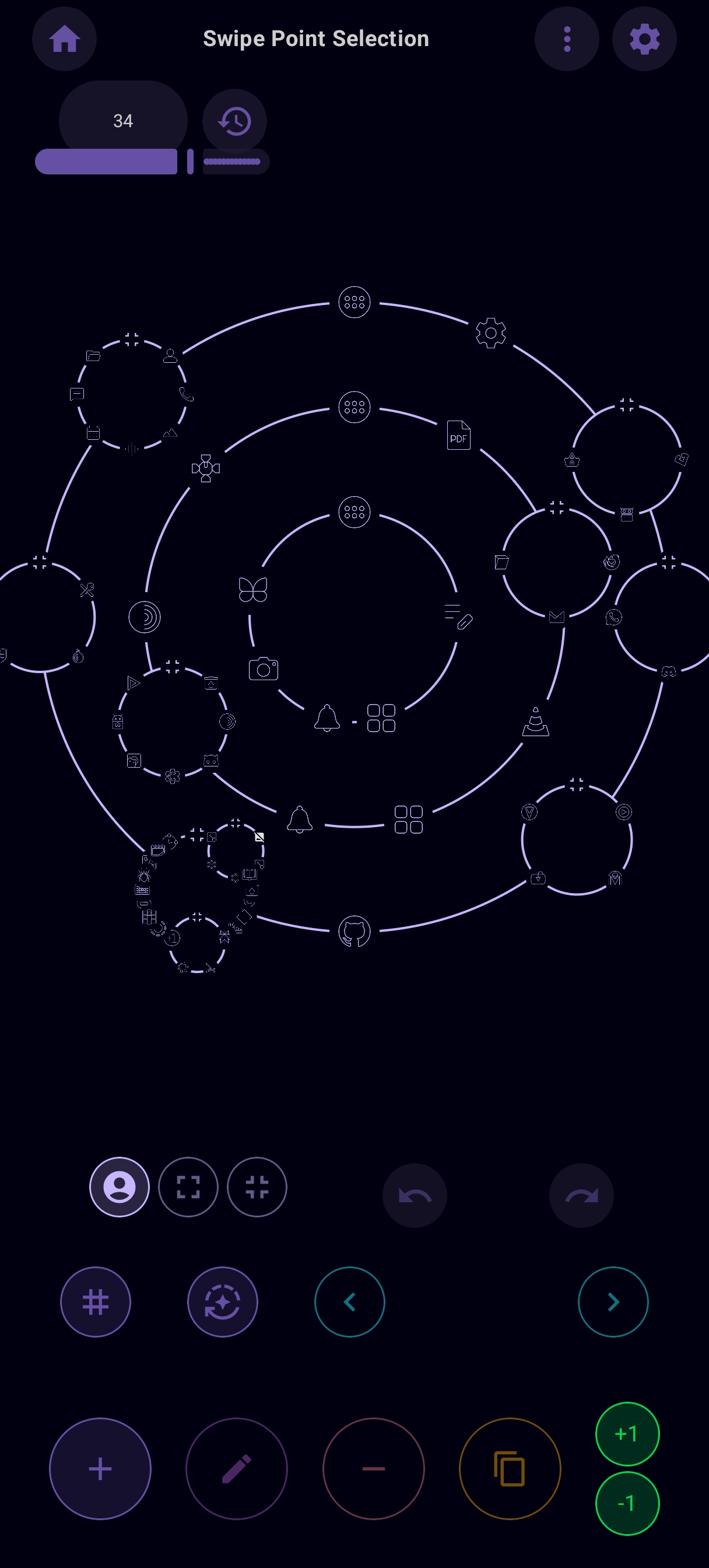
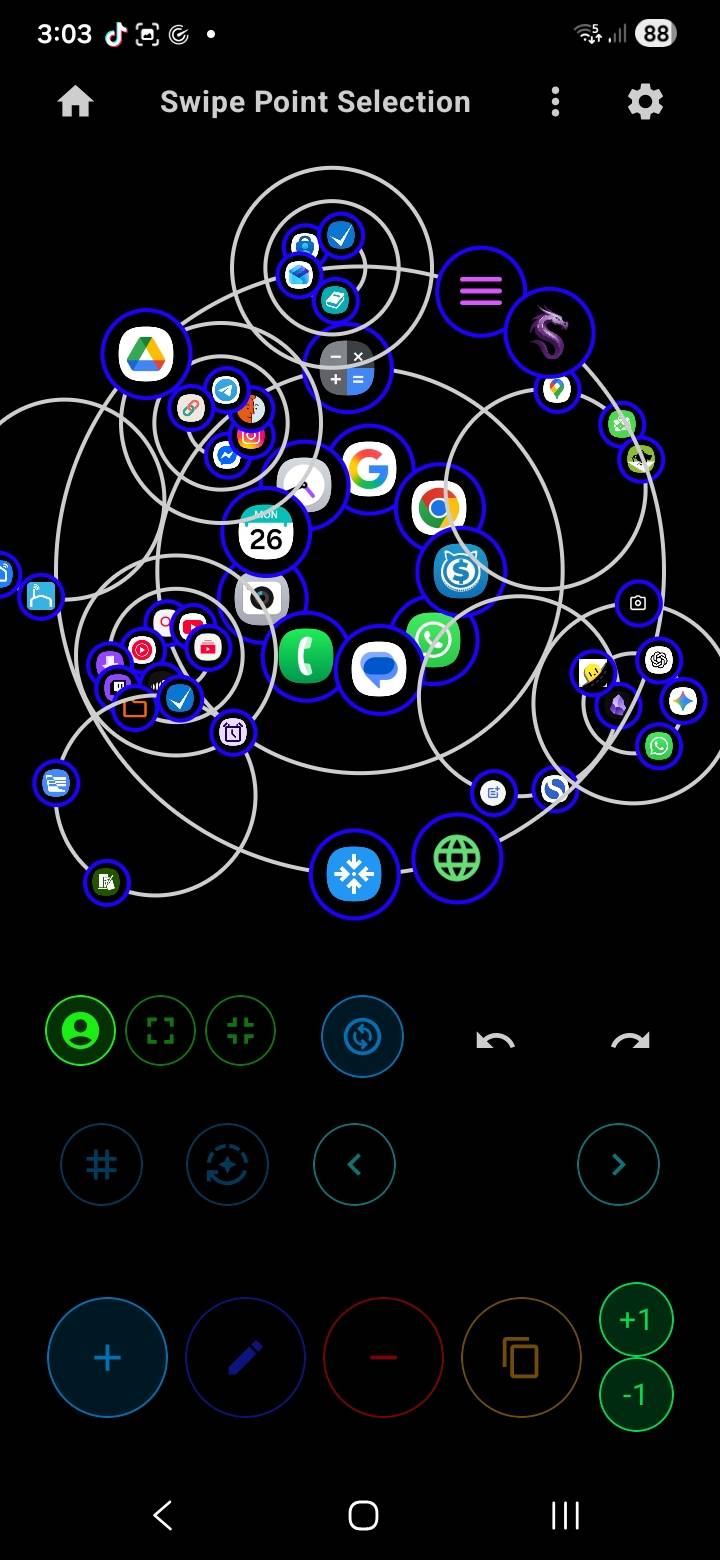
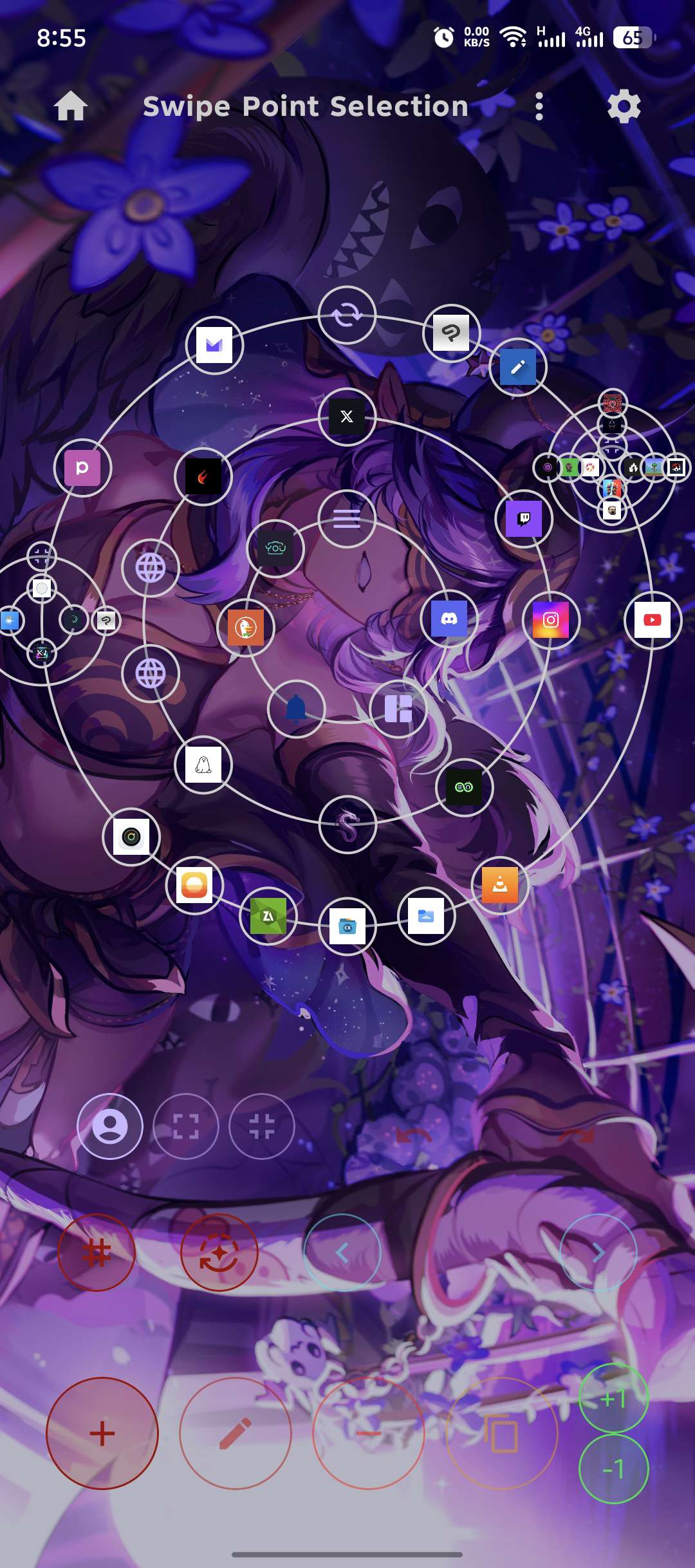
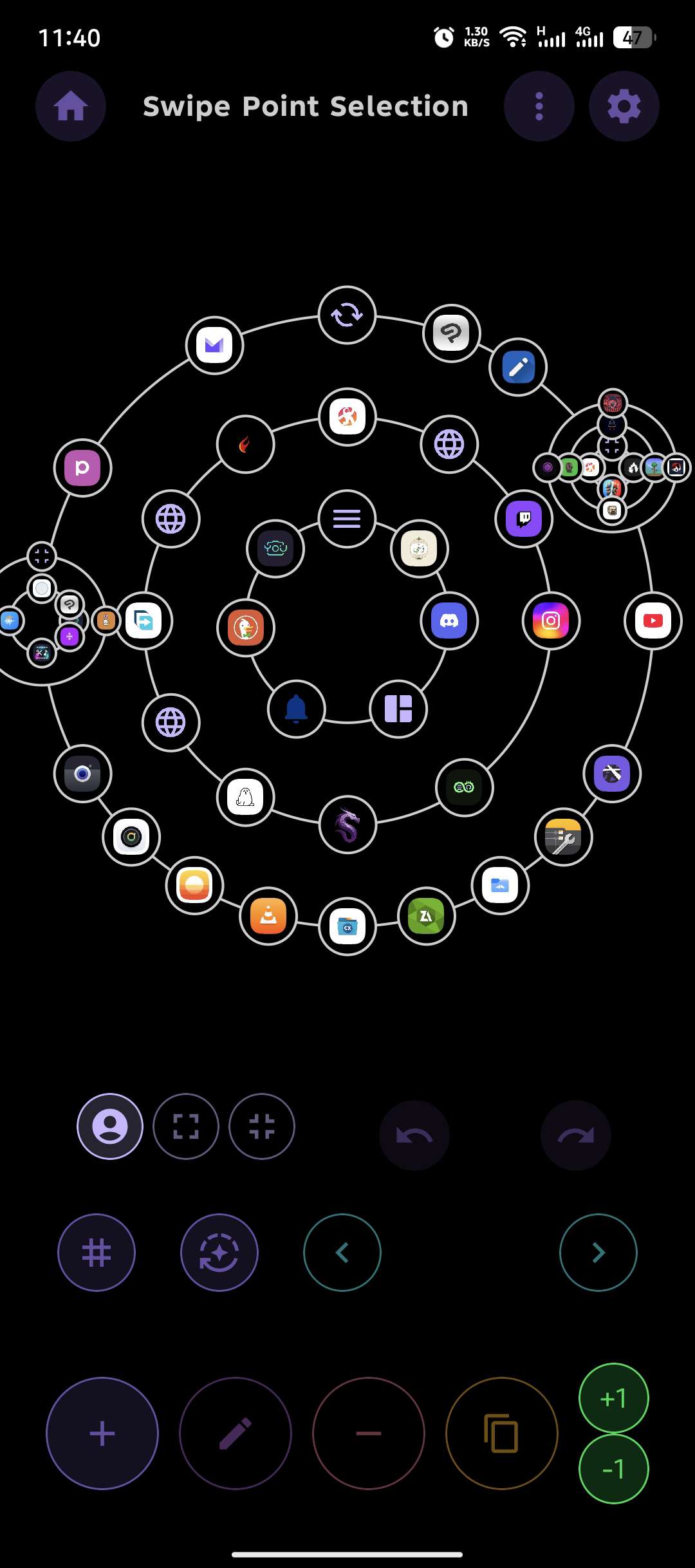
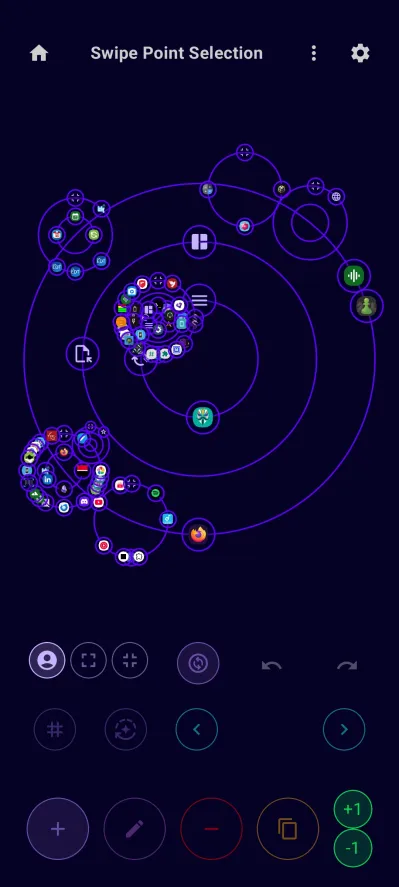
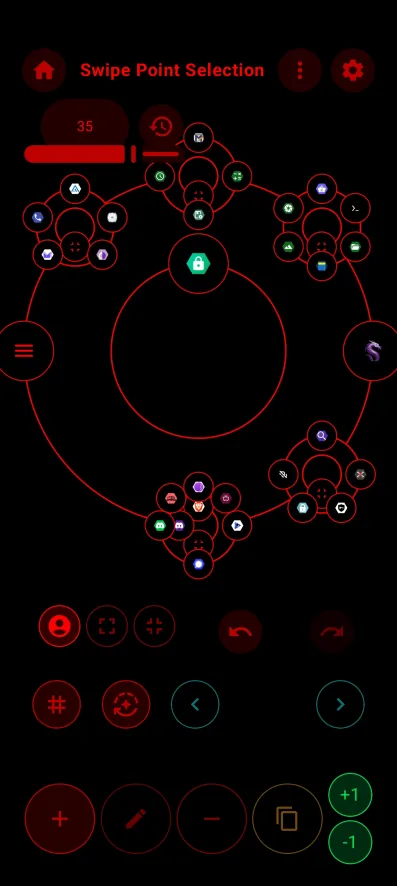
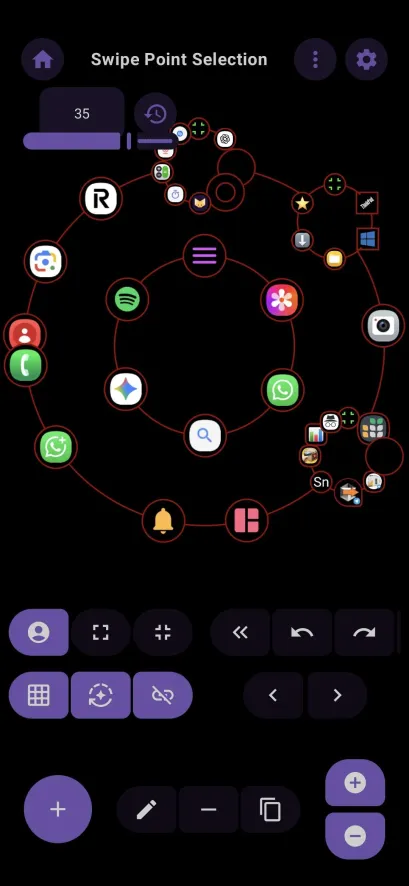
More screenshots
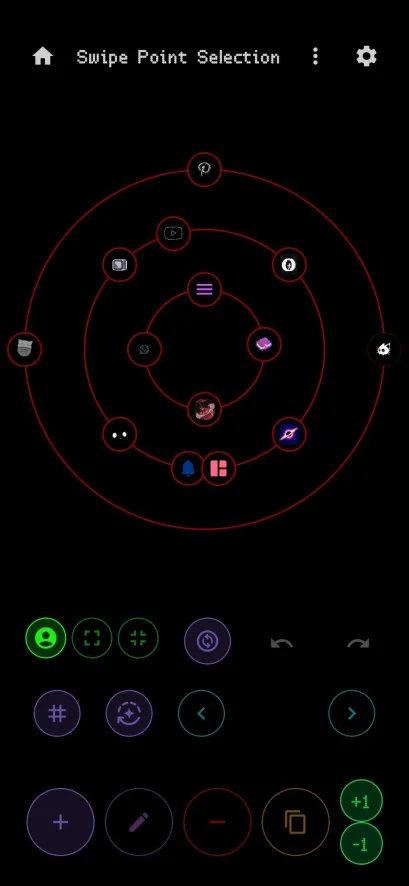
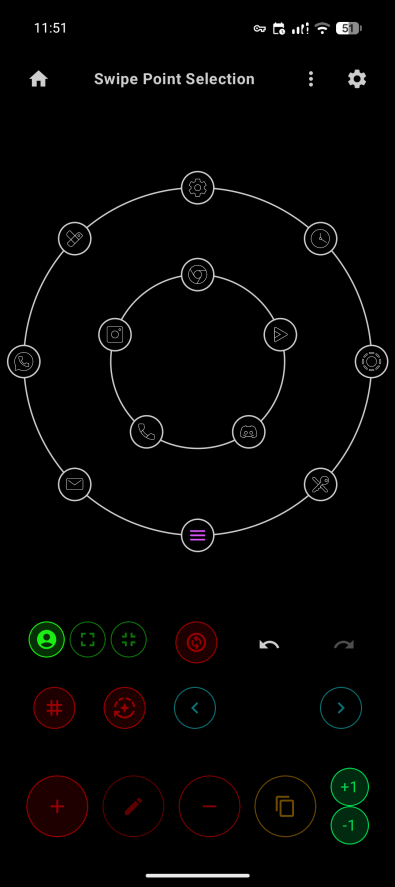
Signing
Releases / F-Droid signing key (SHA-256):
63068d94e01eeae50efcb2a0c43dfa8ac503a421cdeaf353d45b69ab933c0a06
Verify:
apksigner verify --print-certs DragonLauncher-*.apk
Contributing
- Contributions are welcome! Feel free to submit pull requests or open issues.
- Check CONTRIBUTING.md for contributions guidelines
- You may join the Discord server to discuss more easily about changes in the project.
- If you want to help translating, check out the project on Weblate.
License
- This project is open-source under the GPL 3 Licence.