Jimmer DTO LSP
April 12, 2025 · View on GitHub






Features
- Syntax highlighting.
- Compiler checking.
- Automatic completion for prop, macro, function, keyword, comment etc.
- Folding code block.
- Structure view.
- Format dto file.
- Hover for export, import, macro, prop, alias group etc.
- Go to definition.
- Find symbol.
- Mark dto generated.
Implemented LSP features
- ✅ textDocument/didOpen.
- ✅ textDocument/didChange.
- ✅ textDocument/didSave.
- ✅ textDocument/didClose.
- ✅ textDocument/completion.
- ✅ textDocument/foldingRange.
- ✅ textDocument/formatting.
- ✅ textDocument/semanticTokens/full.
- ✅ textDocument/documentSymbol.
- ✅ textDocument/hover.
- ✅ textDocument/definition.
- ✅ textDocument/codeLens.
- ✅ workspace/executeCommand.
- ✅ workspace/symbol.
- ✅ workspace/configuration.
- ✅ $/progress.
Screenshots
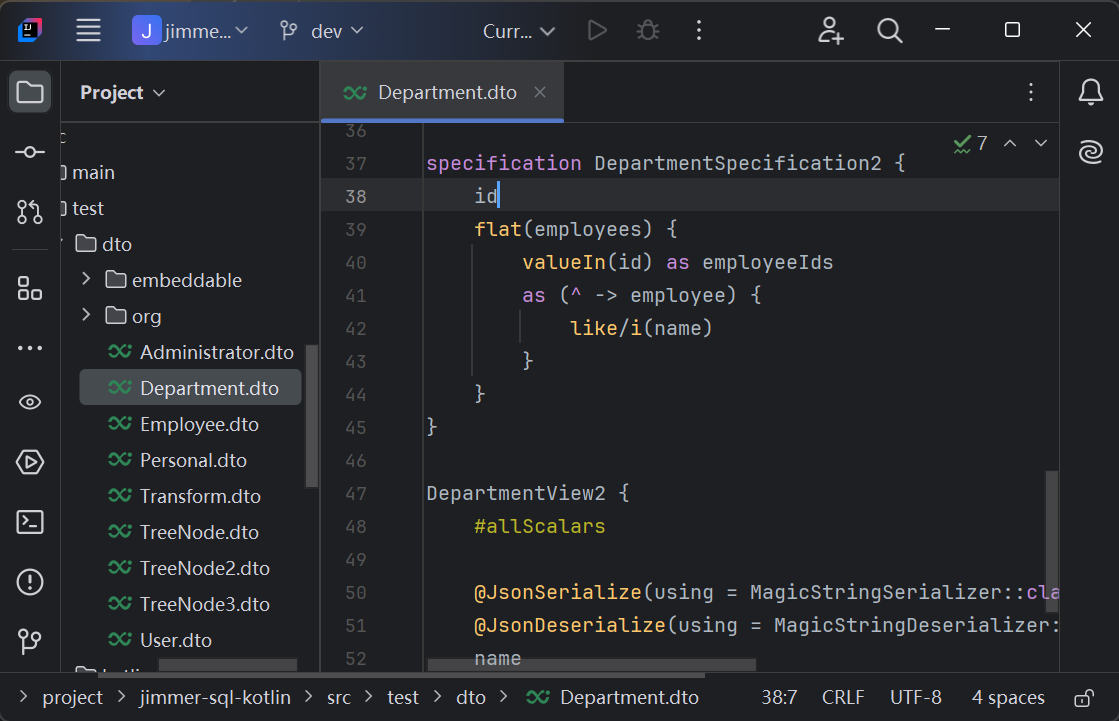
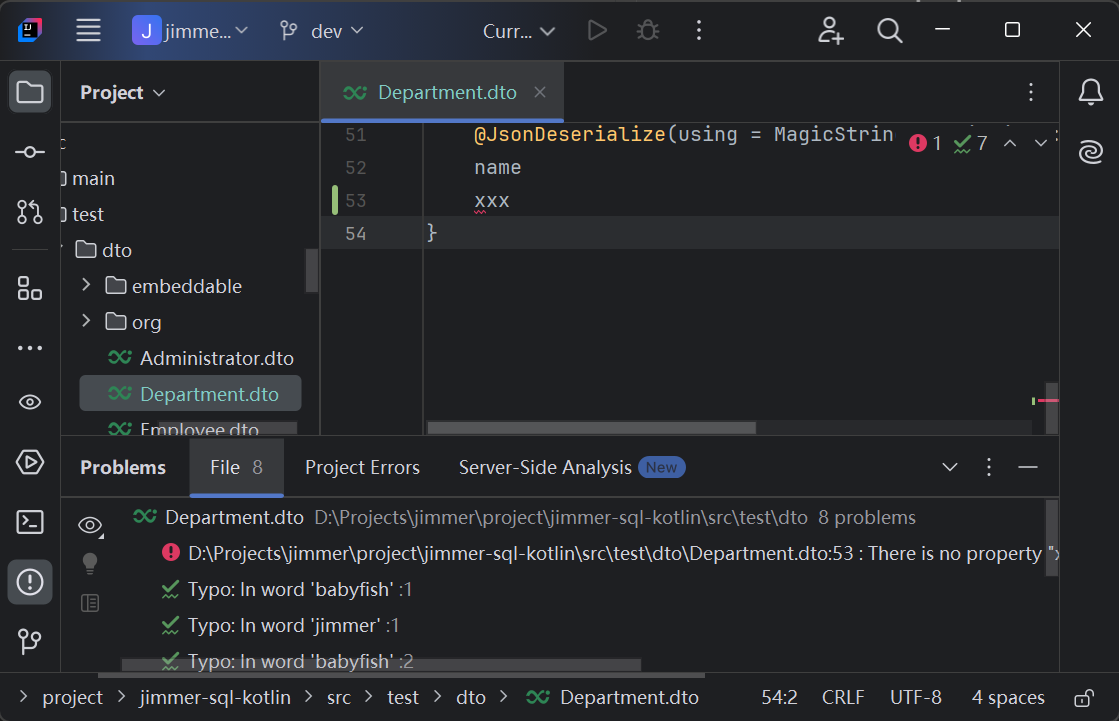
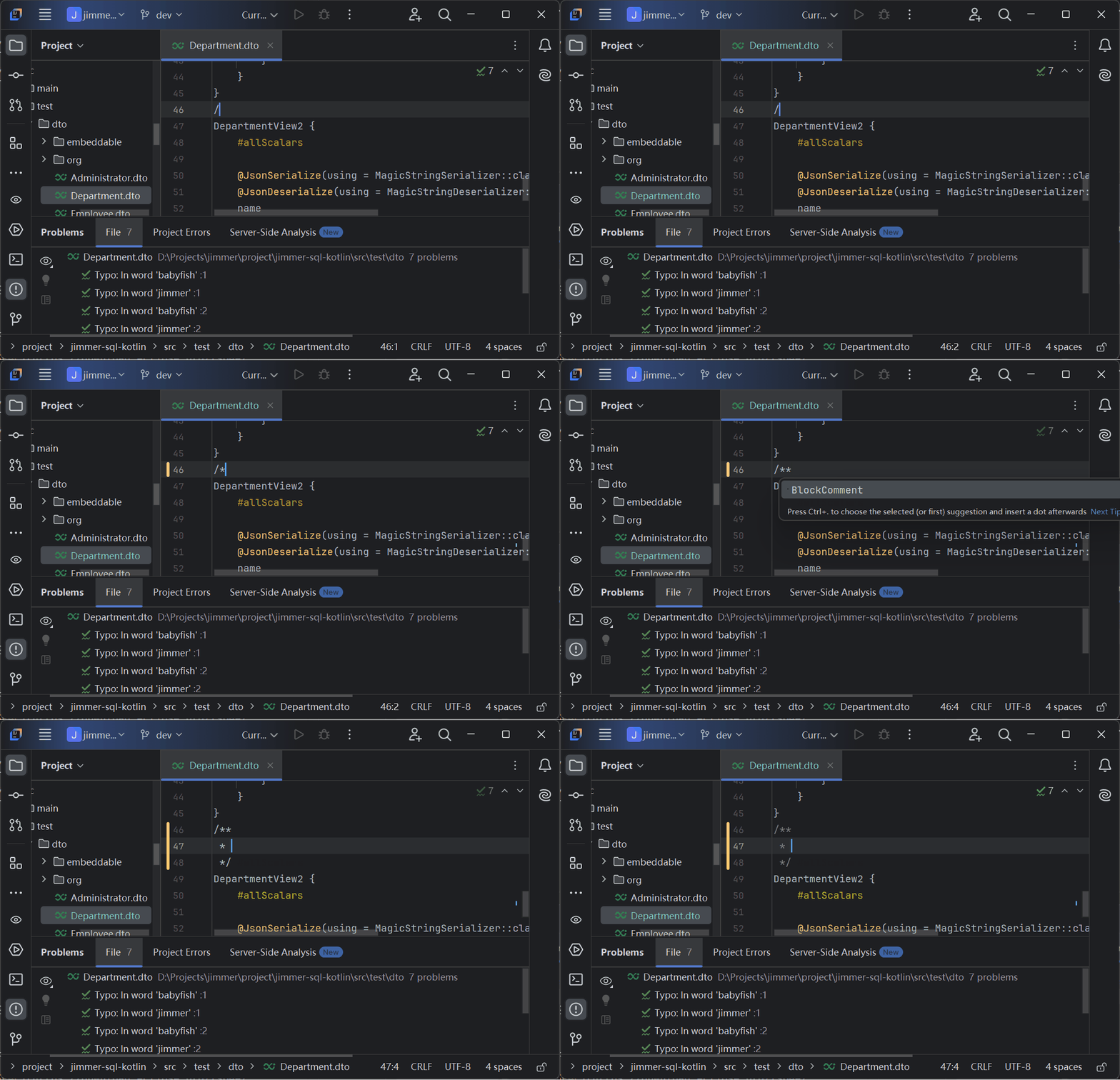
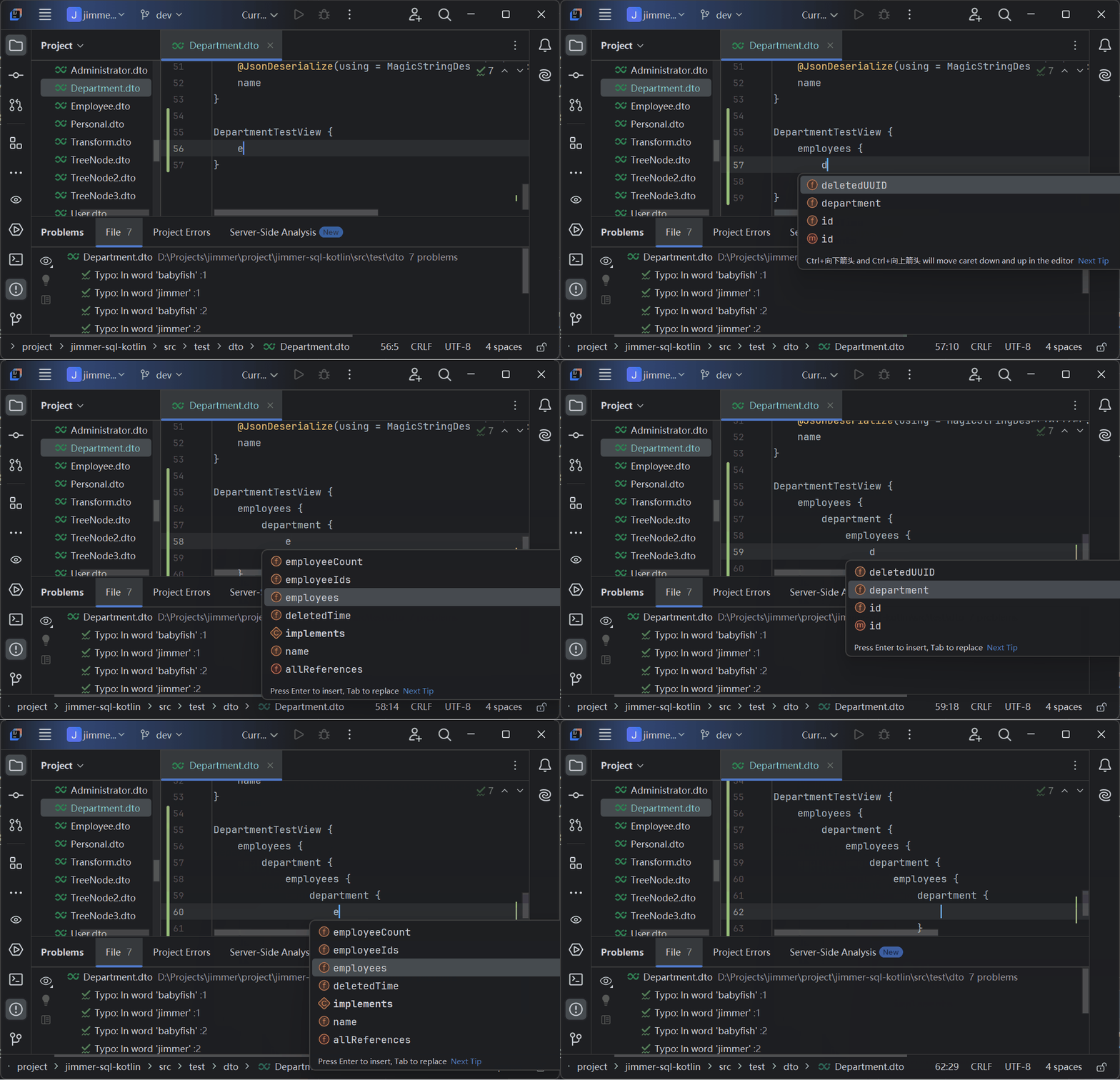

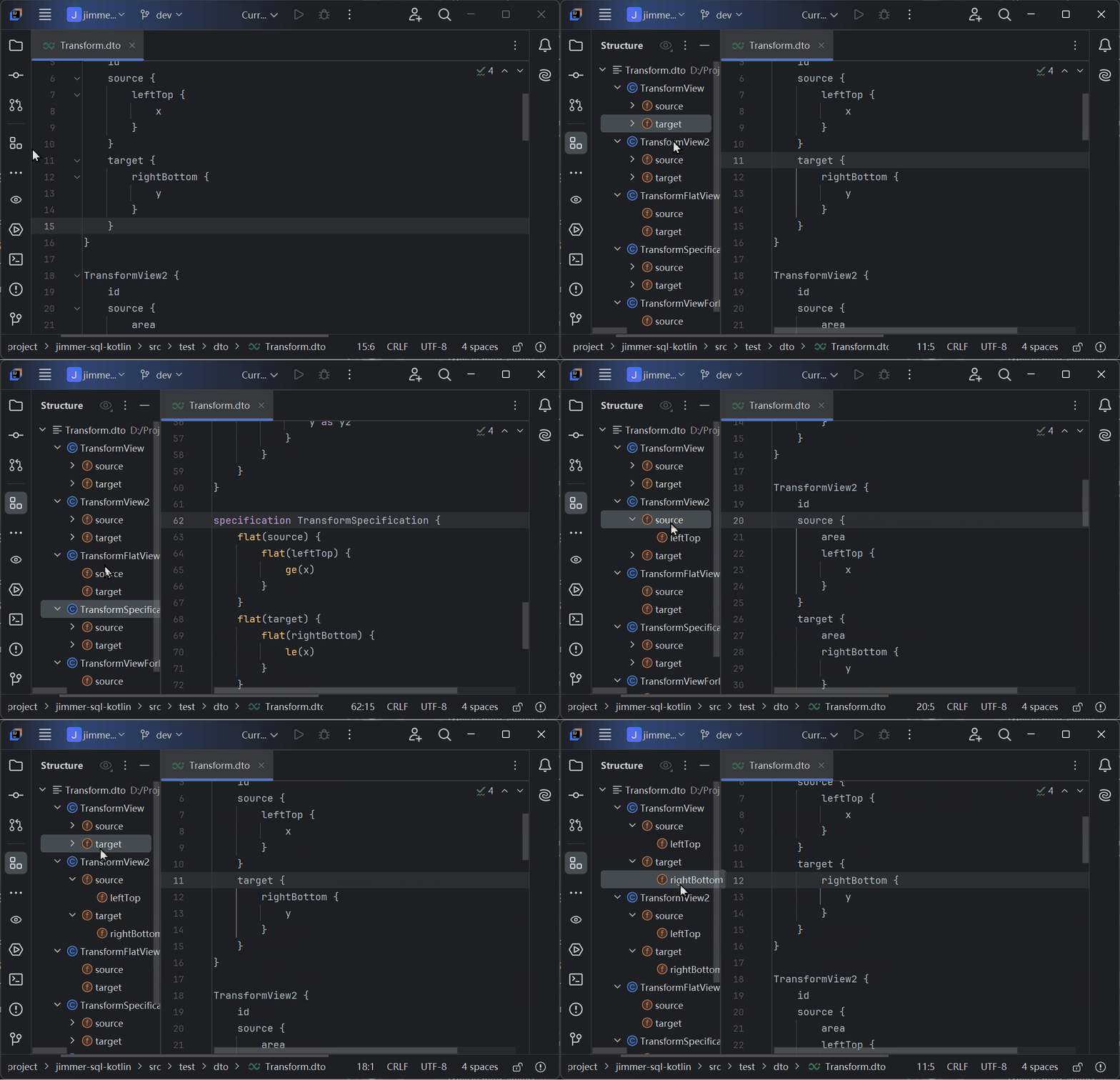

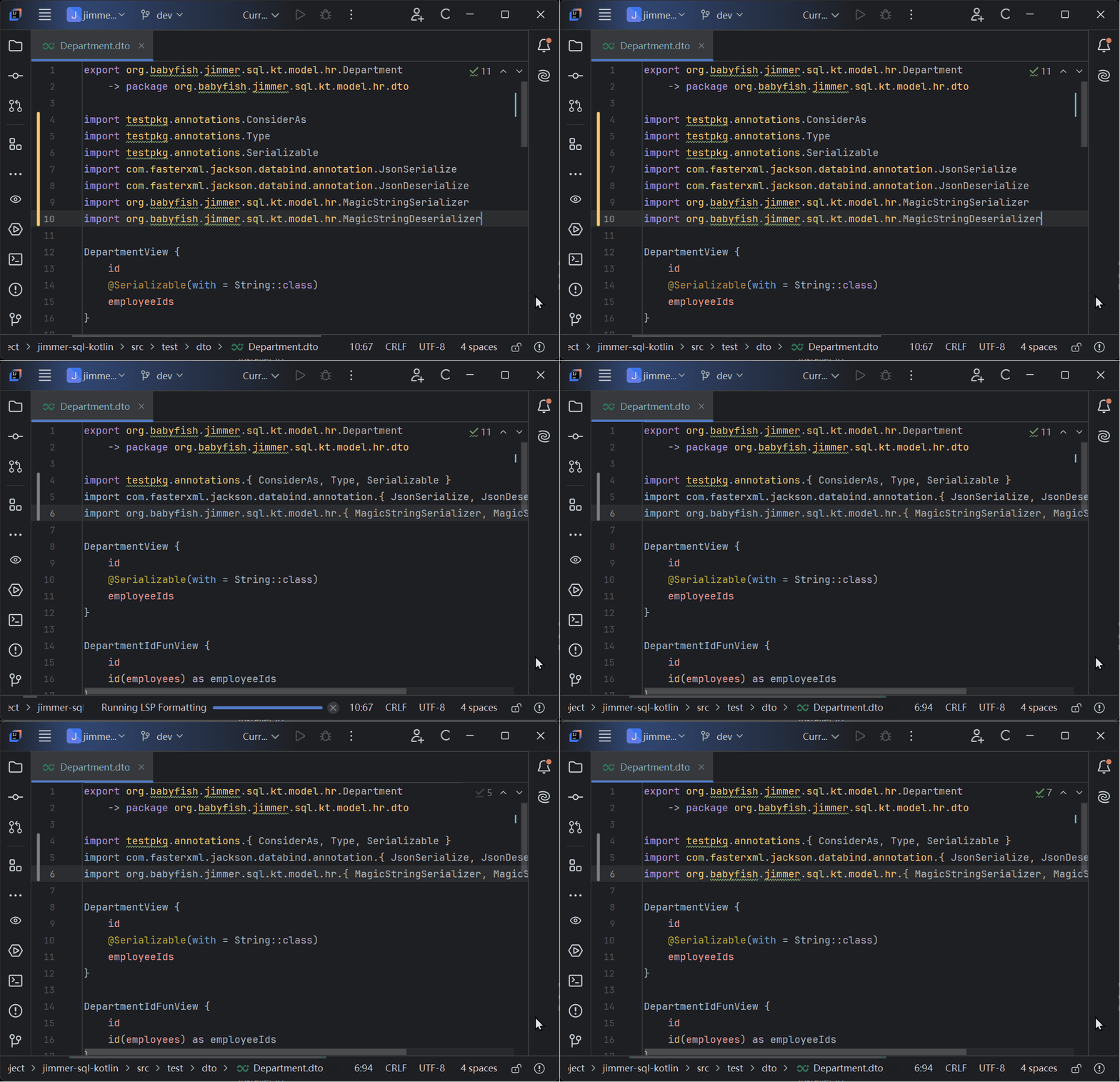
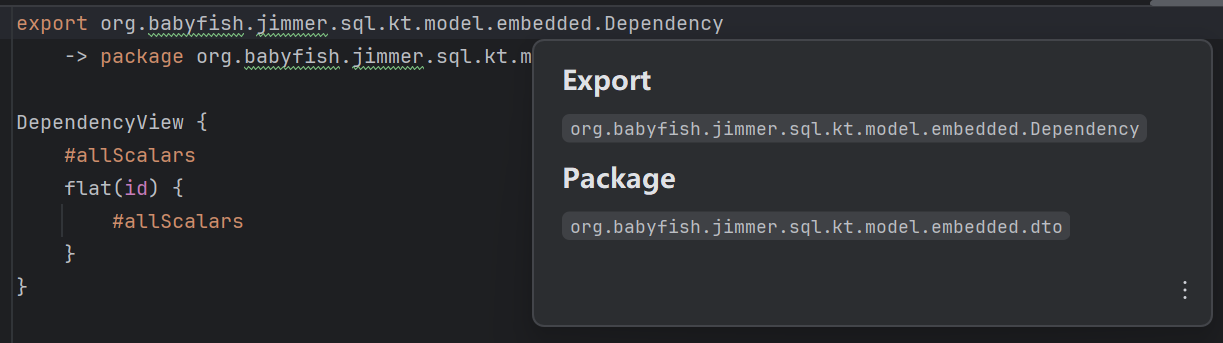
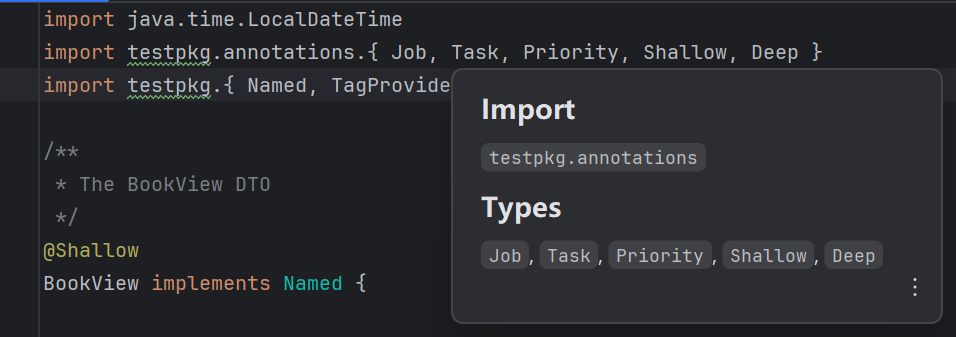
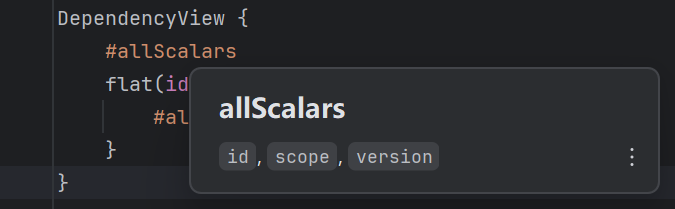
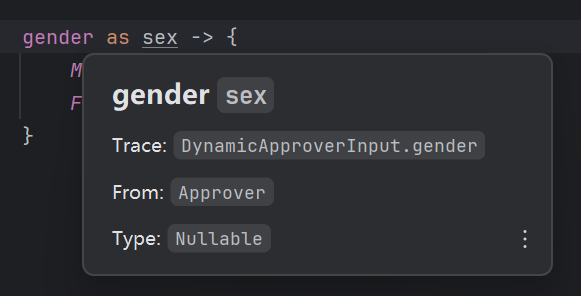
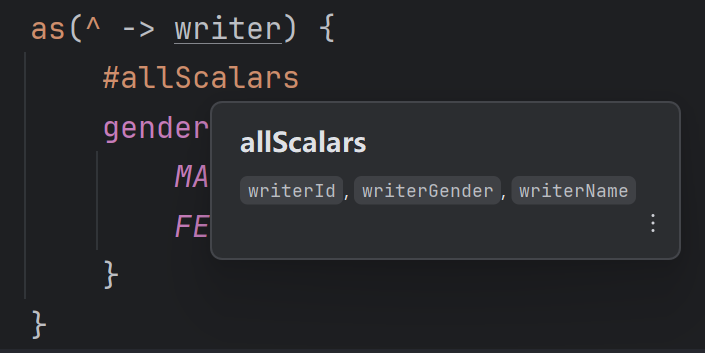
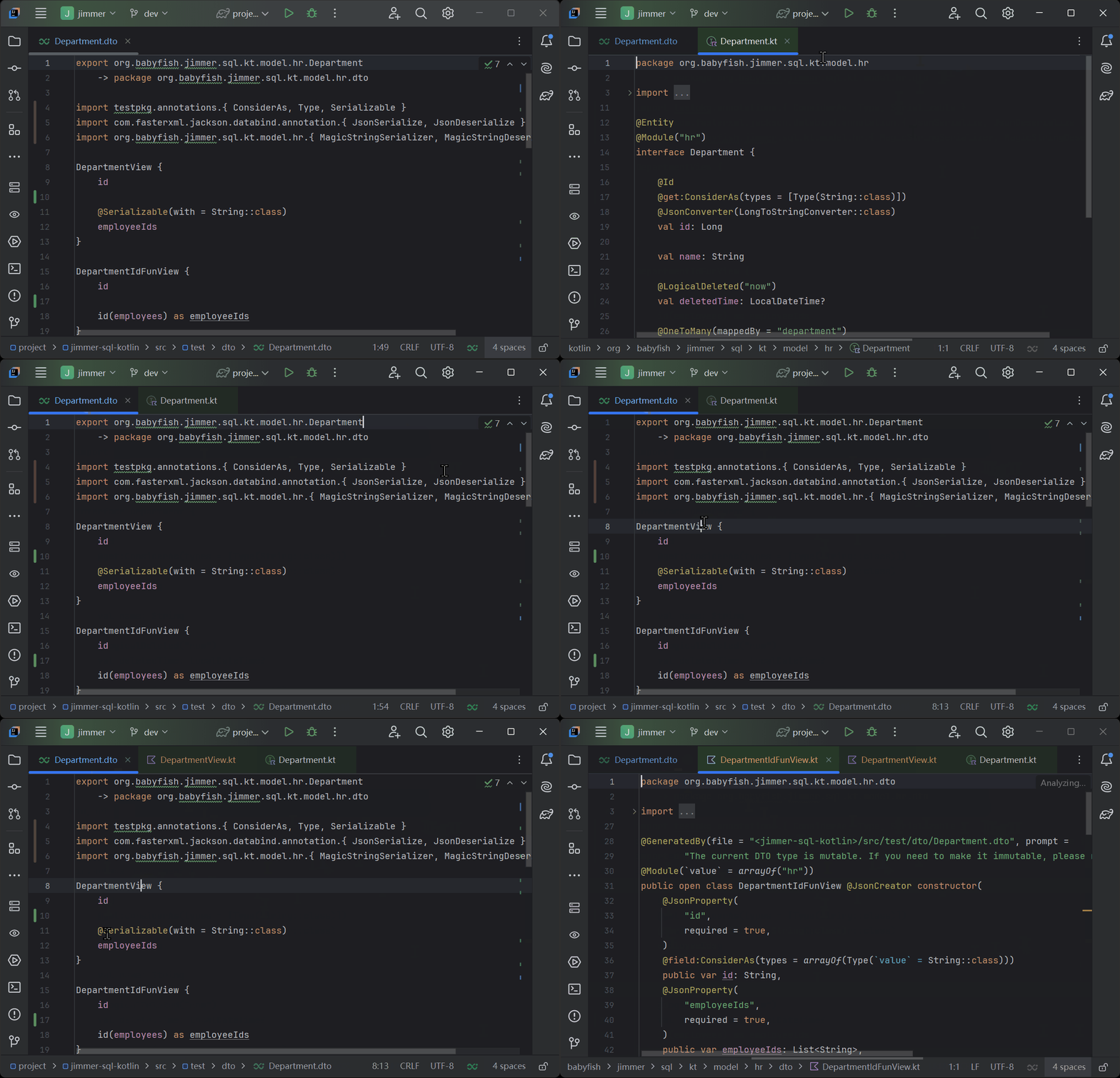
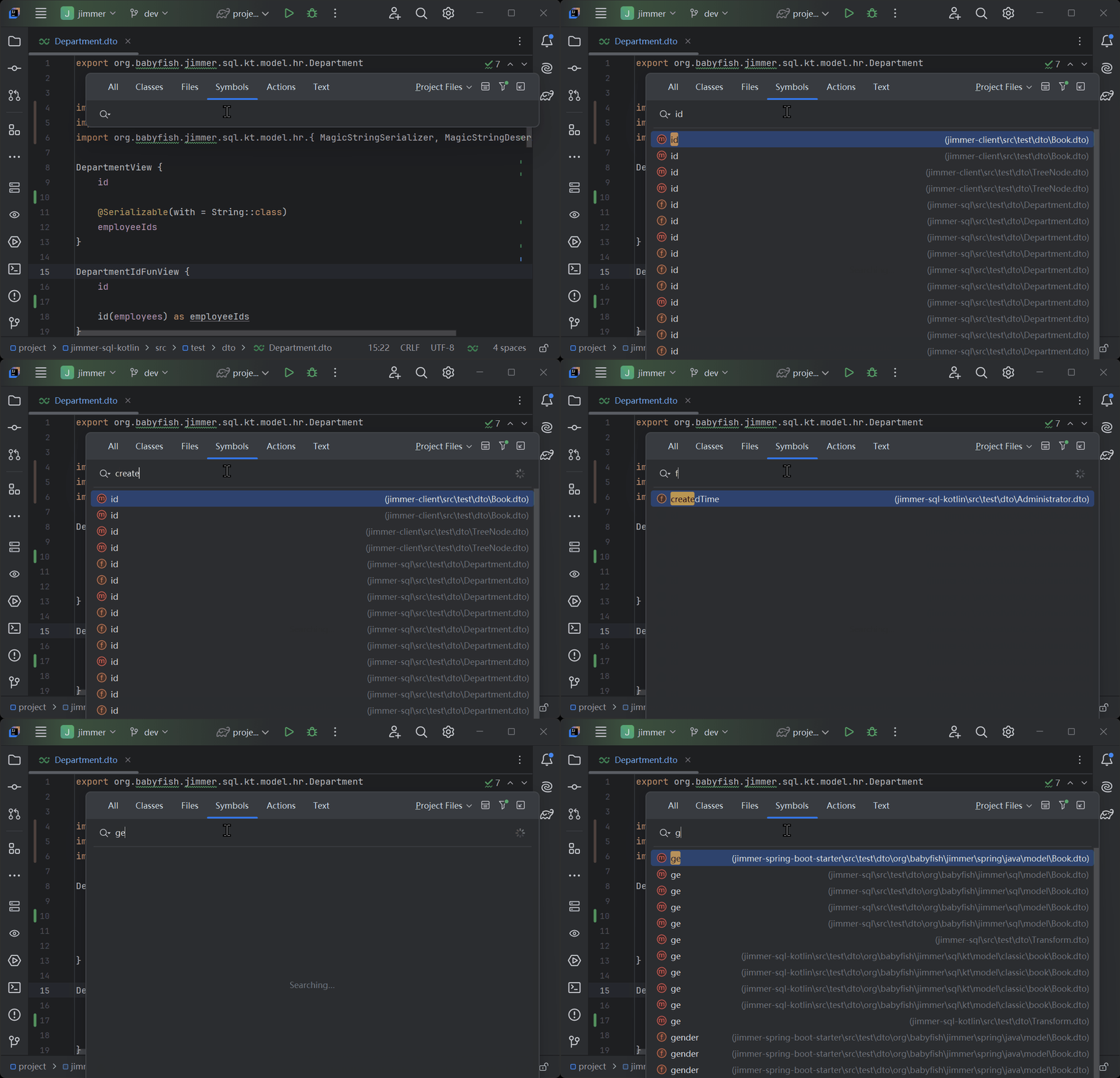
Supported IDEs
- Visual Studio Code
- IntelliJ IDEA (Recommend you change the default theme because the default theme semantic token color is not good)
- Eclipse
- Neovim
- Any IDEs that support LSP
Requirements
- You need to install JDK 17 or later in your system environment
Installation
- Visual Studio Code: Install the extension from the marketplace
- IntelliJ IDEA: Install the plugin from the marketplace
- Eclipse: First install new software LSP4E and then move the
plugin
to the
dropinsfolder - Neovim: Install the neovim plugin and then move the server jar file to the
<userdir>/jimmer-dto-lsp/server.jar - Other IDEs: Install the LSP server from the release page
Usage
- Build your project with Jimmer apt/ksp plugin
- Open a Jimmer DTO file
- Enjoy the features
Other Dependencies
Make sure you have downloaded the source jar file of the immutable dependency
If your project has other immutable dependencies you need to add
the dependencies configuration in the pom.xml or xxx.toml file
Don't copy these configurations because the dependency immutable-dependency is not your
<?xml version="1.0" encoding="UTF-8"?>
<project>
    <dependencies>
        <dependency>
            <groupId>cn.enaium</groupId>
            <artifactId>immutable-dependency</artifactId>
            <version>1.0-SNAPSHOT</version>
        </dependency>
    </dependencies>
</project>
[libraries]
test = { module = "cn.enaium:immutable-dependency", version = "1.0-SNAPSHOT" }