MkDocs Simple Blog
August 18, 2026 · View on GitHub
Theme for MkDocs





Install
Installation MkDocs
To install MkDocs, run the following command from the command line:
pip install mkdocs
Installation theme
Install the theme using PIP:
pip install mkdocs-simple-blog
Activating theme
After the theme is installed, edit your mkdocs.yml file and set the theme name to simple-blog:
theme:
    name: simple-blog
Screenshots
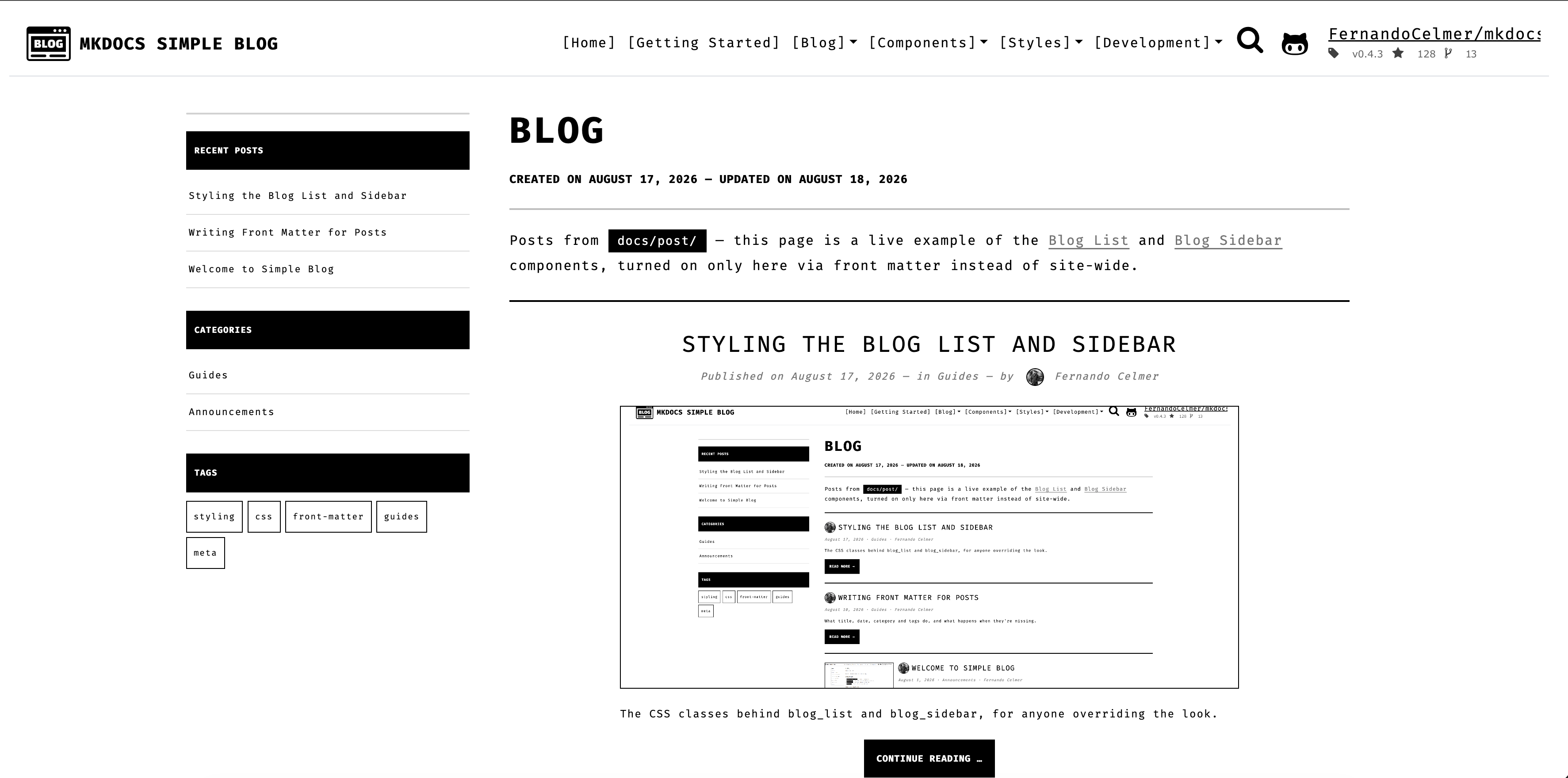
Blog List — featured layout
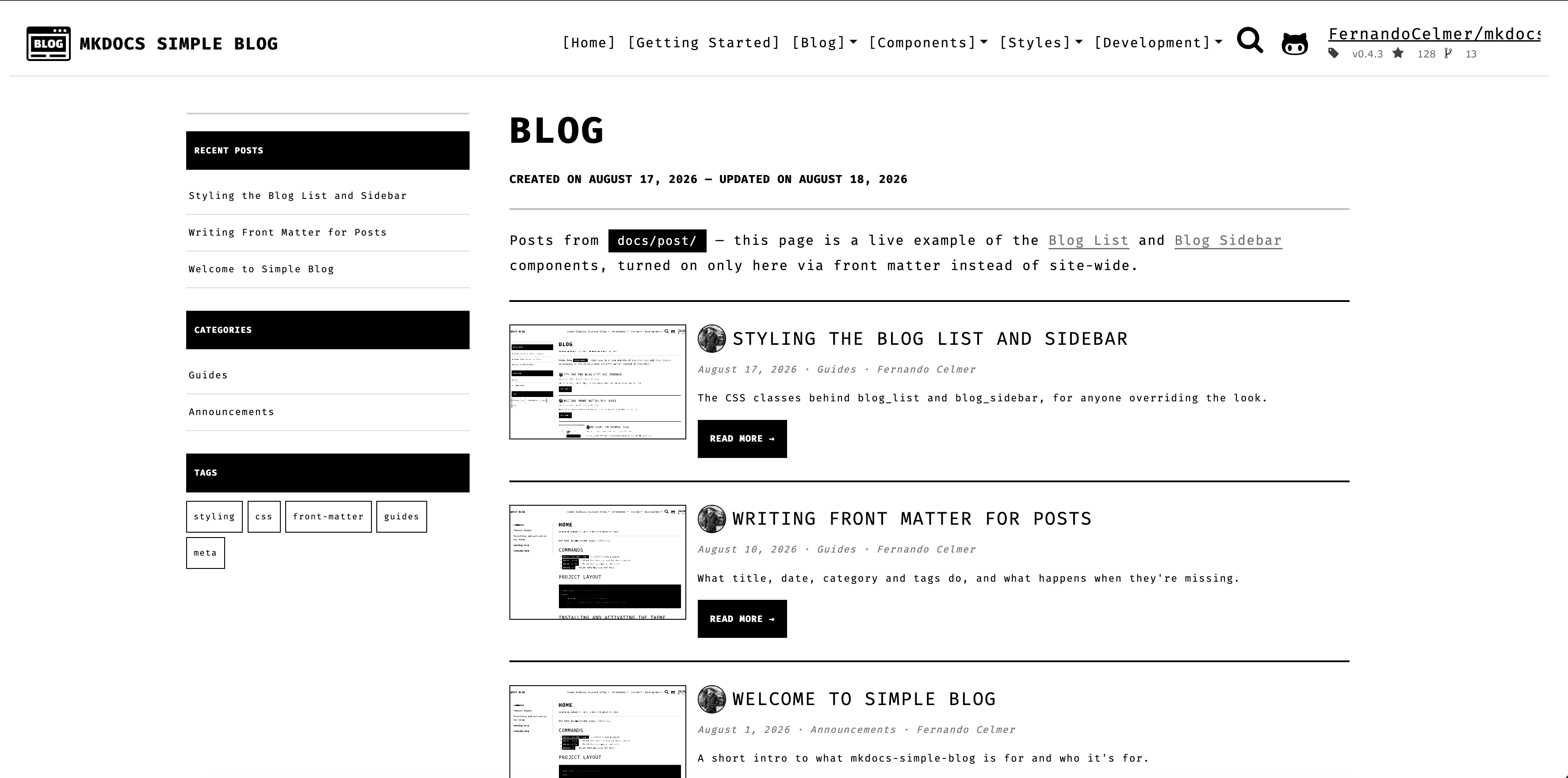
Blog List — compact layout
Getting Help
We use GitHub issues for tracking bugs and feature requests and have limited bandwidth to address them. If you need anything, I ask you to please follow our templates for opening issues or discussions.
Commit Style
- ⚙️ FEATURE
- 📝 PEP8
- 📌 ISSUE
- 🪲 BUG
- 📘 DOCS
- 📦 PyPI
- ❤️️ TEST
- ⬆️ CI/CD
- ⚠️ SECURITY
License

This project is licensed under the terms of the MIT License.