HandyWinGet
January 5, 2021 · View on GitHub
🙌 Use donations to help support your projects! 🙌
provides a GUI for installing apps through WinGet.
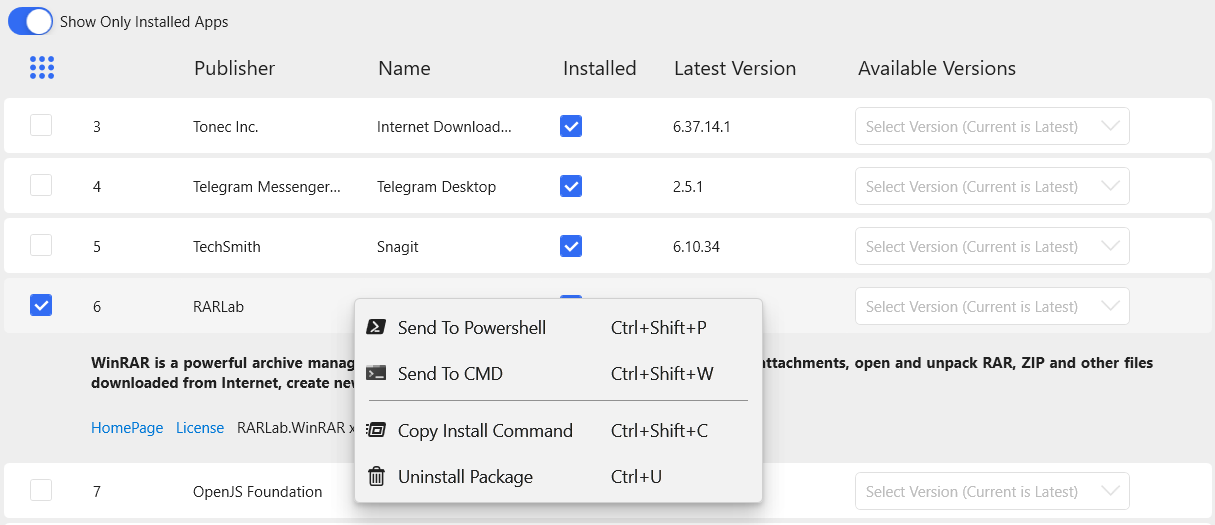
- Uninstall Installed Packages
- Install Multiple Packages
- Export PowerShell Script
- Install Packages via Terminal or Other Options
- No need for winget cli
- No need for Windows 10 (Older versions of Windows are supported (If .NET 5 is supported on Windows, HandyWinget is also supported)
- Support Internal Downloader and Winget-cli
- Ability to download with Internet Download Manager (IDM)
- Ability to cache data and no need to download all information
- Redesigned user interface
- Ability to install different versions
- Ability to recognize Installed Packages (Internal Method and WingetCli Method Supported)
- Fast
- Powered by .NET 5
- Create Package
- Light/Dark Theme
- Prism MVVM
Installing and running HandyWinGet
you can download setup from GitHub Release or download and install Via Winget
To install HandyWinGet, run the following command from the command line / PowerShell:
WinGet install handywinget