Auto-Linux
March 2, 2026 · View on GitHub


-green)

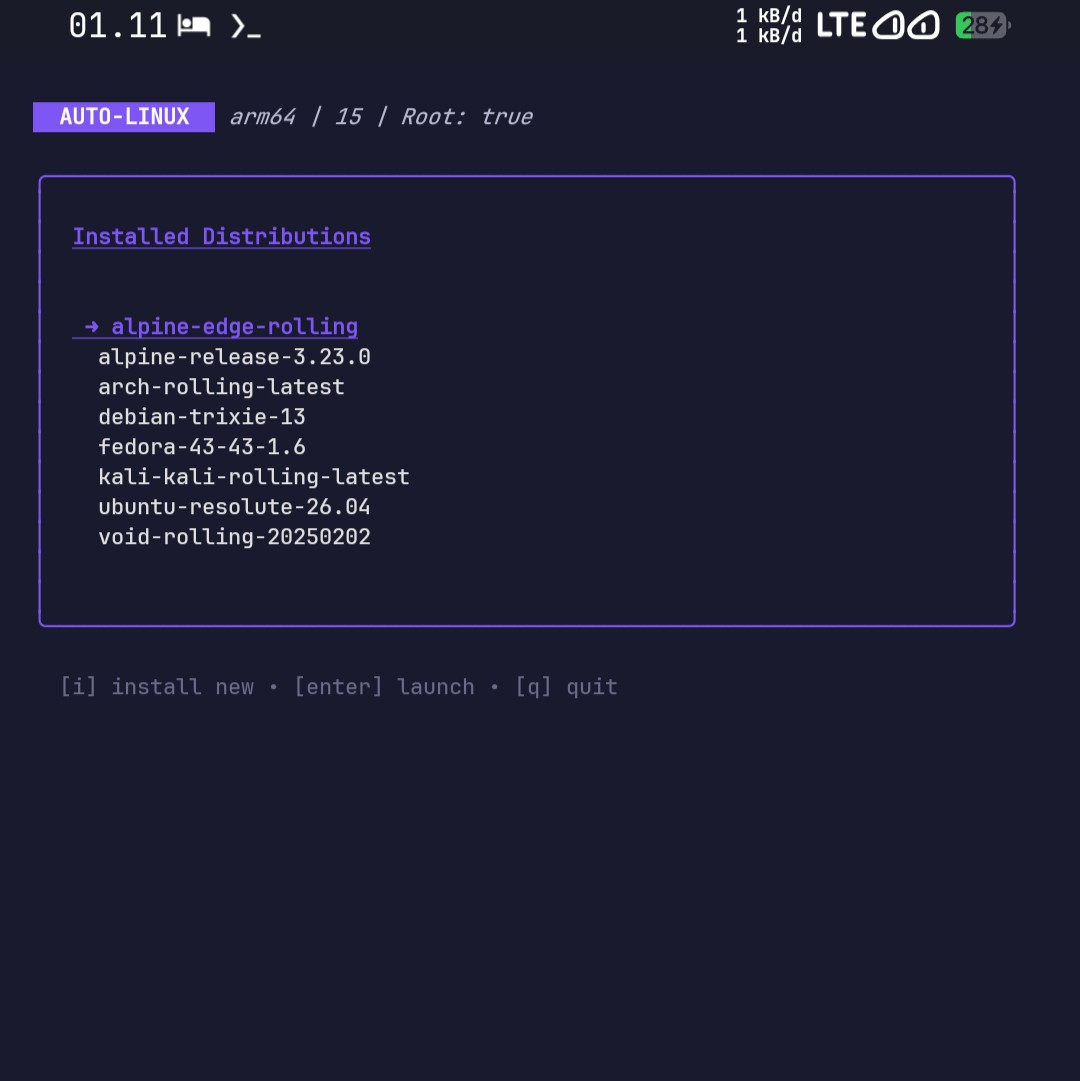
🎬 Click to watch demo (41 seconds)
Auto-Linux is a standalone, advanced Linux installer and manager for rooted Android devices. Rewritten in Go, it provides a feature-rich Terminal User Interface (TUI) to install, configure, and manage various Linux distributions in a Chroot environment without relying on Termux, Busybox, or other external dependencies.
Beyond simple scripts: Auto-Linux handles complex tasks like OCI image extraction, host-side security attribute stripping, and DNS injection to ensure modern distros (like Fedora & Void) run smoothly on Android.
Key Features
- Truly Standalone: Compiled as a single static binary. Zero runtime dependencies.
- Intuitive TUI: Keyboard-driven dashboard (powered by
bubbletea) for distro selection, credential setup, and one-click launching. - Multi-Distro Support:
- Debian/Ubuntu: Ubuntu (20.04 - 26.04), Debian, Kali Linux.
- Rolling Release: Arch Linux ARM (with automatic Keyring init), Void Linux.
- RPM-Based: Fedora (Automatic OCI blob extraction & attribute cleanup).
- Lightweight: Alpine Linux.
- Advanced Extraction Engine:
- Auto-detects and handles
.tar.gz,.tar.xz, and OCI (Docker) Image formats. - Automatically flattens nested rootfs structures (e.g., Kali).
- Auto-detects and handles
- Smart Configuration:
- Robust Networking: Uses a wrapper strategy and DNS injection (via host
pingresolution) to bypass Android's GID permission delays and broken DNS resolvers in Chroot. - Security Cleanup: Features a unique Host-Side Hook to strip
security.imaandsecurity.selinuxattributes, allowing distros like Fedora to run on Android kernels that enforce strict keyring checks. - User Management: Automatically handles
groupadd/useraddcompatibility acrossshadow(standard) andbusybox(Alpine) backends.
- Robust Networking: Uses a wrapper strategy and DNS injection (via host
Supported Distributions
Auto-Linux currently supports fetching and installing the following families:
| Family | Distributions | Key Features |
|---|---|---|
| Ubuntu | 20.04, 22.04, 24.04, 26.04 | Standard environment, robust support. |
| Debian | Debian Stable | Pure Debian experience. |
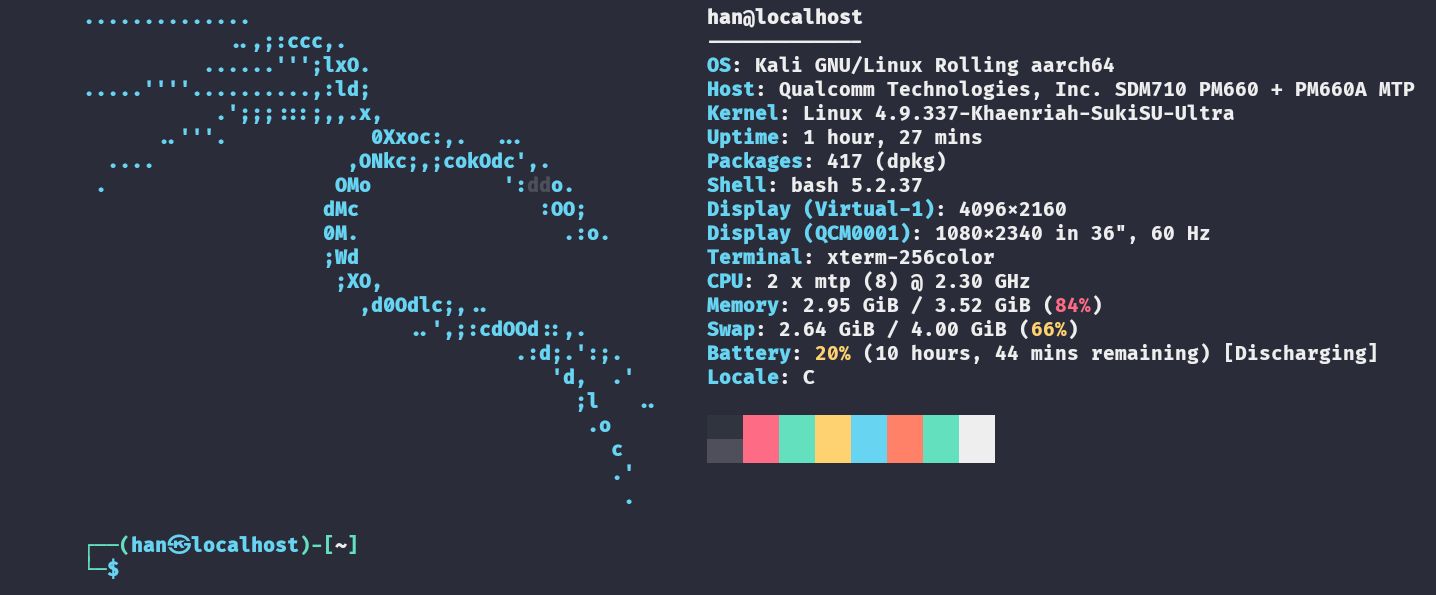
| Security | Kali Linux | Includes flat-rootfs handling & network fix. |
| Alpine | Edge, Latest Stable | Extremely lightweight, uses apk. |
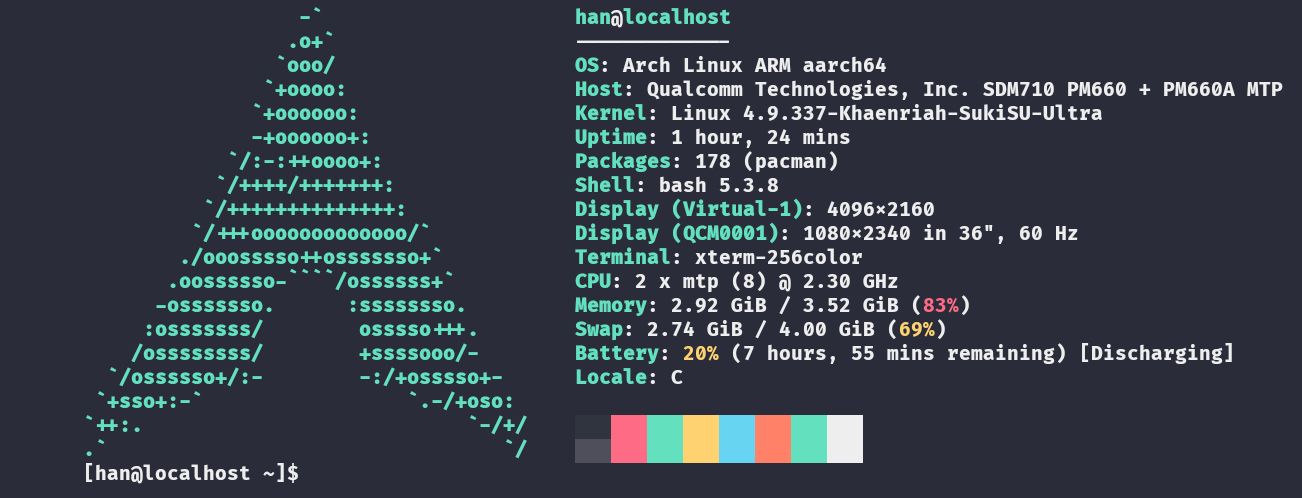
| Arch | Arch Linux ARM | Auto-initializes pacman-keyring & fixes mirrorlists. |
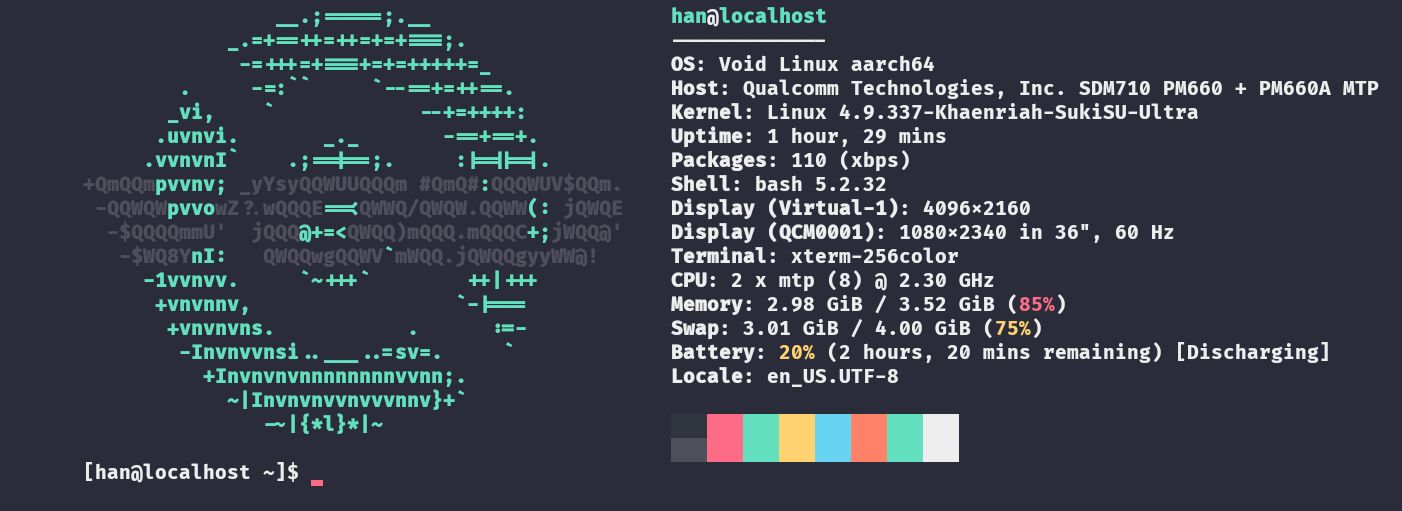
| Void | Void Linux | Fixes xbps networking & enforces SHA512 passwords. |
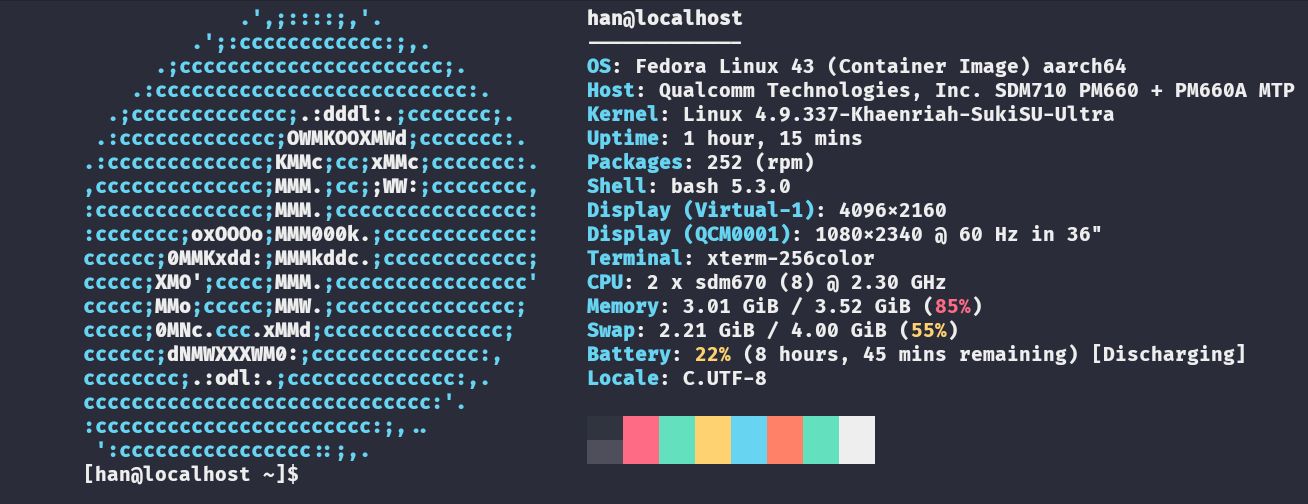
| Fedora | Fedora 40, 41, 42, 43 Latest | Handles OCI blobs & strips kernel security xattrs. |
Installation
Requirement: A rooted Android device with an su binary.
Option 1: Quick Install (Termux/ADB)
curl -sL https://raw.githubusercontent.com/HanSoBored/Auto-Linux/main/installation/install.sh | sh
Option 2: Manual Push
- Download the latest binary from Releases.
- Push to device:
adb push autolinux-linux-aarch64 /data/local/tmp/autolinux adb shell "chmod +x /data/local/tmp/autolinux" - Run:
adb shell
su -c /data/local/tmp/autolinux
Screenshots Distro
| Debian | Ubuntu |
|---|---|
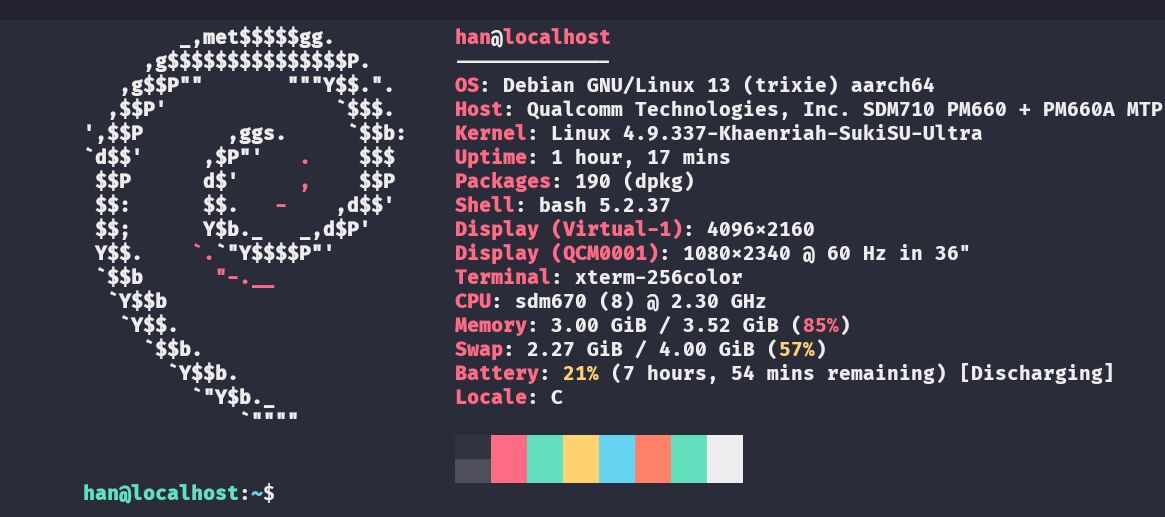 | 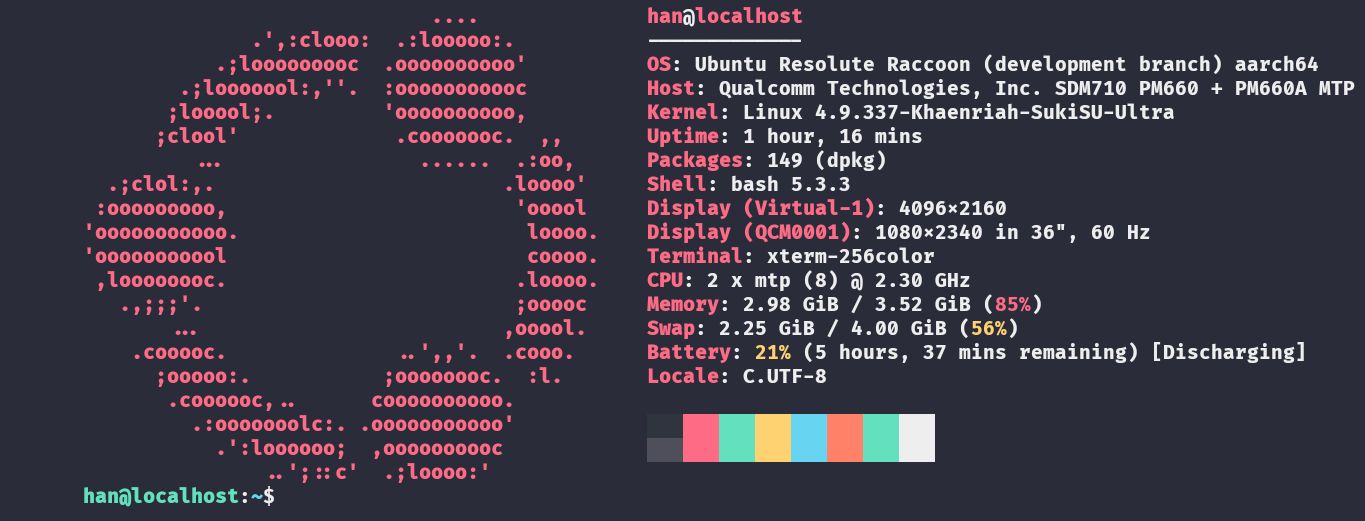 |
| Alpine | Arch |
|---|---|
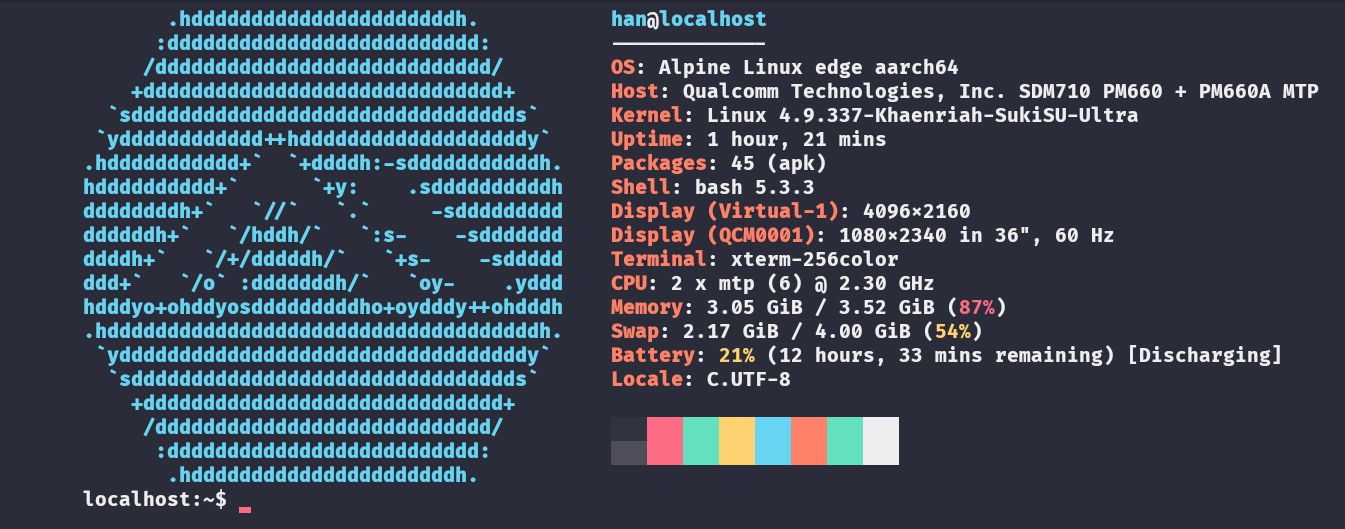 |  |
| Fedora | Kali | Void |
|---|---|---|
 |  |  |
Build from Source
Prerequisites
- Go 1.25+
Build Command
# Build for Android (AArch64)
GOOS=linux GOARCH=arm64 go build -ldflags="-s -w" -o autolinux ./cmd/autolinux
Using build.sh
chmod +x installation/build.sh
./installation/build.sh
The binary will be at build/autolinux.
Troubleshooting
Logs are automatically generated for debugging purposes:
- Root:
/data/local/auto-linux/debug.logs - User:
~/.local/share/auto-linux/debug.logs
Common Issues:
- Network Error: If installation fails at downloading, check your internet connection.
- Required key not available: This is usually a Fedora issue. Auto-Linux attempts to fix this automatically via the host-side cleanup hook. If it persists, ensure your kernel supports
setfattr.
License
This project is distributed under the MIT License. See the LICENSE for more information.