Contributing Guidelines
June 27, 2021 · View on GitHub
This documentation contains a set of guidelines to help you during the contribution process. We are happy to welcome all the contributions from anyone willing to improve/add new scripts to this project. Thank you for helping out and remember, no contribution is too small.
Before anything, kindly go through our Styling-Guidelines as well.
Need some help regarding the basics?🤔
You can refer to the following articles on basics of Git and Github and also contact the Project Mentors, in case you are stuck:
- Forking a Repo
- Cloning a Repo
- How to create a Pull Request
- Getting started with Git and GitHub
- Learn GitHub from Scratch
Submitting Contributions👩💻👨💻
Below you will find the process and workflow used to review and merge your changes.
Step 0 : Find an issue
- Take a look at the Existing Issues or create your own Issues!
- Wait for the Issue to be assigned to you after which you can start working on it.
- Note : Every change in this project should/must have an associated issue.

Step 1 : Fork the Project
- Fork this Repository. This will create a Local Copy of this Repository on your Github Profile.
Keep a reference to the original project in
upstreamremote.
git clone https://github.com/<your-username>/<repo-name>
cd <repo-name>
git remote add upstream https://github.com/<upstream-owner>/<repo-name>

- If you have already forked the project, update your copy before working.
git remote update
git checkout <branch-name>
git rebase upstream/<branch-name>
Step 2 : Branch
Create a new branch. Use its name to identify the issue your addressing.
# It will create a new branch with name Branch_Name and switch to that branch
git checkout -b branch_name
Step 3 : Work on the issue assigned
- Work on the issue(s) assigned to you.
- Add all the files/folders needed.
- After you've made changes or made your contribution to the project add changes to the branch you've just created by:
# To add all new files to branch Branch_Name
git add .

# To add only a few files to Branch_Name
git add <some files>
Step 4 : Commit
- To commit give a descriptive message for the convenience of reviewer by:
# This message get associated with all files you have changed
git commit -m "message"
- NOTE: A PR should have only one commit. Multiple commits should be squashed.
Step 5 : Work Remotely
- Now you are ready to your work to the remote repository.
- When your work is ready and complies with the project conventions, upload your changes to your fork:
# To push your work to your remote repository
git push -u origin Branch_Name
- Here is how your branch will look.

Step 6 : Pull Request
- Go to your repository in browser and click on compare and pull requests.
Then add a title and description to your pull request that explains your contribution.

 - Voila! Your Pull Request has been submitted and will be reviewed by the moderators and merged.🥳
Note : Do not add images, rather 👇
-
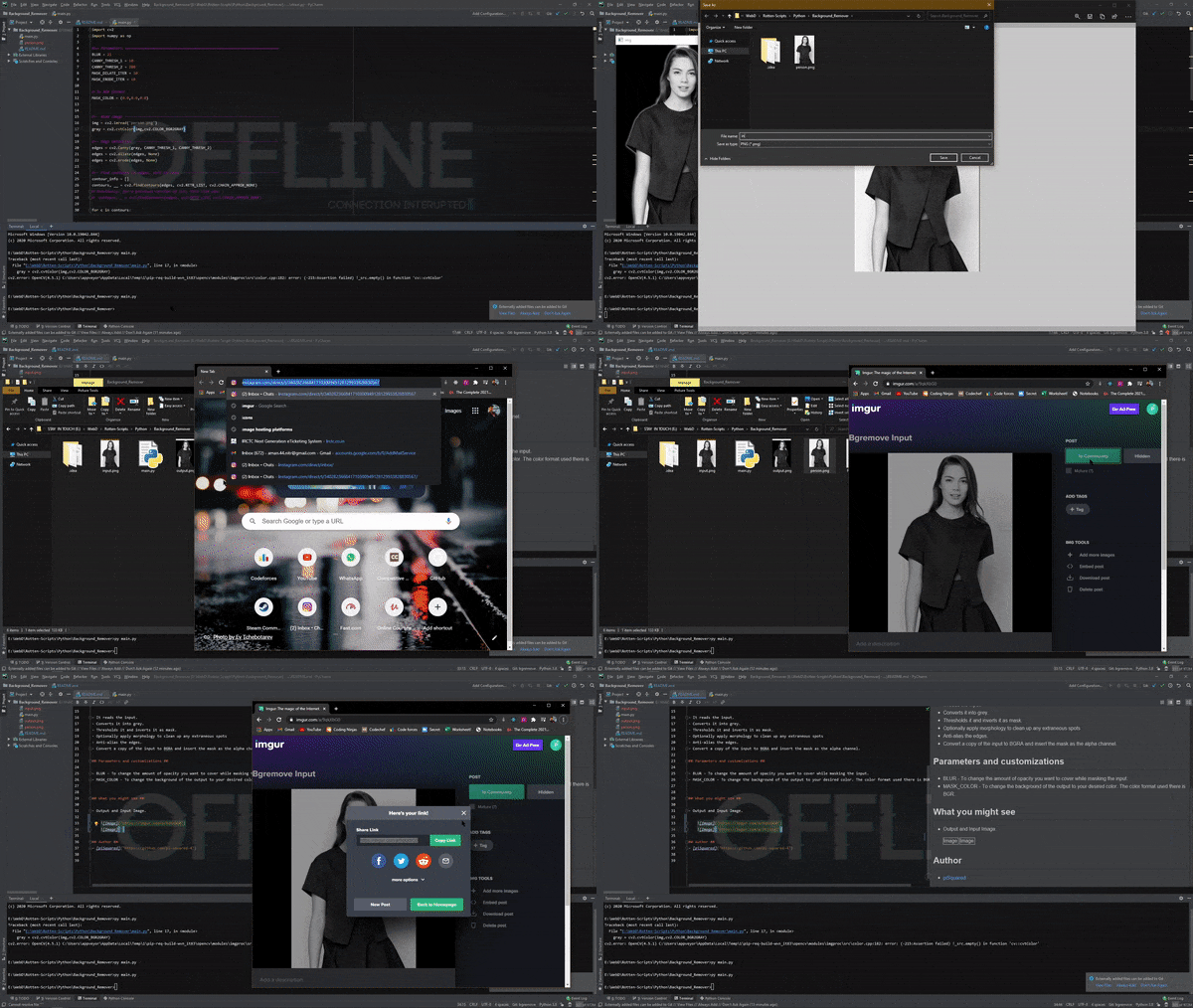
We recently have removed all the images and screenshots from our repository and linked them to markdown files.
How to do that?
- You can do that by hosting all you images and screenshots to any images hosting sites such as imgur, imgbb, postimages.
- Then link your uploaded images to README files. An instance 👇
Tip from us😇
It always takes time to understand and learn. So, do not worry at all. We know you have got this!💪
Specific tips on Python?:snake:
You are a pythonista? Welcome aboard! Before anything, see our python contribution guide as well, it is basically an extension to these guidelines