HSS Calendar 📅
January 27, 2026 · View on GitHub

🚀 Discover Brainzo.fun
Looking for a fun way for kids to learn?
The ultimate kids learning app for ages 4-15!
Quizzes • Puzzles • Alphabet Games • Number Activities • Offline Support
HSS Calendar 📅
A premium, lightweight, and fully customizable calendar library for Angular 19+. Designed with productivity in mind, it provides a seamless experience for managing events while being visually stunning in both light and dark modes.
✨ Demo
Check out the live demo here (or run it locally!).
| Light Mode | Dark Mode |
|---|---|
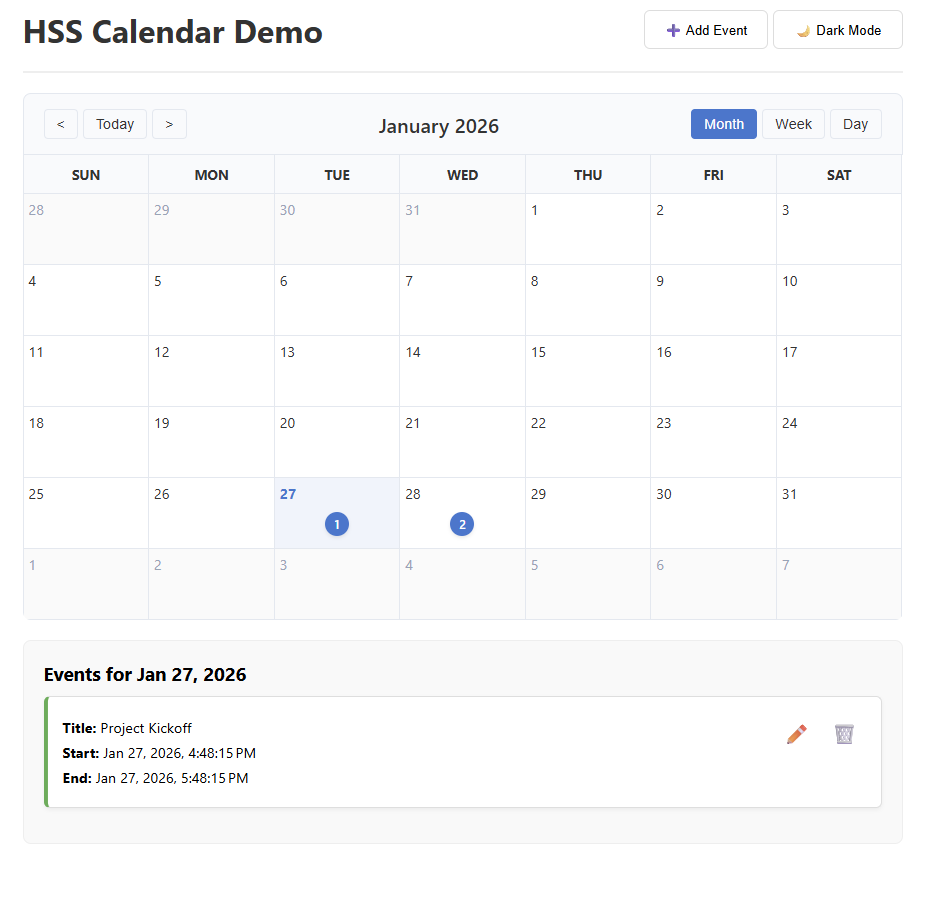 | 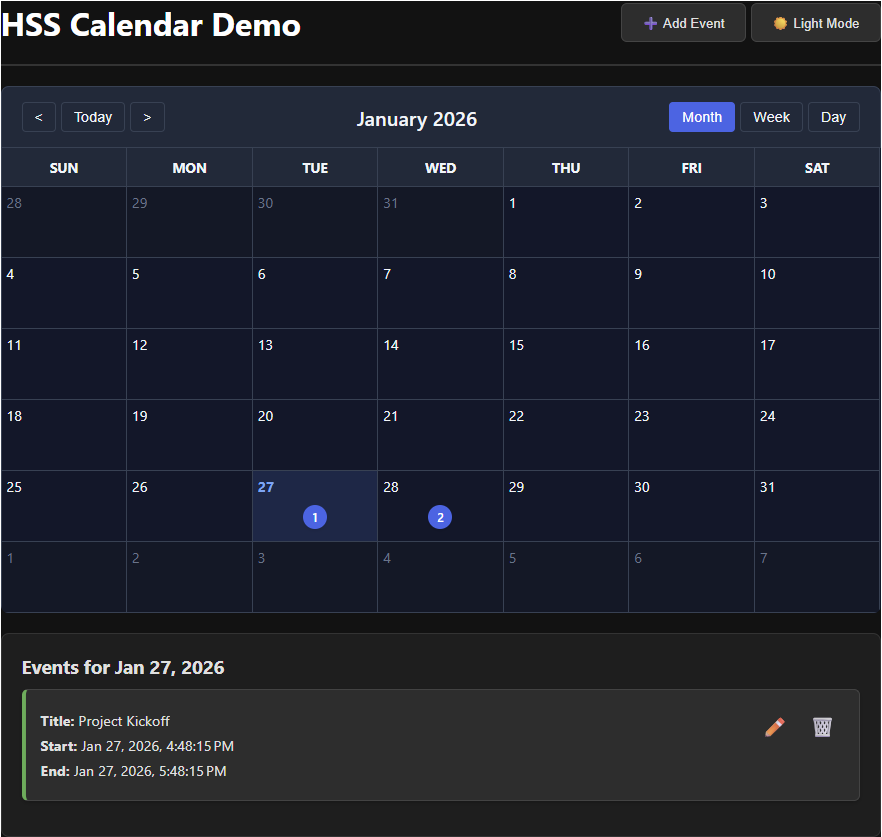 |
🚀 Key Features
- 📅 Integrated Views: Seamlessly switch between Month, Week, and Day views.
- 🌓 Dynamic Theming: Native Dark Mode support with premium CSS variable-based styling.
- ⚡ Modern Stack: Powered by Angular Signals for lightning-fast reactive updates.
- 🎨 Templates: Complete control over header, day cells, and event displays using
ng-template. - 📱 Mobile Optimized: Fully responsive layout that adapts to any screen size.
- ➕ Event Management: Built-in support for event creation, editing, and deletion.
- 🌈 Event Customization: Support for custom colors, badges, and multi-day durations.
📂 Project Structure
projects/hss-calendar: The core library source code.projects/demo: A full-featured application showcasing the library's capabilities.
🛠 Installation
npm install @hss-m/calendar
📖 Documentation
For detailed installation instructions and API reference, please see the Library README.
💻 Development
- Clone the repo
- Install dependencies:
npm install - Run Library (Watch Mode):
npm run lib:watch - Run Demo:
npm start
Hosting on GitHub Pages
To deploy the demo app to GitHub Pages, follow these steps:
- Ensure your local changes are committed and pushed to your GitHub repository.
- Run the deployment script:
npm run deploy:gh
This script will build the modern library, correctly configure the base path for GitHub subdirectories, and push the static bundle to the gh-pages branch.
Developed with ❤️ by Hawker team.