Fuse Helper for Visual Studio Code
October 18, 2015 · View on GitHub
Features
My Fuse Helper has only two features on now. I'll still working now, so please stay tune at this project. :)
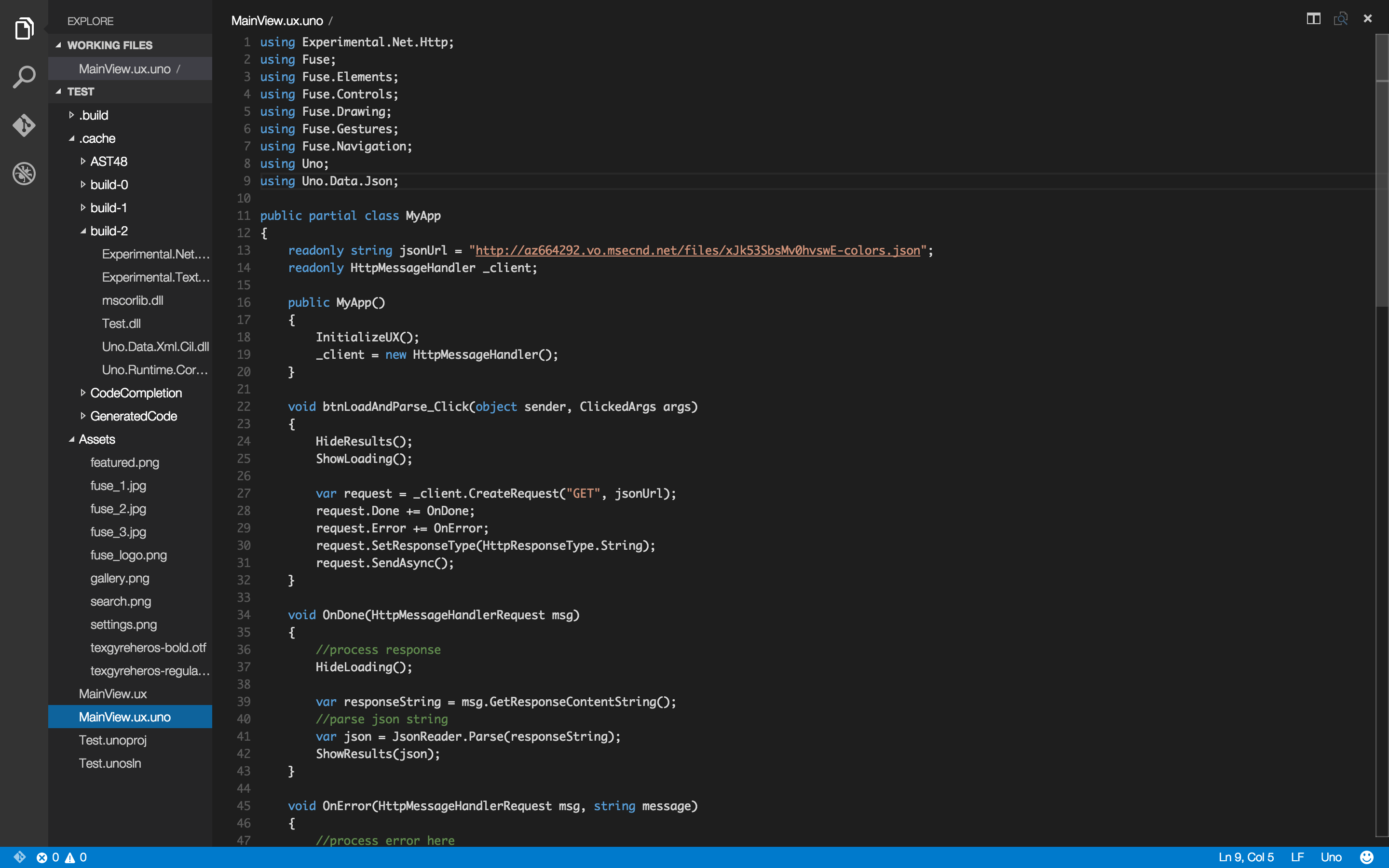
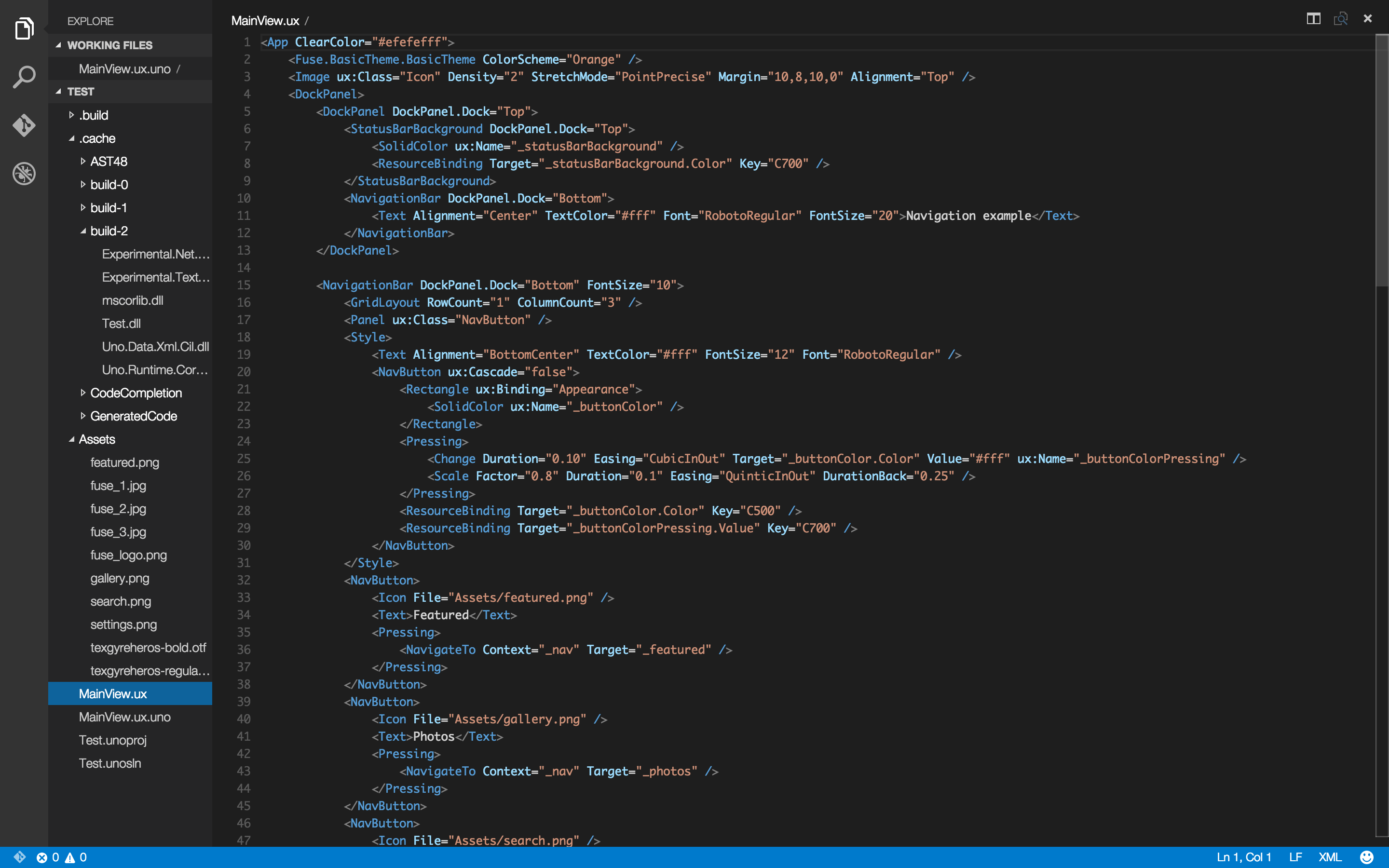
- Syntax Highlighting for Fuse-relative Files (UX Markup, Uno Code, Fuse Project files)
- Intellisense FuseJS's Javascript API by Typescript Define Code. (It doesn't support auto-setup. It needs to set manually to your project.)
Version
It's for Visual Studio Code 0.9.1. If you using previous version, please check legacy branch.
Install
OS X or Linux
Use install.sh. That script will install plugin for you.
Windows
Move uno, unoproj, ux folders to %USERPROFILE%\.vscode\extensions directory.
How to setup Intellisense for FuseJS?
- Download this project.
- Open your project, and copy
fuse.d.tsfile to your project directory. - Add comments on your javascript file like this. Please check file's directory. :D
- It'll be work on VS Code. Happy Hacking Now!
/// <reference path="../vscode.d.ts" />
Example
UX File
Uno File