Pokémon Assets
April 15, 2026 · View on GitHub


The highest quality Pokemon images.
Customized dataset from PokéAPI for offline usage in PokéDex Angular App.
This repository will be available as a public host for the highest quality Pokemon Images, specifically the Official Sugimori Artwork.
Built to work alongside the PokéAPI.
Main source is Bulbapedia for Images.


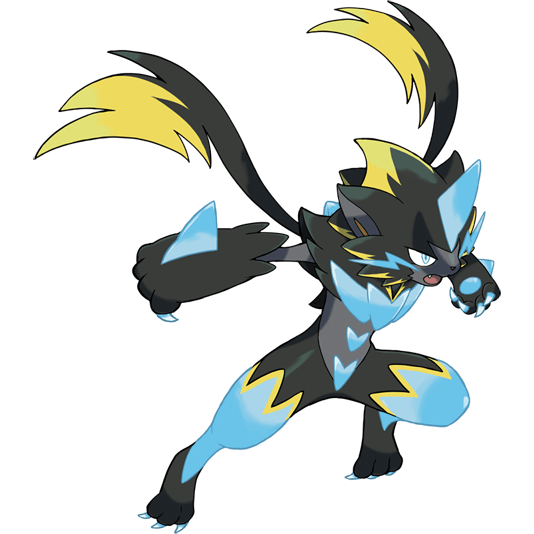





Currently Available:
All images except for thumbnails are available in Compressed (assets/images/) and Original (assets/imagesHQ) Quality
- Legends ZA
- Gen I-IX
- Alternate Forms
- Regional Forms
- Mega Evolutions
- Gigantamax Forms
- All Species Thumbnails
- DataSet from PokeAPI : Pokemon, Pokemon-Species, Moves, Abilities etc. in CSV and JSON format.
Source
WebScrapped from: Bulbapedia
Getting Started:
A. Directly Fetching Images from this Repository:
Fetch base forms:
SpeciesID.png (padded 0000)
https://raw.githubusercontent.com/HybridShivam/Pokemon/master/assets/images/0001.png

For Alternate Forms:
SpeciesID-FormName.png
https://raw.githubusercontent.com/HybridShivam/Pokemon/master/assets/images/0006-Gmax.png https://raw.githubusercontent.com/HybridShivam/Pokemon/master/assets/images/0254-Mega.png
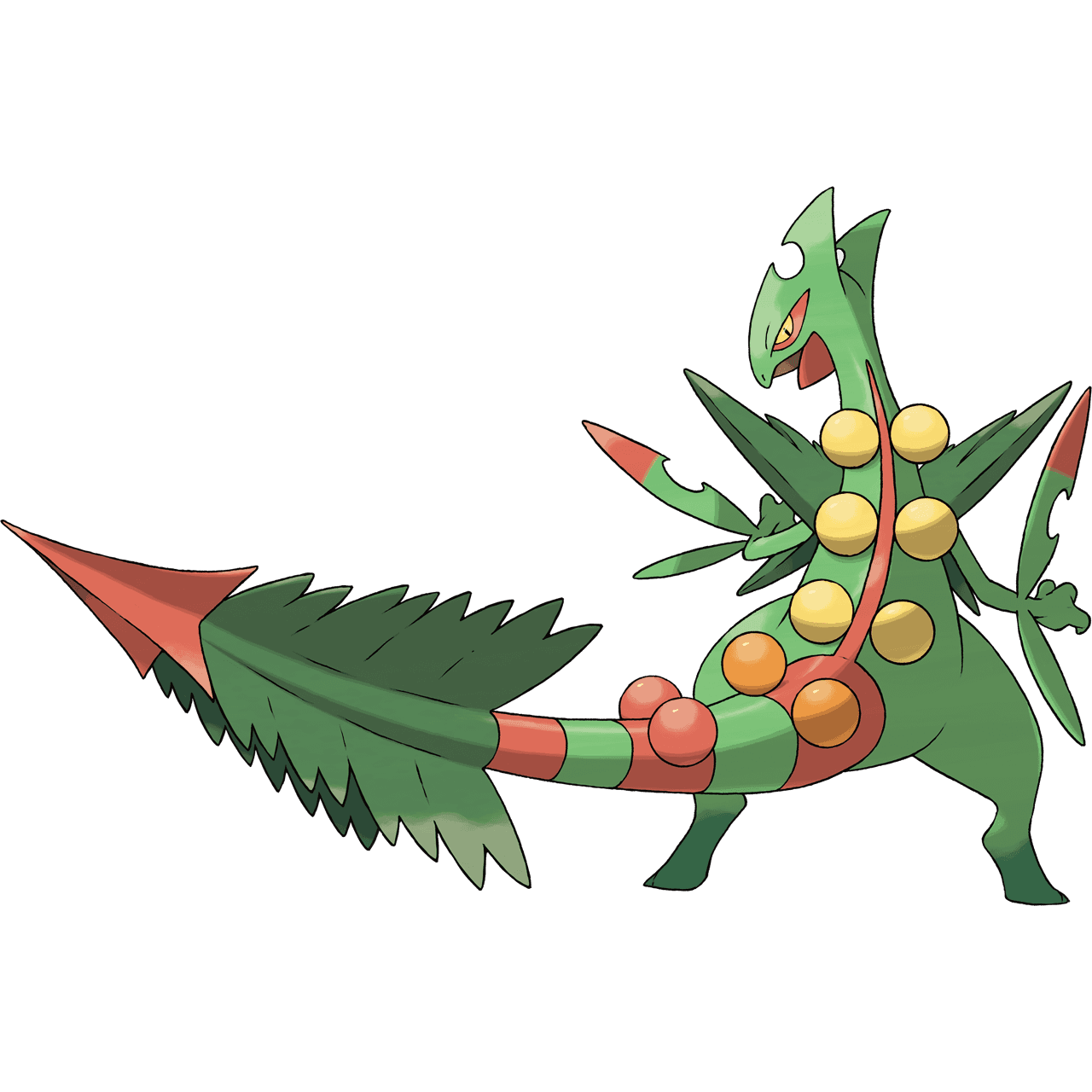
Get the SpeciesID and Form-Name from PokeAPI and remember to follow Capital Casing with '-' delimiter.
e.g. 0254-Mega , 0800-Dawn, 0569-Gmax, 0413-Sandy, 0006-Mega-X, 0025-Rock-Star, 0964-Hero etc.*
Alternatively,
B. Scrape Image URLs from Bulbapedia using the scripts:
Just clone the repo or just download the src files.
# Install Required Libraries first
python -m pip install requests
python -m pip install beautifulsoup4
1. Fetch Image URLs using this script:
src/imageDownloader/ImageScrapper.py
This script fetches all base form URLs to URLs/URLs.txt and the logs the failed attempts to ImageScrapperFailedList.txt
Note: ImageScrapperFailedList.txt Contains all the failed names which could't be fetched due to exceptional naming in their page names like Mr. Mime's
https://bulbapedia.bulbagarden.net/wiki/File:122Mr._Mime.png

2. Downloading the Images from URLs.txt:
src/imageDownloader/Downloader.py
Use this script for Downloading images using the URLs.txt to downloads/id.png
(Optional parameter ReDownloadOnlyCorruptedFiles to redownload only new/ corrupted files)
Note: ExceptionalURLs.txt and FormURLs.txt have been manually created, use any download manager to download using them.
C. Generating the DataSet from PokeAPI:
- Just clone the repo or download just the
srcfiles. - Run
src/dataSet/generateDataSet.pyto generate the dataset. Note:.csvfiles are directly from the Veekun database.
Copyright Notice
Please note that everything in this repository is copyrighted by the Pokémon Company and its affiliates. This repository is merely a compilation of data collected by the editors of Bulbapedia and Data from Veekun and PokeAPI.