README.md
June 29, 2024 · View on GitHub
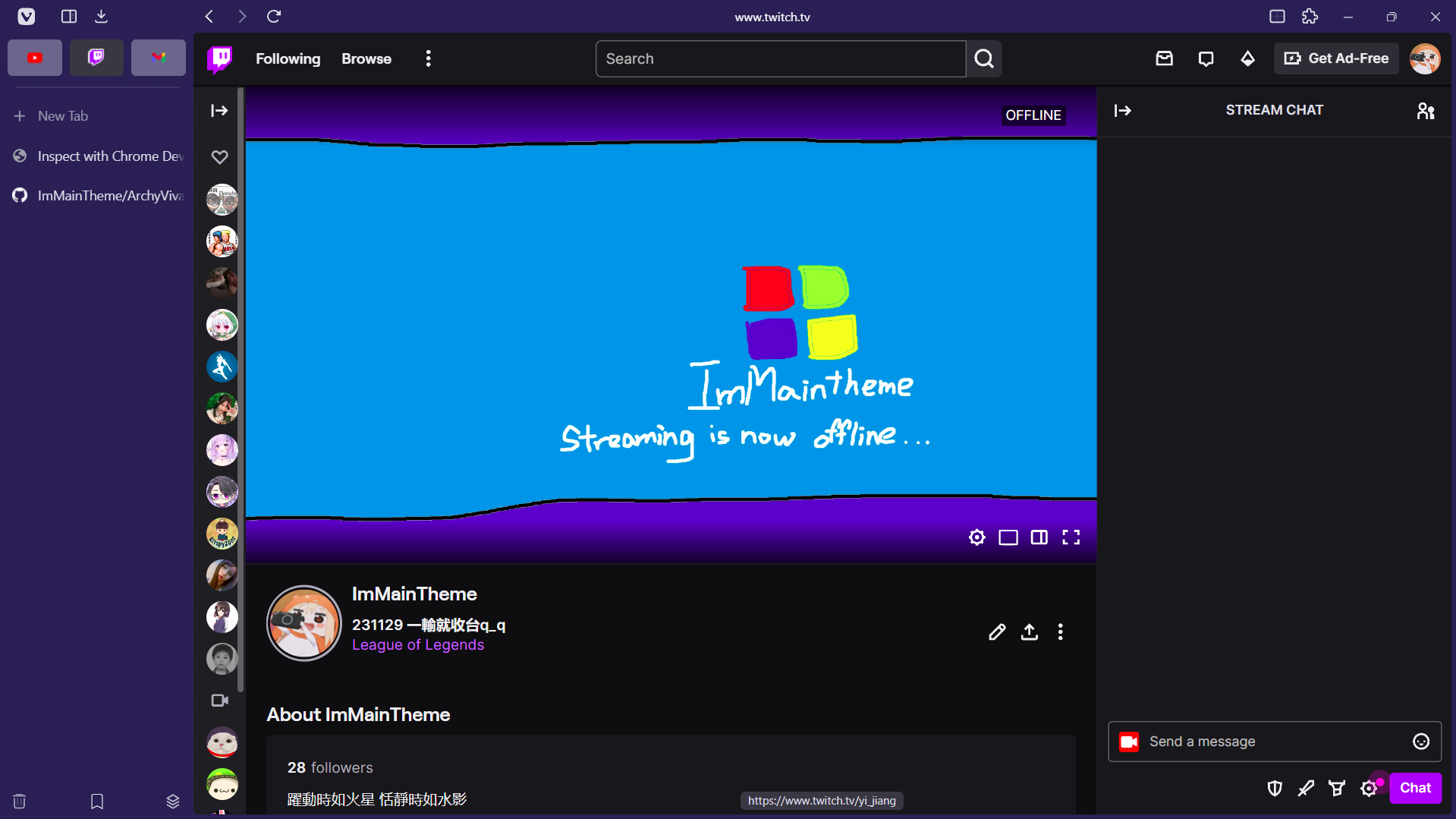
Features:
| Feature | Preview |
|---|---|
Settings need to change before applying css:
PS: Panel is not working on this project right now!!
- Toolbar Edit (right click on any toolbar -> Customize Toolbar)
| Category | Options |
|---|---|
| Address Bar | Put the following item in sequence:Panel Toggle // Download // Space // Back // Forward // Reload // Flexible Space // AddressField // Flexible Space // Page Tiling // Extensions |
| Status Bar | Put status info only |
- Vivaldi settings (Gear icon)
| Settings | Options |
|---|---|
| Appearance | 1. Status Bar: Status Info Overlay" |
| Tabs | 1. Show Tab Bar 2. Left 3. Check "Show Separator Below Pinned Tabs" 4. Check "Enable Workspaces" and "Show Workspaces in Tab Bar" |
| Panel | no settings needed if you use no panel version |
| Address Bar | 1. Top 2. Check "Hidden Extensions to drop-down menu" |
| Bookmarks | 1. Check "Show Bookmark Bar" |
| Appearance | 1. Set custom ui modifications folder as you like |
- Goto vivaldi://experiments/ and check Allow CSS modifications
When everything complete, your vivaldi should look like this
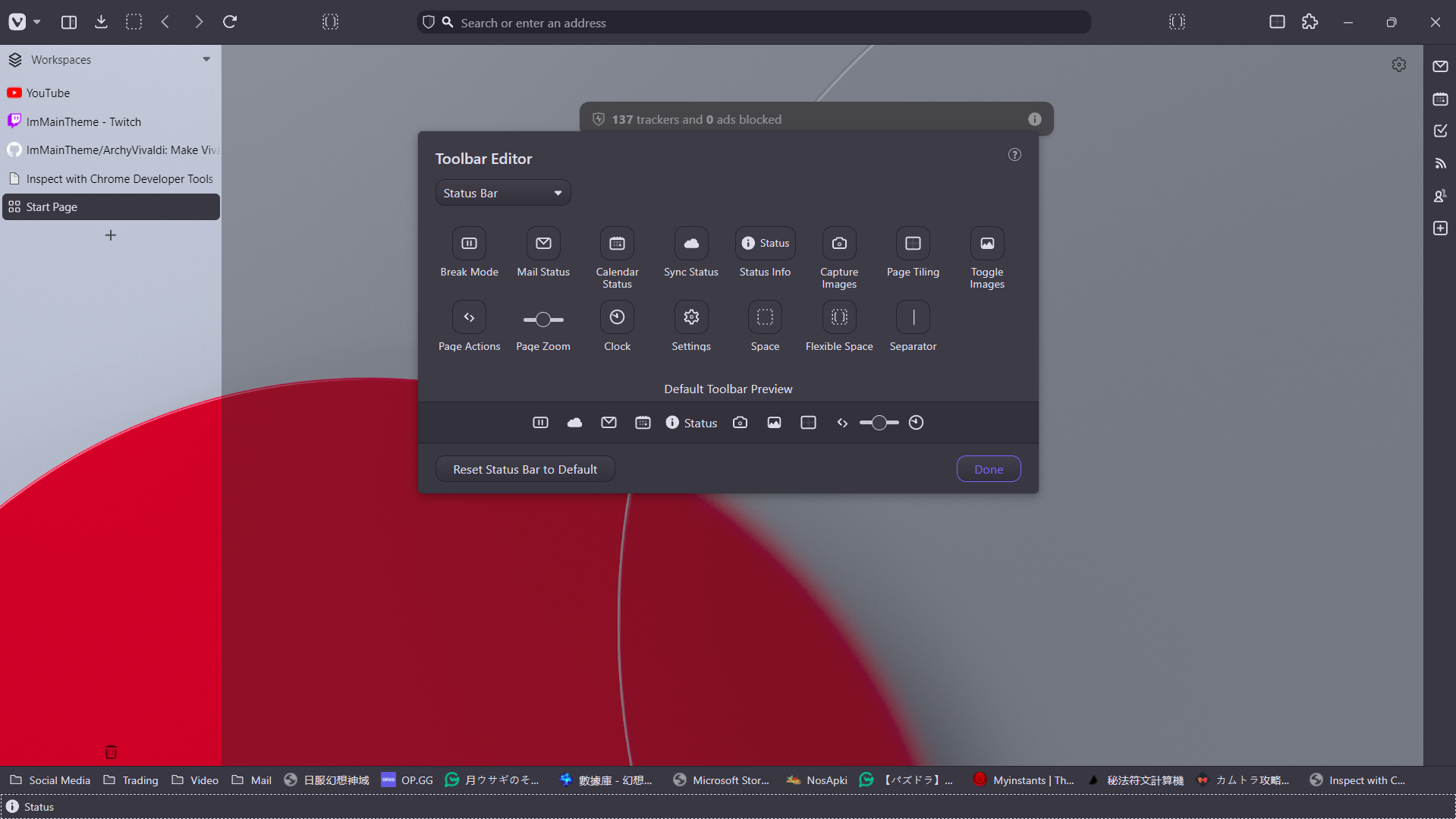
Then you can download the arc.css and put it to your custom ui modifications folder.
How to install:
- download archy.css and put it in your custom ui modifications folder
- download brightVivaltheme.zip and darkbluetheme.zip, goto Vivaldi Settings -> open theme -> import those 2 zips
- Choose the theme between brightVivaltheme and darkbluetheme