ZipFolders MkDocs Plugin
July 3, 2025 · View on GitHub
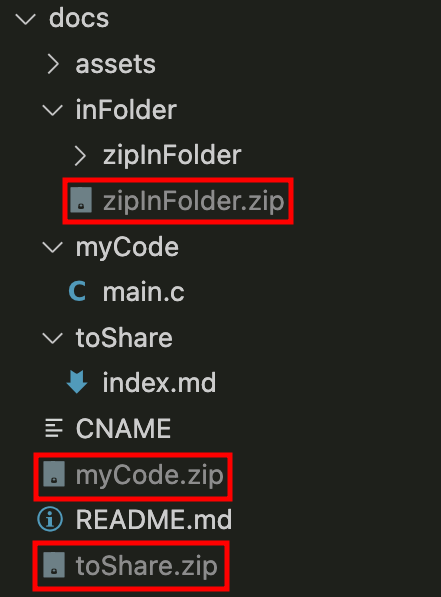
The ZipFolders plugin is used to create archives (zip and tar.gz) of specified folders in your MkDocs project after the site build process. This can be helpful if you need to distribute or backup parts of your documentation.
Installation
Install the plugin using pip from PyPI:
pip install mkdocs-zip-folders
Configuration
To use the ZipFolders plugin, you need to add it to your mkdocs.yml configuration file.
Here is a sample configuration:
plugins:
  - search
  - zip_folders:
      folders:
        - myCode
        - toShare
        - folderX/thisWillBeZipped
      formats:
        - zip
        - tar.gz
      hash_extension: ".hash" # default extension
      debug: true # optional - default is false
folders- A list of folders to archive. The folders are relative to the root of the MkDocs documentation project - docs_dir (default isdocs).formats- A list of archive formats to create. Supported formats arezipandtar.gz. Default is['zip'].debug- Optional. If set totrue, the plugin will print debug messages to the console. Default isfalse.hash_extension- The extension to use for hashing archives. Default is.hash.
Git configuration
It is highly recommended to add the archive files and hash files to your .gitignore file. This will prevent you from accidentally committing the archive files to your repository.
# Archive files generated by mkdocs-zip-folders
*.zip
*.tar.gz
*.zip.hash
*.tar.gz.hash
Archive files will be generated automatically after each build.
Contributing
Pull requests are welcome. For major changes, please open an issue first to discuss what you would like to change.
Do You Enjoy My Work?
Then definitely consider:
- supporting me on GitHub Sponsors:
