life
June 27, 2020 · View on GitHub

life
Conway's game of life in Fortran

Download
git clone --recursive https://github.com/JeffIrwin/life
cd life
Compile
Use CMake, or run the provided CMake wrapper script:
./build.sh
Run
The life program loads its input from a JSON file:
cd inputs
../build/life.exe acorn.json
where acorn.json configures a few input options:
{
        "Seed file"    : "acorn.rle",
        "Frames"       : 100,
        "Write"        : true,
        "Bounds"       : [-150, -100, 150, 150],
        "Scale"        : 2,
        "Trace"        : true,
        "Colormap file": "../submodules/colormapper/submodules/colormaps/ColorMaps5.6.0.json",
        "Colormap name": "Inferno (matplotlib)",
        "Transpose"    : false,
        "Invert"       : false
}
The path to the Seed file and Colormap file, if not absolute, must be relative to the runtime directory.
Several seed formats are supported, including the popular run-length encoded .rle format, many examples of which can be found on https://www.conwaylife.com/forums
Two different plain-text formats with the seed in a matrix of characters are supported. See for example bunnies.cells or factory.txt. Seed format is automatically determined based on the file extension, which may not be standardized.
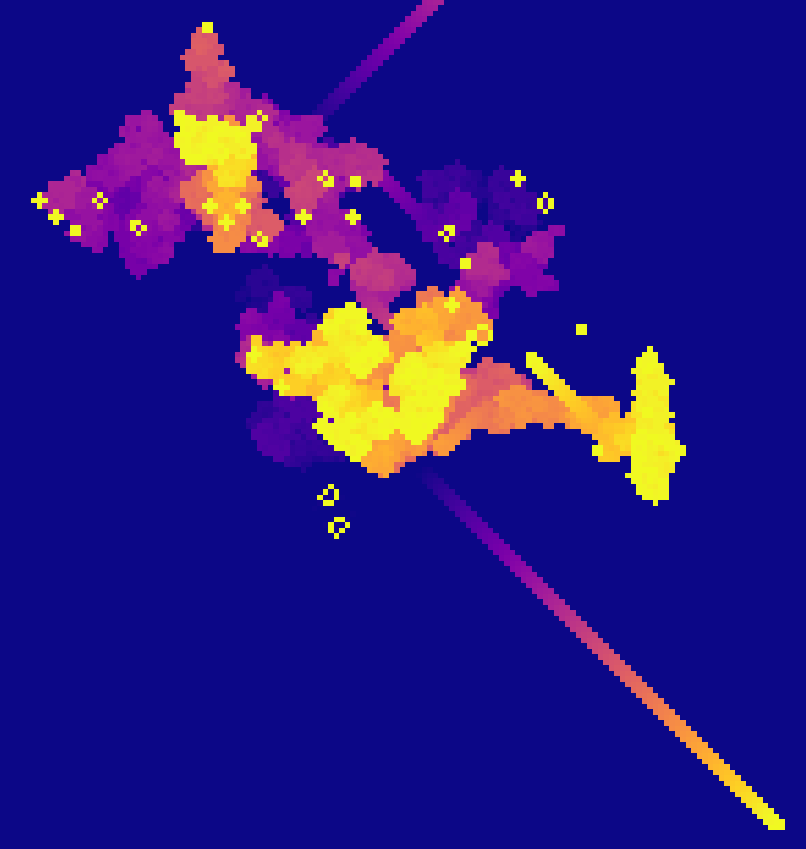
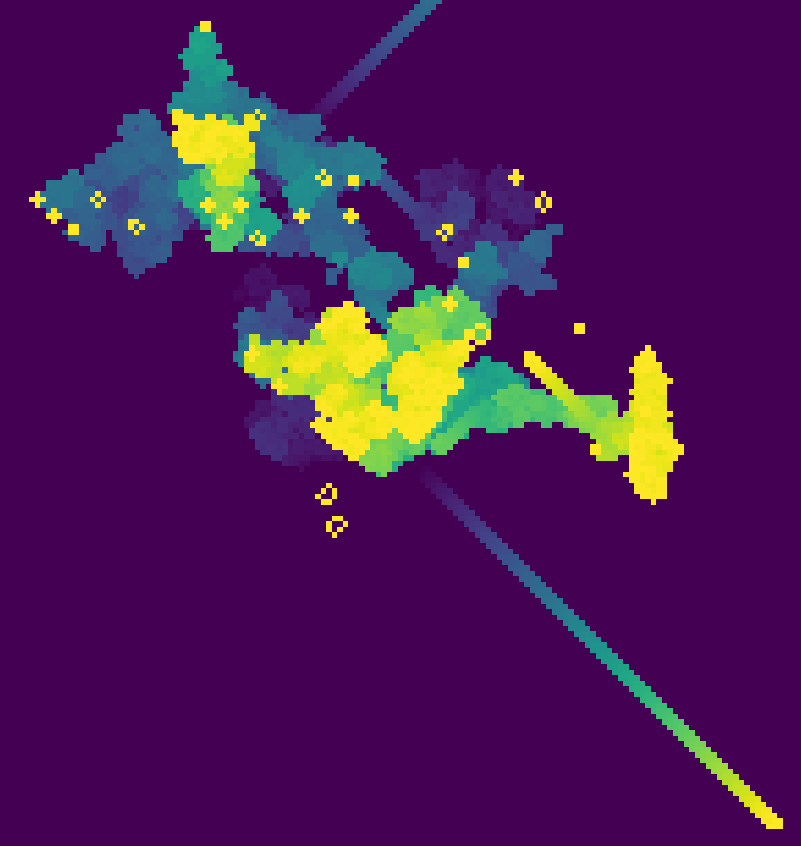
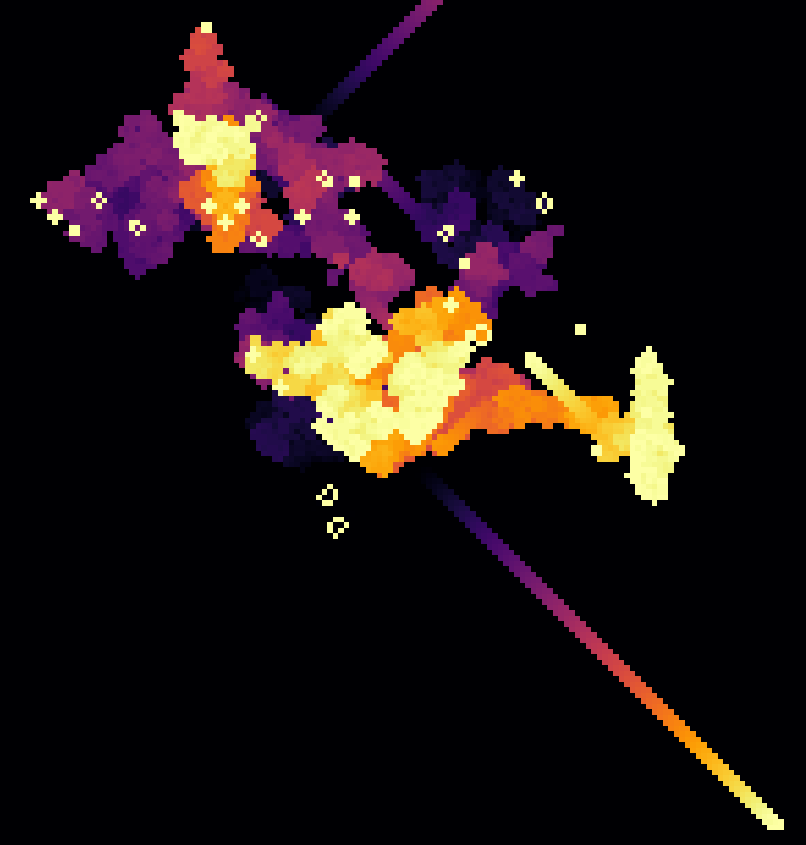
The Trace option enables a colormap that decays over time, as opposed to the usual black and white life. Hundreds of colormaps are included in the submodule.
The Scale option scales up the frame image resolution to multiple pixels per life cell. No joke, the pixels have sharper edges at higher resolution.
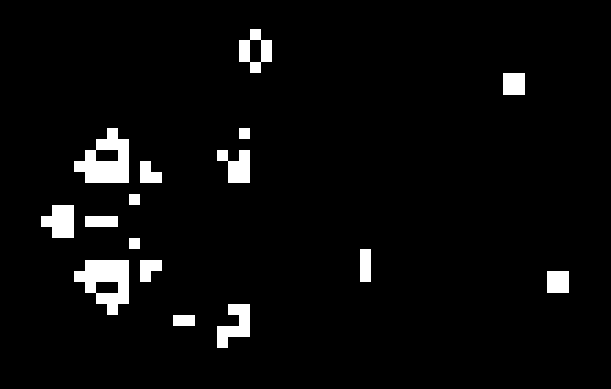
Images written by life are in the portable anymap format. A black and white example (converted to PNG for github) is below:
With Trace enabled, the color is related to how long it has been since a cell was alive:

Stitch image frames into a video
Use FFmpeg to make a video. From the inputs directory:
ffmpeg -i ./frames/acorn_%d.pbm -c:v libx264 -pix_fmt yuv420p acorn-out-0.mp4
If you have ffmpeg installed and in your path, life will automatically export the video.
Sample output
Inferno tracers: https://youtu.be/AI1IVfiSzx8
Black and white: https://youtu.be/dUq5SWXs0bc