animate_do
April 18, 2026 · View on GitHub
A Flutter animation package inspired by Animate.css, built with zero external dependencies.




Getting Started
Every animation widget ships with sensible defaults and is fully customizable. Drop it around any widget and you're done.
Properties
| Property | Type | Description |
|---|---|---|
key | Key | Optional widget key reference |
child | Widget | Required widget to animate |
duration | Duration | Duration of the animation |
delay | Duration | Delay before the animation starts |
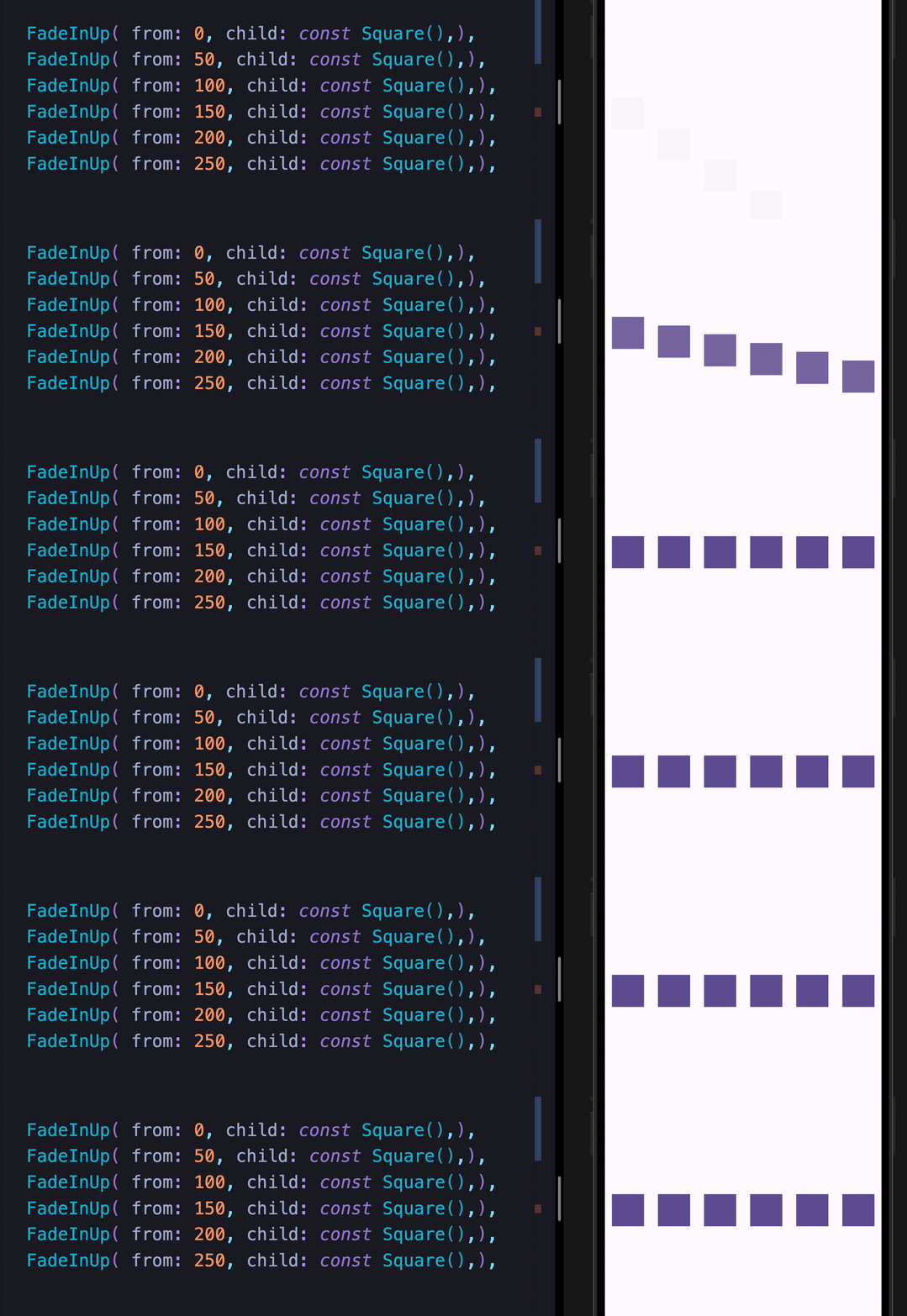
from | double | Initial or final value for more pronounced slide/fade effects |
animate | bool | Toggle false → true to trigger; works with setState, Bloc, Provider, Redux, etc. |
infinite | bool | Loops the animation indefinitely |
spins | double | Number of rotations — applies to Spin, Roulette, SpinPerfect |
manualTrigger | bool | Disables auto-play; requires the controller callback to drive the animation |
controller | Function | Exposes the AnimationController for advanced control |
onFinish | Function | Callback fired when the animation completes; receives an AnimateDoDirection (forward / backward) |
curve | Curve | Custom easing curve |
Available Animations
Fade In
| FadeIn | FadeInDown | FadeInDownBig | FadeInUp |
| FadeInUpBig | FadeInLeft | FadeInLeftBig | FadeInRight |
| FadeInRightBig |
Fade Out
| FadeOut | FadeOutDown | FadeOutDownBig | FadeOutUp |
| FadeOutUpBig | FadeOutLeft | FadeOutLeftBig | FadeOutRight |
| FadeOutRightBig |
Bounce In
| BounceInDown | BounceInUp | BounceInLeft | BounceInRight |
Elastic In
| ElasticIn | ElasticInDown | ElasticInUp | ElasticInLeft |
| ElasticInRight |
Slide In
| SlideInDown | SlideInUp | SlideInLeft | SlideInRight |
Back In / Back Out
| BackInDown | BackInUp | BackInLeft | BackInRight |
| BackOutDown | BackOutUp | BackOutLeft | BackOutRight |
Flip In
| FlipInX | FlipInY |
Zoom
| ZoomIn | ZoomOut |
Attention Seekers
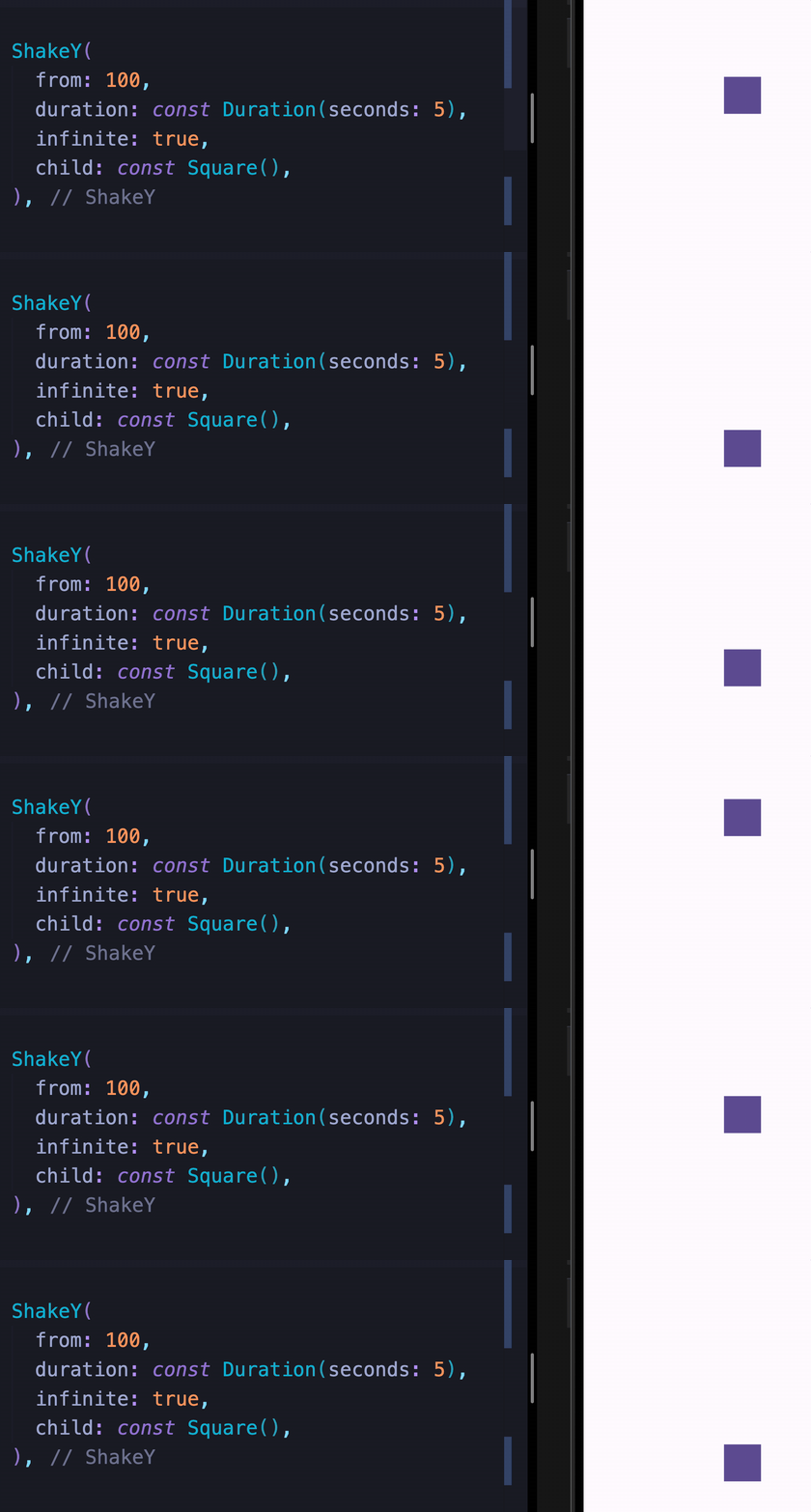
All attention seekers support the infinite property to loop indefinitely.
| Bounce | Dance | Flash | Pulse |
| Flip | Roulette | ShakeX | ShakeY |
| Spin | SpinPerfect | Swing | HeartBeat |
| Wobble | Jello | Tada | RubberBand |
Custom Animations
These widgets let you move widgets around the screen and chain them with any other animation.
| MoveTo | MoveToArc |
Two Syntaxes
Both syntaxes are fully supported. Use whichever feels more natural to you.
Sugar Syntax
Row(
  mainAxisAlignment: MainAxisAlignment.spaceAround,
  children: [
    const Square().fadeInLeft(),
    const Square().fadeInUp(),
    const Square().fadeInDown(),
    const Square().fadeInRight(),
  ],
)
Class Syntax
Row(
  mainAxisAlignment: MainAxisAlignment.spaceAround,
  children: [
    FadeInLeft(child: Square()),
    FadeInUp(child: Square()),
    FadeInDown(child: Square()),
    FadeInRight(child: Square()),
  ],
)
Animation Chaining
Chain multiple animations sequentially using the sugar syntax:
Square()
  .tada()
  .wobble()
  .fadeIn()
Chaining with custom animations
const Square()
  .moveTo(top: 30)
  .moveTo(
    left: 30,
    delay: const Duration(seconds: 1),
  )
  .moveToArc(
    bottom: 30,
    right: 30,
    delay: const Duration(seconds: 2),
  )
  .fadeOut(
    delay: const Duration(seconds: 2),
  )
Triggering Animations
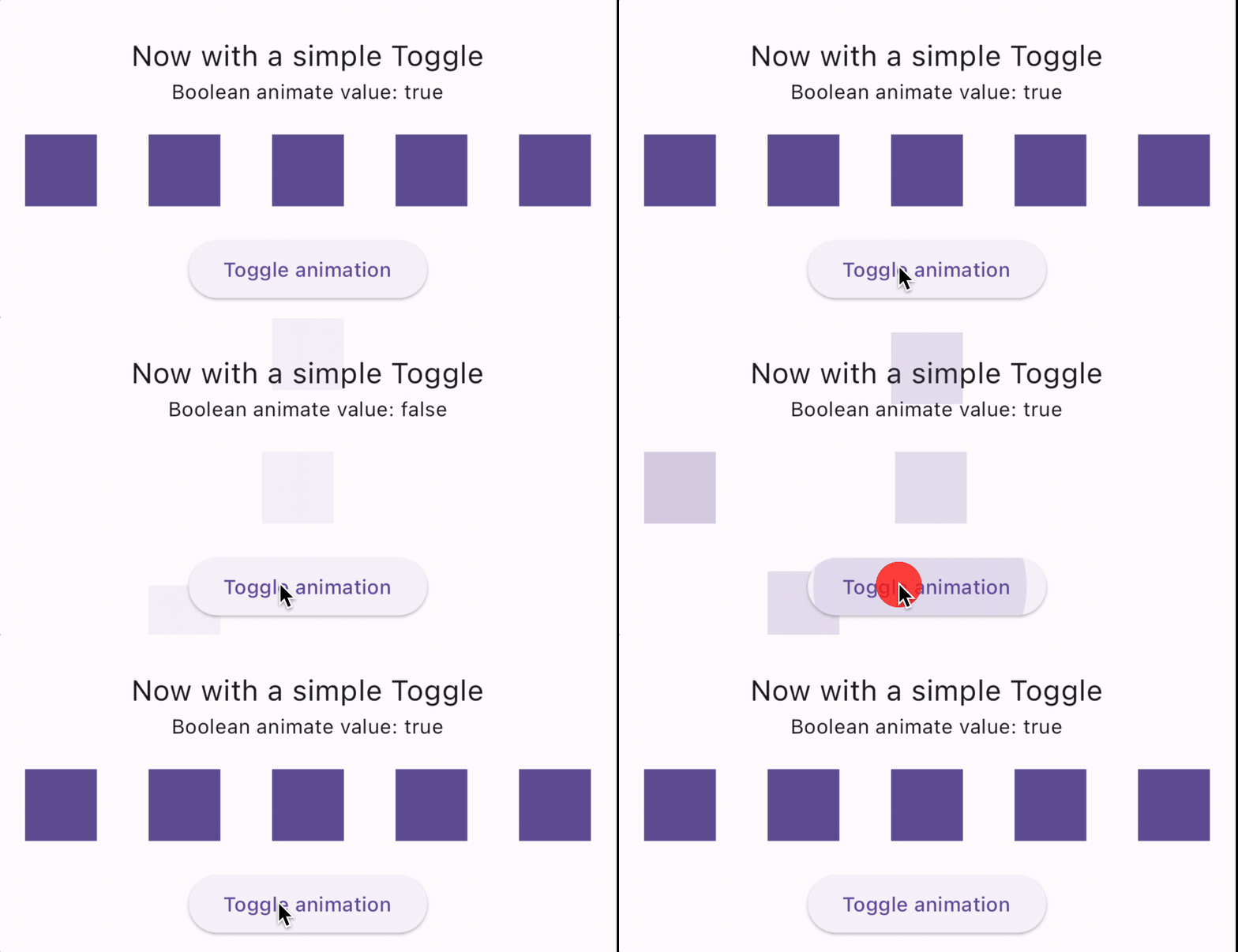
Toggle with animate
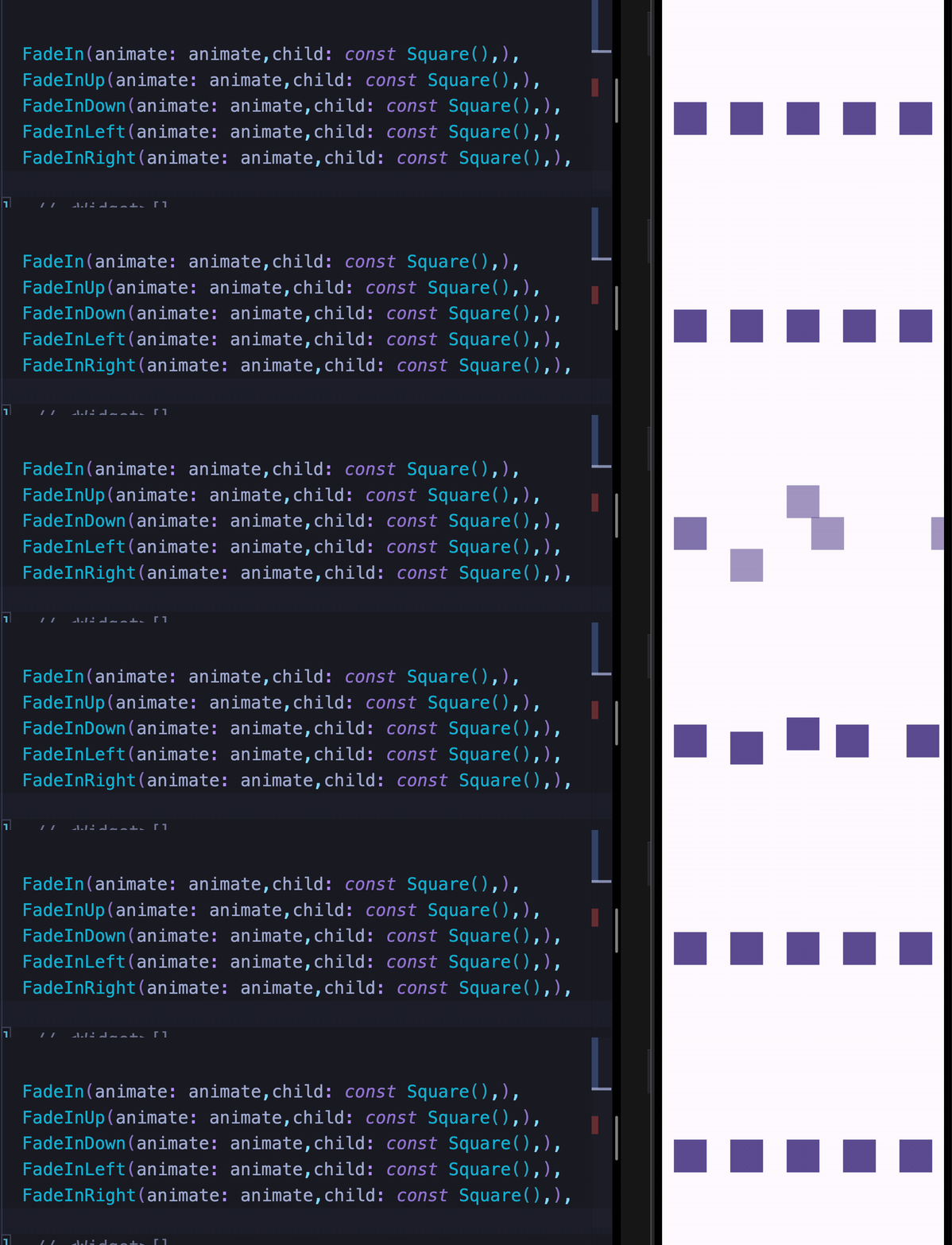
Set animate: true to play forward, animate: false to reverse. Works with any state management solution.

FadeIn(animate: animate, child: const Square())
FadeInUp(animate: animate, child: const Square())
FadeInDown(animate: animate, child: const Square())
FadeInLeft(animate: animate, child: const Square())
FadeInRight(animate: animate, child: const Square())
Events — onFinish
The onFinish callback fires when an animation completes, passing an AnimateDoDirection value (forward or backward).
Sugar syntax
const Square().fadeIn(
  animate: animate,
  delay: const Duration(milliseconds: 100),
  onFinish: (direction) => print('$direction'),
),
Class syntax
FadeIn(
  animate: animate,
  delay: const Duration(milliseconds: 100),
  onFinish: (direction) => print('$direction'),
  child: const Square(),
),
Manual Trigger
Use manualTrigger: true together with the controller callback to drive the animation yourself — useful when you need full control over playback.
Note: When using
manualTrigger, you are responsible for callingcontroller.forward()andcontroller.reverse()explicitly.
class _MyWidgetState extends State<MyWidget> {
  late AnimationController animateController;

  @override
  Widget build(BuildContext context) {
    return FadeInUp(
      manualTrigger: true,
      controller: (controller) => animateController = controller,
      child: YourWidget(),
    );
  }
}
Demos
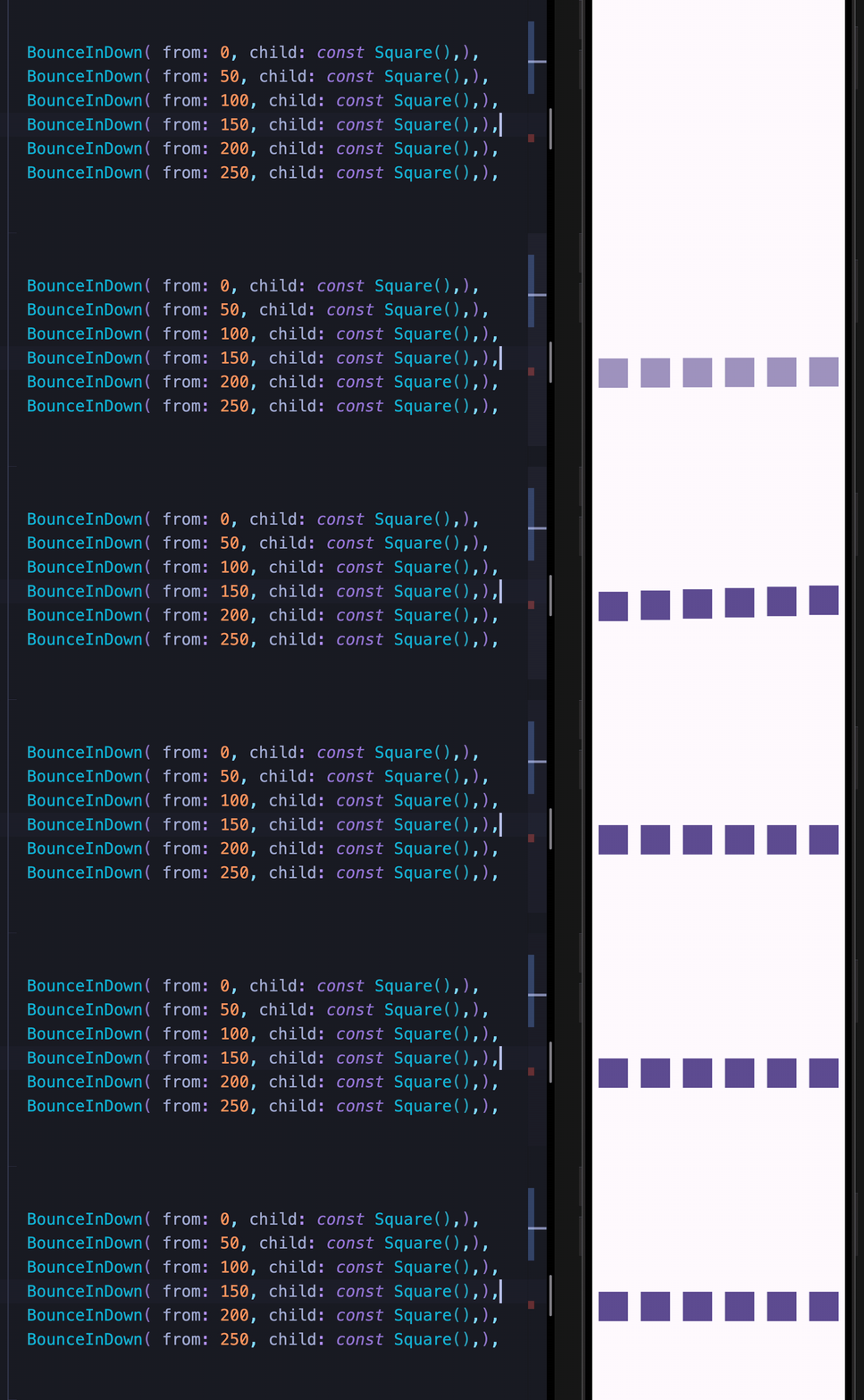
For complete runnable examples, see the example folder.
If you find this package useful, consider leaving a like on pub.dev. Feedback and suggestions are always welcome.