KotOR.js
May 31, 2026 · View on GitHub








A remake of the Odyssey Game Engine that powered KotOR I & II written in JS (TypeScript)
KotOR.js is a TypeScript-based reimplementation of the Odyssey Game Engine that powered the original Star Wars: Knights of the Old Republic (KotOR) and its sequel, KotOR II: The Sith Lords (TSL). The project aims to support the complete feature set of the original engine. While still in the early stages of development, many systems are already online in some form or fashion.
In addition to the game engine, the project includes an early attempt at a modding suite called KotOR Forge.
Technologies
- The code has been re-written in TypeScript and compiles down into JavaScript.
- THREE.js is used for the base of the rendering engine.
- Electron is used to package and publish a desktop application.
Discussion Thread
KotOR.js Youtube Channel

Supported Games
The following games are currently supported:
- Star Wars: Knights of the Old Republic (PC)
- Star Wars: Knights of the Old Republic II The Sith Lords (PC)
Requirements
You will need a valid copy of either KotOR I or KotOR II installed on your system if you want to use KotOR.js to interface with the files of either game. No game files are distributed with this project.
Web Compatibility (NEW)
The recent transition to TypeScript has brought many improvements to the codebase, including Chrome support. When the project is compiled, the contents of the dist folder can be uploaded to a web server. The only requirement is that the site must be accessed from behind a valid SSL certificate. Using the latest version of Chrome is recommended.

Getting Started (Developer)
Prerequisites
- Download and install Node.js / npm.
- Clone the KotOR.js repository.
- Install dependencies:
npm install
Running the App
Option A — Desktop app (Electron) — most common
This compiles the TypeScript and launches the Electron desktop window. Run this if you just want to play/test the game locally.
npm run start
Hot-reload variant: Watches for TypeScript changes and auto-restarts Electron on save:
npm run start-watch
Option B — Browser / web dev (HMR dev server)
Use this when you're working on the web frontend (Launcher, Game, Forge, Debugger views) and want to open them in Chrome.
Start the dev server (builds, serves, and hot-reloads on save):
npm run dev
This runs webpack-dev-server on http://localhost:8080 with HMR and React Fast Refresh. It compiles five bundles in parallel:
KotOR.js— core engine librarydist/launcher/— game launcher UIdist/game/— in-browser game clientdist/forge/— KotOR Forge modding tooldist/debugger/— script debugger
React app code hot-updates without a full page reload. Changes to the engine bundle (KotOR.js) trigger a targeted page reload.
| URL | What it is |
|---|---|
| http://localhost:8080 | Redirects to Launcher |
| http://localhost:8080/launcher/ | Game Launcher |
| http://localhost:8080/game/?key=kotor | KotOR I in-browser |
| http://localhost:8080/game/?key=tsl | KotOR II in-browser |
| http://localhost:8080/forge/ | KotOR Forge modding tool |
| http://localhost:8080/debugger/ | Script debugger |
For build-to-disk without a server (CI, quick compiles):
npm run webpack:dev-watch
Option C — VS Code launch configurations
If you're using VS Code, press F5 (Run & Debug) and pick a configuration. VS Code will automatically start the HMR dev server and open Chrome pointed at the right URL:
- KotOR Launcher — opens the launcher at localhost:8080
- KotOR — opens the KotOR I game client
- TSL — opens the KotOR II game client
- KotOR Forge — opens the Forge modding tool
- KotOR Debugger — opens the script debugger
- Dev: HMR (Launcher) — starts the dev server and opens the launcher
Or run
npm run devmanually, then open any of the URLs above in Chrome.
Docker
This project can be containerized as a static web app.
Build the image:
docker build -t kotor-js-web .
Run it:
docker run --rm -p 8080:80 kotor-js-web
Then open:
http://localhost:8080/(Launcher)
Notes:
- The Docker image uses a multi-stage build (
node:alpine->nginx:alpine). - It runs the same production build as local web output:
npm run webpack:prod.
Other Commands
| Command | What it does |
|---|---|
npm run dev | HMR dev server on http://localhost:8080 |
npm run webpack:dev | One-shot development build (no watch) |
npm run webpack:dev-watch | Watch-mode development build (no dev server) |
npm run webpack:prod | Production build (minified, no source maps) |
npm run electron:compile | Compile only the Electron main process TypeScript |
npm run test | Run the Jest test suite |
npm run typedoc | Generate API docs into the wiki/ folder |
Screenshots
| KotOR.js Launcher | KotOR - Taris: Undercity | KotOR - Dantooine |
|---|---|---|
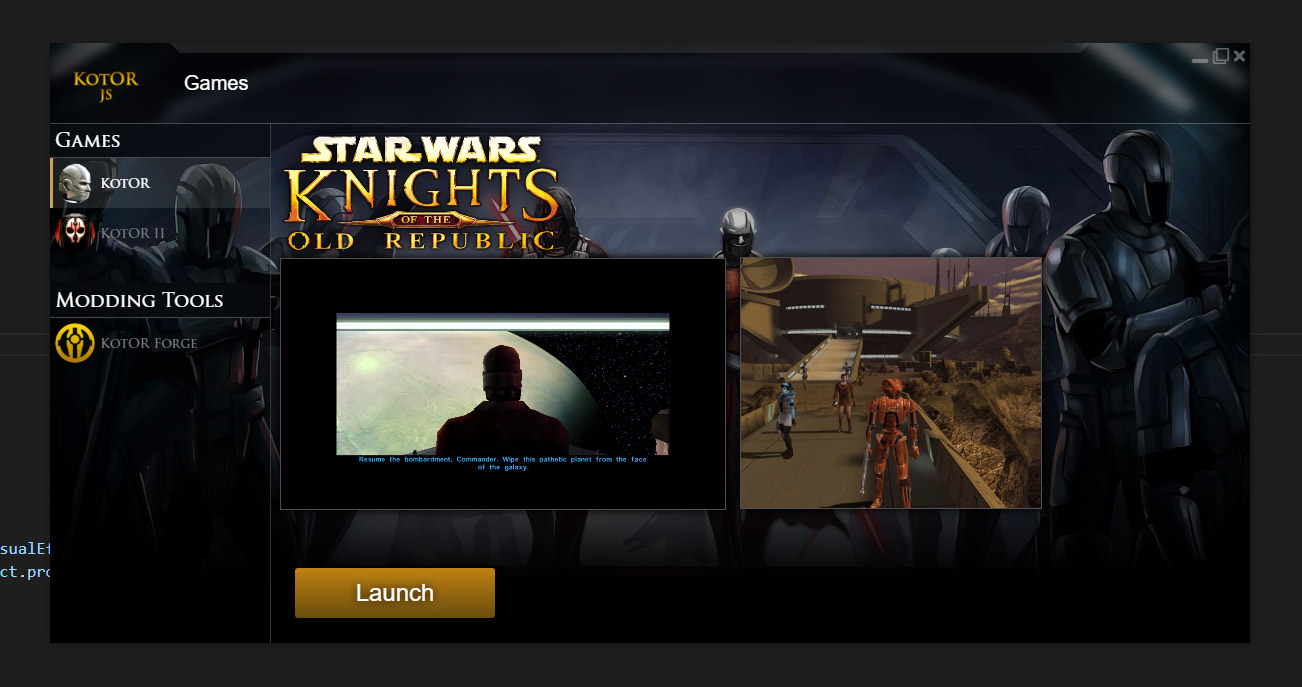 | 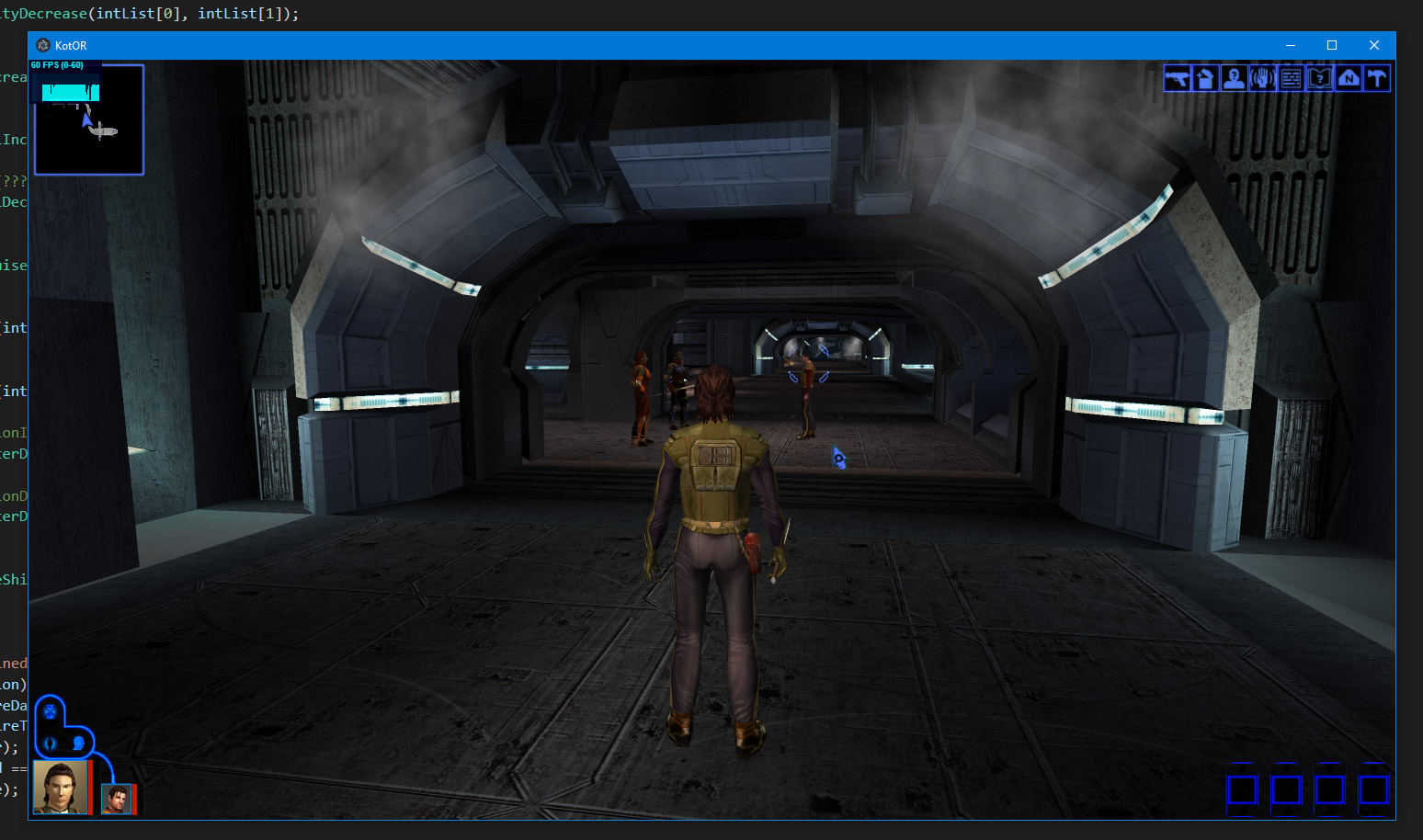 | 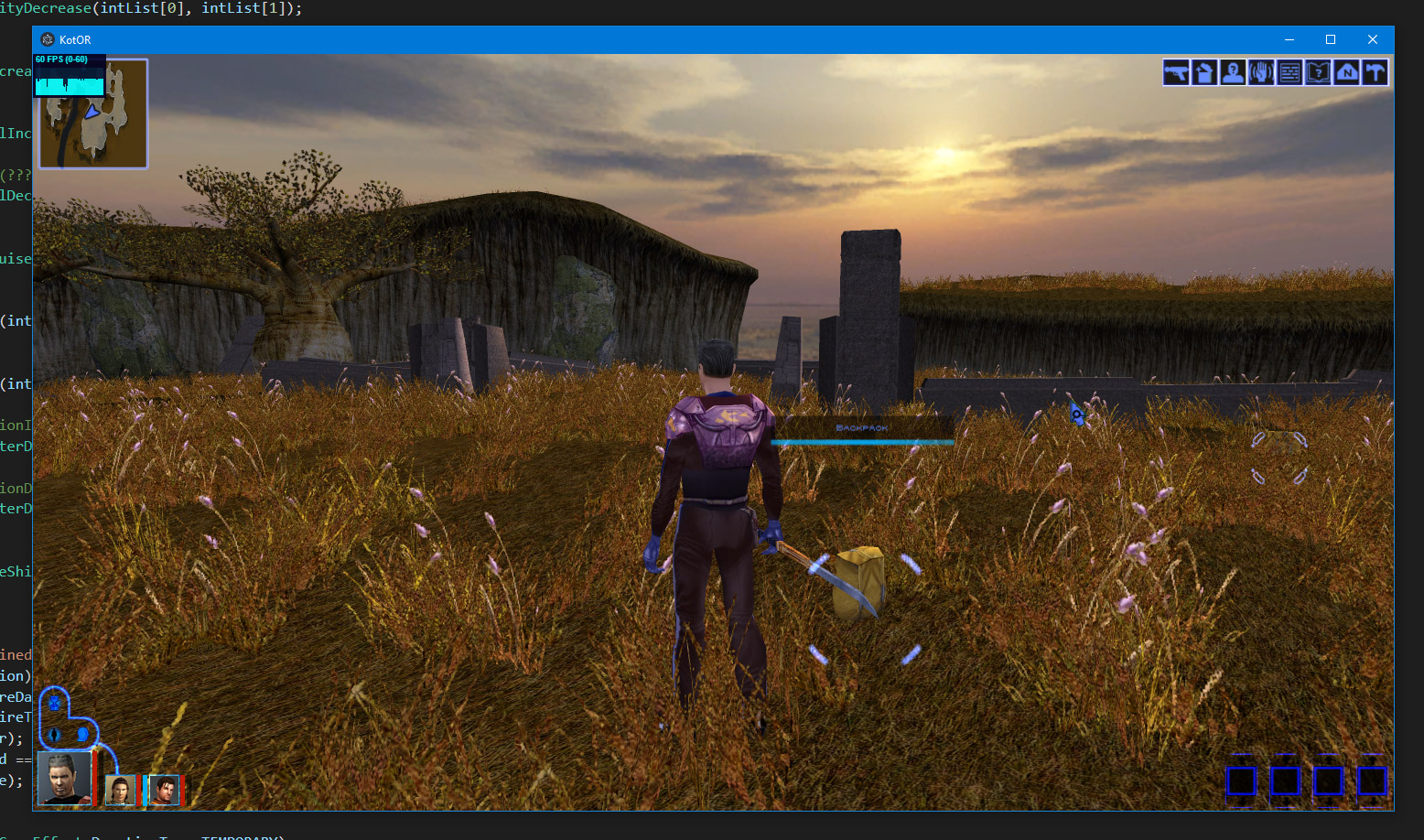 |
| KotOR II - TSL: Awaken Scene | KotOR II - TSL: Awaken Scene 2 | |
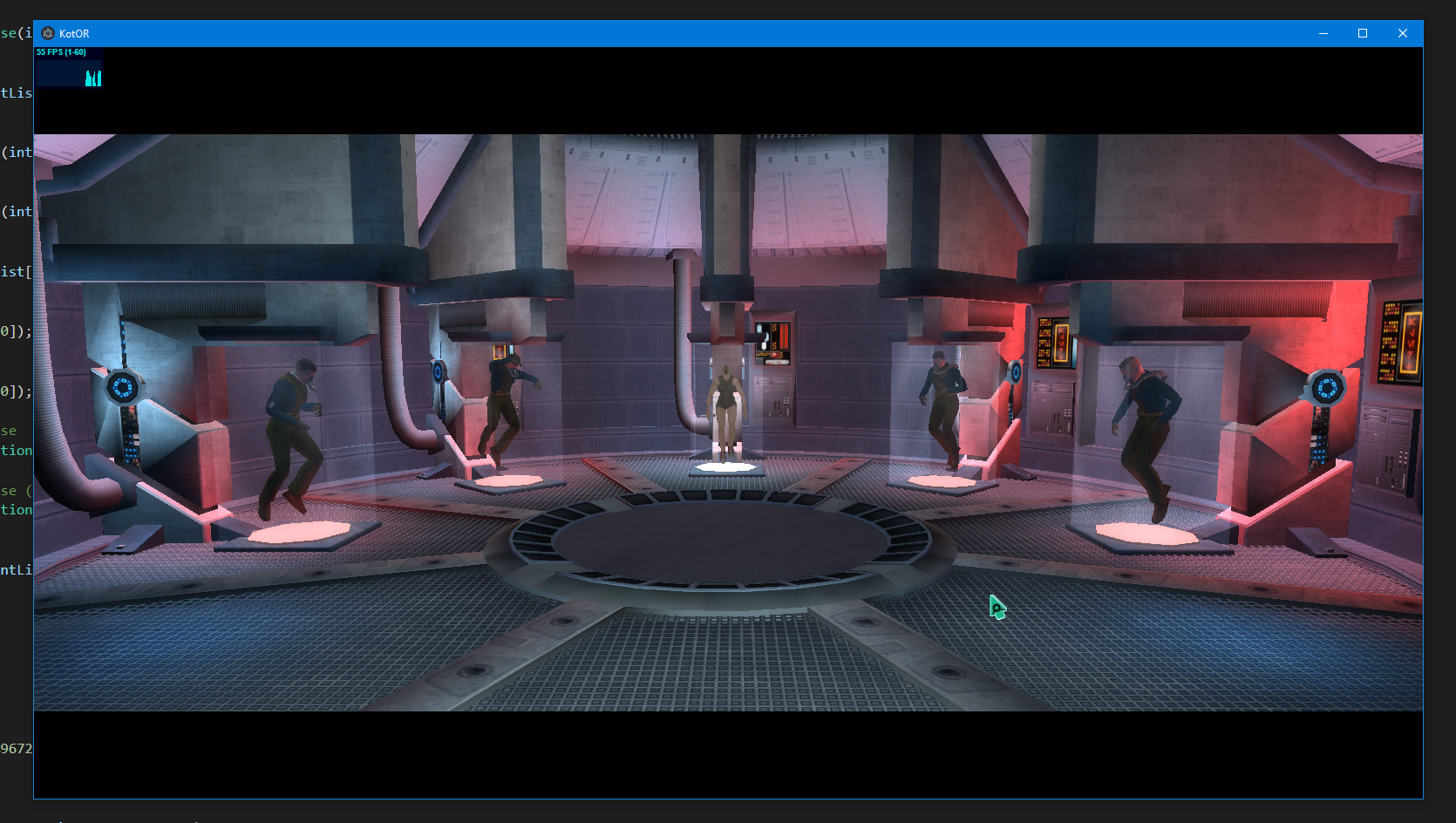 | 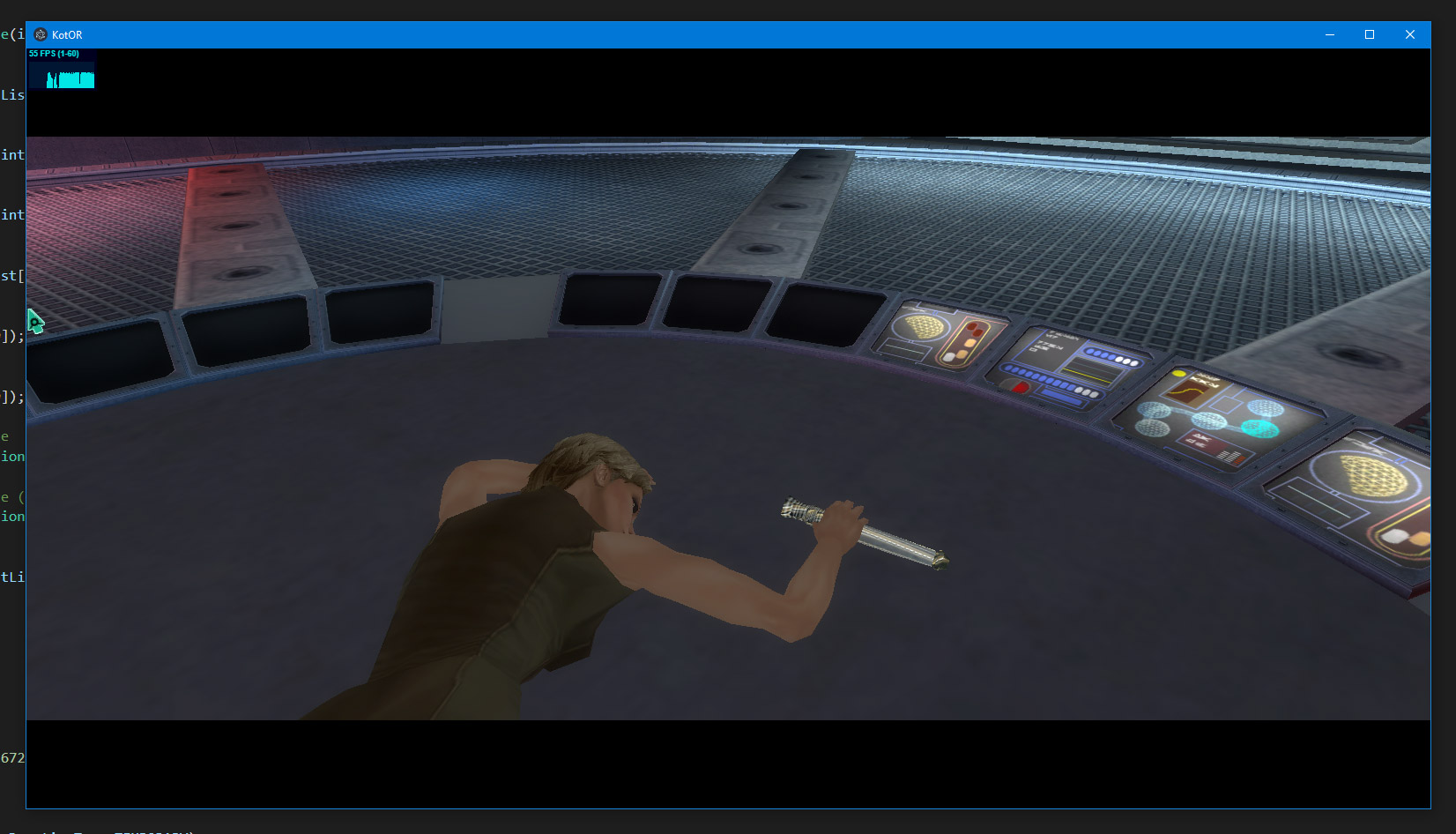 |
Videos
| KotOR.js (2023) - In Browser Demo | KotOR JS - Combat Animations Progress Jan 2021 | KotOR Forge - WIP: Lip Sync Editor Jan 2019 |
|---|---|---|
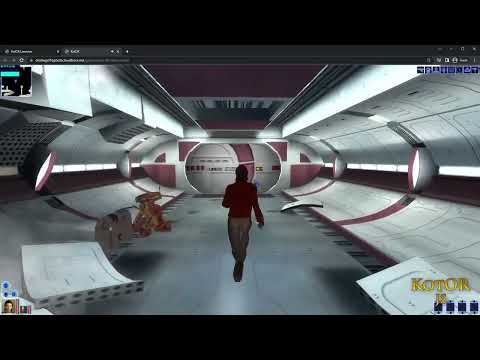 | 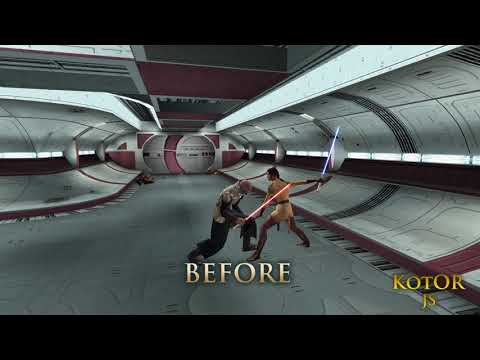 | 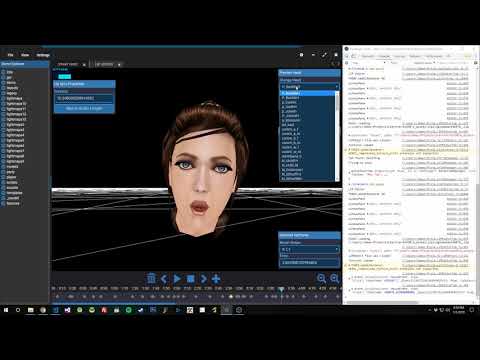 |
| KotOR JS - Lighting & Lipsync Progress Nov 2018 | KotOR JS : TSL - Gameplay Compilation Sep 2018 | KotOR JS: The Endar Spire Sep 2018 |
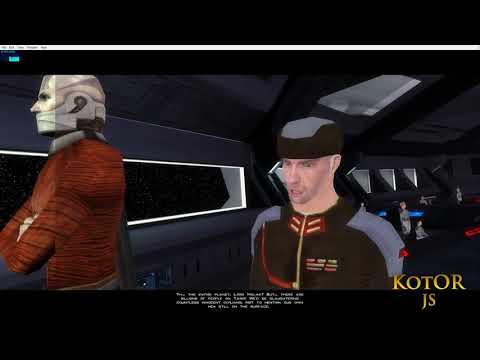 | 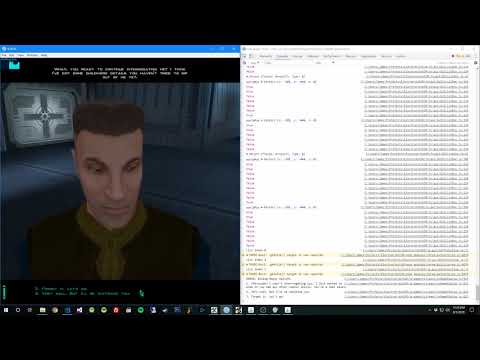 | 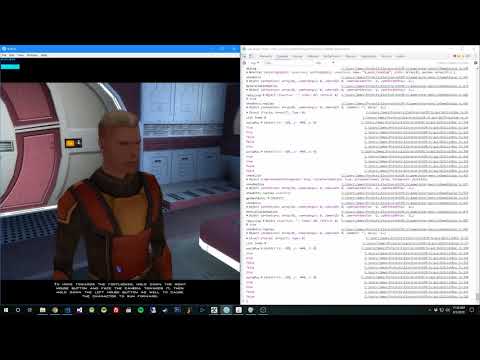 |
Influences & Credits
Without these people below I couldn't have gotten this far.
xoreos
The KotOR Modding Community
And many many more!