Extended Toolkit
October 18, 2025 · View on GitHub
=======
NuGet Information

=======
Supporters
Development of the Krypton Extended Toolkit is supported by these generous organisations:

|

|
| JetBrains provides cutting-edge IDE and developer productivity tools. | YourKit provides a market-leading intelligent Java Profiler and .NET Profiler. |
=======
Documentation

Examples

Version Information

Version History

Support Information

Enabling preview SDK usage
If you want to try out the latest .NET SDK (currently .NET 8), but just have the stable version of Visual Studio installed, please read this article.
=======
Install the Ultimate Package
Note: These packages do not support anything newer than .NET Framework 4.8.1.
Full
Package Manager
PM> NuGet\Install-Package Krypton.Toolkit.Suite.Extended.Ultimate -Version 70.22.11.312
Package Reference
<PackageReference Include="Krypton.Toolkit.Suite.Extended.Ultimate" Version="70.22.11.312" />
Lite
PM> NuGet\Install-Package Krypton.Toolkit.Suite.Extended.Ultimate.Lite -Version 70.22.11.312
Package Reference
<PackageReference Include="Krypton.Toolkit.Suite.Extended.Ultimate.Lite" Version="70.22.11.312" />
=======
Modules
Main Modules
| Module Name | Description | Example Image |
|---|---|---|
| Advanced Data Grid View | This package implements the advanced data grid view controls. | 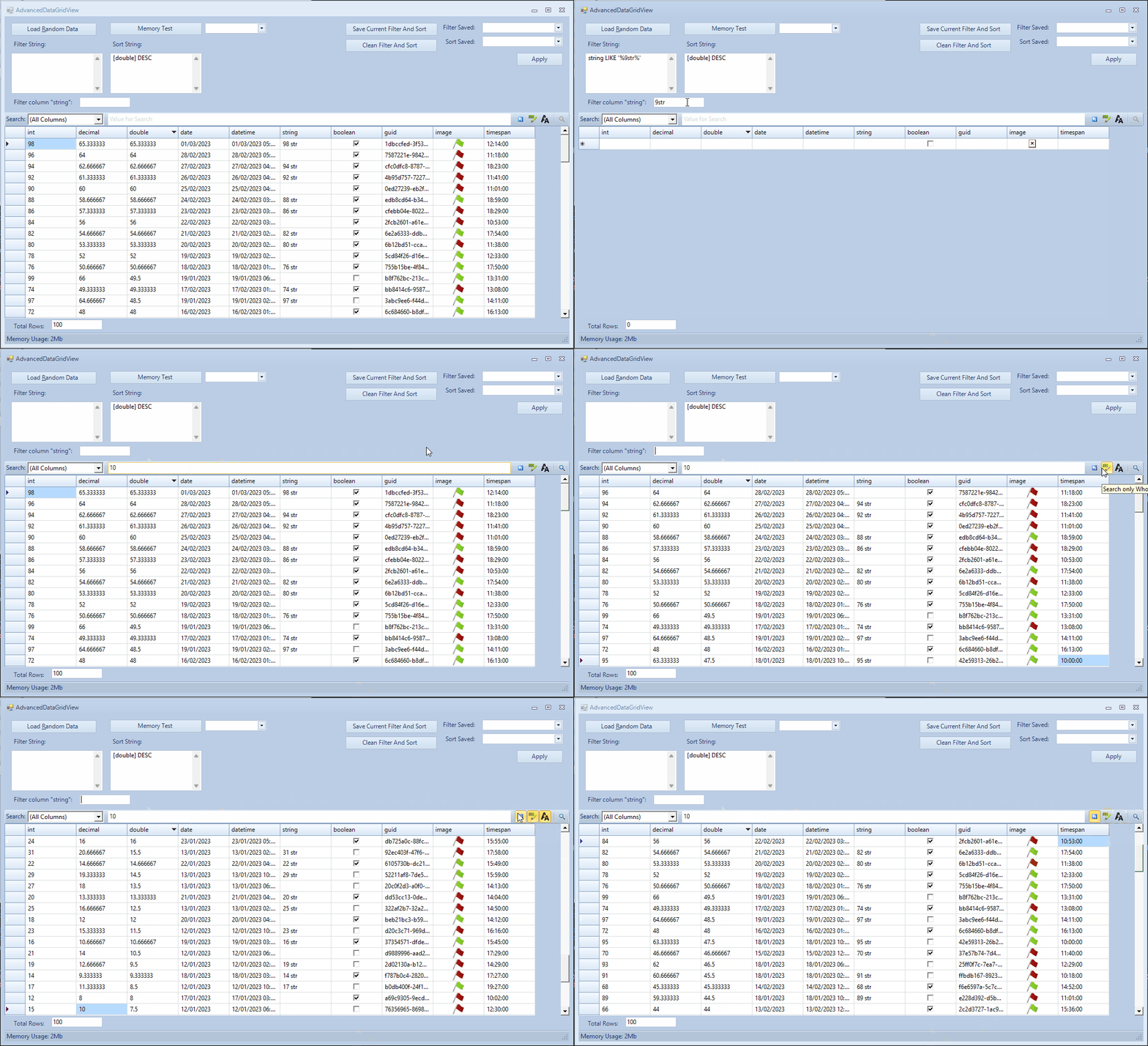 |
| Buttons | This package holds extensions to the standard KryptonButton controls. | 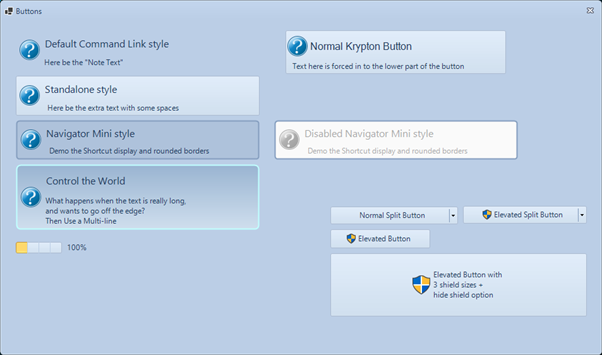 |
| Calendar | This package implements a KryptonCalendar control. | 2 |
| CheckSum Tools | This package holds utilities to compute and verify checksums. | 3 |
| Circular Progress Bar | This package holds the circular progressbar control. |   |
| ComboBox | This package implements extensions to the Krypton standard toolkit ComboBox, including additional Drop Down types and views. | 5 |
| Compression | This package holds additional file compression utilities. | 6 |
| Controls | This package holds numerous controls that complement the standard toolkit. |  |
| Data Visualisation | This package implements charts, graphs and other additional data visualisation tools. | 8 |
| Data Grid View | This package implements additional extensions to the Krypton standard toolkit DataGridView, including Column types and Master-Detail views. | 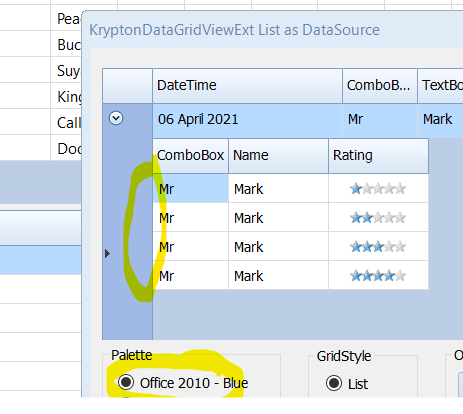  |
| Dialogs | This package implements additional extensions to standard dialogs. | 10 |
| Dock Extender | This package implements additional docking operations. (Under Development) | 11 |
| Drawing Utilities | This package implements additional drawing utilities. | 12 |
| Error Reporting | This package implements error reporting features. | 13 |
| Fast Coloured TextBox | This package implements the FastColouredTextBox control. | 14 |
| File Copier | This package provides tools to move and copy files. | 15 |
| File Explorer | This package implements a file explorer. (Under Development) | 16 |
| Floating Toolbars | This package allows the usage of floating toolbars. | 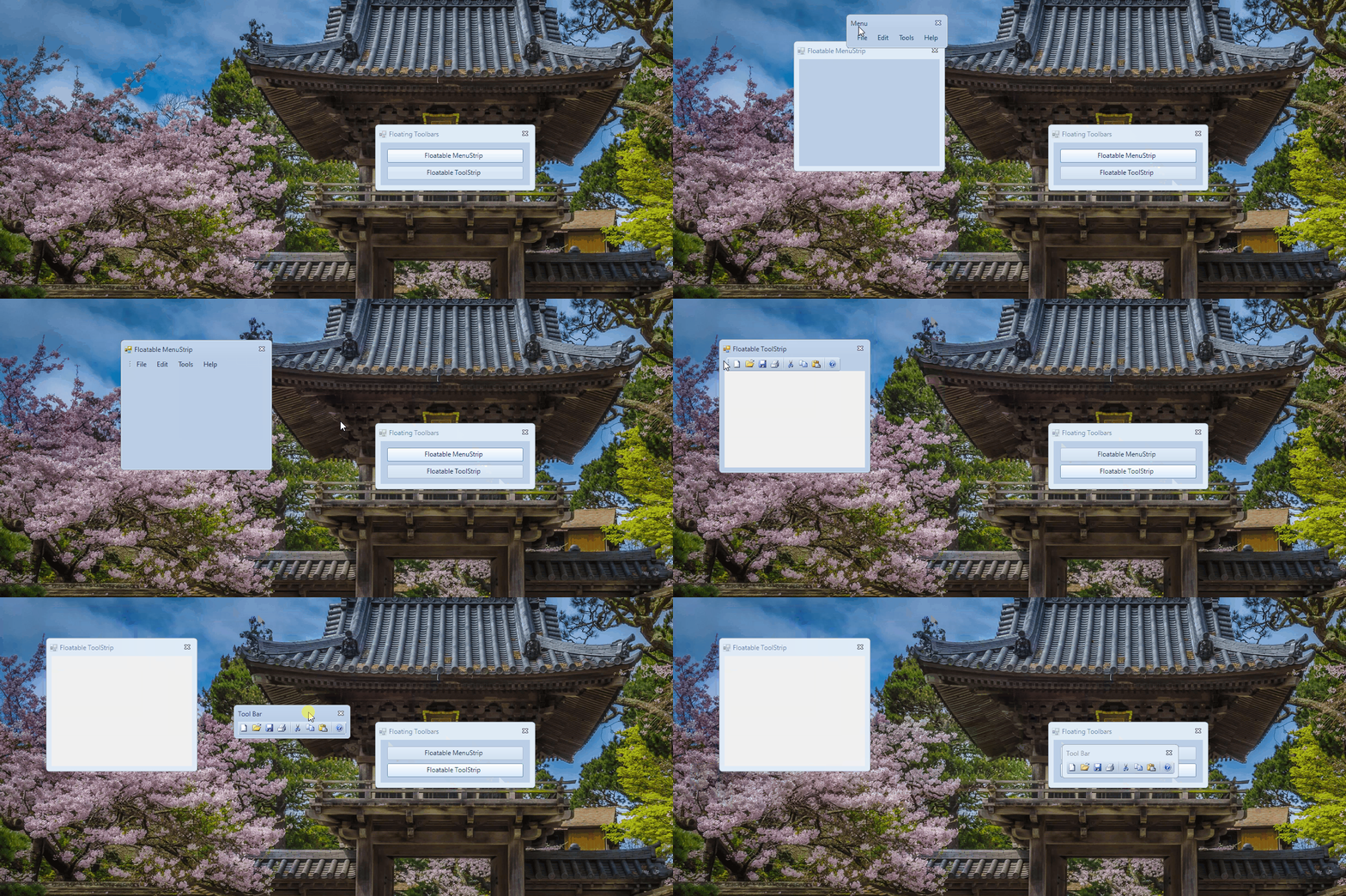 |
| Forms | This package implements additional KryptonForm effects, to be used in conjunction with the standard toolkit. | 18 |
| Gages | This package implements additional gage controls. (Under Development) | 19 |
| Input Box | This package implements a input box dialog. | 20 |
| IO | This package implements IO controls and features. | 21 |
| Memory Box | This package implements a memory box dialog. |  |
| Message Box | This package implements additional KryptonMessageBox features and functionality. | 23 |
| Navi Suite | This package implements the 'NaviSuite' control. | 24 |
| Navigator | This package implements additional KryptonNavigator designs and features. | 25 |
| Networking | This package implements networking features. | 26 |
| Notifications | This package implements items to create notifications for your applications. | 27 |
| Outlook Grid | This package implements the 'OutlookGrid' control. | 28 |
| Palette Selectors | This package implements palette creation tools. (Under Development) | 29 |
| Panel | This package implements extra 'KryptonPanel' features and functionality. (Under Development) | 30 |
| Ribbon | This package implements extra 'KryptonRibbon' features and functionality. | 31 |
| Software Updater | This package implements software updating features. | 32 |
| Specialised Dialogs | This package implements system dialogs, using the Krypton themes. | 33 |
| Task Dialogs | This package implements extra 'KryptonTaskDialog' features and functionality. | 34 |
| Theme Switcher | This package implements a easy to use theme switcher. | 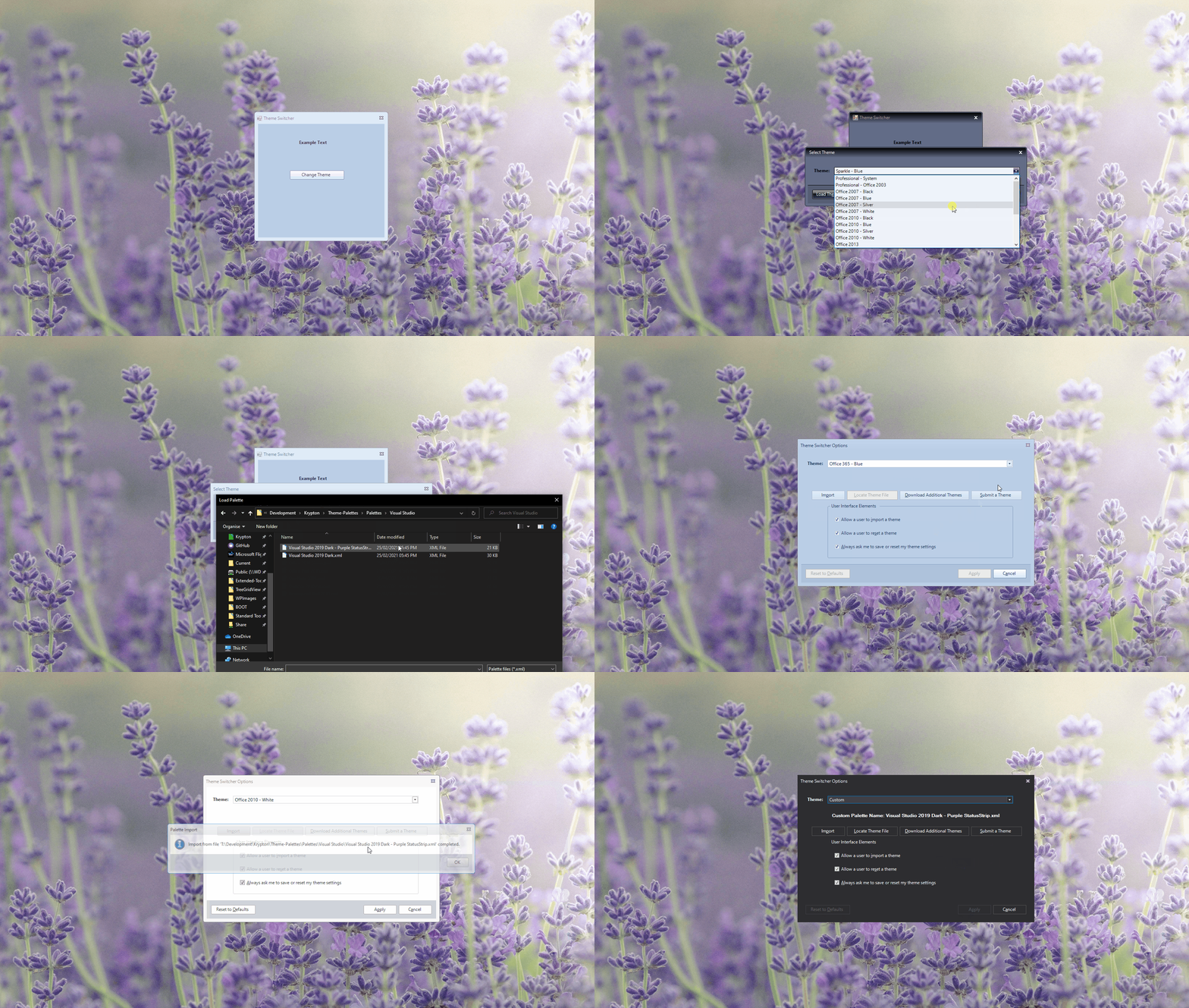 |
| Themes | This package implements theme utilities for use with KryptonFormExtended. | 36 |
| Toast | This package contains a framework that allows the creation of toast notifications. | 37 |
| Toggle Switch | This package implements toggle switch controls. (Under Development) | 38 |
| Tool Box | This package implements a Visual Studio toolbox control. | 39 |
| Tool Strip Items | This package implements additional tool strip items. | 40 |
| Tree Grid View | This package implements items to create tree grid views for your applications. |   |
| Virtual Tree Column View | This package implements items to create a 'virtual tree column view' for your applications. | 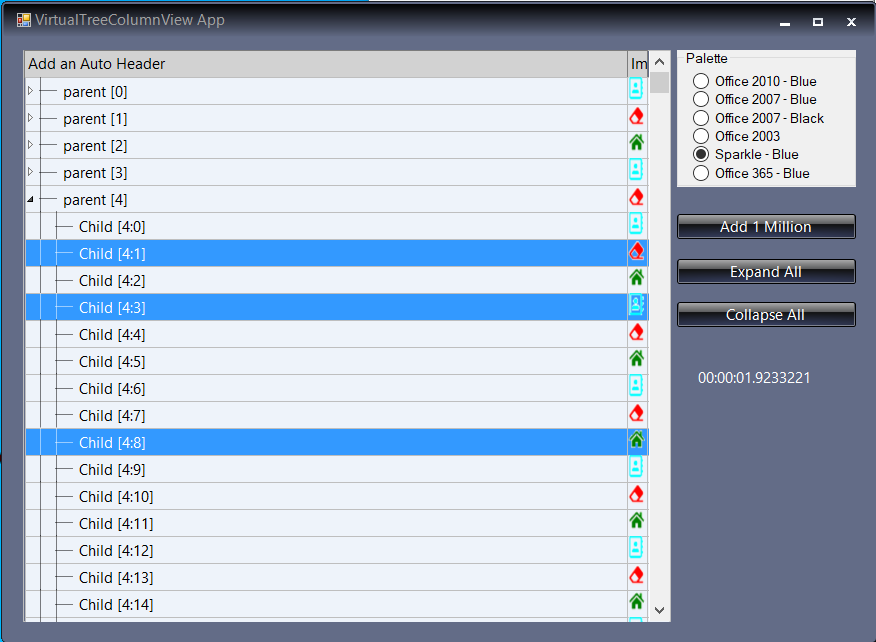 |
| Wizard | This package implements a wizard control. |  |
Note: Some packages may install third-party libraries in order to make them function correctly.
=======
Building from Source
The Krypton Extended Toolkit can be built using several methods:
Using Build.proj (Recommended for Releases)
The fastest way to build the entire toolkit:
# Standard configurations (Full TFMs - includes net472)
dotnet build -c Release         # Stable, 6 frameworks
dotnet build -c Canary          # Beta, 6 frameworks
dotnet build -c Nightly         # Alpha, 6 frameworks

# Lite configurations (Smaller packages - excludes net472)
dotnet build -c ReleaseLite     # Stable, 5 frameworks
dotnet build -c CanaryLite      # Beta, 5 frameworks
dotnet build -c NightlyLite     # Alpha, 5 frameworks

# Create NuGet packages
dotnet pack -c Release          # Create Release packages
dotnet pack -c ReleaseLite      # Create Lite packages
Build outputs:
- Compiled assemblies:
Bin/{Configuration}/ - NuGet packages:
Bin/NuGet Packages/{Configuration}/
Documentation:
- Global Dependency Inclusion - Smart dependency management for all projects
- Centralized TFM Configuration - Framework targeting strategy
- Lite Configuration - Build smaller packages for modern frameworks
- Workflow Implementation - GitHub Actions CI/CD workflows
Using Visual Studio
For daily development:
- Open
Source/Krypton Toolkit/Krypton Toolkit Suite Extended 2022 - VS2022.sln - Build using Visual Studio's standard build commands
Release Channels
Standard Configurations (Full Framework Support)
| Configuration | Branch | Package Suffix | Version Suffix | TFMs |
|---|---|---|---|---|
| Release | master | (none) | (none) | 6 (includes net472) |
| Canary | canary | .Canary | -beta | 6 (includes net472) |
| Nightly | alpha | .Nightly | -alpha | 6 (includes net472) |
Lite Configurations (Smaller Packages)
| Configuration | Branch | Package Suffix | Version Suffix | TFMs |
|---|---|---|---|---|
| ReleaseLite | master | .Lite | (none) | 5 (excludes net472) |
| CanaryLite | canary | .Lite.Canary | -beta | 5 (excludes net472) |
| NightlyLite | alpha | .Lite.Nightly | -alpha | 5 (excludes net472) |
Prerequisites
- Windows (required for .NET Framework and WinForms)
- Visual Studio 2022 or later
- .NET SDK 8.0 or later
- MSBuild (included with Visual Studio)
For more details, see the build documentation.