ChattyVibes
January 21, 2023 · View on GitHub
Allows you to connect your Twitch stream to your Intiface smile
Dependencies
- IntiFace Desktop by Buttplug.io - To act as an interface between ChattyVibes and your toys. link
- Toys - Why else would you need this? :smile:
- A Twitch Account - Because this app is Twitch-specific, you'll need an account there. link
Setup
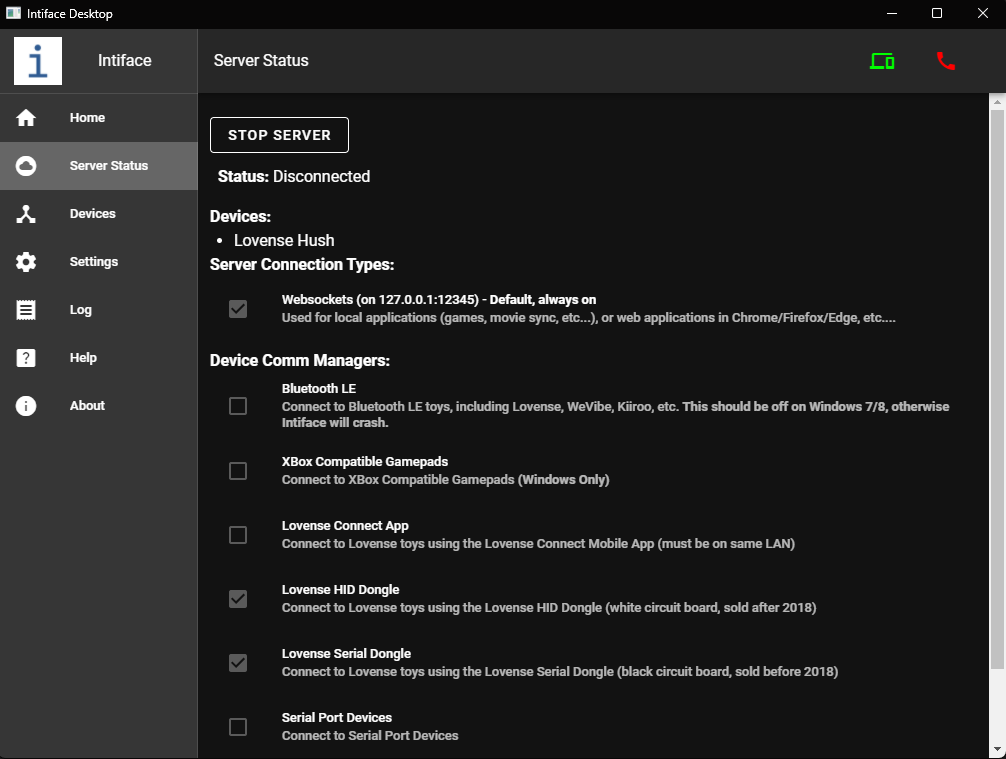
- Start Intiface and set it up to your needs
- Click "Start Server" within Iniface to start the websocket server we will use for communications.
- Start ChattyVibes
- Verify the Intiface config in the "Home" tab.
- Click "Connect Intiface" within ChattyVibes to connect to the Intiface websocket.
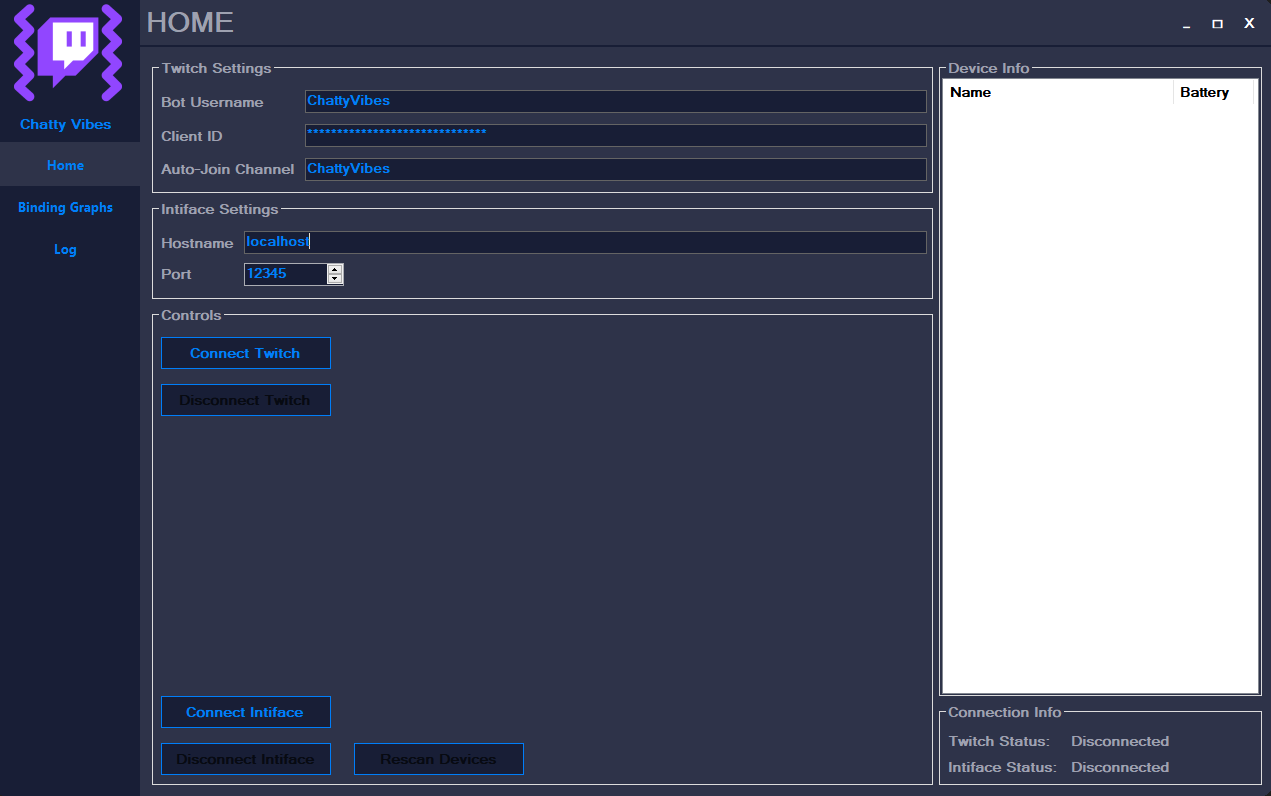
- Verify the Twitch config in the "Home" tab.
- Click "Connect Twitch" within ChattyVibes to authorize the app and to connect to the Twitch API.
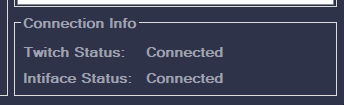
- When properly set up your UI will tell you that both are connected.
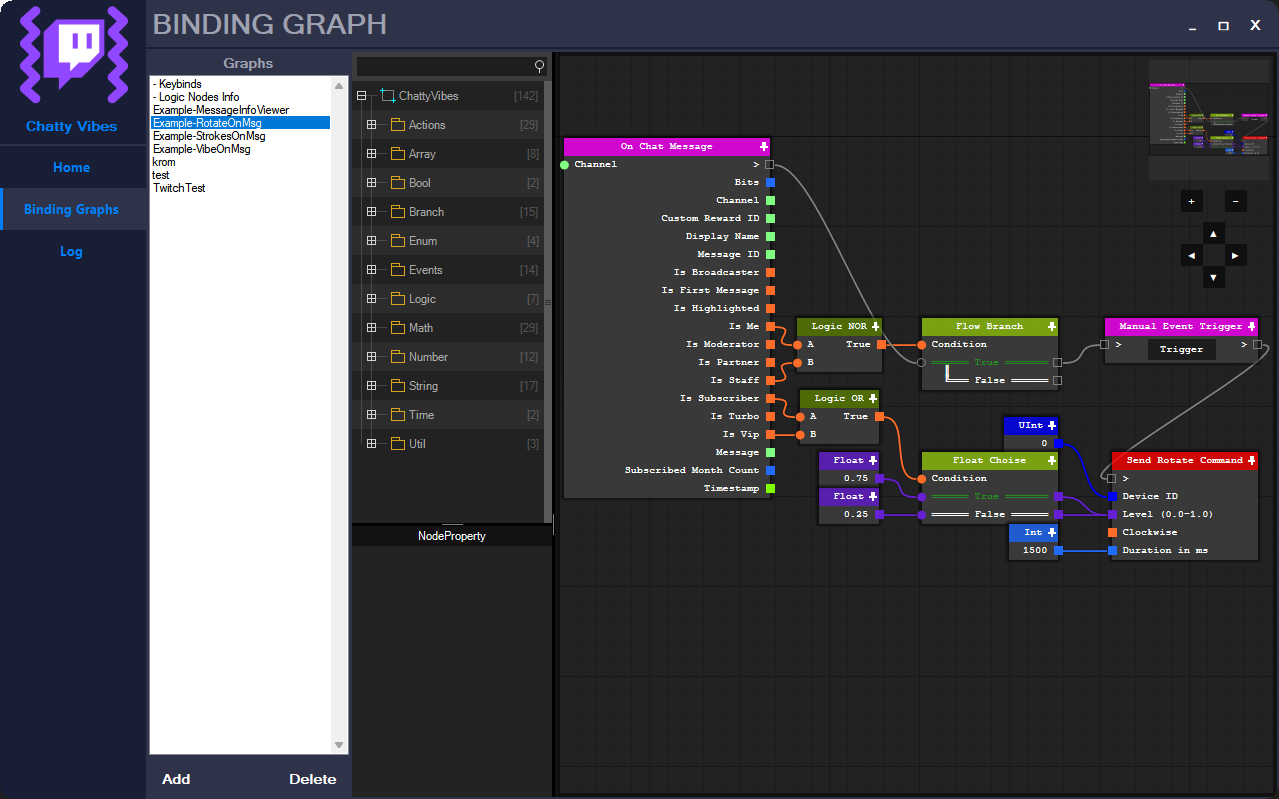
- You can now configure your bindings in the "Binding Graphs" tab
- Happy streamin' ^_^
Misc
If you need any help, feel free to dab me up on Discord: LauraRozier#9999