FAQ.md
February 16, 2019 · View on GitHub
本文收录大家在使用hexo-theme-melody中遇到的常见问题。其中很大一部分是没有阅读文档导致的。请养成先看文档再提问的习惯!
常见问题
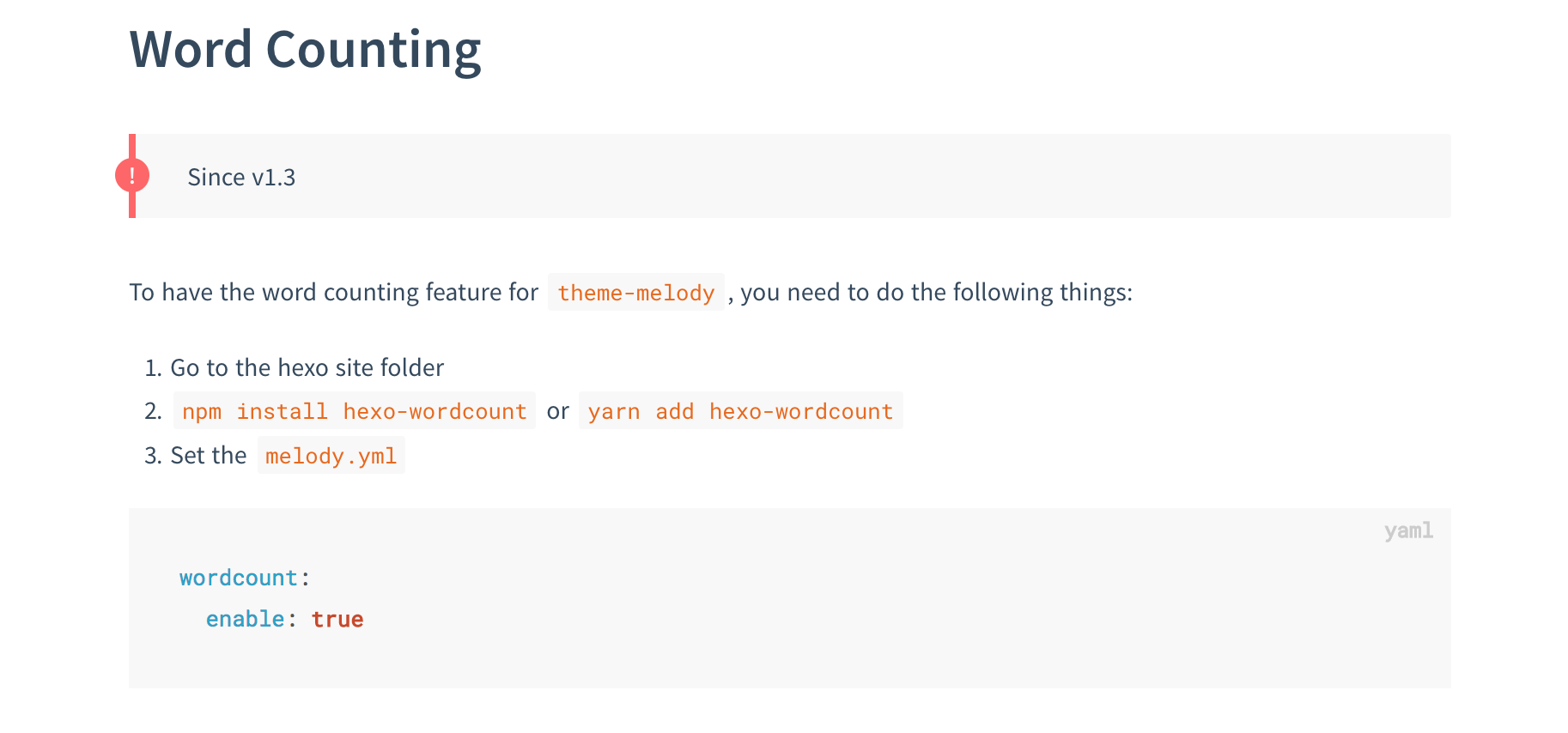
1. wordcount相关。能看到的报错如:wordcount is not a function。

2. keywords相关。能看到的报错如:(config.keywords || []).join is not a function
参考issue。
找到你hexo站点的_config.yml(不是主题的_config.yml!)然后修改你的keywords项,改成空或者数组形式:
keywords:
  - item1
  - item2
3. renderer相关。能看到的报错如:ERROR Process failed: layout/includes/slide/script.pug
参考issue。

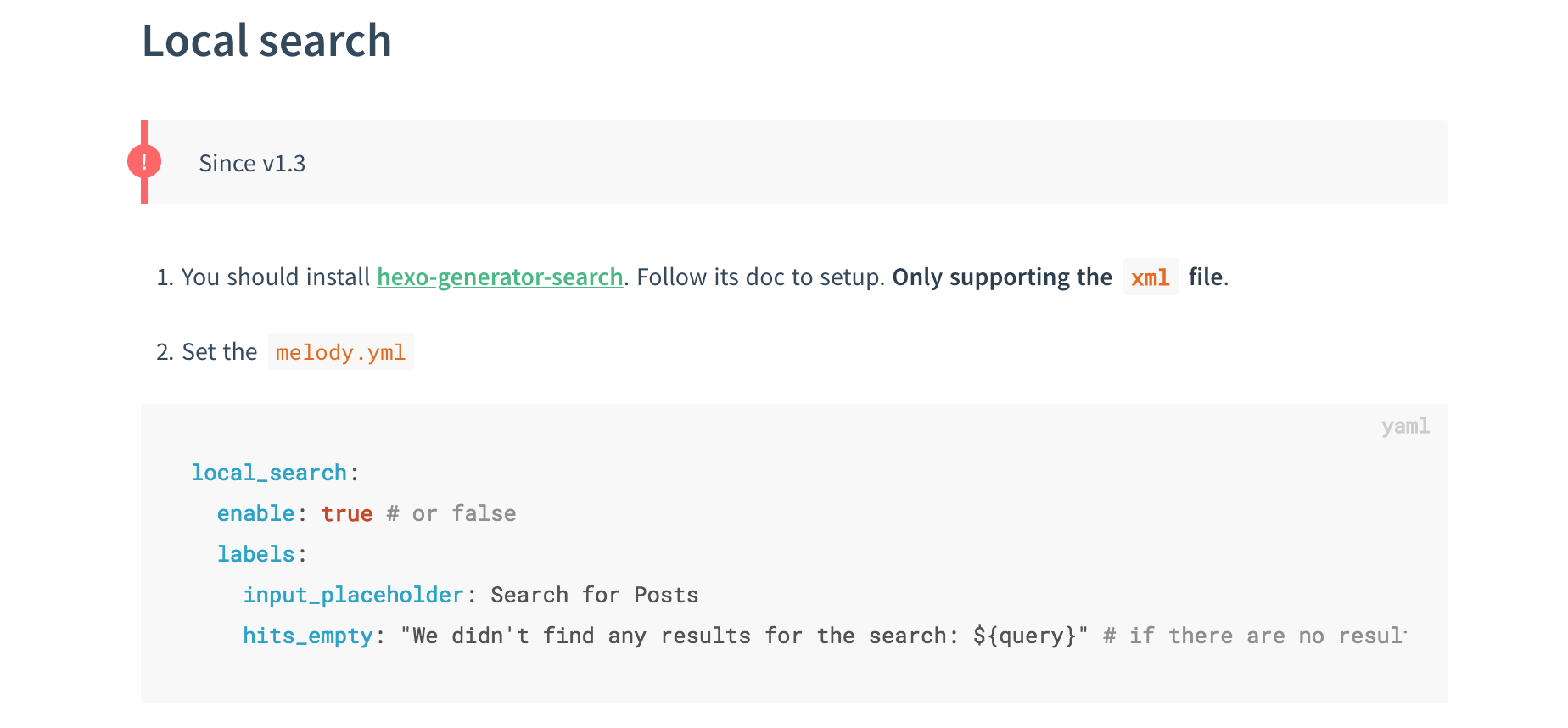
4. localSeach相关。能看到的报错如:Cannot read property 'path' of undefined
参考issue。

5. renderer相关。能看到的报错如:Syntax Error: Unexpected charactor
参考issue。
注意你站点里的package.json里有没有同时存在hexo-renderer-pug和hexo-renderer-jade。请删掉hexo-renderer-pug。然后重新npm install。之后执行hexo clean 和 hexo g 即可。
If you have meet some problems using hexo-theme-melody, it's recommended to read documentation, most of your problems will be solved.
FAQ
1. Problem with wordcount. Such as wordcount is not a function.
2. Problem with keywords. Such as (config.keywords || []).join is not a function
Check this issue.
Find your hexo site _config.yml (not the _config.yml in theme folder!), then modified your keywords option to an array or empty.
keywords:
  - item1
  - item2
3. Problem with renderer. Such as ERROR Process failed: layout/includes/slide/script.pug
Check this issue.
4. Problem with localSeach. Such as Cannot read property 'path' of undefined
Check this issue.
5. Problem with renderer. Such as Syntax Error: Unexpected charactor
Check this issue.
Notice that if both hexo-renderer-pug & hexo-renderer-jade are existing in your hexo site's package.json. Please remove hexo-renderer-pug and then npm install, hexo clean and hexo g.