README.md
March 4, 2023 · View on GitHub
nvim-config
Just another opinionated, visually appealing Neovim IDE.
Configured for Windows, supports LaTeX, Python, Lua, C#, HTML, CSS, and Javascript.




Table of Contents
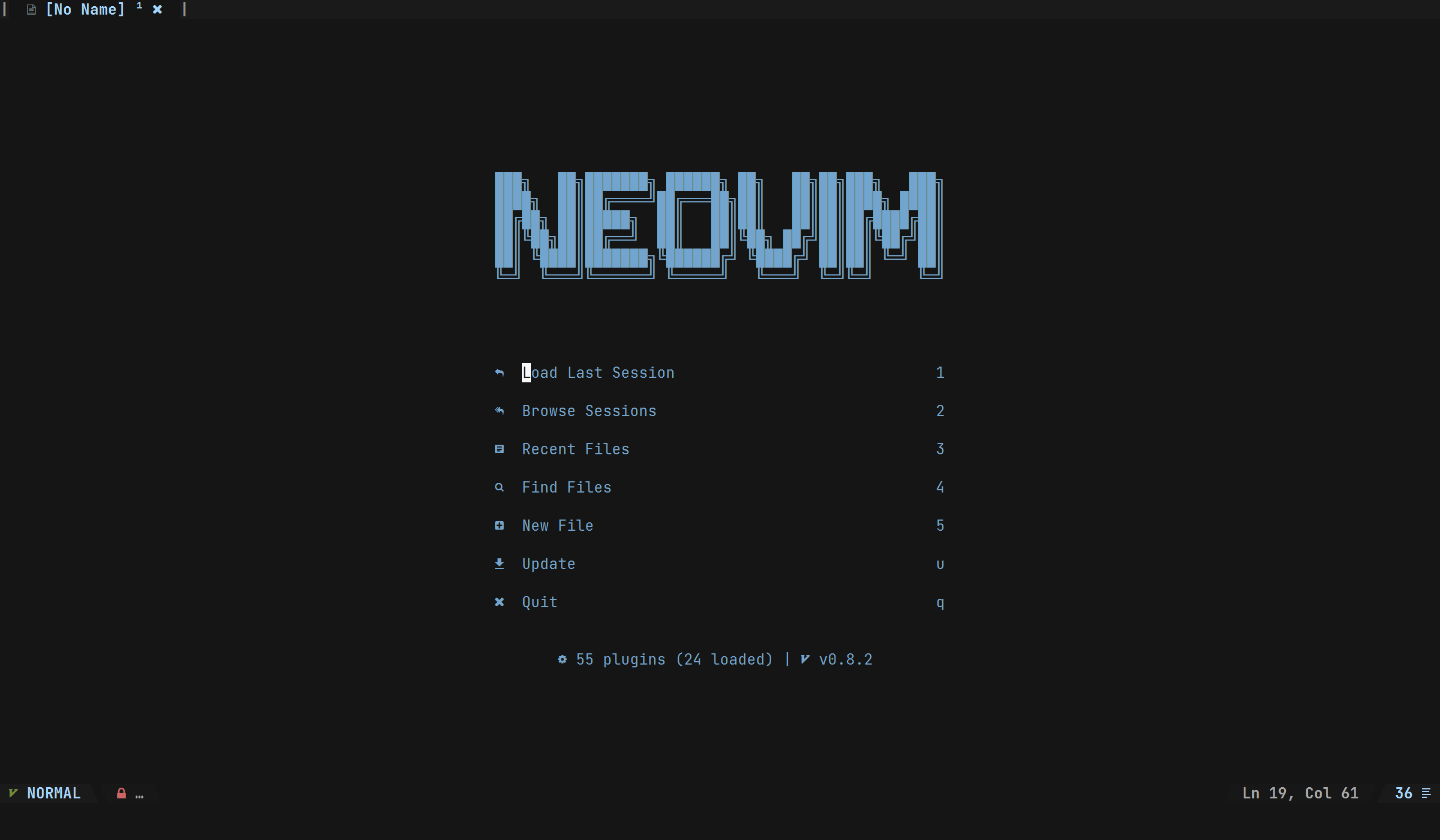
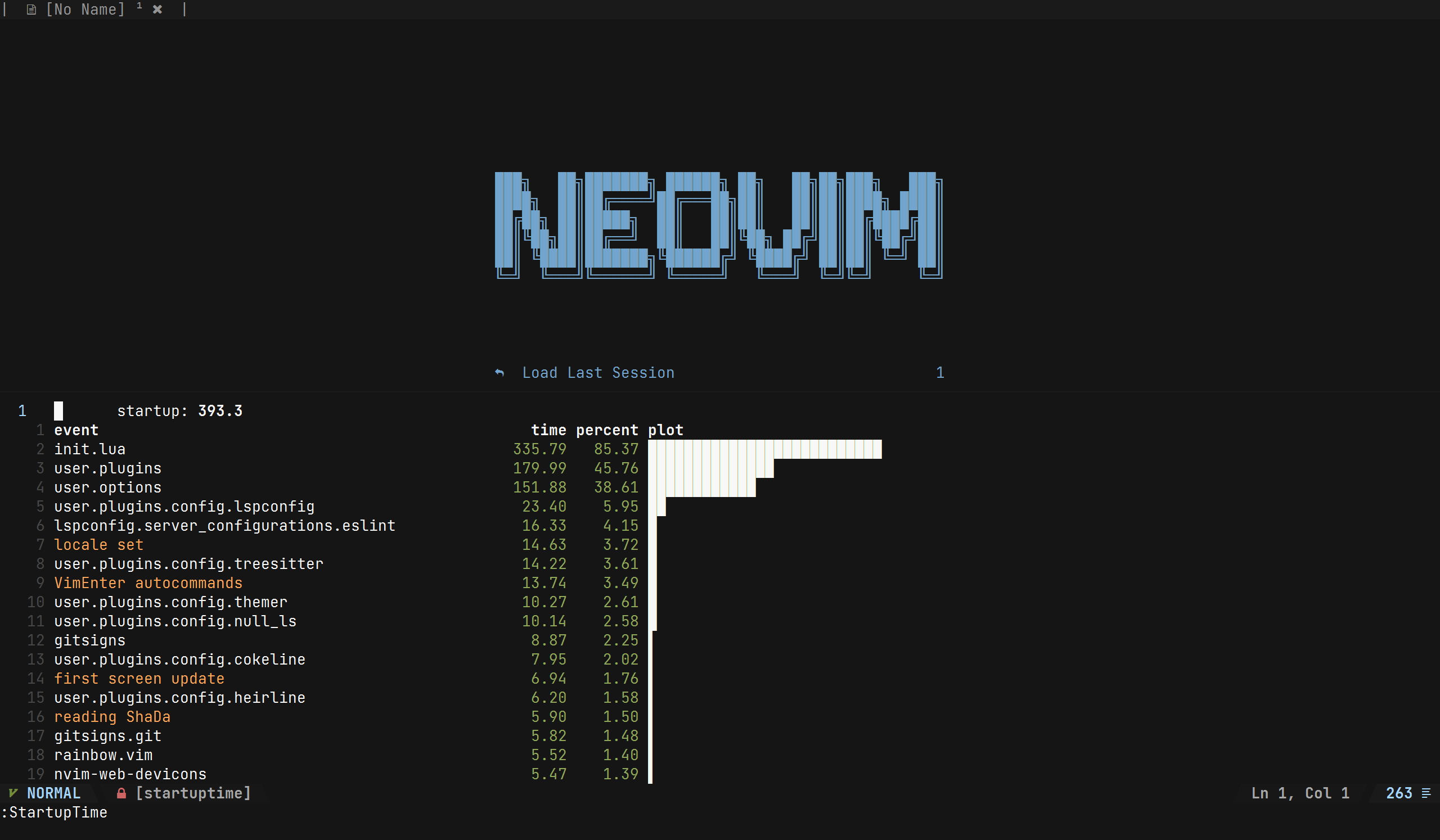
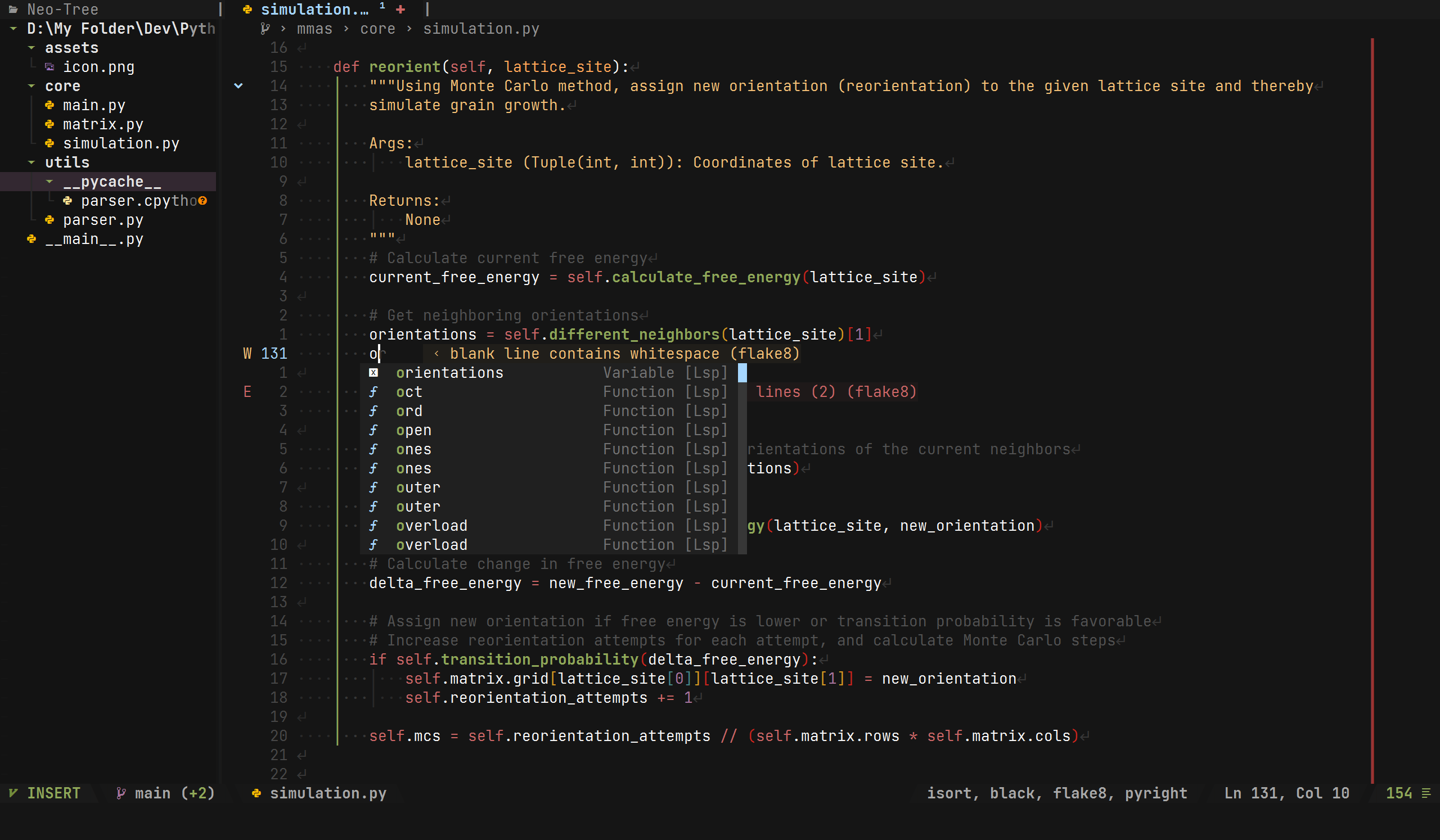
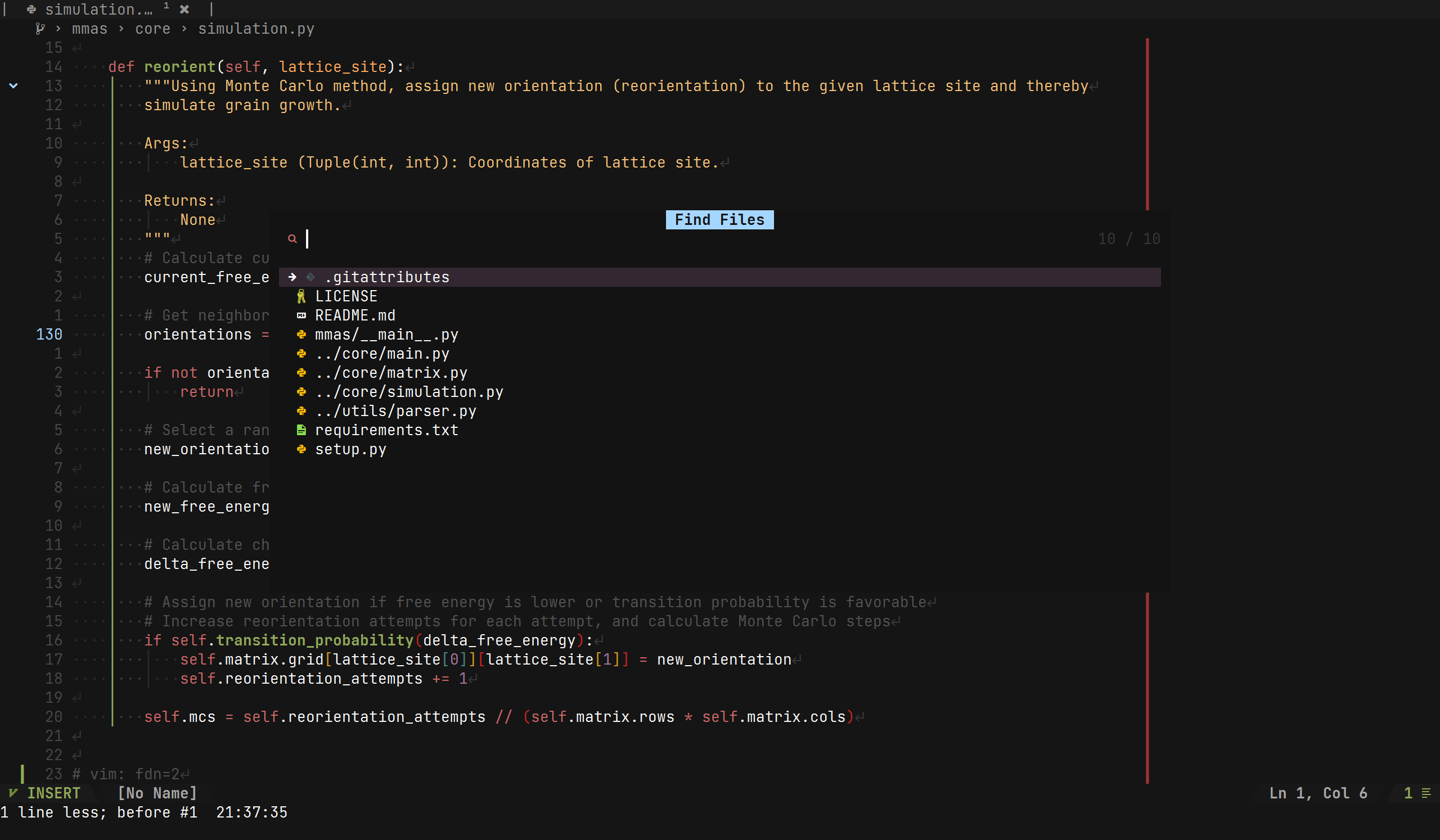
Screenshots 📷
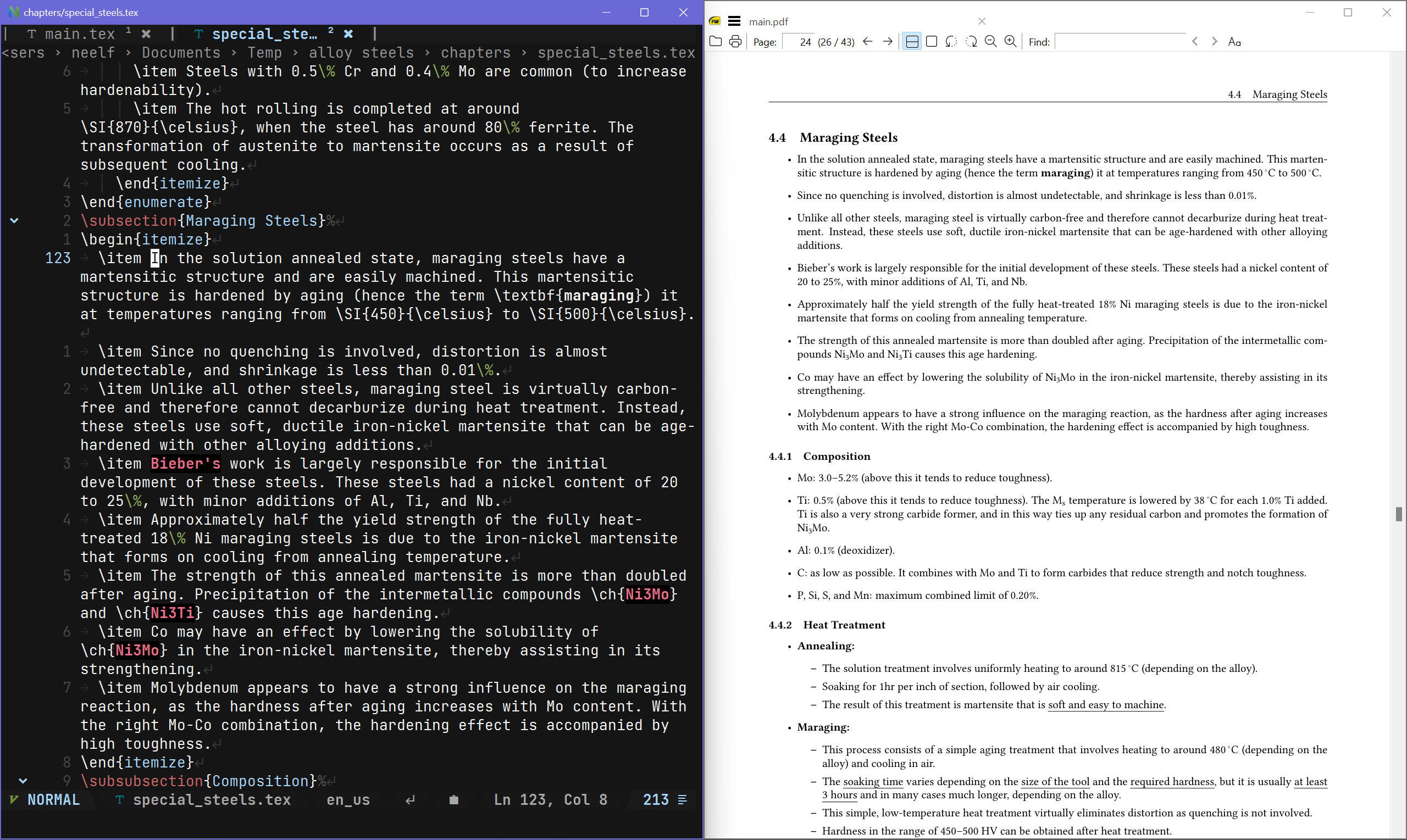
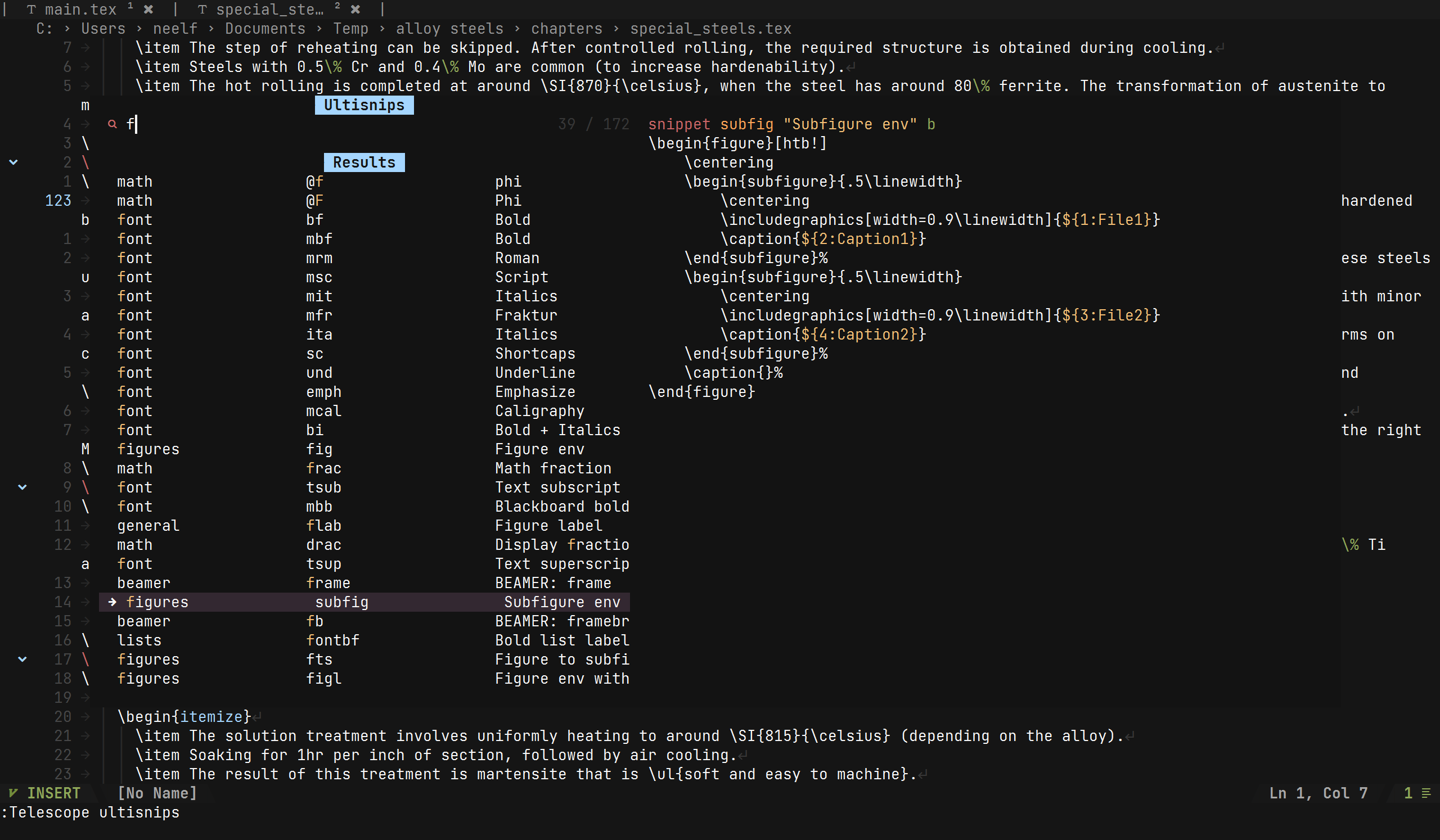
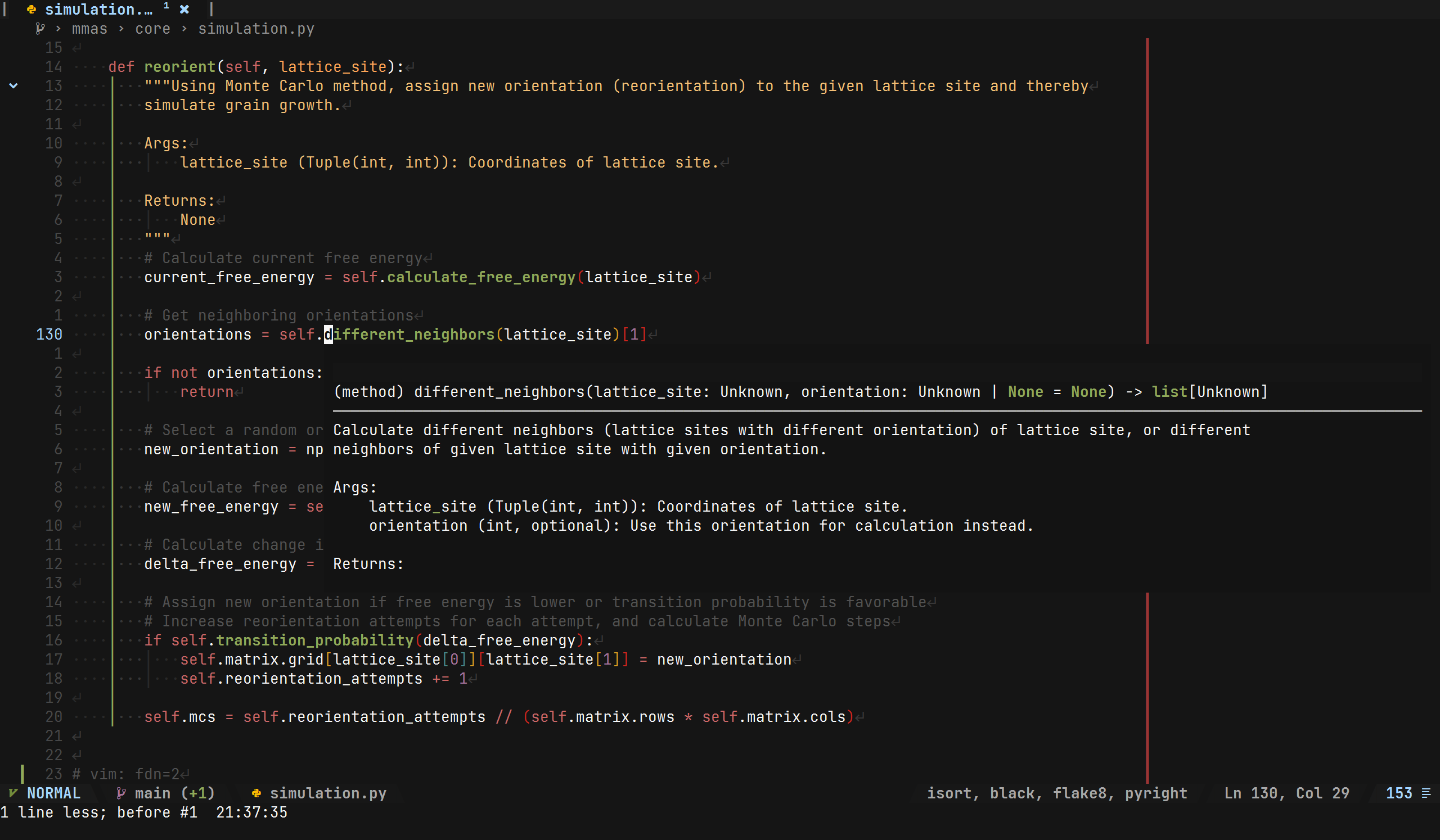
Installation ⚡
The following instructions are for Windows (powershell). An admin prompt is required.
-
Install chocolatey.
Set-ExecutionPolicy Bypass -Scope Process -Force; [System.Net.ServicePointManager]::SecurityProtocol = [System.Net.ServicePointManager]::SecurityProtocol -bor 3072; iex ((New-Object System.Net.WebClient).DownloadString('https://chocolatey.org/install.ps1')) -
Install main dependencies.
choco install -y git.install --params "/GitAndUnixToolsOnPath /NoGitLfs /SChannel /NoShellIntegration"; choco install -y neovim python SumatraPDF.install miktex.install; # Needed for various plugins choco install -y universal-ctags strawberryperl make SQLite ripgrep fd golang; refreshenv; exit -
Install python dependencies.
pip install pynvim neovim-remote -
Clone the repository and open nvim-qt or nvim.
For fresh installation:
git clone https://github.com/Neelfrost/nvim-config.git "$HOME\Appdata\Local\nvim"; nvim-qt.exeFor existing config:
ren "$HOME\Appdata\Local\nvim" 'nvim-old'; git clone https://github.com/Neelfrost/nvim-config.git "$HOME\Appdata\Local\nvim"; nvim-qt.exe
LaTeX
Formatting (latexindent)
latexindent is now included with miktex, so downloading it separately is no longer necessary. Moreover, null-ls is pre-configured to run latexindent on save for tex files. Global formatting rules can be changed by:
-
Creating
$HOME/indentconfig.yaml:paths: - C:\Users\<username>\defaultSettings.yaml -
Creating
$HOME/defaultSettings.yaml, followed by copying and overriding defaultSettings.
For further reading refer: docs.
Viewing PDF
To launch SumatraPDF using VimTeX (\lv), ensure SumatraPDF.exe is added to environment path.
Set-ItemProperty -Path 'Registry::HKEY_LOCAL_MACHINE\System\CurrentControlSet\Control\Session Manager\Environment' -Name path -Value $((Get-ItemProperty -Path 'Registry::HKEY_LOCAL_MACHINE\System\CurrentControlSet\Control\Session Manager\Environment' -Name path).path + ";" + "$HOME\AppData\Local\SumatraPDF" + ";"); refreshenv; exit
Inverse Search
For inverse search, open SumatraPDF then go to Settings -> Options and set inverse search command-line to:
cmd /c start /min nvim --headless -c "PackerLoad vimtex" -c "VimtexInverseSearch %l '%f'"
Use :checkhealth to check for errors if any.
Language Servers
Python (pyright)
-
Install npm.
choco install -y nodejs.install; refreshenv; exit -
Install pyright.
npm install -g pyright -
Install black, isort, and flake for formatting and linting.
pip install flake8 black isort -
Use
:checkhealthto check for errors if any.
Lua (LuaLs)
-
Install dependencies.
choco install -y 7zip.install; refreshenv; exit -
cd into install directory. For example:
cd C:\tools -
Install LuaLs.
curl.exe -L $(curl.exe -s https://api.github.com/repos/LuaLS/lua-language-server/releases/latest | findstr.exe "win32-x64" | %{"$($_.Split('"')[3])"} | findstr.exe "github") -o luals.zip; 7z.exe x .\luals.zip -olua-language-server; rm luals.zip -
Add LuaLs to environment path.
Set-ItemProperty -Path 'Registry::HKEY_LOCAL_MACHINE\System\CurrentControlSet\Control\Session Manager\Environment' -Name path -Value $((Get-ItemProperty -Path 'Registry::HKEY_LOCAL_MACHINE\System\CurrentControlSet\Control\Session Manager\Environment' -Name path).path + ";" + "C:\tools\lua-language-server\bin" + ";"); refreshenv; exit -
Install stylua for formatting.
curl.exe -L $(curl.exe -s https://api.github.com/repos/JohnnyMorganz/StyLua/releases/latest | findstr.exe "win64.zip" | %{"$($_.Split('"')[3])"} | findstr.exe "github") -o stylua-win64.zip; 7z.exe x -oC:\tools\stylua .\stylua-win64.zip; rm .\stylua-win64.zip; # Add stylua to environment path: Set-ItemProperty -Path 'Registry::HKEY_LOCAL_MACHINE\System\CurrentControlSet\Control\Session Manager\Environment' -Name path -Value $((Get-ItemProperty -Path 'Registry::HKEY_LOCAL_MACHINE\System\CurrentControlSet\Control\Session Manager\Environment' -Name path).path + ";" + "C:\tools\stylua" + ";"); refreshenv; exit -
Use
:checkhealthto check for errors if any.
C# (omnisharp)
-
Install dotnet-sdk.
choco install dotnet-sdk -y -
Install omnisharp-roslyn.
curl.exe -L $(curl.exe -s https://api.github.com/repos/OmniSharp/omnisharp-roslyn/releases/latest | findstr.exe "omnisharp-win-x64-net6.0.zip" | %{"$($_.Split('"')[3])"} | findstr.exe "github") -o omnisharp-win-x64-net6.0.zip; 7z.exe x -oC:\tools\omnisharp .\omnisharp-win-x64-net6.0.zip; rm .\omnisharp-win-x64-net6.0.zip; -
Use
:checkhealthto check for errors if any.
HTML, CSS, Javascript (vscode-langservers-extracted)
-
Install dependencies.
npm i -g vscode-langservers-extracted -
Install prettierd for formatting.
npm i -g @fsouza/prettierd -
Use
:checkhealthto check for errors if any.
Update 🚀
-
Pull changes.
cd "$HOME\Appdata\Local\nvim"; git pull -
Open nvim-qt or nvim and update plugins:
:PackerSync
Features 📃
General
- Smart display line movement.
- Resume cursor position when re-opening a file.
- Auto update file if changed outside of neovim.
- Fix mixed indents (tabs are converted to spaces).
- Persistent cursor positions when switching buffers.
- Ability to search custom directories in telescope.nvim.
- Ability to reload specific modules using telescope.nvim.
- Automatically trim trailing whitespaces and newlines on save.
- Search and replace selection (automatically escape special chars).
- Open windows terminal, vscode, explorer at current directory using \\t, \\c, \\e respectively.
LaTeX
Compile status on statusline




- Extensive snippets for LaTeX.
- Better auxiliary file cleaner.
- Null-ls: latexindent, chktex support.
- Automatically substitute
\in imports (include, input) with/on save. - Keybinds for bold, underline, math, chemical formula environments.
- Start newline with \item (or \task) if inside a list environment when pressing Enter, o or O.
Folder Structure
nvim
├── after
│   └── ftplugin         # filetype specific options, settings, mappings
├── lua                  # .lua config files
│   └── user
│       └── mappings.lua # keybinds
│       └── options.lua  # vim options
│       └── utils.lua    # utility functions
│       └── plugins
│           ├── config   # plugin config
│           └── init.lua # plugin definition file
├── ultisnips            # snippets
│   └── tex              # latex snippets
└── viml                 # .vim config files
Plugins
- Plugin manager: lazy.nvim
LSP
- LSP: nvim-lspconfig
- Diagnostics, formatting LSP: null-ls.nvim
- Python language server: pyright
- C# language server: omnisharp
- Lua language server: LuaLs
- HTML, CSS, Javascript language server: (vscode-langservers-extracted)
- Function signature when typing: lsp_signature.nvim
- Refactor functionality: refactoring.nvim
- Backup code formatting: neoformat
File navigation
- File explorer: neo-tree.nvim
- Fuzzy finder: telescope.nvim
- Telescope frecency picker: telescope-frecency.nvim
- Telescope fzf sorter: telescope-fzf-native.nvim
- Telescope ultisnips viewer: telescope-ultisnips.nvim
Code completion
- Code completion: nvim-cmp
- Ultisnips source: cmp-nvim-ultisnips
- LSP source: cmp-nvim-lsp
- Buffer source: cmp-buffer
- Path source: cmp-path
- Cmdline source: cmp-cmdline
- Omni source (for vimtex): cmp-omni
LaTeX
- LaTeX support: vimtex
- Snippet engine: ultisnips
- Tag management: vim-gutentags
Looks
- Theme support: themer.lua
- Indent lines: indent-blankline.nvim
- Thin virtual column: virt-column.nvim
- Icons support: nvim-web-devicons
- Syntax highlighting: nvim-treesitter
- Colored matching brackets: nvim-ts-rainbow2
- Color preview: vim-hexokinase
- Prettier folds: pretty-fold.nvim
Buffer, Status
- Bufferline: cokeline.nvim
- Statusline: heirline.nvim
QOL
- Repeat actions: vim-repeat
- Faster navigation: hop.nvim
- Better quickfix: nvim-pqf
- Aligning: vim-easy-align
- Commenting: nvim-comment
- Toggle booleans & more: alternate-toggler
- Multiple cursors: vim-visual-multi
- Title Case: vim-titlecase
- Start screen: alpha-nvim
- Auto pair brackets: auto-pairs
- Bracket operations: nvim-surround
- Startup time: vim-startuptime
- Fix cursorhold autocmd: FixCursorHold.nvim
- Fast expr folds: FastFold
- Markdown preview: markdown-preview.nvim
- Run commands asynchronously: asyncrun.vim
- Session manager: neovim-session-manager
- Annotation generator: neogen
Mappings
| Shortcut | Mode | Description |
|---|---|---|
| F2 | Normal | Replace word under cursor |
| F2 | Visual | Rename selection |
| F5 | Normal | Open telescope.nvim module reloader |
| F10 | Normal | Toggle spellcheck |
| F11 | Normal | Toggle warp |
| F12 | Normal | Toggle paste mode |
| \\t | Normal | Open windows terminal at cwd |
| \\e | Normal | Open explorer at cwd |
| \\c | Normal | Open current file in VSCode |
| \\n | Normal | Open current file in notepad |
| tf | Normal | Open telescope.nvim find files |
| tr | Normal | Open telescope.nvim recent files |
| ts | Normal | Open telescope.nvim session browser |
| \q | Normal | Toggle quickfix |
| \h | Normal | Disable search highlight |
| \v | Normal/Insert | Paste from system clipboard in paste mode |
| \w | Normal | Close buffer (will discard changes if not saved) |
| \u | Normal | Open URL under cursor in browser |
| \s | Normal | Search word under cursor in browser |
| \n | Normal | Open dashboard |
| f | Normal | Search buffer using 1 chars |
| S | Normal | Search buffer using 2 chars |
| Tab | Normal | Move to next buffer |
| Shift Tab | Normal | Move to previous buffer |
| Tab | Insert | Expand trigger or jump to next tab stop |
| Shift Tab | Insert | Jump to previous tab stop |
| Ctrl j(k) | Command | Move between completion items |
| Ctrl j(k) | Insert | Move between completion items |
| Alt d | Normal | Duplicate current line below |
| Alt j(k) | Normal/Visual | Move line (block) up or down |
| Alt ] | Normal | Increase indent |
| Alt [ | Normal | Decrease indent |
| Ctrl / | Normal/Visual/Insert | Comment current (selected) line(s) |
| Enter | Insert | Select completion item |
| Ctrl Space | Insert | Force completion menu to open |
| Ctrl c | Insert | Force completion menu to close |
| Ctrl e | Insert | Select first completion item |
| Ctrl t | Insert | Open omni-func completion |
| Ctrl Backspace | Insert | Delete previous word |
| Ctrl Delete | Insert | Delete next word |
| Ctrl b | Normal | Toggle nvim-tree |
| Ctrl f | Normal | Format document |
| Ctrl h(jkl) | Normal | Move to window to the left (down, up, right) |
| Ctrl s | Normal | Save current file |
| Ctrl Shift s | Normal | Save and reload module (current file) |
| Ctrl v | Insert | Paste from system clipboard |
| Ctrl z | Insert | Correct preceding misspelt word |
| Ctrl z | Normal | Correct misspelt word under cursor |
| gD | Normal | LSP: Goto function declaration |
| gi | Normal | LSP: Goto function implementation |
| gh | Normal | LSP: Preview documentation |
| gd | Normal | LSP: Preview function definition |
| gs | Normal | LSP: Preview signature help |
| gr | Normal | LSP: Rename instance |
| gl | Normal | LSP: Show line diagnostic |
| gR | Normal | LSP: Show references |
| ga | Normal | LSP: Trigger code action |
| \li | Normal | VimTeX: Info |
| \lT | Normal | VimTeX: TOC toggle |
| \lq | Normal | VimTeX: Log |
| \lv | Normal | VimTeX: View pdf |
| \lr | Normal | VimTeX: Reverse search |
| \ll | Normal | VimTeX: Compile |
| \lk | Normal | VimTeX: Stop |
| \le | Normal | VimTeX: Errors |
| \lC | Normal | VimTeX: Clean full |
| \lx | Normal | VimTeX: Reload |
| \lX | Normal | VimTeX: Reload state |
| \t | Normal | Python, Lua, C#: Run code in external terminal |
| \r | Normal | Python, Lua: Run code without terminal output |
| \lt | Normal | Lua (LÖVE2D): Run game in external terminal |
| \lr | Normal | Lua (LÖVE2D): Run game without terminal output |
Todo ✔
- Improve mappings table
- Document snippets
- Automatic install script
- Create video to showcase snippets