iPlayarr
March 13, 2026 · View on GitHub
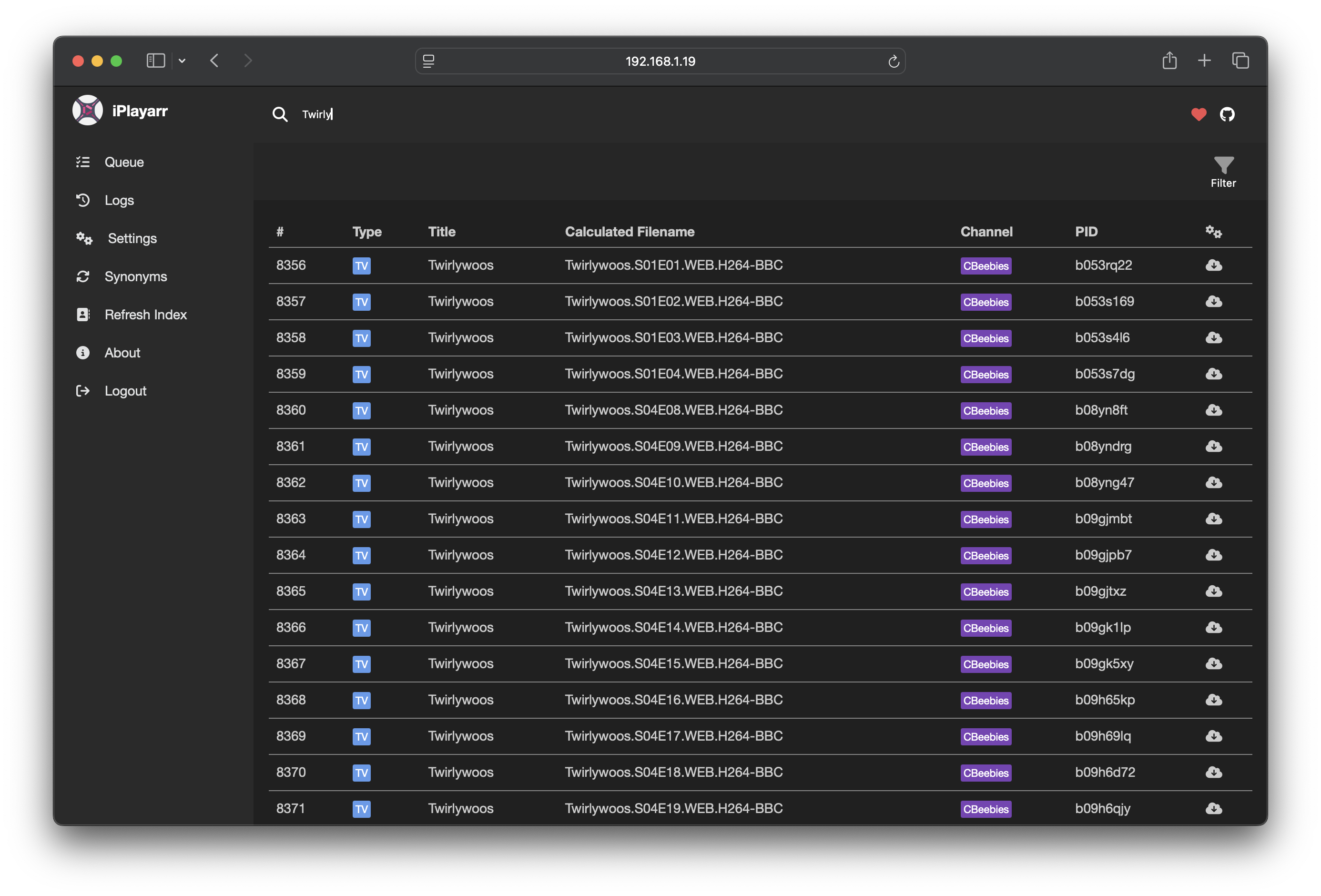
iPlayarr is a companion tool for Sonarr and Radarr, making it easy to integrate get_iplayer for searching and downloading iPlayer content directly. It acts as both an indexer and a download client, allowing seamless automation of TV and movie downloads.



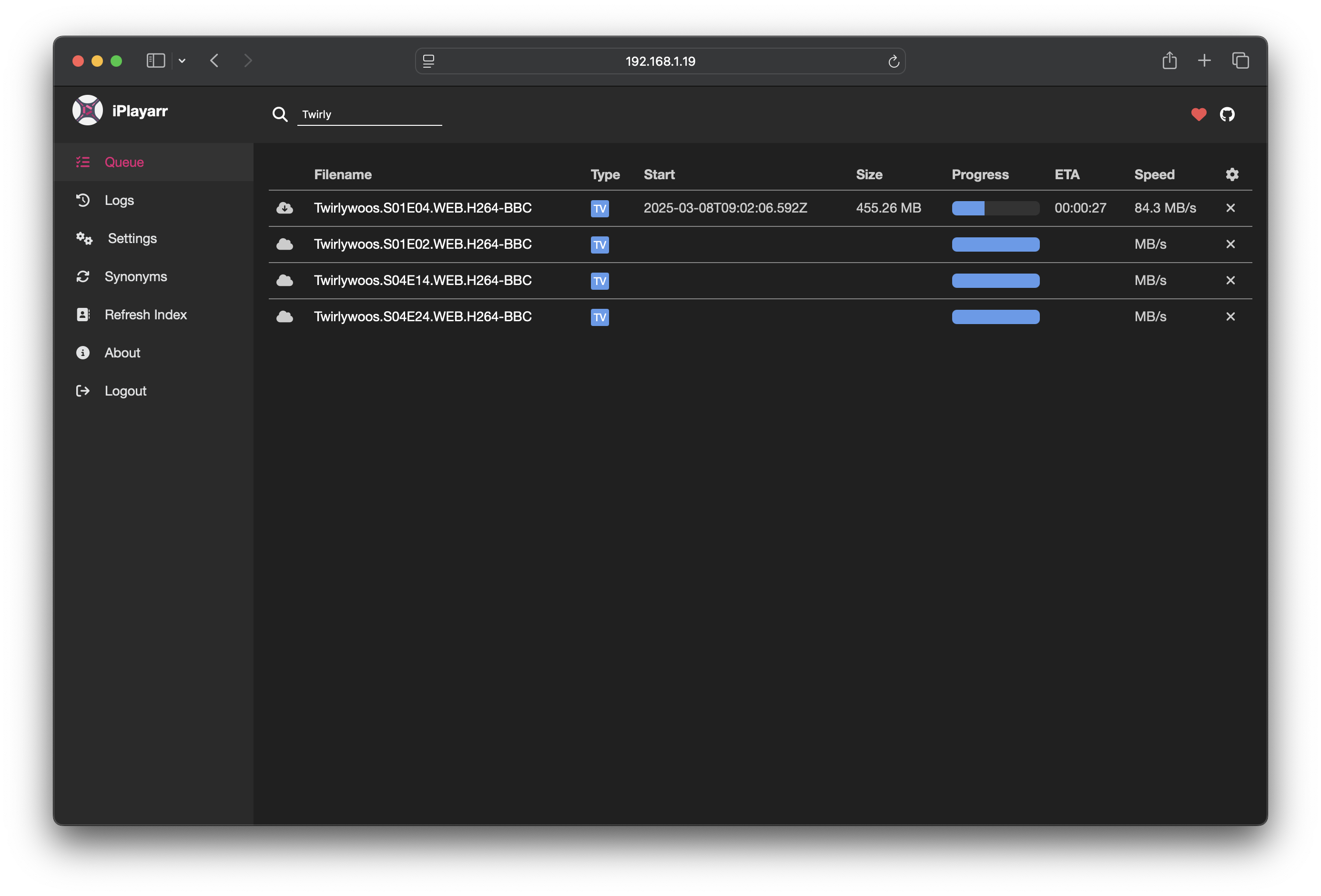
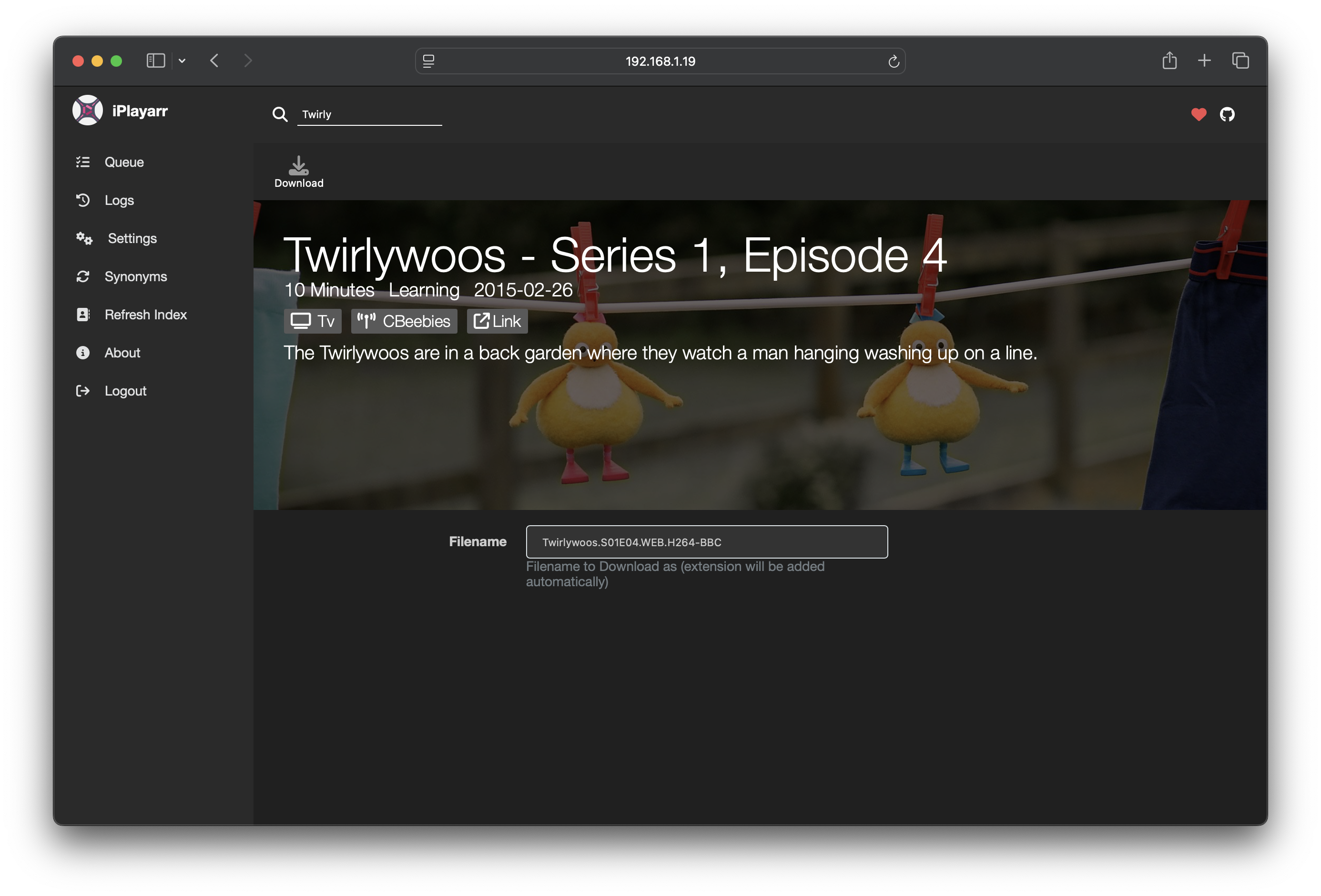
📸 Screenshots
Why iPlayarr?
iPlayer offers a wide range of high-quality content, but integrating it with Sonarr and Radarr has always been tricky. iPlayarr solves this problem by:
- Acting as a Newznab-compatible indexer, making iPlayer content searchable within Sonarr/Radarr
- Presenting as a SABnzbd-compatible download client, allowing automatic downloads and post-processing
- Handling the full download lifecycle, from fetching content with get_iplayer to organizing completed files
Unlike torrents and Usenet, iPlayarr operates in a less legally ambiguous space by only downloading content that is freely available for streaming.
Why Create iPlayarr?
This project started as an experiment: Is it possible to integrate iPlayer with Sonarr/Radarr in a clean, automated way?
Most existing solutions rely on torrents or Usenet, but I wanted something that could get media from a reliable source. iPlayarr functions like a personal DVR for iPlayer, making it easier to automate downloads without needing traditional PVR software.
Getting Started
Download/Installation
The simplest way to use iPlayarr is via Docker:
docker run -d --name iplayarr \
  -v ./cache:/data \
  -v ./config:/config \
  -v ./logs:/logs \
  -v /path/to/incomplete:/incomplete \
  -v /path/to/complete:/complete \
  --env-file=env-file \
  -p 4404:4404 \
  nikorag/iplayarr:latest
Alternatively, use the bundled Dockerfile:
docker build -t iplayarr .
docker run -d --name iplayarr \
  -v ./cache:/data \
  -v ./config:/config \
  -v ./logs:/logs \
  -v /path/to/incomplete:/incomplete \
  -v /path/to/complete:/complete \
  --env-file=env-file \
  -p 4404:4404 \
  iplayarr
Or use Docker Compose:
services:
    iplayarr:
        image: 'nikorag/iplayarr:latest'
        container_name: 'iplayarr'
        environment:
            - 'API_KEY=1234'
            - 'DOWNLOAD_DIR=/mnt/media/iplayarr/incomplete'
            - 'COMPLETE_DIR=/mnt/media/iplayarr/complete'
            - 'PUID=1000'
            - 'PGID=1000'
        ports:
            - '4404:4404'
        volumes:
            - '/mnt/media:/mnt/media'
            - './cache:/data'
            - './config:/config'
            - './logs:/logs'
You can pre-set the following environment variables, or you can set them in the Settings menu once the container is up.
| Property | Description |
|---|---|
| API_KEY | Api key to secure your iplayarr instance |
| DOWNLOAD_DIR | Download directory for in progress pulls |
| COMPLETE_DIR | Directory to move completed files to |
There's a few more optional settings too:
| Property | Description |
|---|---|
| ACTIVE_LIMIT | How many downloads are allowed simultaneously, defaults to 3 |
| REFRESH_SCHEDULE | Cron expression for when to proactively refresh schedule, defaults to hourly, on the hour |
| HIDE_DONATE | If you don't like the Kofi donate links you can hide them |
| PUID | Host User ID for file permissions |
| PGID | Host Group ID for file permissions |
Usage
Authentication
The default details are:
| Username | Password |
|---|---|
| admin | password |
Sonarr and Radarr link
Info: The best way to add iPlayarr to Sonarr or Radarr is to use the "Apps" section of the web UI in iPlayarr
iPlayarr presents itself as both an indexer and a download client on port 4404. You can configure it automatically in the Settings menu or manually as follows:
Add iPlayarr manually as a Download Client
- Go to Settings > Download Clients in Sonarr/Radarr.
- Add a new SABnzbd client with the following details:
| Property | Value |
|---|---|
| Name | iPlayarr |
| Host | Your_Docker_Host |
| Port | 4404 |
| API Key | API_KEY from above |
| Category | iplayer |
- Test and save.
Add iPlayarr manually as an Indexer
- Go to Settings > Indexers in Sonarr/Radarr.
- Add a new Newznab indexer with these settings:
| Property | Value |
|---|---|
| Name | iPlayarr |
| URL | http://Your_Docker_Host:4404 |
| API Key | API_KEY from above |
| Download Client | iPlayarr (created above) |
Web Interface
To access the web frontend, visit http://Your_Docker_Host:4404.
From here, you can manage settings, view logs, and monitor downloads.
Development Setup
To run iPlayarr locally for development:
Prerequisites
- Node.js (see
.node-versionfor current version) - Docker (for local dev instance of Redis)
Installation
- Install dependencies for both backend and frontend:
npm run install:both
- Start Redis using Docker (or see Redis section below to use another instance):
npm run serve:redis
- Start the development server (runs backend and frontend concurrently):
npm run dev
The application will be available at:
- Frontend:
http://localhost:8080(Vue dev server) - Backend API:
http://localhost:4404
Additional Useful Scripts
| Script | Description |
|---|---|
npm run build:both | Build backend and frontend for production |
npm test | Run tests with coverage |
npm run lint | Run ESLint |
npm run prettier | Check code formatting |
Redis
iPlayarr uses Redis for storage. This is built into the container and doesn't require any additional setup, but if you would like to use a standalone redis instance, set the following settings:
- REDIS_HOST
- REDIS_PORT
- REDIS_PASSWORD (optional)
- REDIS_SSL (optionally 'true')
If these are all set, it will not start the bundled version of Redis.