windows-setup-guide.md
September 4, 2024 · View on GitHub
Windows guide
Made by discord user @Aisiktir
1.) Python, https://www.python.org/ftp/python/3.11.6/python-3.11.6-amd64.exe
2.) Install it, make sure "Add Python to path" is enabled
3.) Git, https://github.com/git-for-windows/git/releases/download/v2.42.0.windows.2/Git-2.42.0.2-64-bit.exe
4.) Install it
4.1)
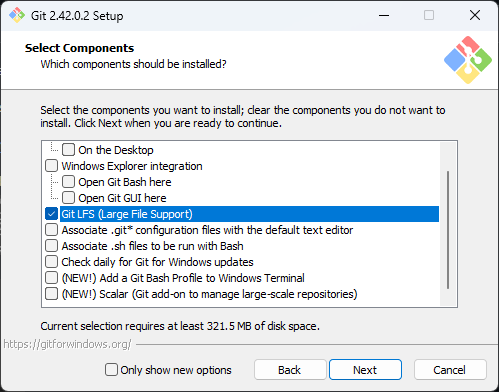
4.2)
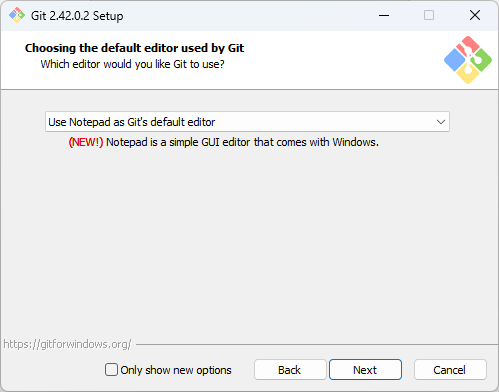
4.3)
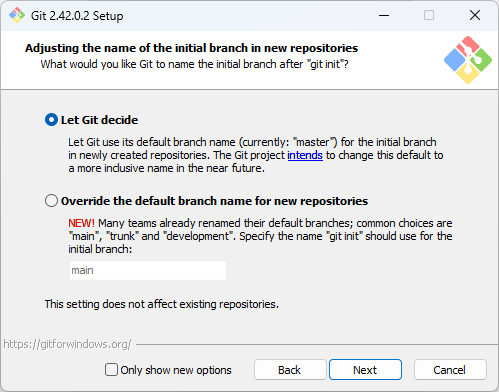
4.4)
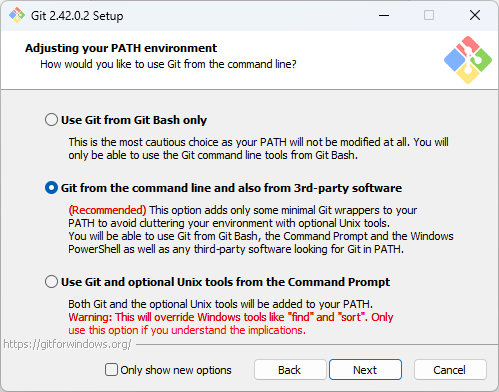
4.5)
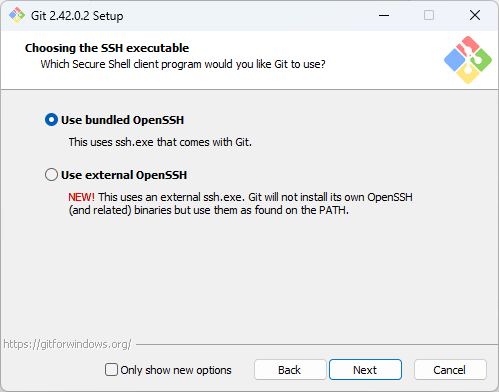
4.6)
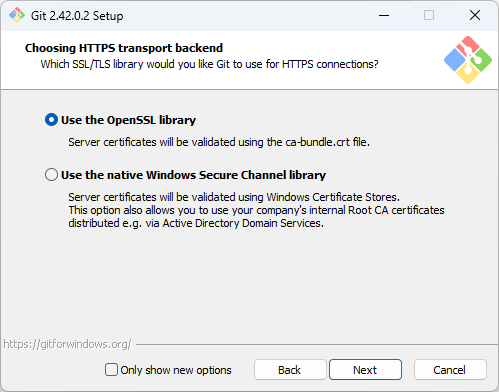
4.7)
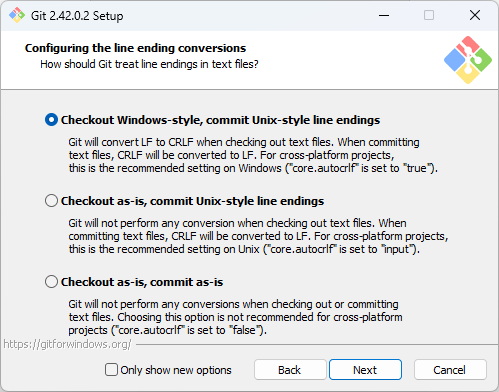
4.8)
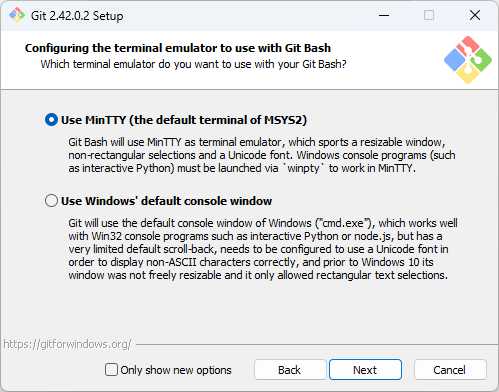
4.9)
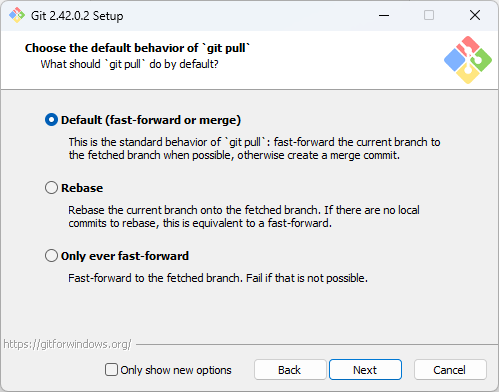
4.10)
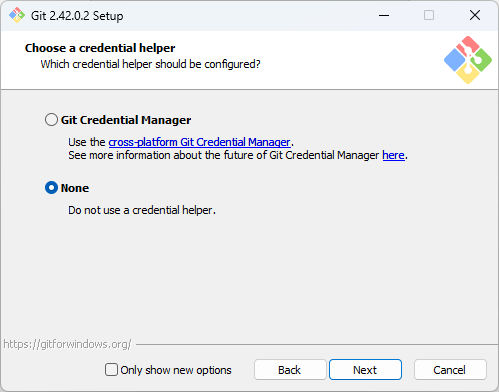
4.11)
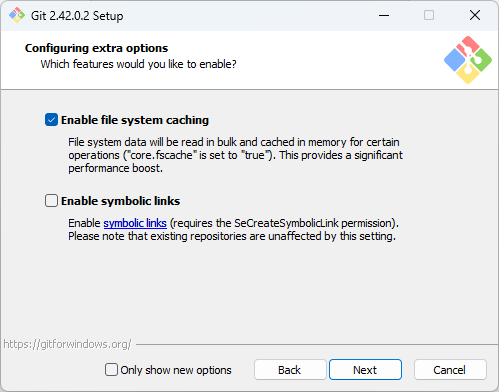
4.12)
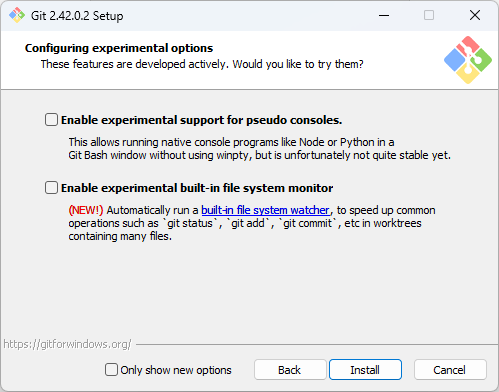
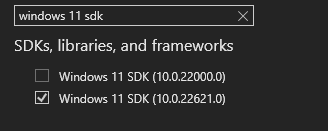
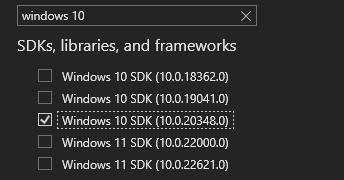
5.) Microsoft C++ Build Tools, https://visualstudio.microsoft.com/visual-cpp-build-tools/
6.) Install it
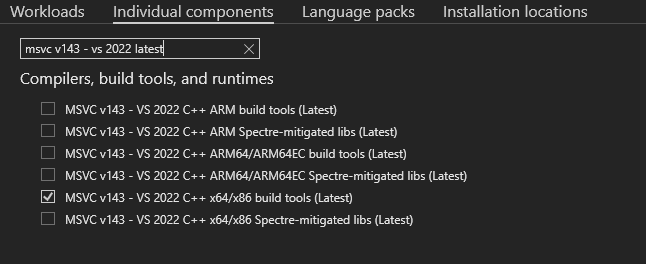
Windows 11
Windows 10
7.) Open cmd
7.1) Move into the 'baselines' directory of the repository, depending where you've downloaded it, something like this:
cd "C:\Users\YourWindowsUsername\Downloads\PokemonRedExperiments\baselines"
7.2) Type "pip install -r requirements.txt"
7.3) If you didn't got any warnings or red text you're good to go and use it
If you had already a version of python installed, Python 3.11.6 might not work from the above command lines, you should use the below paths for the pip command and the python command
"%localappdata%\Programs\Python\Python311\Scripts\pip.exe" install -r requirements.txt
"%localappdata%\Programs\Python\Python311\python.exe" run_pretrained_interactive.py
"%localappdata%\Programs\Python\Python311\python.exe" run_baseline_parallel_fast.py