README.md
June 17, 2025 · View on GitHub

Zeptaframe



Zeptaframe is an AI-native video editor that allows you to create precise AI-generated movies with a visual-first approach, minimizing the need for text prompts. It implements the Go-with-the-flow technique for precise video generation. Try it at CVPR 2025.
This repository only contains the front-end interface. The backend is hosted in cloud GPU instances loaded with ComfyUI, running custom ComfyUI nodes and pipelines.
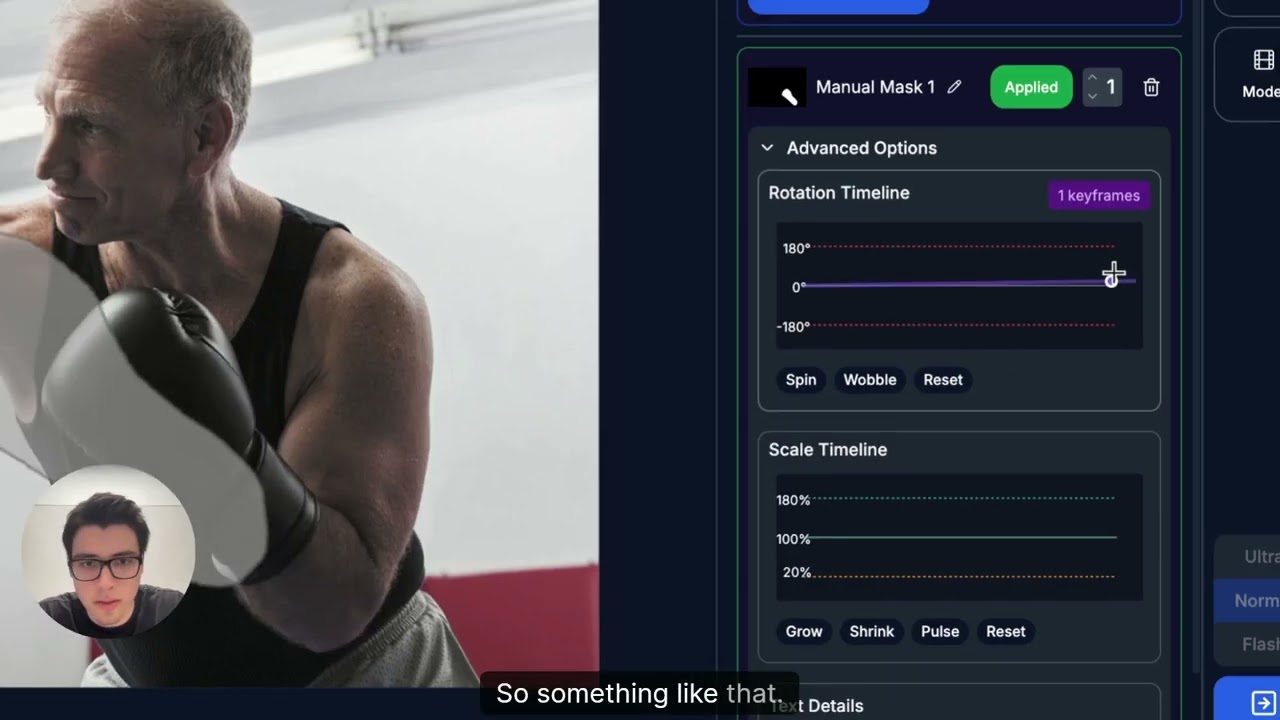
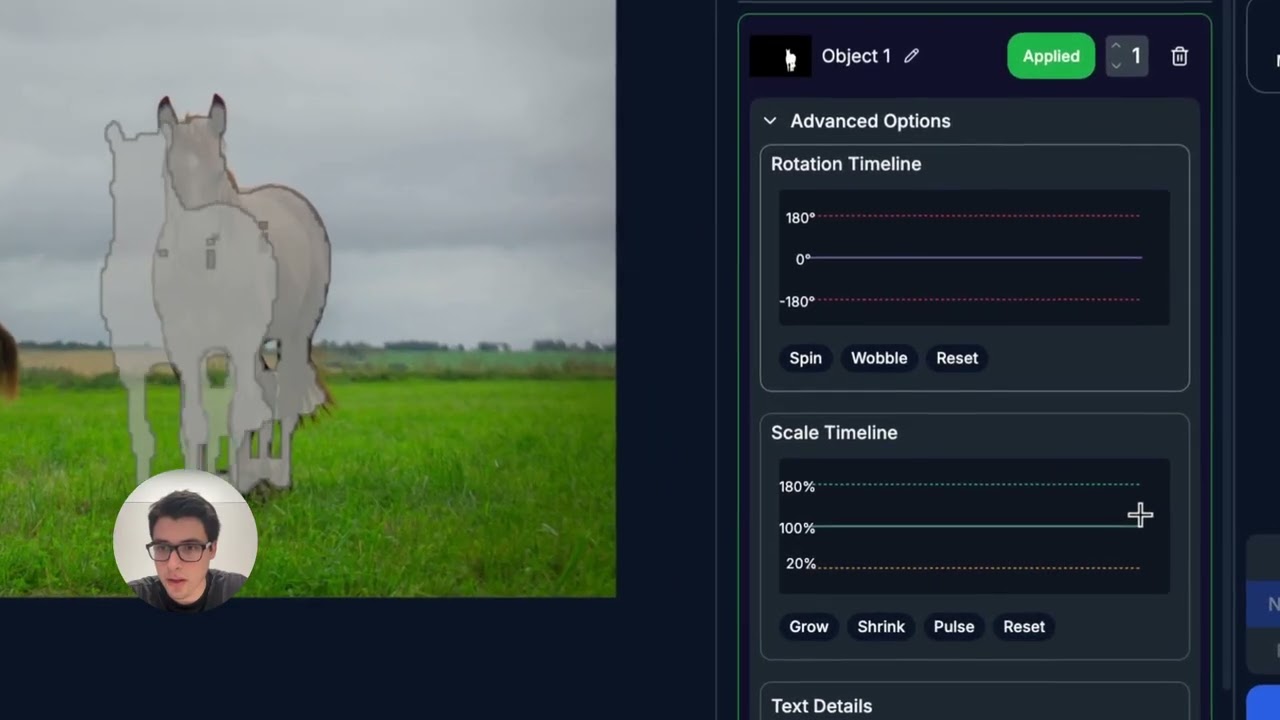
Multi Subject Motion Demos
Animating a Boxer
Animating Horses
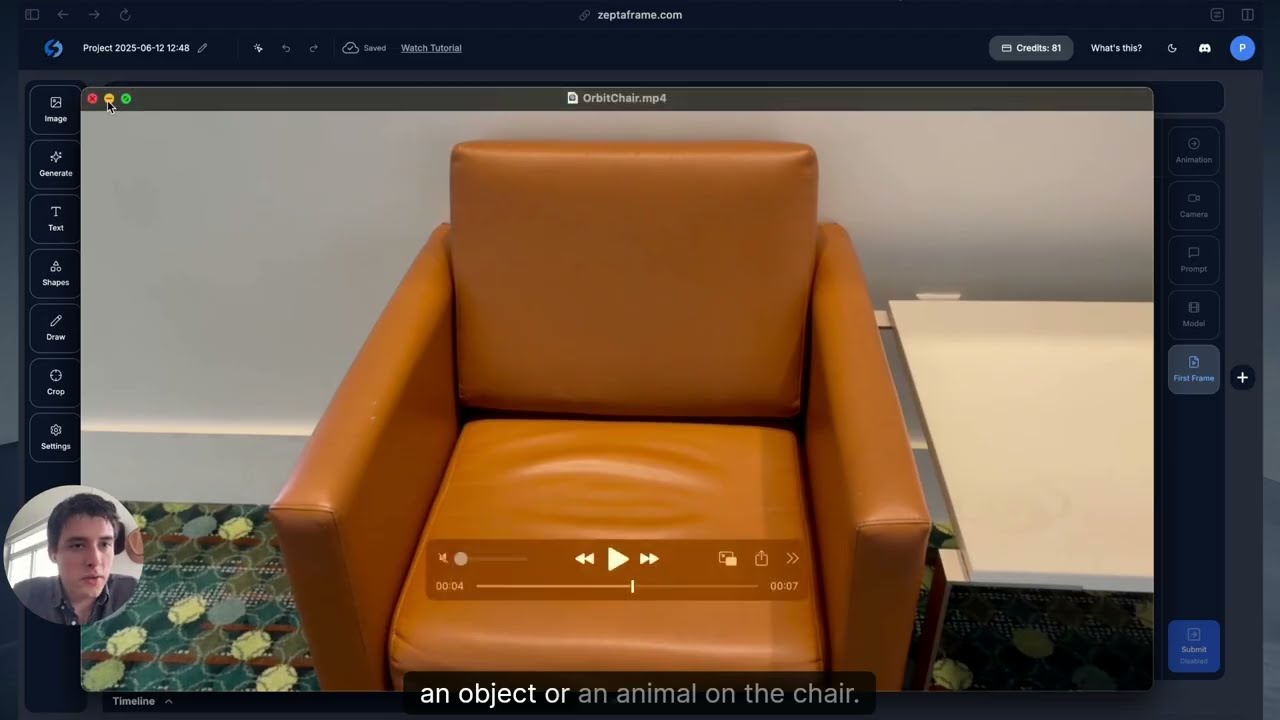
First Frame Editing Demo
Adding a Dog
Website
The site is live at https://zeptaframe.com.
Overview
Zeptaframe is a open-source web-based platform that enables users to create AI-generated videos through an intuitive visual interface. Unlike traditional video editors or AI video generators that rely heavily on text prompts, Zeptaframe allows you to upload images and directly manipulate objects on a canvas to create animations.
ComfyUI Backend
The backend is hosted in cloud GPU instances loaded with ComfyUI, running custom ComfyUI nodes and pipelines. The respective Go-with-the-Flow LoRA is used in conjuction with either CogVideoX or Skyreels. Wan2.1 support is coming soon.
Custom ComfyUI Pipeline

Key Features
Visual-First Video Creation
- Upload or generate images and animate any object on the canvas
- Segment objects automatically and instantly using the Segment Anything Model (SAM)
- Define object trajectories visually rather than through text descriptions
Multi-Workbench Environment
- Create complex videos using multiple workbenches (canvases)
- Seamlessly navigate between workbenches
- Each workbench has it own context and controls
AI-Powered Generation
- Generate videos from your visual compositions
- Multiple quality modes: Flash, Normal, and Ultra
- Support for various video models
Rich Editing Tools
- Shape creation and manipulation
- Text editing with font customization
- Image import and filtering
- Drawing tools
- Object animation controls
- Camera movement controls
The bottom panel displays:
- History of generated videos
- Export options
- Video playback controls
Technical Implementation
Frontend Framework
- Next.js and React for the UI
- Fabric.js for canvas manipulation
Backend Services
- NextAuth.js for authentication
- Drizzle ORM for database operations
- Hono for API routes
- Stripe for payment processing
AI Components
- Segment Anything Model (SAMv2) for object segmentation
- ComfyDeploy for GPU instances loaded with ComfyUI.
- The back-end is using a finetuned version of SkyreelsV1/CogVideoXwith Go-with-the-flow. This allows the model to generate videos of the subject traveling as per the users delineation through the interface.
Notes
This README was generated with Deepwiki from Devin.