Telar CLI - Setup Telar Social on OpenFaaS
February 19, 2021 · View on GitHub
Step 4 (Firebase Storage)
- Make sure you alread have a Firebase account and project ready to use.
1. Copy Firebase Service Account file in your project directory
- In the Firebase console, open Settings > Service Accounts.

- Click Generate New Private Key, then confirm by clicking Generate Key.
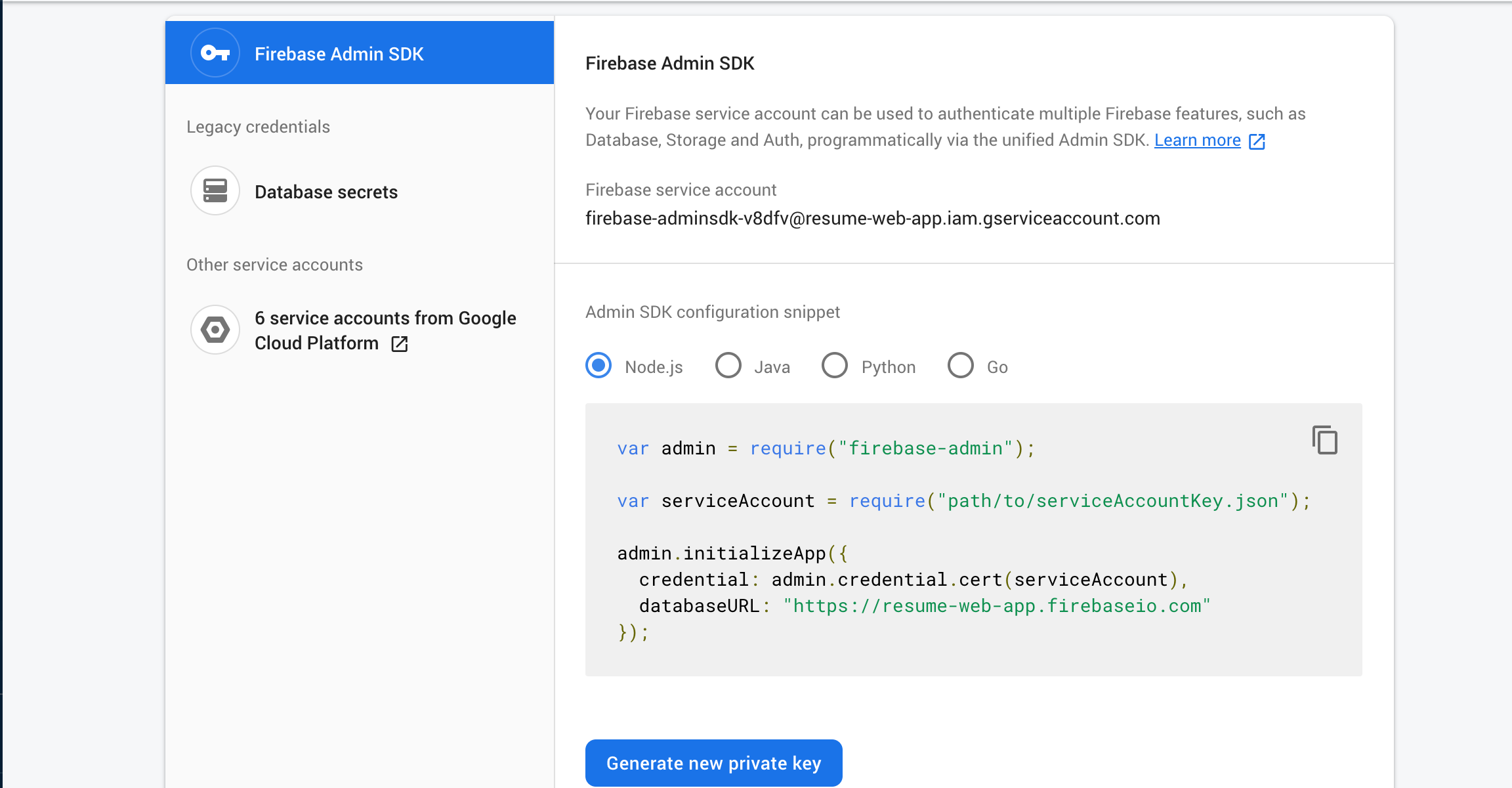
- Change the file name to
serviceAccountKey.json. - Copy
serviceAccountKey.jsonfile in your project directory.
2. Enter Firebase Storage Bucket name
- Create a default Storage bucket
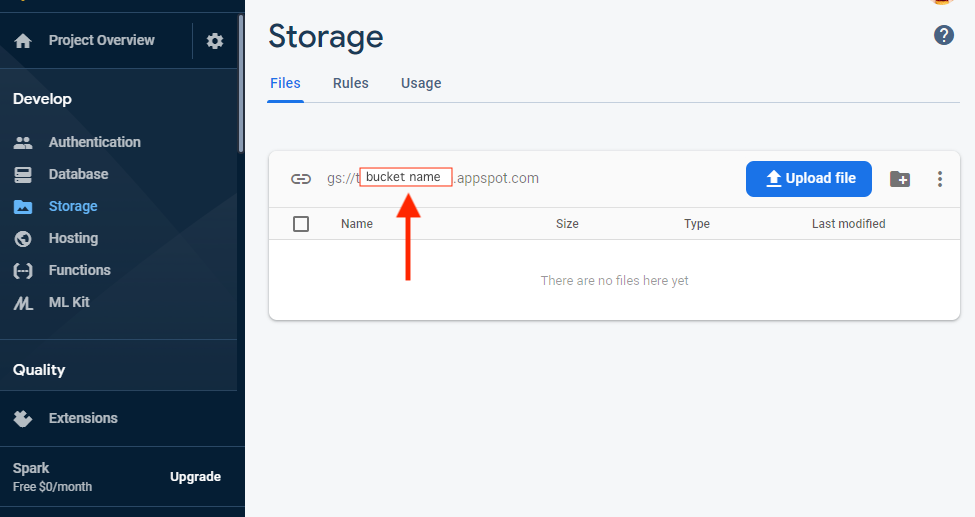
- From Firebase Storage menu you can find your bucket name.