Canvas MindMap
September 4, 2024 · View on GitHub
Usage
- Install the plugin
- Create a new canvas
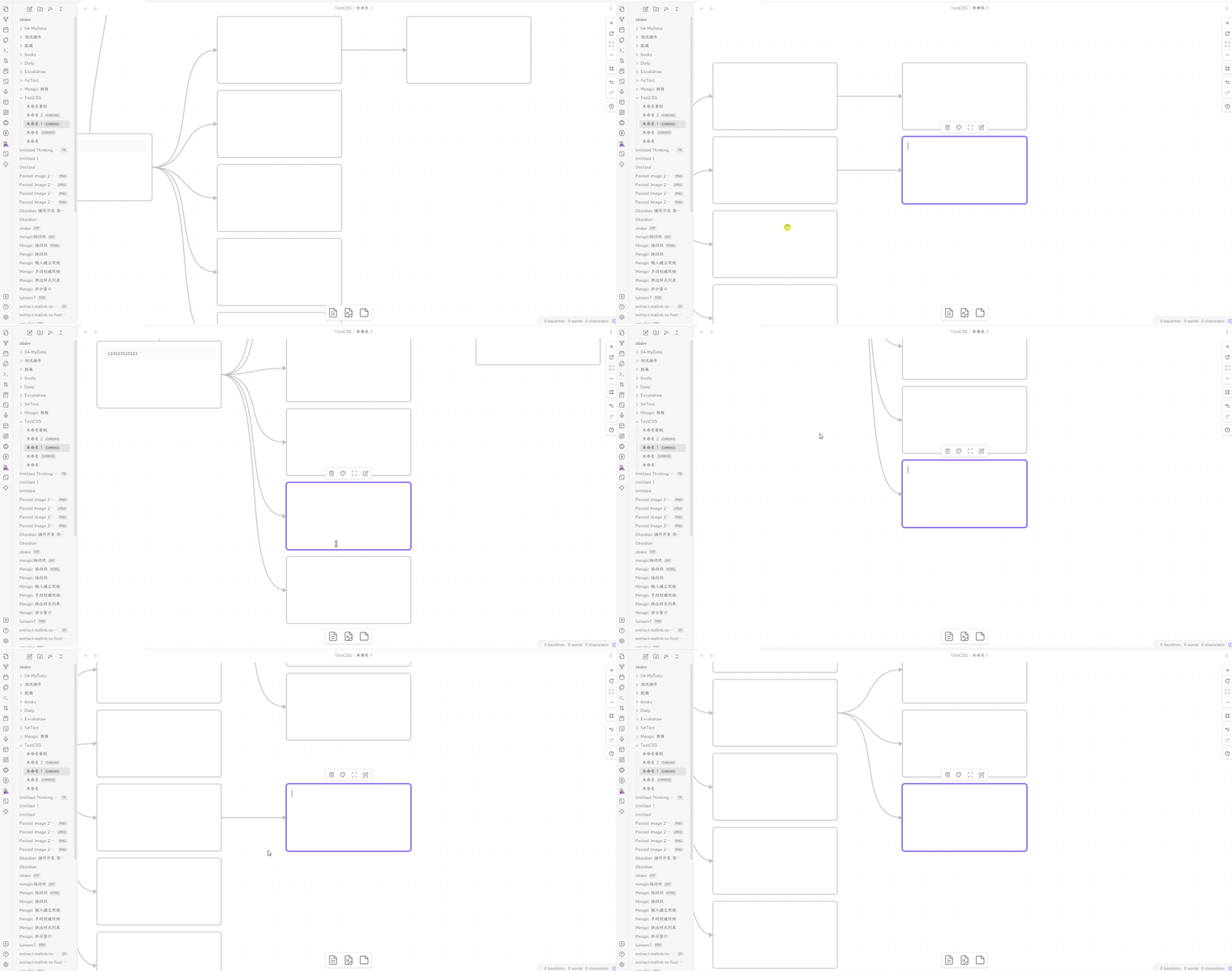
- Create a node in the empty canvas
- Select the node and the press
Tabto create a child node (You need to exit edit mode first by pressingEscape) - Select the child node and press
Enterto create a brother node - Done, you get a mindmap.
Features
- Auto layout for specific direction
- Select node's tree
- Change color for node's edges
Hotkeys
- Press
Enterto create brother card; (You can change this hotkey in setting) - Press
Tabto create child card; - Press
Alt+←/→/↓/↑to navigate between nodes; - Press
Cmd / Ctrl+←/→/↓/↑to create floating nodes; - Press
Cmd / Ctrl+Shift+←/→/↓/↑to create child nodes;
Commands
- Create child node
- Create sibling node
- Create floating node
- Open changelog
- Enter/exit edit mode
Showcase
How to Install
- Obsidian: Available on Obsidian Plugin Market
- BRAT: Add
quorafind/canvas-mindmapto BRAT. - Manual: Download the latest release. Extract and put the three files (main.js, manifest.json, styles.css) to
{{obsidian_vault}}/.obsidian/plugins/obsidian-canvas-mindmap.