SeaORM Pro
October 3, 2025 · View on GitHub
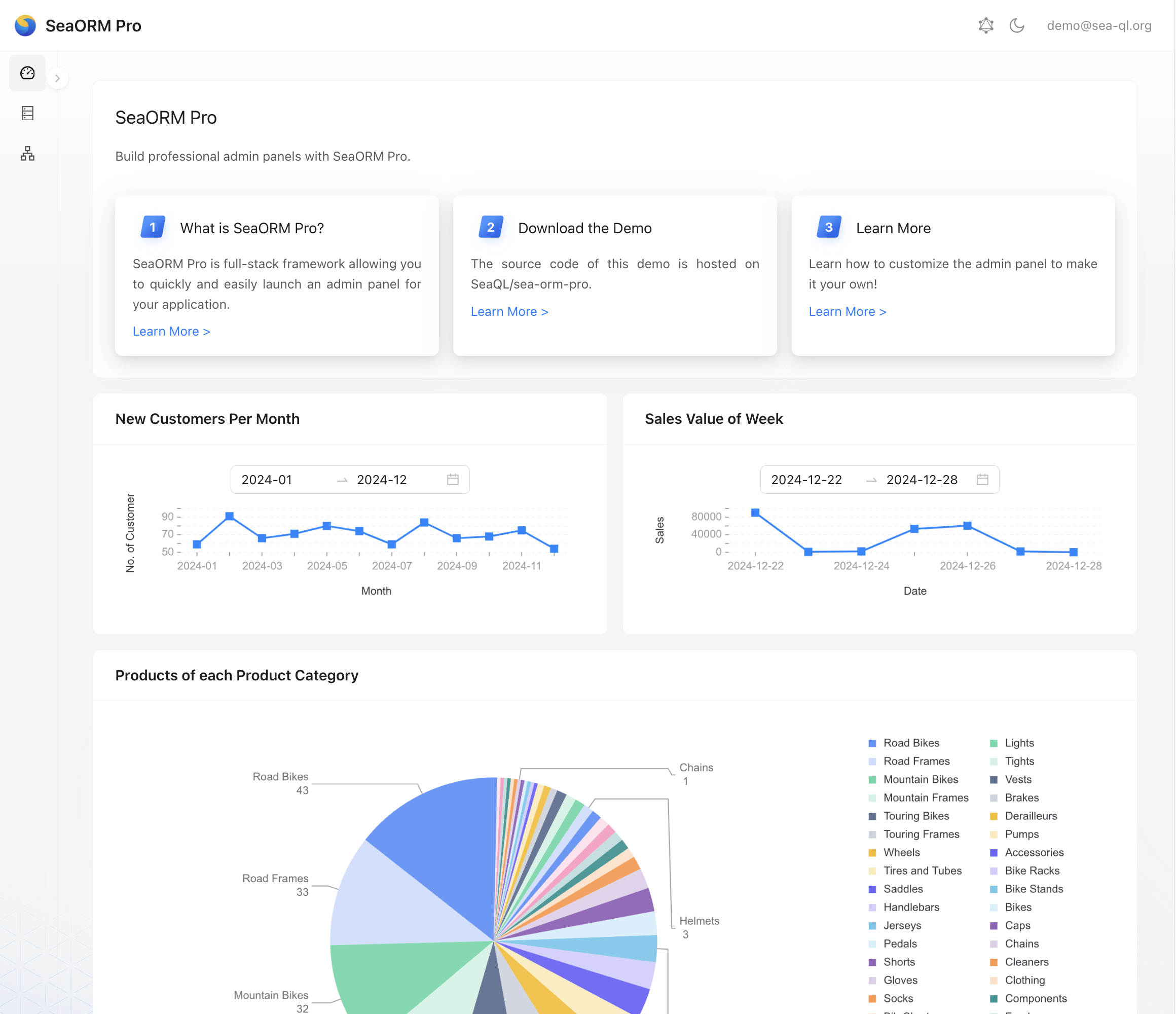
Installation
- Modify
.envwith your database credentials, here it uses SQLite as the default database, so you don't have to setup anything.
# DATABASE_URL="mssql://sa:YourStrong()Passw0rd@localhost/AdventureWorksLT2016"
# DATABASE_URL="mysql://root:root@localhost/AdventureWorksLT2016"
# DATABASE_URL="postgres://root:root@localhost/adventureworkslt2016"
DATABASE_URL="sqlite://db.sqlite?mode=rwc"
- If you want to target other databases, please enable the database backend in
Cargo.tomlaccordingly:
[features]
default = ["sqlx-sqlite"] # <- change this
sqlx-mysql = ["sea-orm/sqlx-mysql"]
sqlx-postgres = ["sea-orm/sqlx-postgres"]
sqlx-sqlite = ["sea-orm/sqlx-sqlite"]
- Setup database schema and seed the database
cargo run task seed_data

    Finished `dev` profile [unoptimized + debuginfo] target(s) in 0.71s
     Running `target/debug/sea-orm-pro-backend-cli task seed_data`

Reading: "Customer.csv"
Seeding Completed: "Customer.csv"
Reading: "Address.csv"
Seeding Completed: "Address.csv"
Reading: "CustomerAddress.csv"
Seeding Completed: "CustomerAddress.csv"
Reading: "SalesOrderHeader.csv"
Seeding Completed: "SalesOrderHeader.csv"
Reading: "ProductCategory.csv"
Seeding Completed: "ProductCategory.csv"
Reading: "ProductModel.csv"
Seeding Completed: "ProductModel.csv"
Reading: "Product.csv"
Seeding Completed: "Product.csv"
Reading: "SalesOrderDetail.csv"
Seeding Completed: "SalesOrderDetail.csv"
Reading: "ProductDescription.csv"
Seeding Completed: "ProductDescription.csv"
Reading: "ProductModelProductDescription.csv"
Seeding Completed: "ProductModelProductDescription.csv"
All Tables Completed Seeding!
- Download the assets of admin panel frontend
sh build_tools/download_frontend.sh
- Start the Loco.rs server
cargo run start

listening on [::]:8086
- Visit http://localhost:8086/admin and login with the credentials
Email: admin@sea-ql.org
Password: demo@sea-ql.org


- Once you're happy, you can now make it your own. Run the scaffolding script to remove the demo entities from the project:
sh build_tools/scaffold.sh
You can modify m20250101_000002_seed_users.rs as needed.
Then, modify .env and regenerate entities using sea-orm-cli:
sea-orm-cli generate entity -o src/models --seaography
In src/models/mod.rs, add back pub mod user;:
//! `SeaORM` Entity, @generated by sea-orm-codegen

pub mod prelude;

pub mod user; // <- add this
You can now launch the admin panel with cargo run start, the migration will automatically run to seed user and rbac tables.
License
Licensed under MIT license (LICENSE or http://opensource.org/licenses/MIT)