README.md
June 15, 2026 · View on GitHub
Copilot MCP Search for VS Code
Want remote MCP in ~30s? Try Cloud MCP — paste a URL → OAuth → done.
Works with Copilot & Claude (no keys, no terminal).
Get started at cloudmcp.run
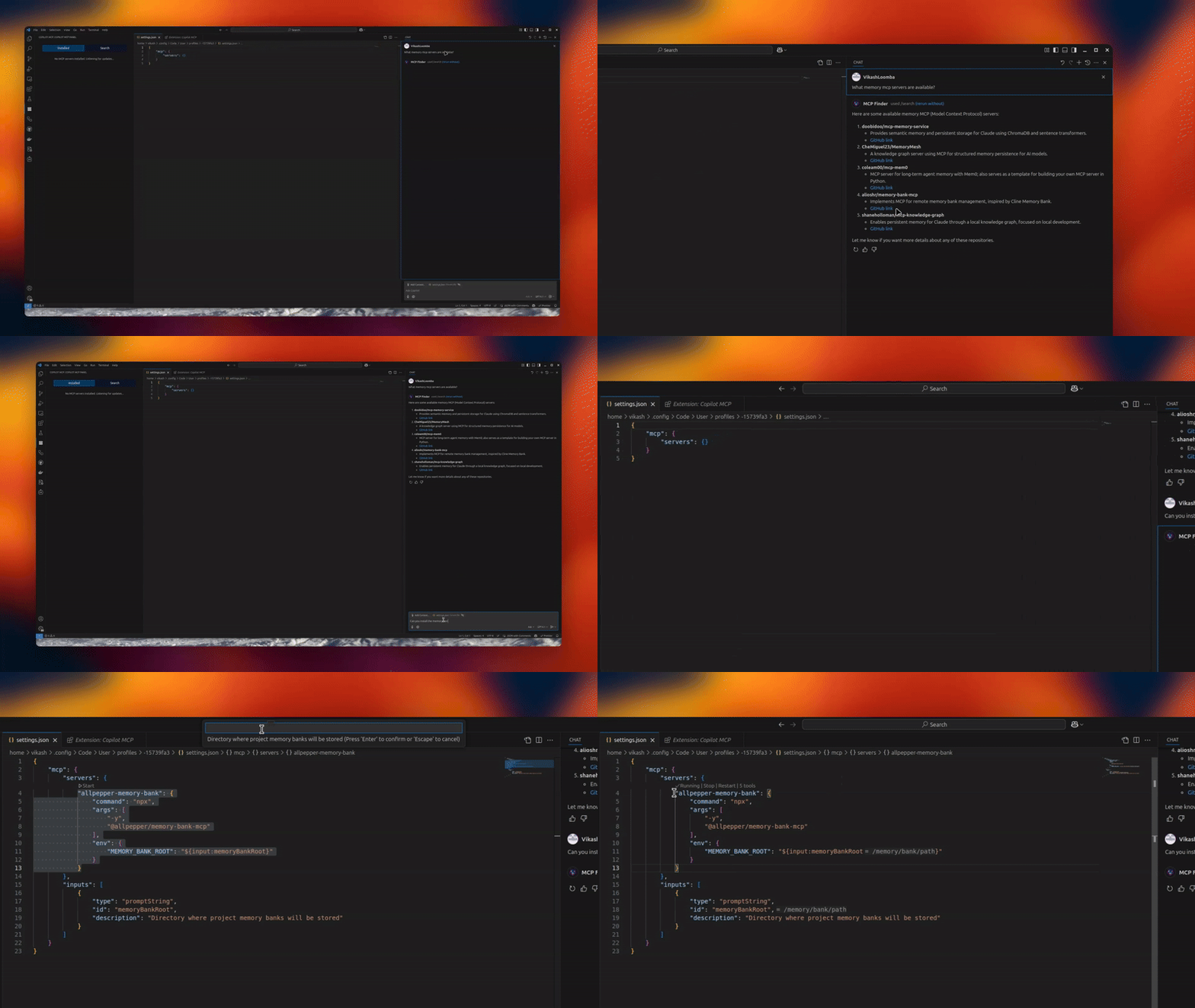




A powerful VS Code extension that lets you discover, install, and manage open‑source MCP servers and agent skills from one place.
✨ Features
- 🔧 MCP Server Management – connect/manage multiple servers via an intuitive UI
- 🧠 Skills Search & Install – discover skills from
skills.shand install to your agents - 🗂️ Installed Skills Management – view installed skills and uninstall with agent-level controls
- 🚀 Claude/Codex/Copilot Integration – expose MCP tools directly to your agents
- 🎯 Server Discovery – automatically discover open‑source servers
📦 Installation
- Install from the VS Code Marketplace.
- Open MCP Servers in the Activity Bar, or configure in Settings.
Optional: Remote MCP (no local setup)
If you don’t want to run servers locally, use Cloud MCP (remote, OAuth‑only).
Paste the MCP URL into Copilot/Claude and you’re done:
- Learn More: https://cloudmcp.run
🛠️ Configuration
Configure via the UI or VS Code settings. Look for the MCP Servers icon in the Activity Bar.
🚀 Usage
- Open the MCP Servers view
- Connect or search for servers
- Switch to Skills to search and install skills, and manage installed skills
- Use Copilot Chat with your newly added tools and skills
Tip: When a server supports
npx/uvx, the Server Discovery panel shows a “Deploy via Cloud MCP” option so you can run it remotely without installing anything.
🔗 Requirements
- VS Code
- GitHub Copilot Chat extension
🌟 Benefits
- Give Copilot standardized tools via MCP
- Local or remote workflows (Cloud MCP)
- Join a growing, interoperable ecosystem
Telemetry
Copilot MCP collects a small set of anonymous usage events — searches, install attempts, and clicks on in-extension links/CTAs — so we can understand which features are useful.
- What is collected: anonymous event names with a small set of properties: the search terms you type in the extension (sidebar search and
@mcpchat prompts, truncated to 100 characters), public GitHub repository names/URLs and skill source locators for items you search for or act on, your OS platform/architecture and the extension version, and error messages/diagnostics (truncated) when something fails. - What is never collected: file contents, workspace or repository contents, or account identifiers (no emails, usernames, or tokens) — account-shaped properties are stripped out before anything is sent.
- VS Code settings are respected: the extension honors VS Code's
telemetry.telemetryLevelsetting. If you have disabled telemetry in VS Code, the extension sends nothing.
To opt out, set telemetry.telemetryLevel to off in your VS Code settings.
🔄 Maintainer: Vendored Copilot Provider Sync
This repo vendors an upstream Copilot provider from anomalyco/opencode under:
vendor/opencode-copilot/src/**
Sync it with:
npm run sync:copilot-provider
Check drift without writing files:
npm run sync:copilot-provider:check
Automated daily sync PRs are created by:
.github/workflows/sync-opencode-copilot.yml
👥 Contributing
PRs and feature requests welcome! See issues.
✍️ Author
Vikash Loomba
Website: https://cloudmcp.run
X: @DevAutomata
GitHub: @vikashloomba
📝 License
GPL‑3.0 — see LICENSE.
Part of the MCP Client Ecosystem