XRPL transaction signing demo
June 8, 2021 · View on GitHub
Uses:






TypeScript / JavaScript
This repository contains TypeScript (compiles to JavaScript) sample code to compose, sigin & submit an XRP Ledger transaction.
Prerequisites
- Node 12+ installed on your PC
- A decent code editor like Visual Studio Code
- Basic JS/node knowledge, or a lot of curiosity
Preparation
- Download this repository (ZIP) and extract
- Start a terminal window (eg. Bash, ZSH, Powershell) in the folder where you extracted the source code downloaded & extracted in the previous step
- Install the dependencies by running
npm install(Thenpmbinary will be available on your computer if you have Node installed, see prerequisites)
Development & running
The source code (index.ts) is written in TypeScript. To run this code on your computer you will first have to generate a JavaScript version of this file. To do this, run:
tsc
If there are no errors, the generated index.js file will be in the dist/ folder. You can then run the code:
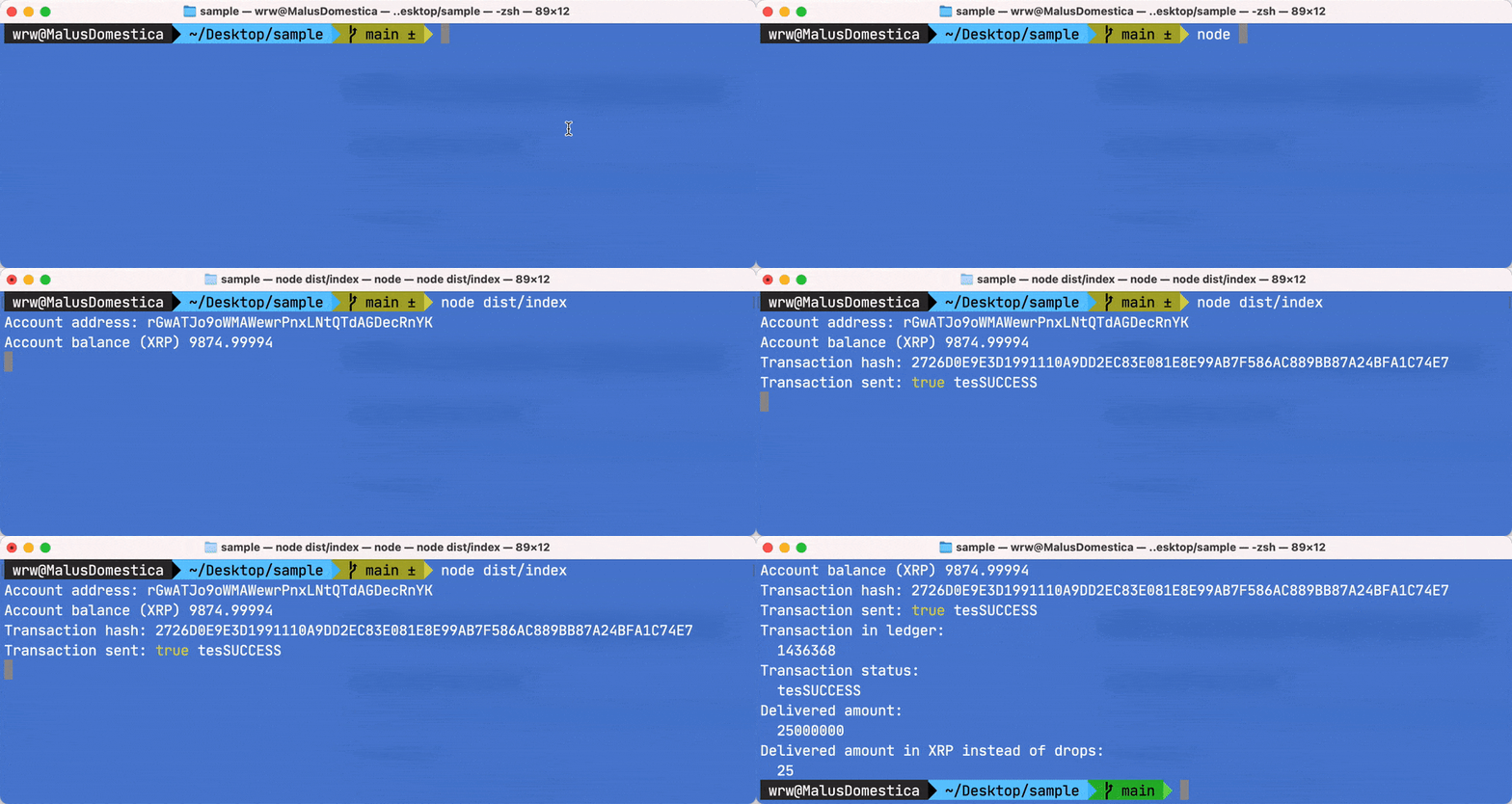
node dist/index.js
If you want to compile index.ts to dist/index.js while you're editing, you can open a second terminal window, and run the TypeScript compiler in 'watch' mode. Just leave the terminal window open, your TypeScript code will automatically compile to JavaScript whenever you change & save something.
tsc -w
When the TypeScript compiler is running in 'watch' mode, you can run the JavaScript execution of dist/index.js in delayed watch mode as well with the nodemon tool. To install nodemon globally, run:
npm install -g nodemon
Now you can run:
nodemon dist/index.js
WARNING!
If you run the TypeScript compiler in watch mode and run your compiled code with nodemon, every time you change something you will automatically execute code, potentially resulting in sending an XRPL transaction ON EVERY CHANGE! ONLY DO THIS ON TESTNET!