UndertaleModTool Unix Installer
April 12, 2026 · View on GitHub
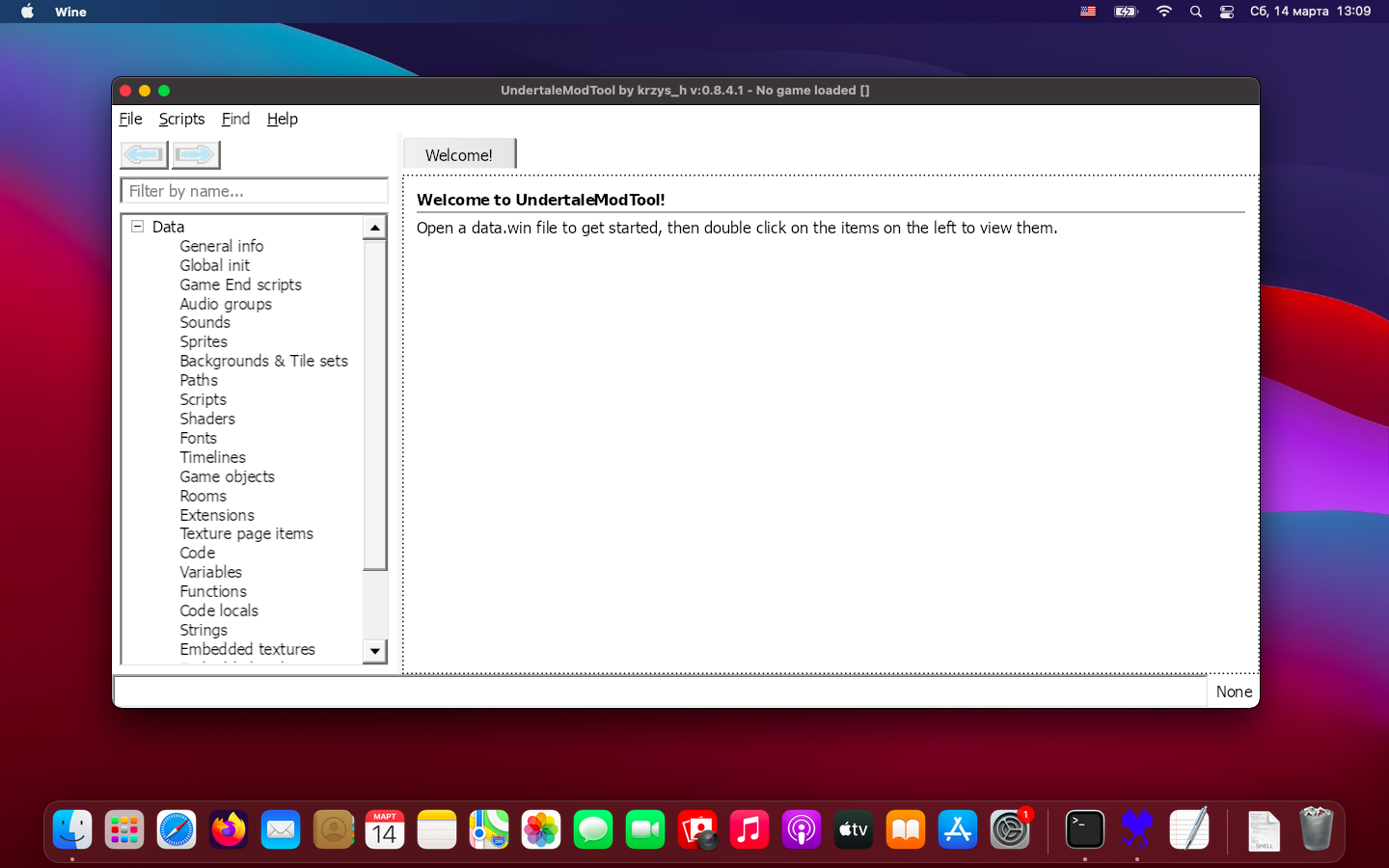
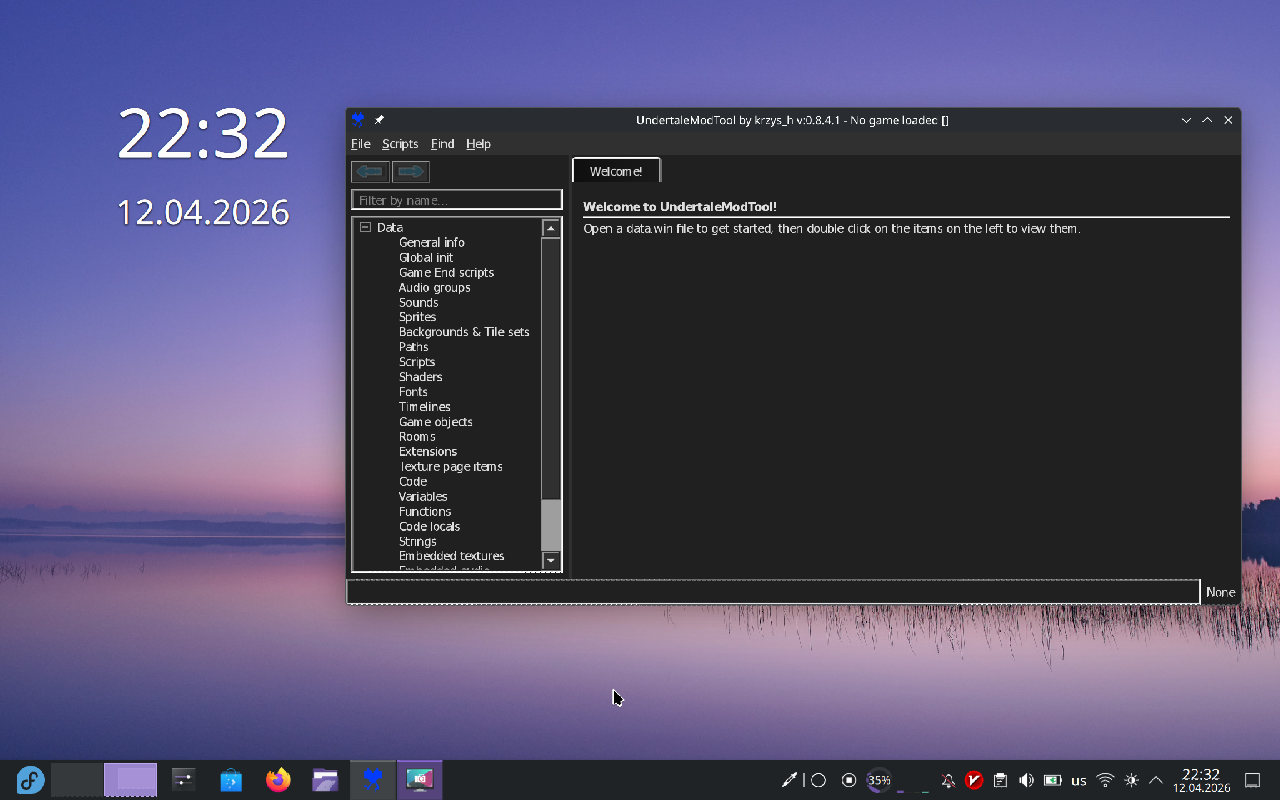
Unofficial UndertaleModTool GUI installer for Linux and macOS via Wine.
Install or Update
Just one command:
curl -sL https://raw.githubusercontent.com/YarTom/UndertaleModTool-linux-installer/main/install.sh | $(echo \$0)
Usage
After installation:
- From applications menu → UndertaleModTool
- Or via terminal:
~/.wine_undertalemodtool/UndertaleModTool.sh [path_to_file] - If you chose to create aliases:
or simply:UndertaleModTool [path_to_file]utmt [path_to_file]
Uninstall
curl -sL https://raw.githubusercontent.com/YarTom/UndertaleModTool-linux-installer/main/uninstall.sh | $(echo \$0)
About
I have been using UndertaleModTool via wine on Linux for a long time and encountered the same issues many times.
The goal of this project is to create a unified way to install UndertaleModTool GUI for Linux, solving common issues until UTMT migrates to a framework with native Linux support.
Features
- Automatically changes DPI in a separate Wine prefix for UTMT (scales up the UI)
- Automatically installs Wine (if necessary)
- You select the version (Stable or Nightly) for automatic installation
- Creates a desktop menu entry
- Creates 'utmt' and 'UndertaleModTool' aliases for easy terminal access (optional)
Requirements
- curl, unzip
Tested On
-
Linux Mint 22.2
-
Fedora 43
-
MacOS Big Sur 11.7.11
You can open a pull request and add your distribution here if the script works for you.
Troubleshooting
If you have problems with script execution, try to run it with bash explicitly:
curl -sL https://raw.githubusercontent.com/YarTom/UndertaleModTool-linux-installer/main/install.sh | bash
or on macOS:
curl -sL https://raw.githubusercontent.com/YarTom/UndertaleModTool-linux-installer/main/install.sh | zsh
Fixed Issues
Graphical Artifacts
Issues with context menu rendering and other graphical artifacts.
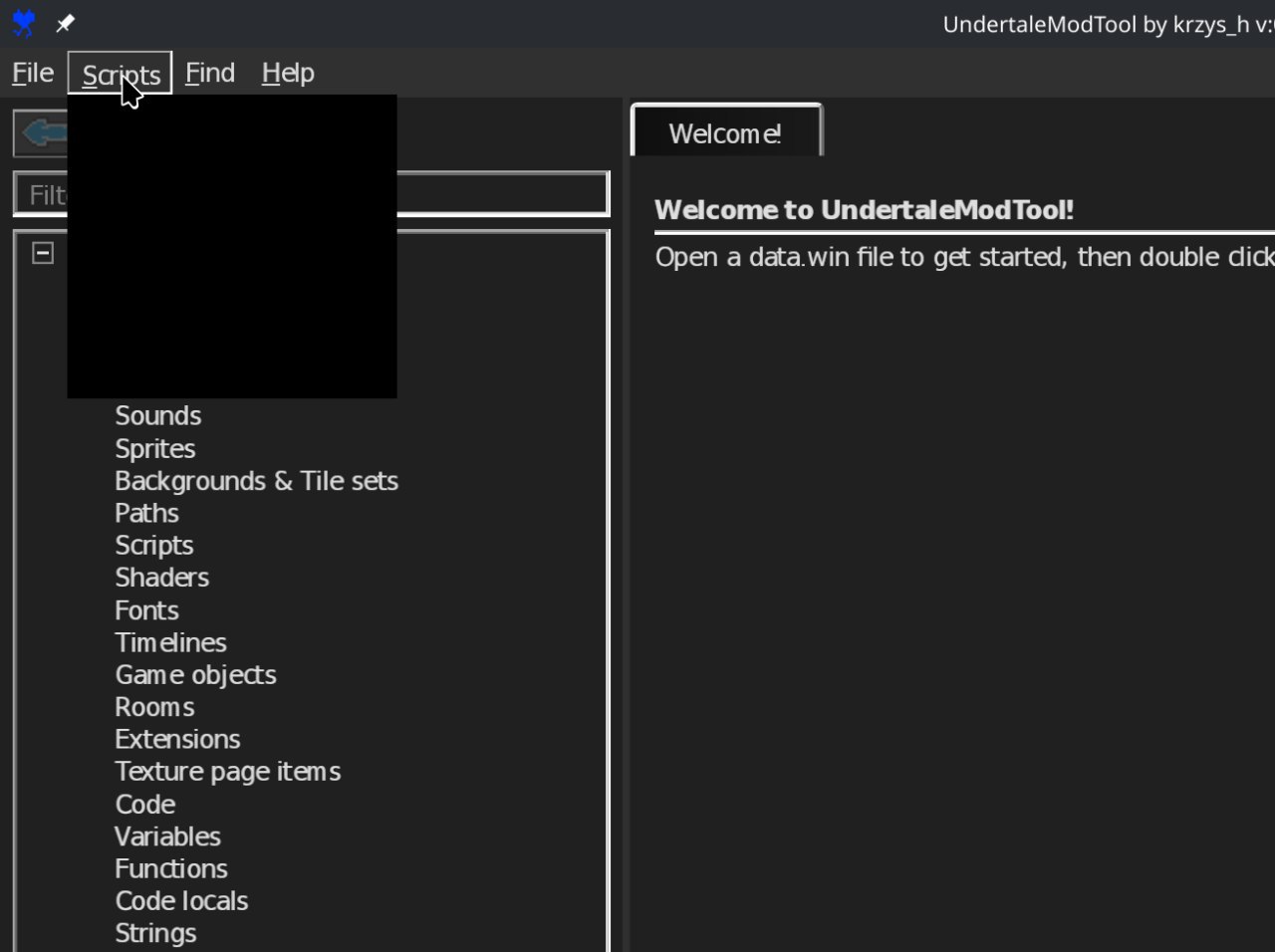
Fixed by automatically adding:
WINEDLLOVERRIDES="d3d9=d;d3d10=d;d3d11=d
to launch parameters. This disables hardware acceleration for graphics, which removes the artifacts.
Crash When Trying to Open Code
Fixed by automatically installing required fonts into the Wine prefix:
winetricks corefonts
Issues with Save File Paths
Fixed by adding special path handling in the launch script. For details, refer to the launch script: ~/.wine_undertalemodtool/UndertaleModTool.sh
Reporting Issues
When creating a bug report, please include:
- Your Linux distribution
- Hardware configuration (CPU, GPU, RAM)
- Wine/Proton version
- Relevant log output
Create an issue: GitHub Issues