README.md
February 21, 2026 · View on GitHub
Noctis
Dark Blue Theme with Blue accent Colors for Home Assistant






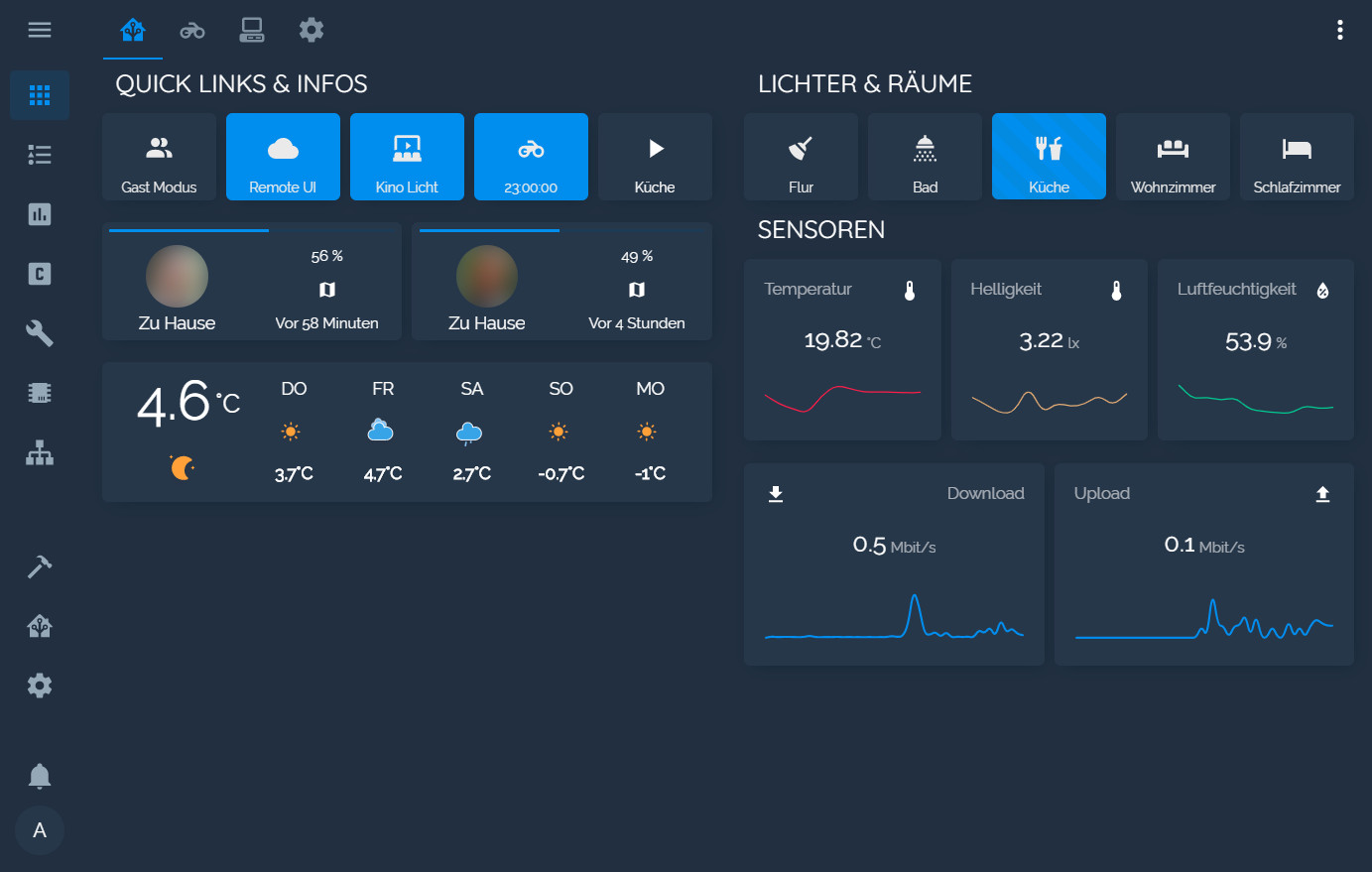
Screenshot
Installation
Manual Installation
- copy the
themesfolder into your home-assistant folder - add this to your
configuration.yaml
frontend:
  themes: !include_dir_merge_named themes
- restart home-assistant
- select the theme in your user's profile (bottom left)
Optional: I recommend installing Custom Header
HACS
- Go to the Community Store.
- Search for
Noctis. - Navigate to
Noctis. - Press Install.
Fonts
If you want to use the custom fonts, you need to add this to your ui-lovelace.yaml under resources
- url: 'https://fonts.googleapis.com/css?family=Raleway'
  type: css
My other Themes
Support Me
If you like my theme and enjoy using it consider donating

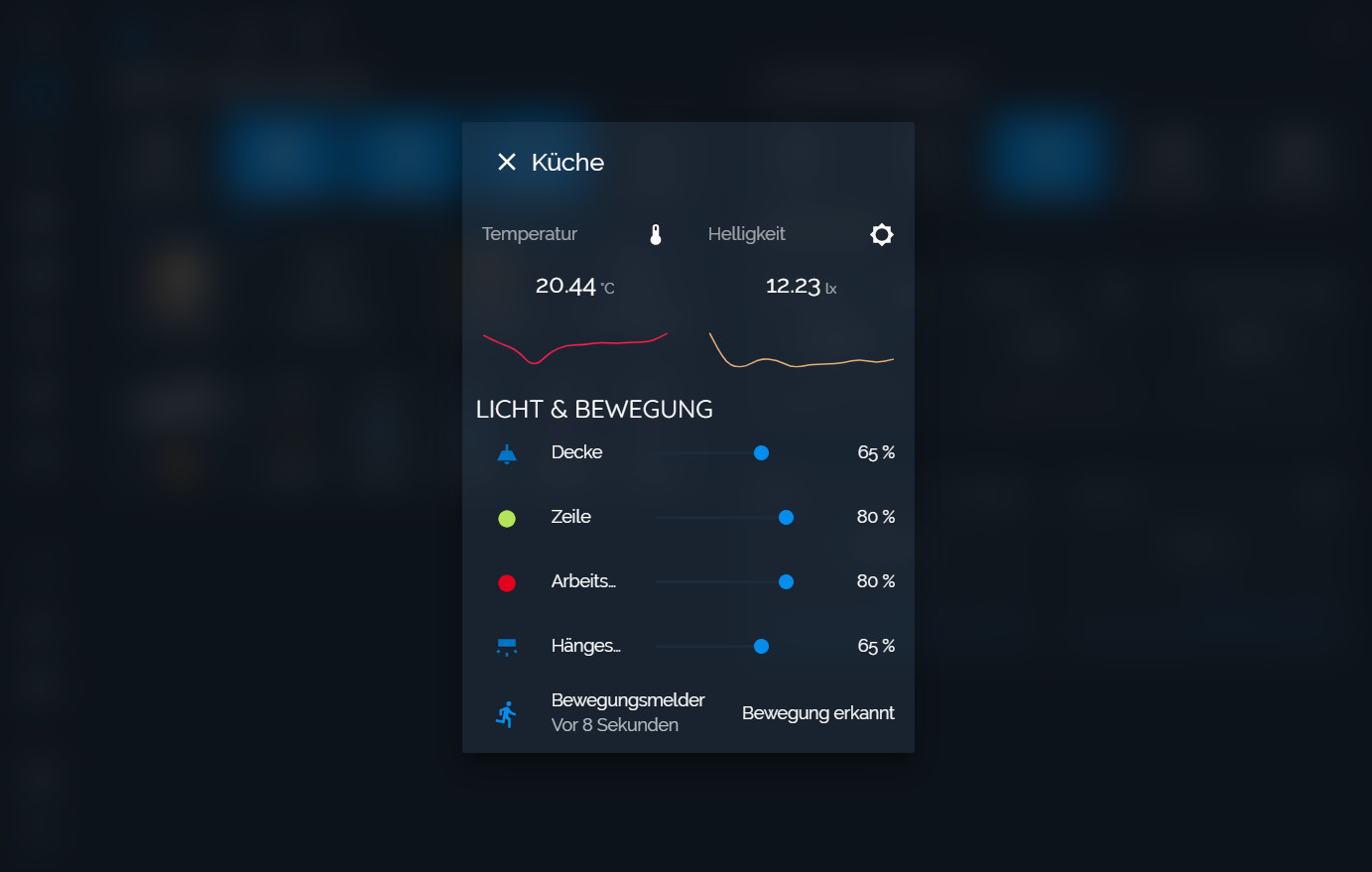
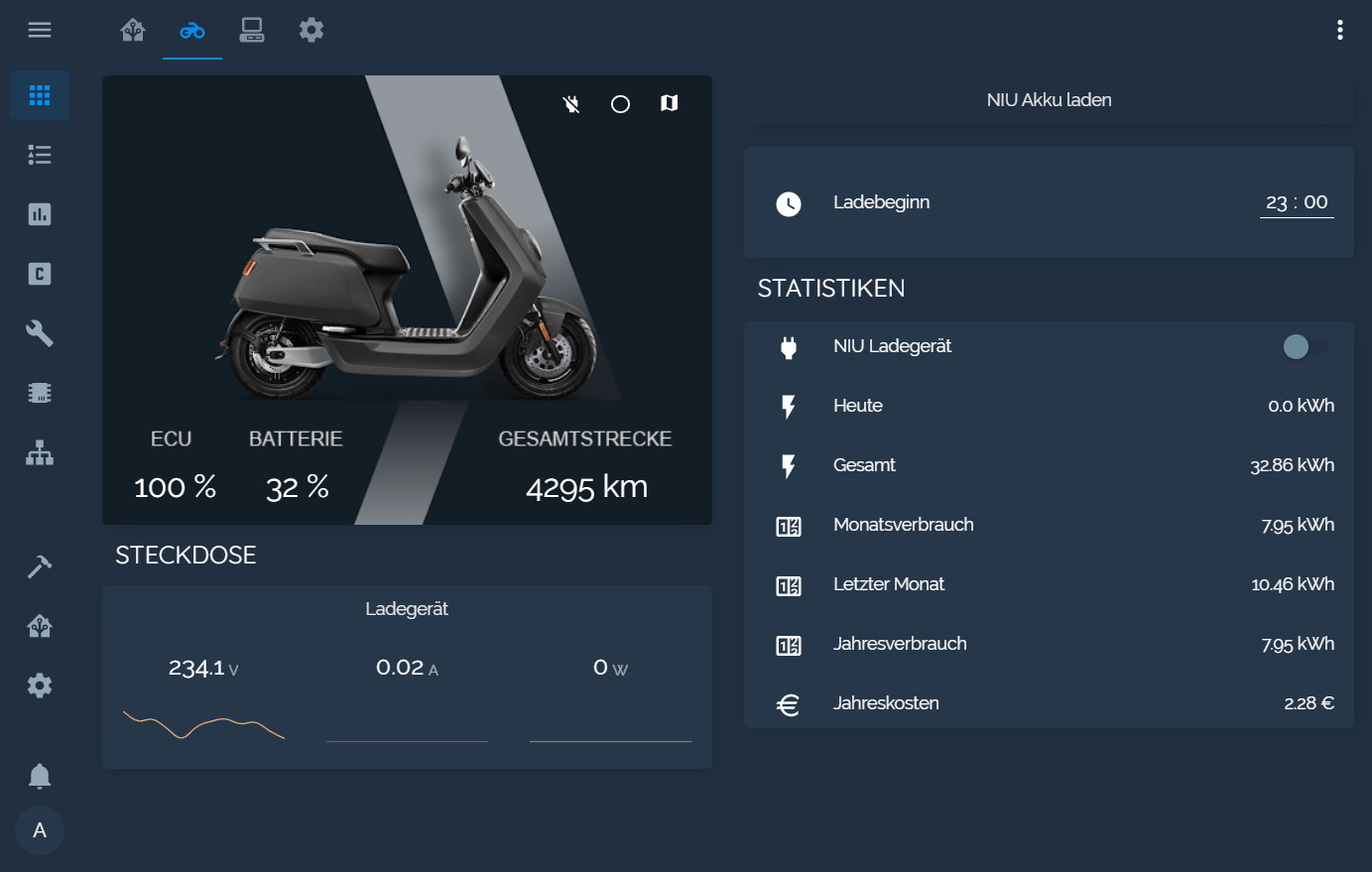
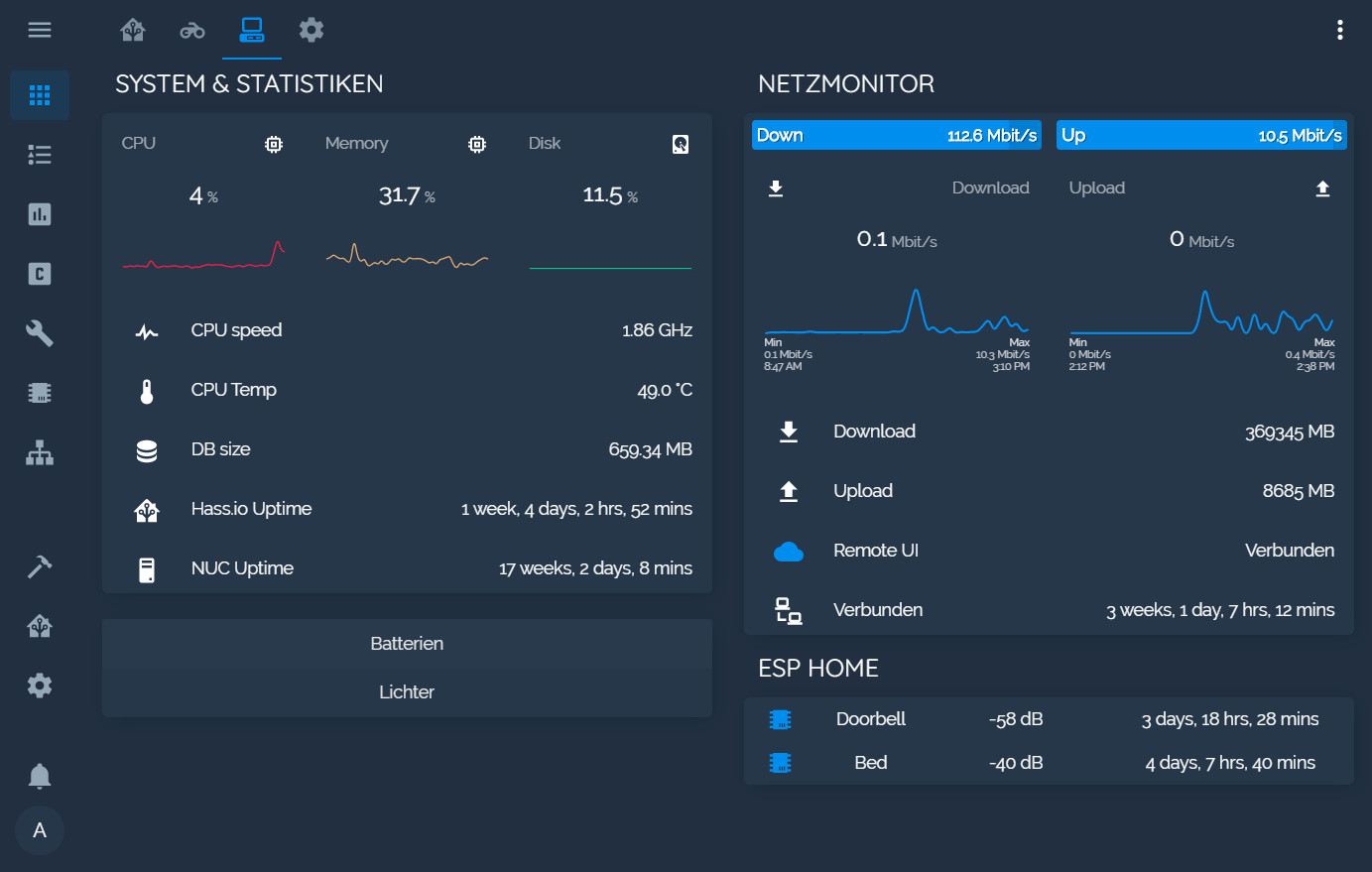
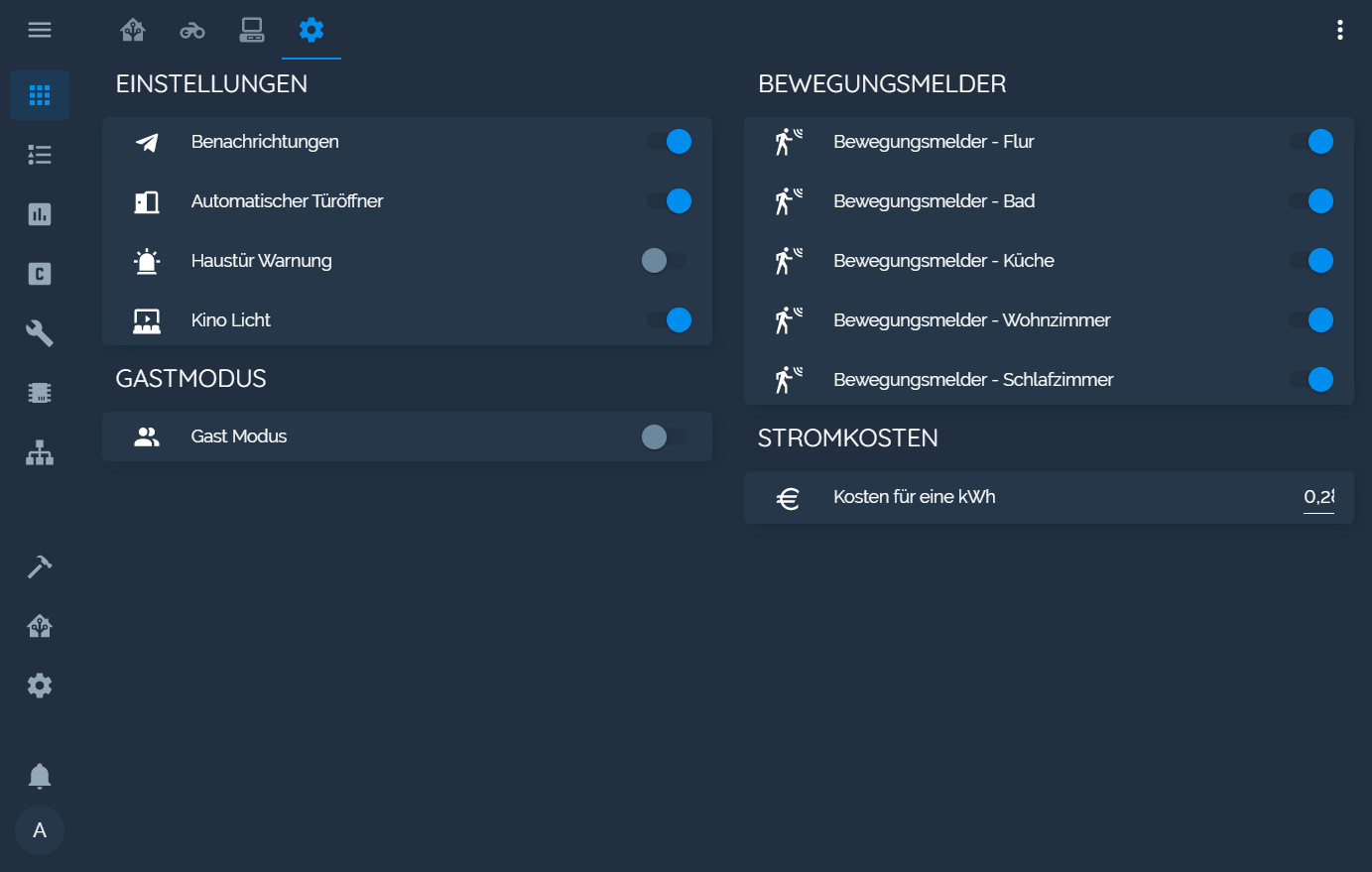
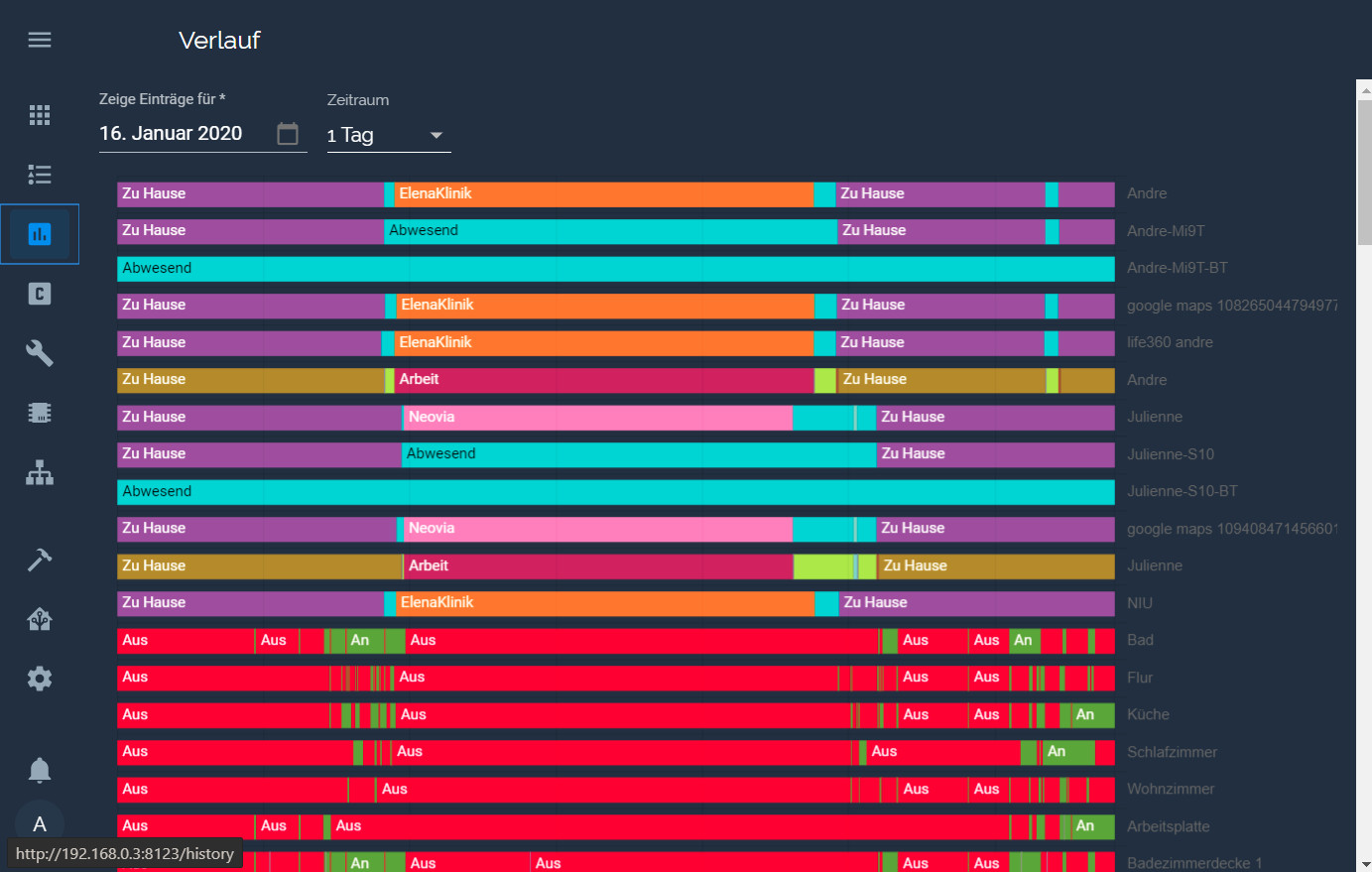
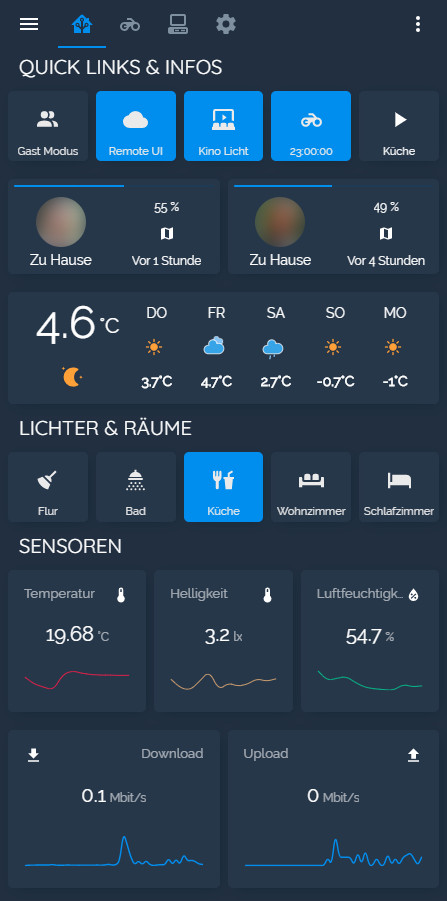
Aditional Screenshots
PC
 |  |
|---|---|
 |  |
 |  |
Android
 |  |  |
|---|