textual-imageview
January 8, 2023 · View on GitHub


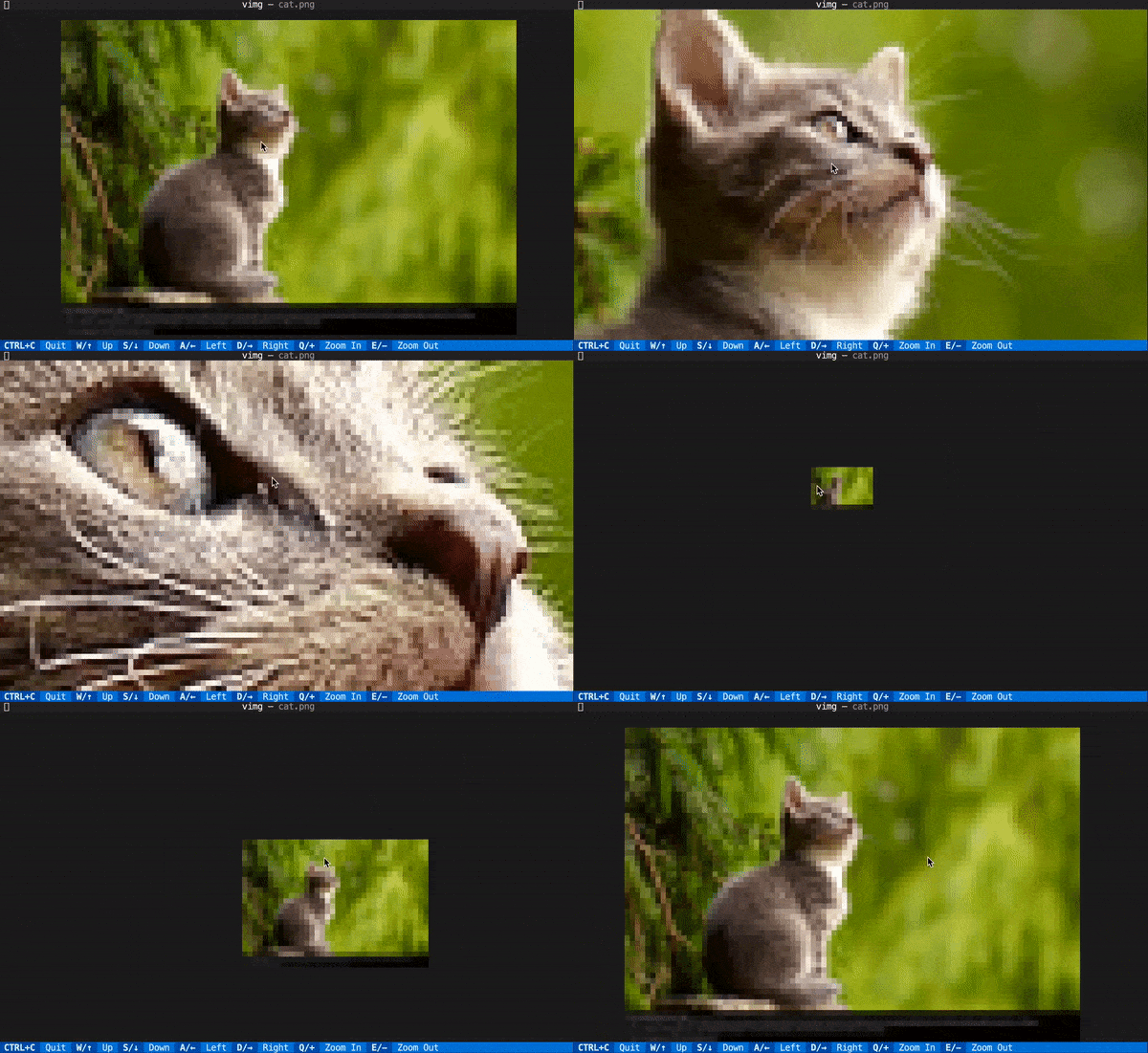
textual-imageview is a both a CLI tool and Textual widget and for viewing images in the
terminal.
Usage
Use the vimg CLI command to quickly view an image in the terminal.
vimg <path_to_image>
Click and drag (or press W/S/A/D) to move around the image, and scroll (or press -/+) to zoom in/out of the image.
vimg is built on ImageView, a Rich renderable that renders images with padding/zoom, and ImageViewer, a Textual widget that adds mouse interactivity to ImageView. Add textual-imageview as a dependency to use them in your Textual app!
At the highest zoom level, each character corresponds to two image pixels. I've found that vimg works best with a GPU-accelerated terminal like Alacritty.
Installation
pip install textual-imageview
FAQ
vimg works great locally, but colors aren't displaying correctly when using vimg over SSH. Why?
Rich determines terminal color support by checking if the COLORTERM environment variable is set to truecolor or 24bit.
echo $COLORTERM
If you know your terminal emulator supports truecolor - i.e., vimg works great locally - try setting the environment variable manually:
export COLORTERM=truecolor
License
textual-imageview is distributed under the terms of the MIT license.