gdsfill
September 10, 2026 · View on GitHub
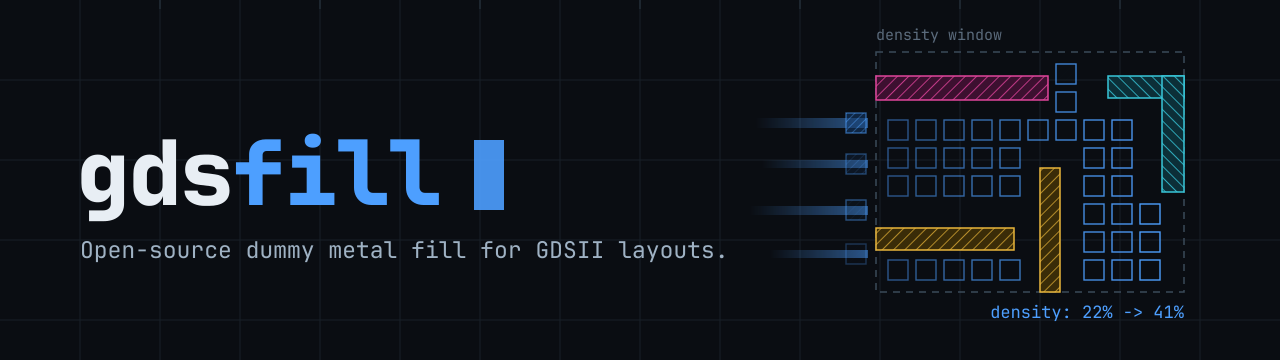
gdsfill is an open-source tool for inserting dummy metal fill into semiconductor layouts. It helps designers meet density requirements and prepare GDSII layouts for manufacturing by analyzing, erasing, and generating dummy fill patterns across multiple layers. The tool is designed to integrate easily into existing design flows and ensures reproducible, automated preparation of layouts before tape-out.
This project is still under development. Please report any issues you encounter and always verify your layout before tape-out deadlines to prevent submission failures.
Installation
gdsfill is distributed as a Rust binary crate. Install it via cargo:
$ cargo install gdsfill
Rust 1.85 or later is required. If you don't have Rust installed, get it from rustup.rs.
Supported Processes
--process | PDK | Layers |
|---|---|---|
ihp-sg13g2 | IHP SG13G2 | Activ, GatPoly, Metal1-5, TopMetal1-2 |
ihp-sg13cmos5l | IHP SG13CMOS5L | Activ, GatPoly, Metal1-4, TopMetal1 |
gf180mcuA | GlobalFoundries GF180MCU (A) | COMP, Poly2, Metal1-3 (30K top) |
gf180mcuB | GlobalFoundries GF180MCU (B) | COMP, Poly2, Metal1-4 (11K top) |
gf180mcuC | GlobalFoundries GF180MCU (C) | COMP, Poly2, Metal1-5 (9K top) |
gf180mcuD | GlobalFoundries GF180MCU (D) | COMP, Poly2, Metal1-5 (11K top) |
Density
This command calculates the utilization per layer and prints the values. It is useful to check layer density before and after running the fill process:
gdsfill density <my-layout.gds>
Both density and fill print one summary per layer. Add --verbose to also print the per-tile table.
Erase
If a layout already contains dummy fill, or if previous fills should be removed, this command erases all dummy metal fill from a layout:
gdsfill erase <my-layout.gds>
Fill
To insert dummy metal fill into all supported layers of a layout, run:
gdsfill fill <my-layout.gds>
If you only want to simulate the process without modifying the layout file, use --dry-run:
gdsfill fill <my-layout.gds> --dry-run
Custom Configuration
By default, gdsfill inserts dummy metal fill into each layer using predefined parameters. To apply different parameters or restrict fill to specific layers, you can create a custom configuration file.
The following example config inserts fill only into TopMetal1 and TopMetal2:
PDK: ihp-sg13g2
layers:
  TopMetal1:
    algorithm: Square
    density: 60
    deviation: 1
  TopMetal2:
    algorithm: Square
    density: 60
    deviation: 1
Example config files are available in
gdsfill/configs.
To use a custom config file, pass it with --config-file:
gdsfill fill <my-layout.gds> --config-file <my-config-file.yaml>