README.md
August 18, 2026 · View on GitHub
Web interface (user-friendly web GUI, alerting, monitoring, and secure) for managing HAProxy, Nginx, and Keepalived servers. Leave your feedback
Get involved
- Telegram Channel about Roxy-WI, talks and questions are welcome
Demo site
Demo site Login/password: admin/admin. Server resets every hour.
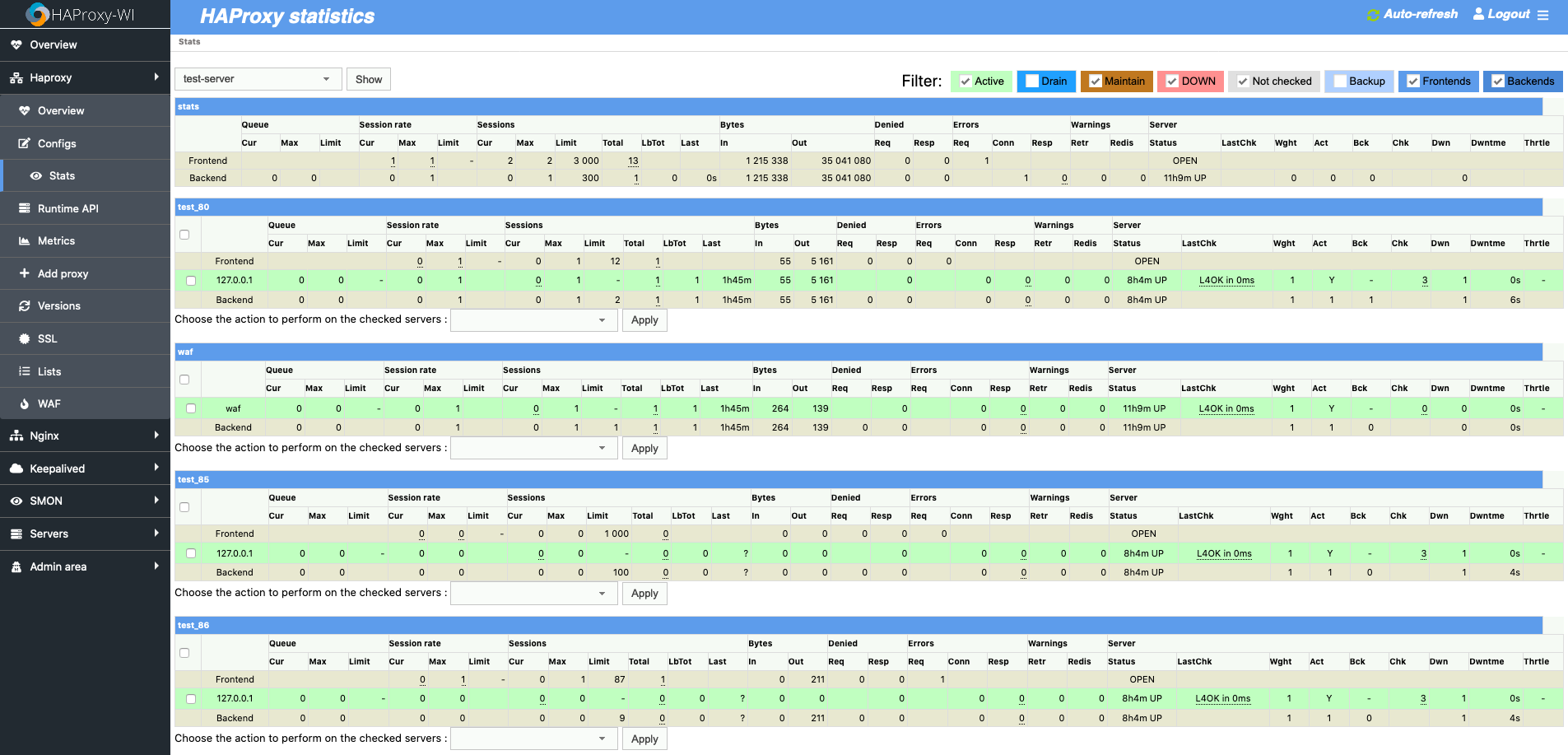
Features:
- Installing and updating HAProxy, Nginx, Apache and Keepalived with Roxy-WI as a system service
- Installing and updating HAProxy and Nginx with Roxy-WI as a Docker service
- Installing and updating HAProxy, Nginx, Apache, Keepalived, and Node exporters with Roxy-WI
- Downloading, updating, and formatting GeoIP to the acceptable format for HAProxy, and NGINX with Roxy-WI
- Dynamic change of Maxconn, Black/white lists, add, edit, or delete backend's IP address and port with saving changes to the config file
- Configuring HAProxy, Nginx, Apache and Keepalived in a jiffy with Roxy-WI
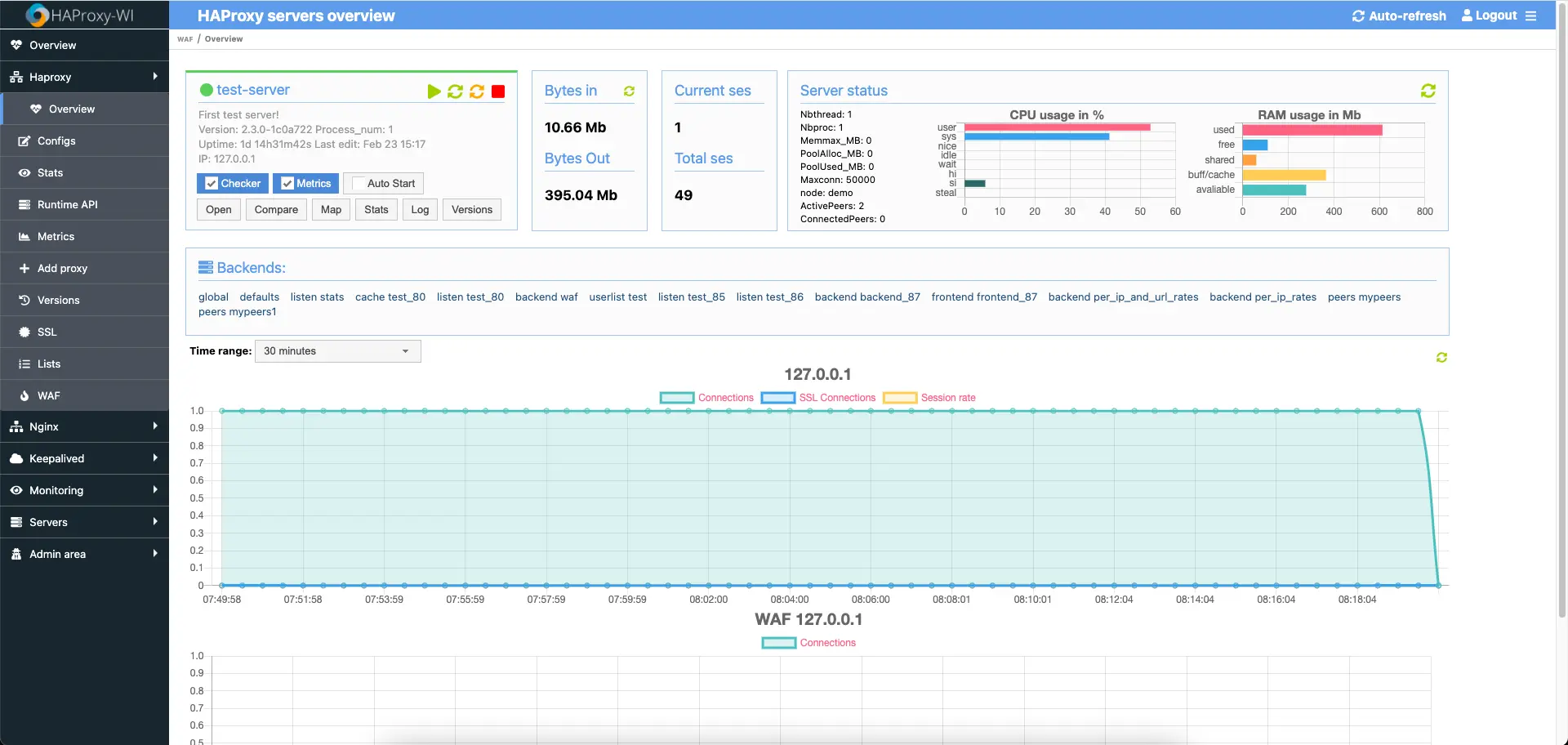
- Viewing and analyzing the status of all Frontend/backend servers via Roxy-WI from a single control panel
- Enabling/disabling servers through stats page without rebooting HAProxy
- Viewing/Analyzing HAProxy, Nginx, Apache and Keepalived logs right from the Roxy-WI web interface
- Creating and visualizing the HAProxy workflow from Web Ui
- Pushing Your changes to your HAProxy, Nginx, Apache, and Keepalived servers with a single click via the web interface
- Getting info on past changes, evaluating your config files, and restoring the previous stable config at any time with a single click right from the Web interface
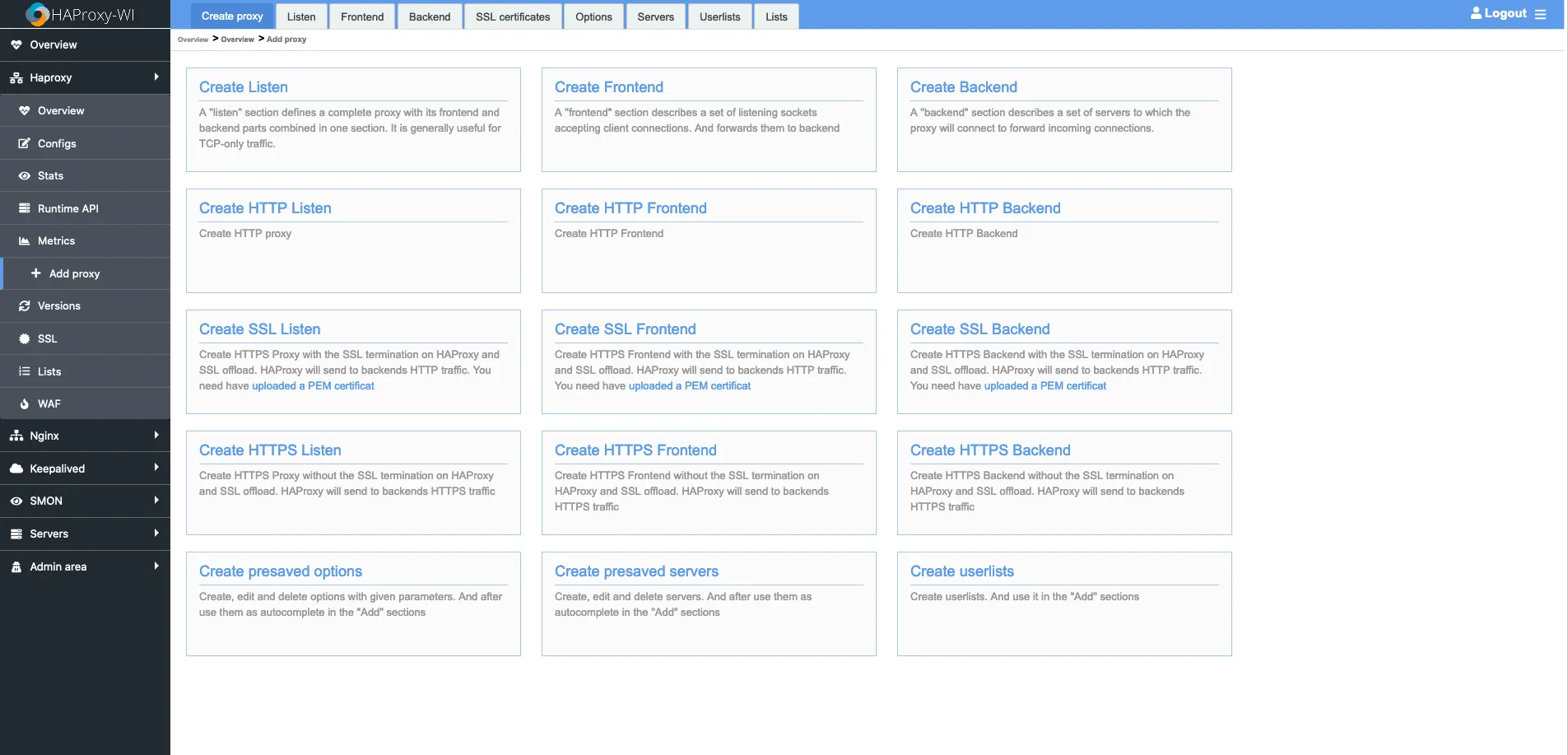
- Adding/Editing Frontend or backend servers via the web interface with a click
- Editing the config of HAProxy, Nginx, Apache, and Keepalived and push interchanges to All Master/Slave servers by a single click
- Adding Multiple servers to ensure the Config Sync between servers
- Managing the ports assigned to Frontend automatically
- Evaluating the changes of recent configs pushed to HAProxy, Nginx, Apache, and Keepalived instances right from the Web UI
- Multiple User Roles support for privileged-based Viewing and editing of Config
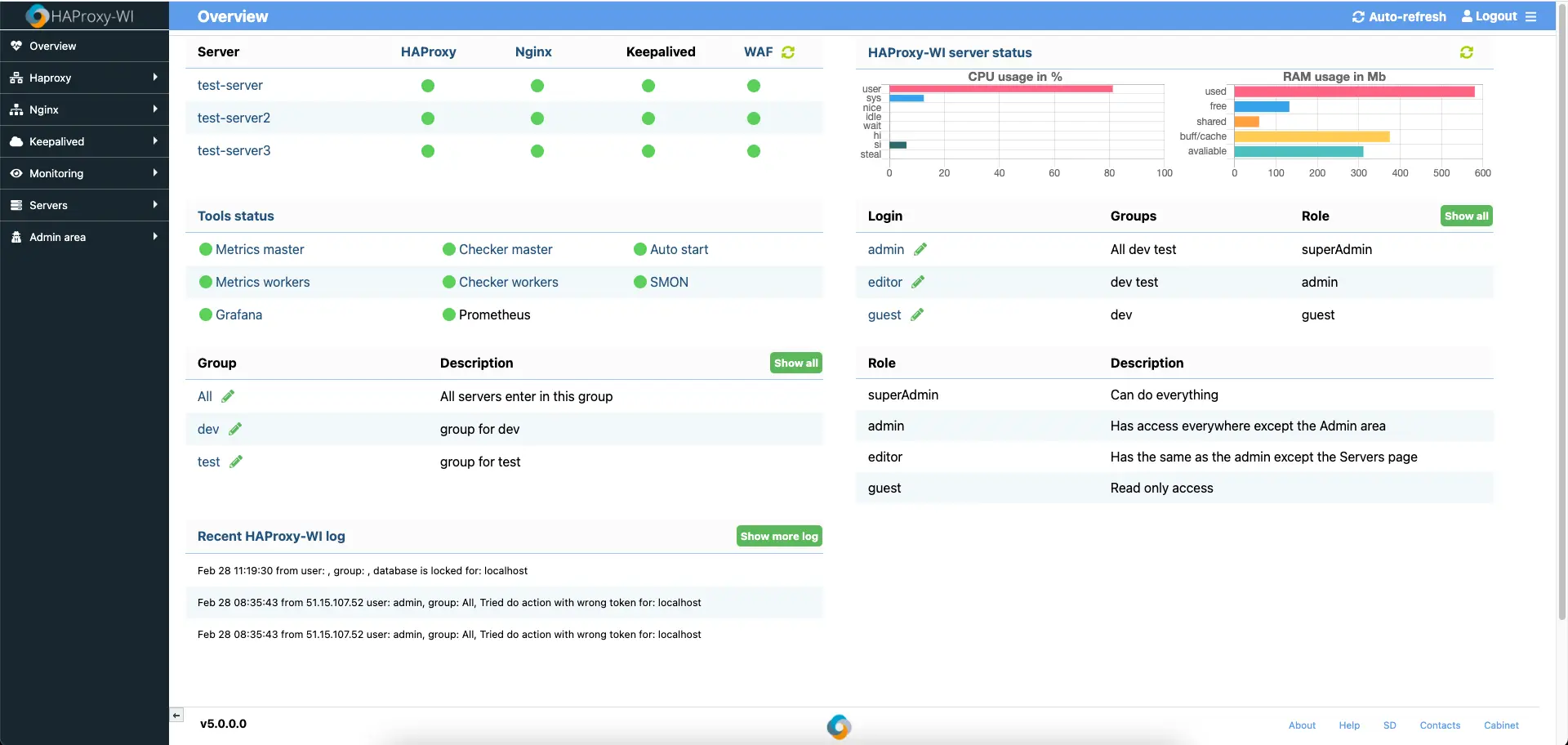
- Creating Groups and adding/removing servers to ensure the proper identification for your HAProxy, Nginx, and Apache Clusters
- Sending notifications from Roxy-WI via Telegram, Slack, Email, PageDuty, Mattermost, and via the web interface
- Supporting high Availability to ensure uptime to all Master slave servers configured
- Support of SSL (including Let's Encrypt)
- Support of SSH Key for managing multiple HAProxy, Nginx, Apache, and Keepalived Servers straight from Roxy-WI
- SYN flood protect
- Alerting about changes of the state of HAProxy backends, about approaching the limit of Maxconn
- Alerting about the state of HAProxy, Nginx, Apache, and Keepalived service
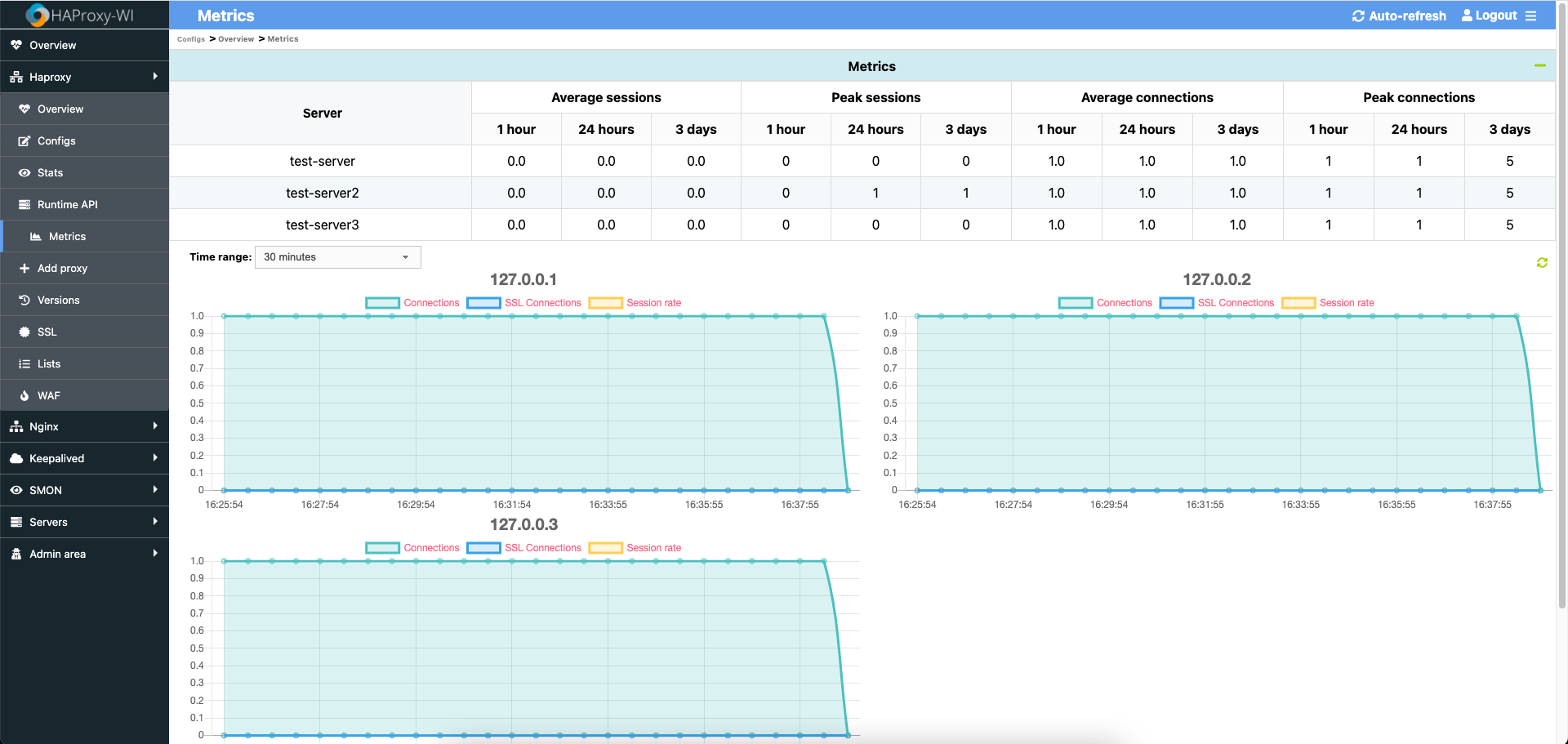
- Gathering metrics for incoming connections
- Web acceleration settings
- Firewall for web application (WAF)
- LDAP support
- Keep active HAProxy, Nginx, Apache, and Keepalived services
- Possibility to hide parts of the config with tags for users with the "guest" role: "HideBlockStart" and "HideBlockEnd"
- Mobile-ready design
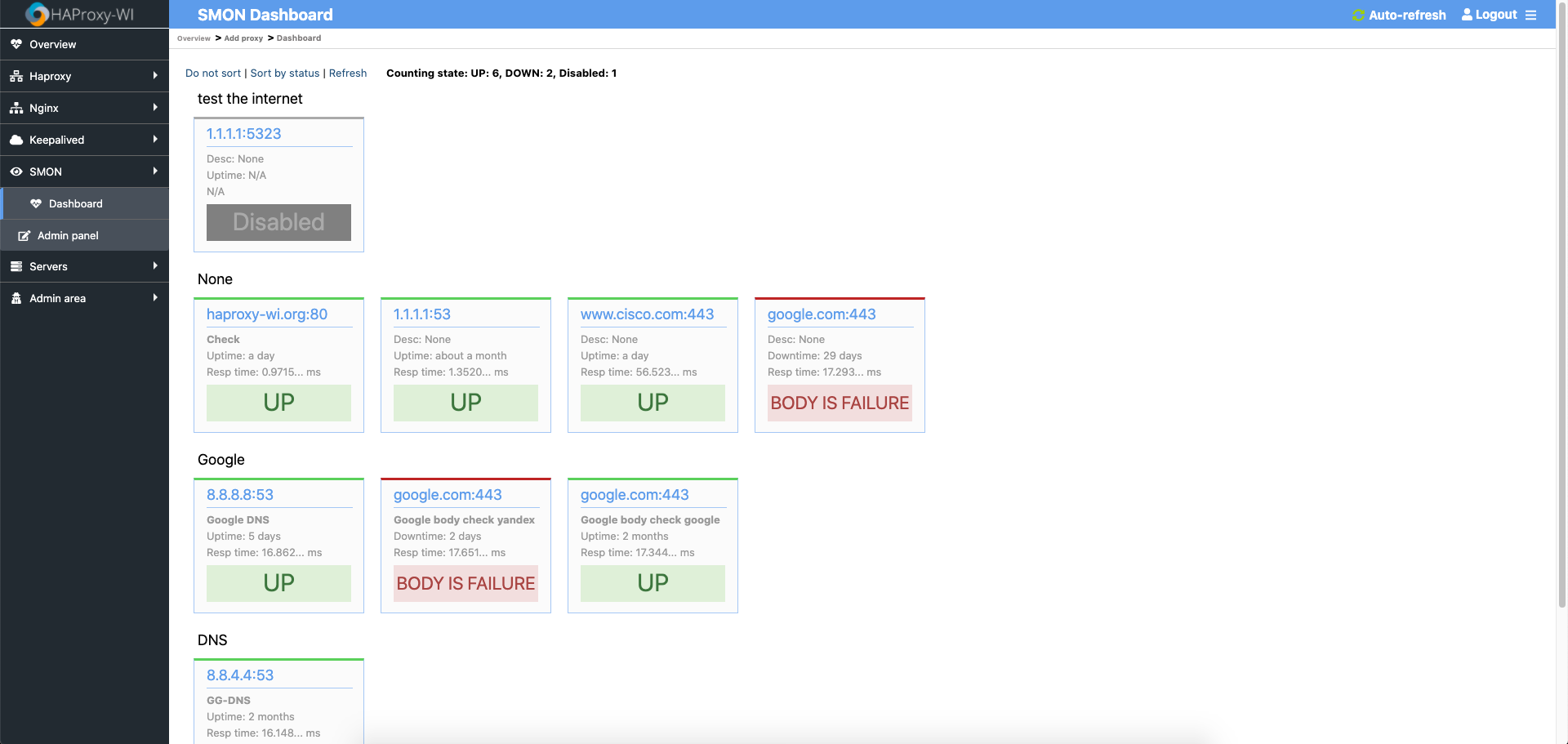
- SMON (Check: Ping, TCP/UDP, HTTP(s), SSL expiry, HTTP body answer, DNS records, Status pages)
- Backup HAProxy, Nginx, Apache, and Keepalived config files through Roxy-WI
Install
RPM
Read instruction on the official site
DEB
Read instruction on the official site
OS support
Roxy-WI supports the following OSes:
- EL7(RPM installation and manual installation). It must be "Infrastructure Server" at least. x86_64 only
- EL8(RPM installation and manual installation). It must be "Infrastructure Server" at least. x86_64 only
- EL9(RPM installation and manual installation). It must be "Infrastructure Server" at least. x86_64 only
- Amazon Linux 2(RPM installation and manual installation). x86_64 only
- Ubuntu (DEB installation and manual installation). x86_64 only
- Other Linux distributions (manual installation only). x86_64 only
Database support
Default Roxy-WI use Sqlite, if you want use MySQL enable in config, and create database:
For MySQL support:
Read instruction on the official site
Settings
Login at https://roxy-wi-server/admin, then add users, groups, and servers. Set the initial admin password with ROXYWI_BOOTSTRAP_ADMIN_PASSWORD (at least 12 characters). If it is not set, Roxy-WI creates /var/lib/roxy-wi/bootstrap-admin-password with mode 0600 on first start.
Fresh installations generate random HAProxy, NGINX, Apache statistics passwords. Set ROXYWI_RABBITMQ_PASSWORD (at least 12 characters) before the first start when RabbitMQ is configured separately; otherwise a random value is stored in the admin settings. Existing installations that still use the old password or roxy-wi123 defaults must replace them in both Roxy-WI settings and the corresponding service.
Store a unique Fernet key as [main] secret_phrase in /etc/roxy-wi/roxy-wi.cfg. ROXYWI_SECRET_PHRASE is an optional override and, when non-empty, takes precedence over the config file. Existing installations must keep their current unique key; no credential rotation is required during a normal code upgrade. Rotate only when deliberately replacing a key: set the previous key as ROXYWI_OLD_SECRET_PHRASE, the replacement as ROXYWI_SECRET_PHRASE, and run python3 rotate_credential_secret.py once before restarting the application. Install the TLS certificate and private key as /etc/roxy-wi/certs/roxy-wi.crt and /etc/roxy-wi/certs/roxy-wi.key; the private key must not be stored below the web application root. SSH connections automatically accept previously unknown host keys; a changed key that conflicts with a known key is still rejected.
Scheduler
The scheduler HTTP API is permanently disabled. Web workers do not start background jobs by default, which prevents the same job from running once per worker. Run exactly one dedicated scheduler process under your service manager:
python3 scheduler_runner.py
scheduler_runner.py enables ROXYWI_SCHEDULER_ENABLED=1 for that process. Do not set this variable globally for the web service.
OpenID Connect
Super administrators can configure one or more OIDC providers under Admin → OIDC. Roxy-WI supports discovery metadata, signed ID token validation through JWKS, optional UserInfo claims, verified-email/domain policies, automatic user creation or email linking, and external-group mappings to Roxy-WI groups and roles. Local and LDAP login remain available.
When Roxy-WI is behind a reverse proxy, set ROXYWI_PUBLIC_URL to its canonical external origin, without a trailing slash, for example https://roxy-wi.example.com. Register the callback URL shown in the provider form at the identity provider. The usual scopes are openid email profile; add the provider-specific groups scope when group mapping is used.
OIDC client secrets are encrypted with the existing [main] secret_phrase Fernet key. Keep the same key during a normal upgrade; no new key or credential rotation is required.
Read instruction on the official site
Troubleshooting
If you have error:
Internal Server Error
Do this:
$ cd /var/www/haproxy-wi/app
$ ./create_db.py