ComfyUI VideoX-Fun
December 29, 2025 · View on GitHub
Easily use VideoX-Fun inside ComfyUI!
Installation
1. ComfyUI Installation
Option 1: Install via ComfyUI Manager
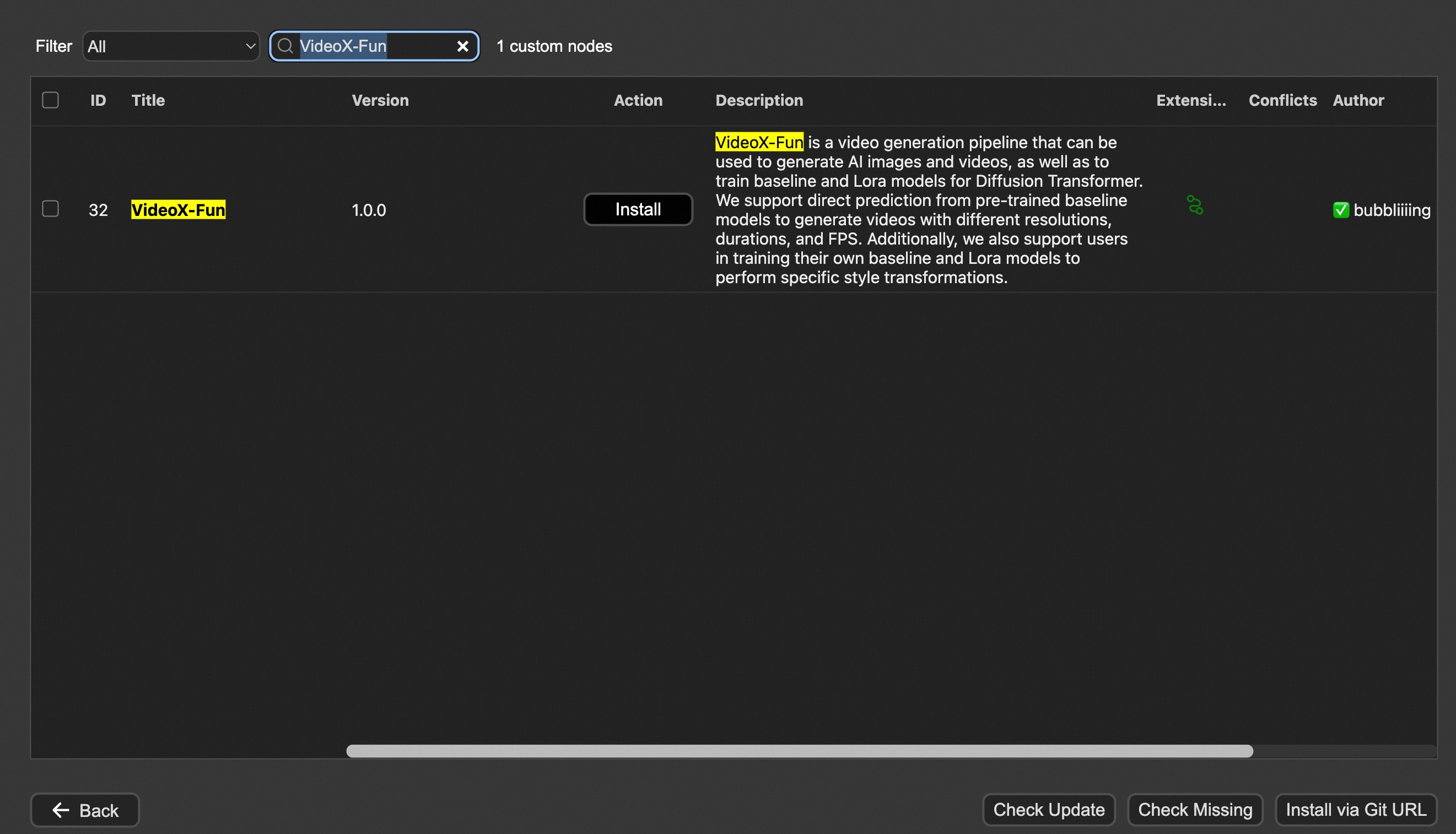
Option 2: Install manually
The VideoX-Fun repository needs to be placed at ComfyUI/custom_nodes/VideoX-Fun/.
cd ComfyUI/custom_nodes/

# Git clone the cogvideox_fun itself
git clone https://github.com/aigc-apps/VideoX-Fun.git

# Git clone the video outout node
git clone https://github.com/Kosinkadink/ComfyUI-VideoHelperSuite.git

# Git clone the KJ Nodes
git clone https://github.com/kijai/ComfyUI-KJNodes.git

cd VideoX-Fun/
python install.py
2. Download models
i、Full loading
Download full model into ComfyUI/models/Fun_Models/.
ii、Chunked loading
Put the transformer model weights to the ComfyUI/models/diffusion_models/.
Put the text encoer model weights to the ComfyUI/models/text_encoders/.
Put the clip vision model weights to the ComfyUI/models/clip_vision/.
Put the vae model weights to the ComfyUI/models/vae/.
Put the tokenizer files to the ComfyUI/models/Fun_Models/ (For example: ComfyUI/models/Fun_Models/umt5-xxl).
3. (Optional) Download preprocess weights into ComfyUI/custom_nodes/Fun_Models/Third_Party/.
Except for the fun models' weights, if you want to use the control preprocess nodes, you can download the preprocess weights to ComfyUI/custom_nodes/Fun_Models/Third_Party/.
remote_onnx_det = "https://huggingface.co/yzd-v/DWPose/resolve/main/yolox_l.onnx"
remote_onnx_pose = "https://huggingface.co/yzd-v/DWPose/resolve/main/dw-ll_ucoco_384.onnx"
remote_zoe= "https://huggingface.co/lllyasviel/Annotators/resolve/main/ZoeD_M12_N.pt"