Orion
July 13, 2018 · View on GitHub

QML/C++-written desktop client for Twitch.tv
Features:
- Login by twitch credentials
- Desktop notifications
- Integrated player
- Chat support
- Support for live streams and vods
Available on Play Store
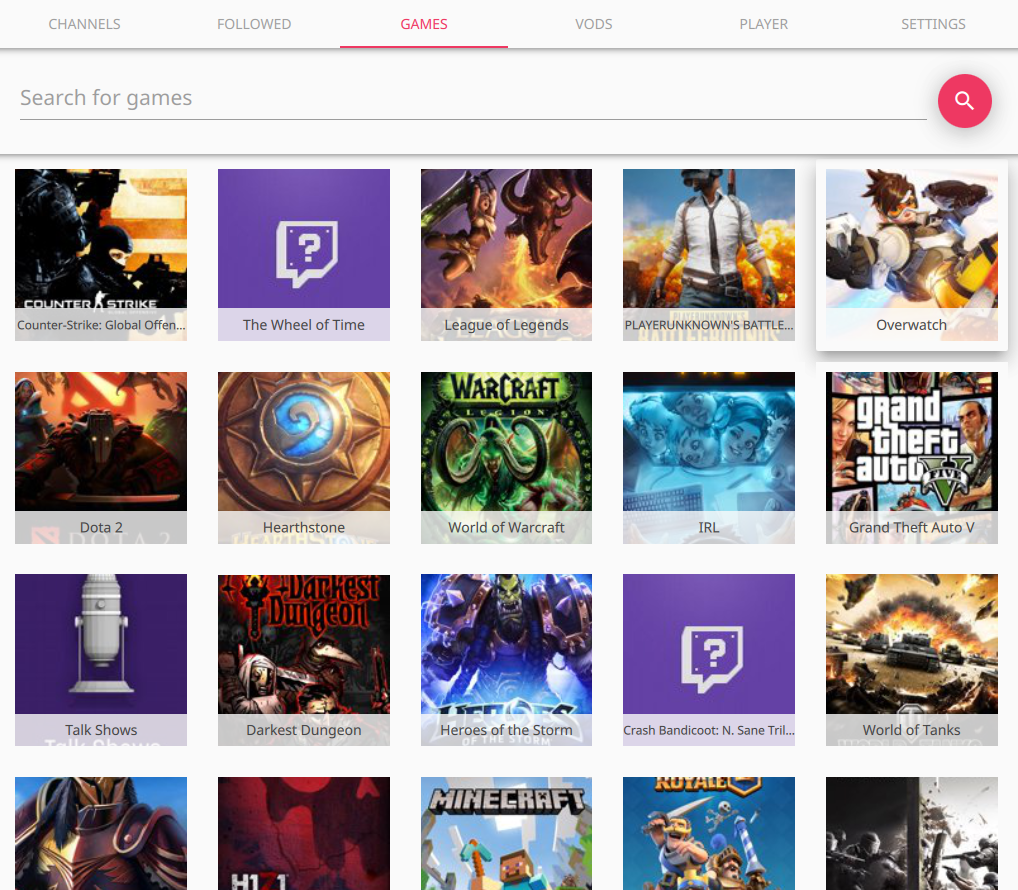
Screencaptures



Dependencies
mpv(default),qtavorqt5-multimedia
Building on linux
(Using arch linux examples, but can be applied to other distros as well)
Install needed libraries and software
sudo pacman -S git gcc qt5-base qt5-quickcontrols qt5-svg qt5-quickcontrols2 qt5-graphicaleffects mpv
If using backend other than mpv, install those packages instead.
Choosing player backend (optional)
To select a backend used, pass CONFIG-variable a suitable backend for qmake (alternatively edit straight to .pro file):
- MPV:
CONFIG+=mpv - QtAV:
CONFIG+=qtav - Qt5 Multimedia:
CONFIG+=multimedia
As default, mpv is used (if nothing is passed)
Get orion from github and install
git clone https://github.com/alamminsalo/orion
cd orion
mkdir build && cd build
qmake ../
make && sudo make install
Building on MacOS
Install needed libraries and software
brew install qt mpv
brew link --force qt
You need to force link qt to get qmake. Note that this can cause problems with other make tools. For more information see brew info qt.
Get orion from github and install
git clone https://github.com/alamminsalo/orion
cd orion
mkdir build && cd build
qmake ../
make
There will now be an orion.app application in the build directory.
Qt version
Minimum supported Qt version is currently 5.8
Misc
Supports environment variables such as QT_QUICK_CONTROLS_MATERIAL_ACCENT, to customize UI colors.
Example
# linux example, but similar in other OSes
QT_QUICK_CONTROLS_MATERIAL_BACKGROUND="#00101f" QT_QUICK_CONTROLS_MATERIAL_ACCENT="#FF5722" orion
And this looks like:

See more on qt material docs.
Windows troubleshooting
You need Visual C++ 2015-runtime installed.
Installer can be found in the application's install directory (I'll make it install automatically in the next version)
Known issues
- If network goes down while Orion is running, the images stop loading until application restart. Otherwise the application should work fine after network is back up
- Sometimes the stream hangs and doesn't load on start. Restarting the stream should work
- Vods are sometimes having issues, skipping some parts of the video. Needs further investigating