List of image operations
April 21, 2019 · View on GitHub
Table of contents
Originals

Rotate
Rotate the picture clockwise
Parameters
- angle - rotation angle
Preset
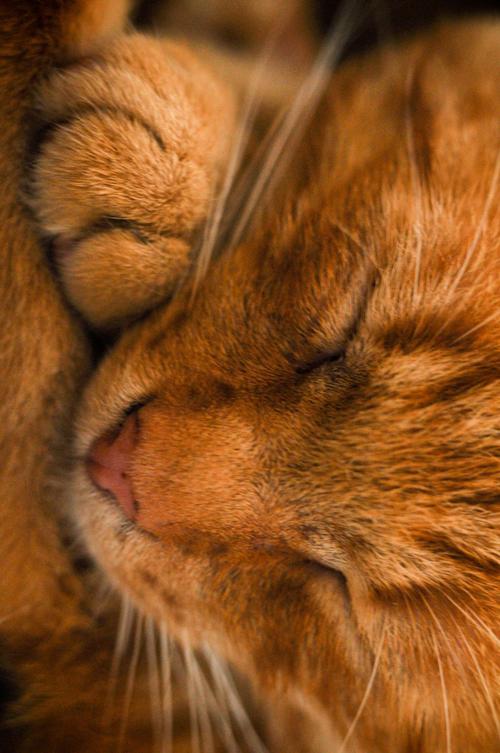
Rotate 90 degree
Query string
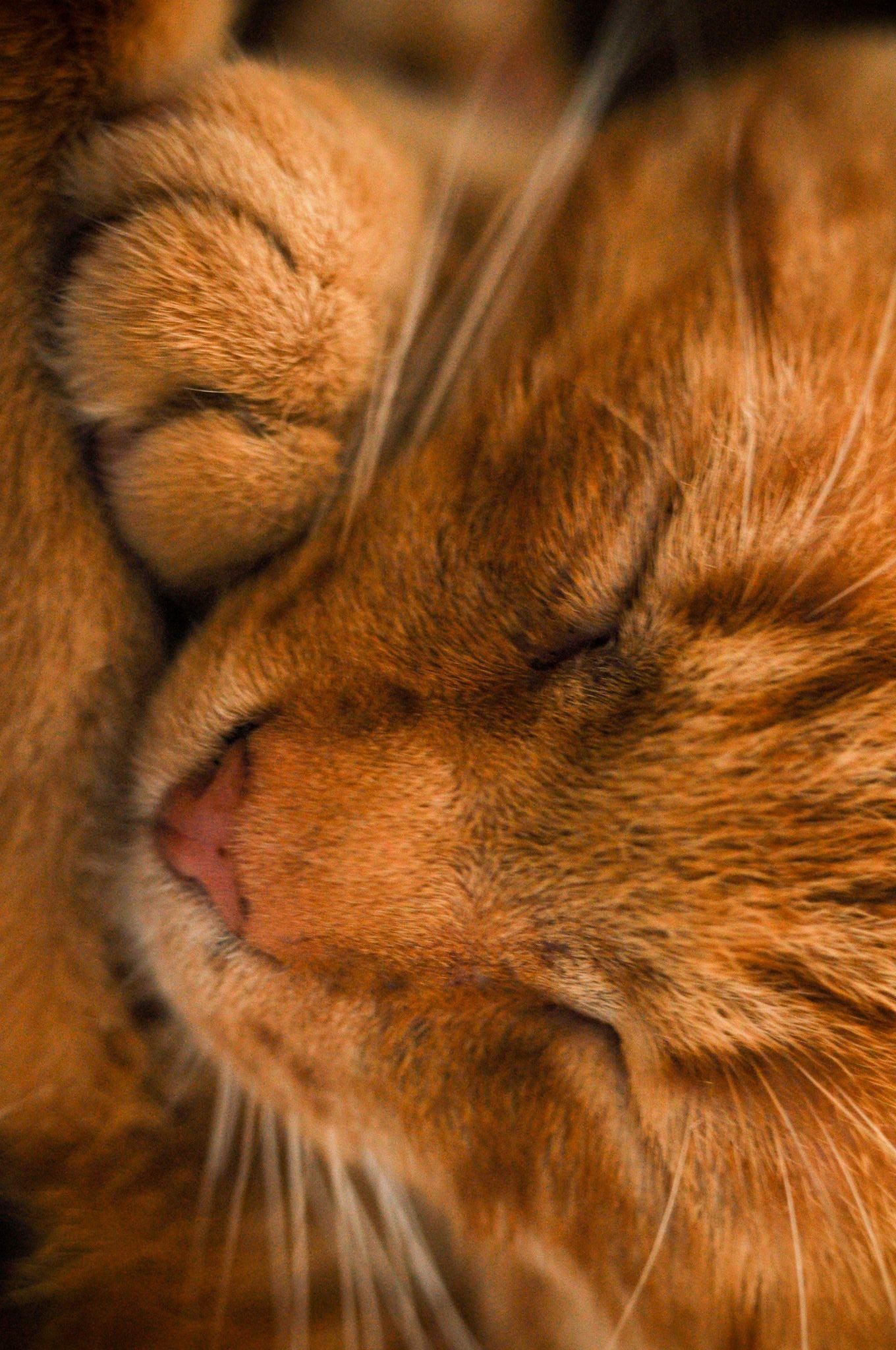
Rotate 90 degree
Rotate 180 degree
Blur
Blur the picture using Gaussian operator
Parameters:
- sigma - strength of operation
Preset
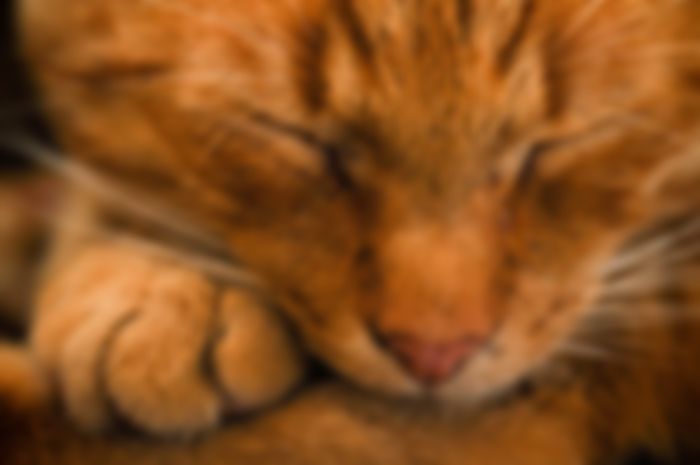
Blur image with sigma 5
Query string
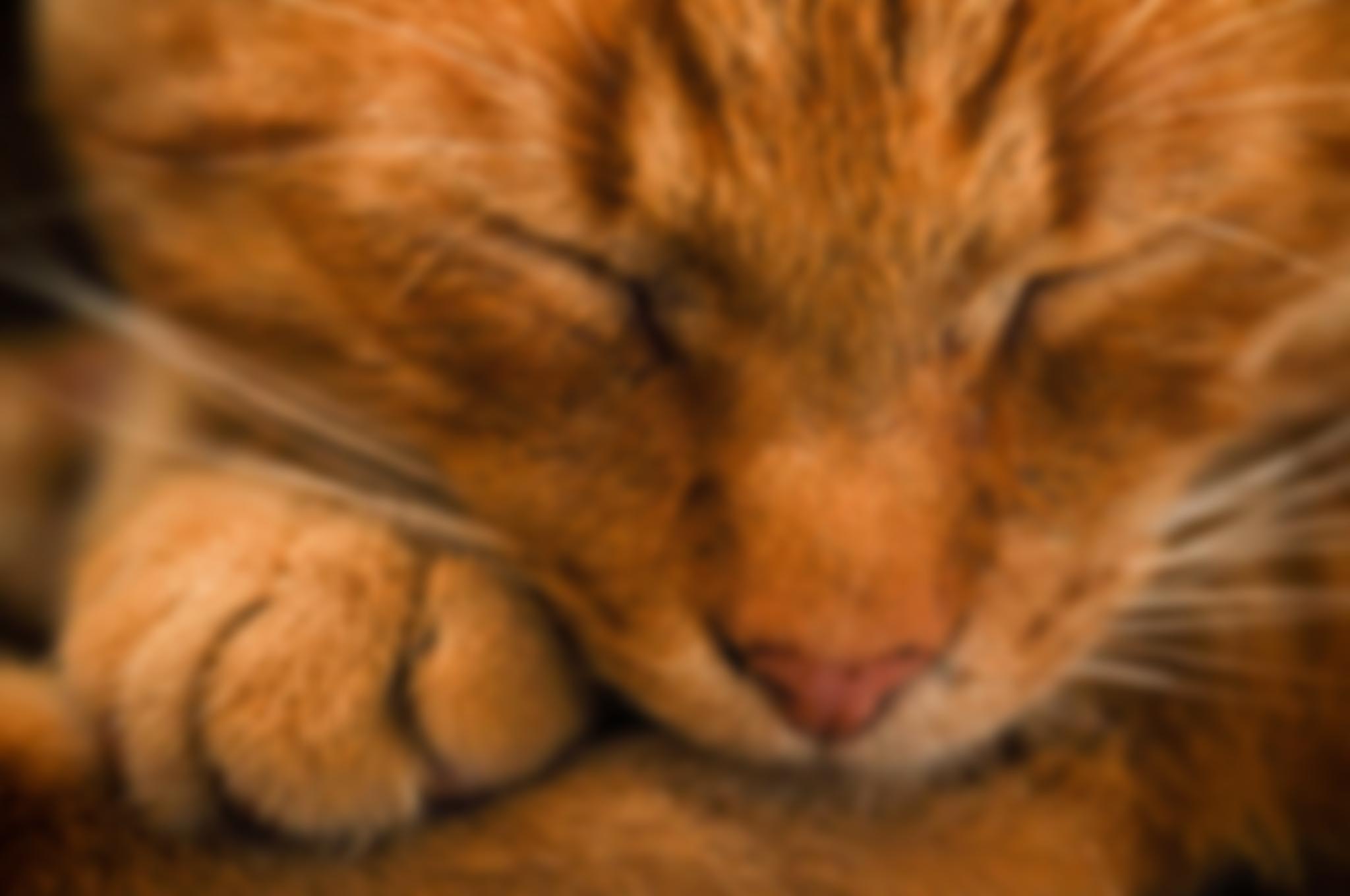
Blur image sigma 10
Grayscale
Converts image to grayscale
Parameters: none
Preset
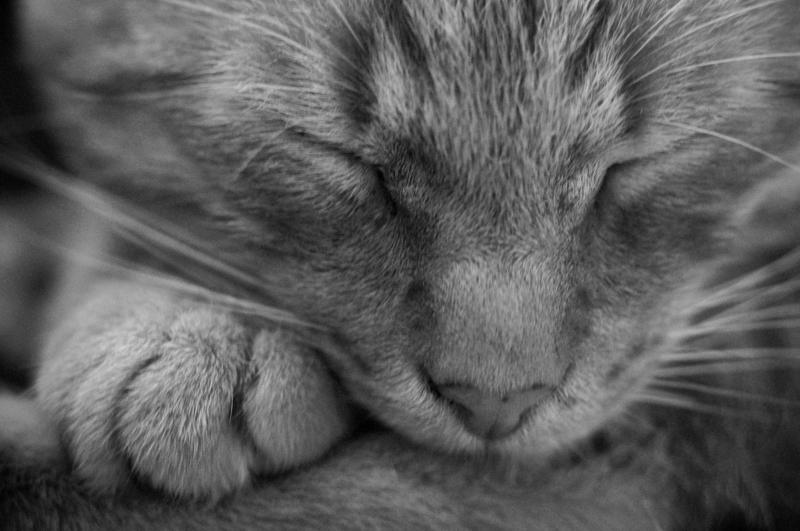
Change image colors to grayscale
Query string
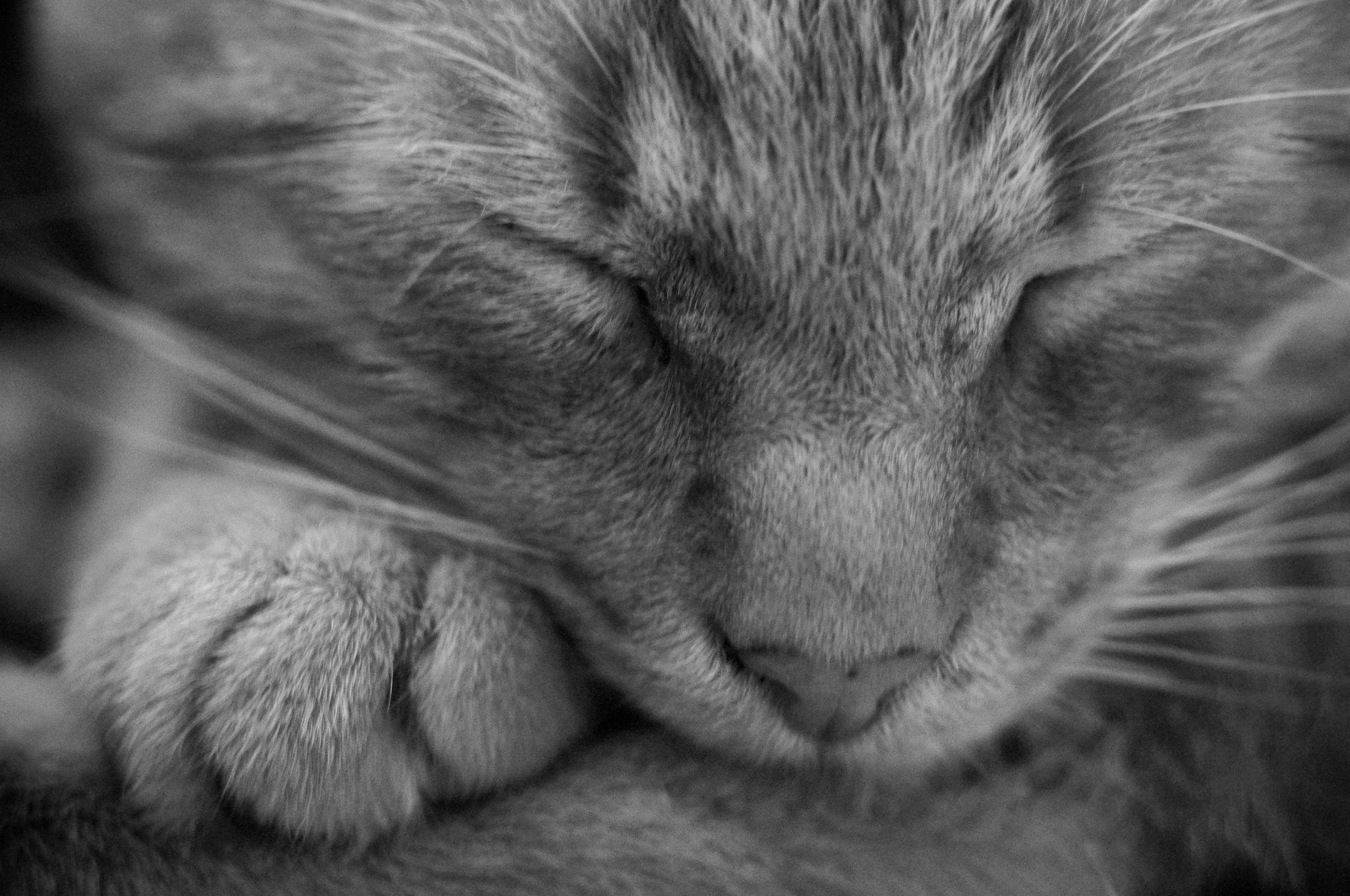
Change image colors to grayscale
Resize
Change the size of an image without clipping. Parameters:
- width - choose width for the image. If not given, it will be calculated to preserve the aspect ratio.
- height - choose height for the image. If not given, it will be calculated to preserve the aspect ratio.
Preset
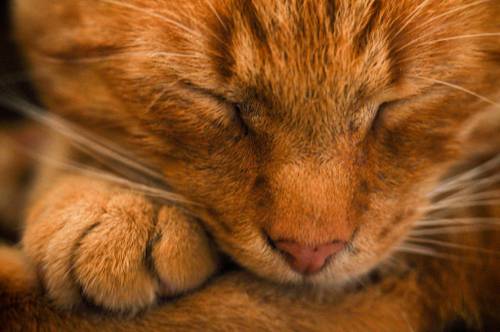
resize with width 500
Query string
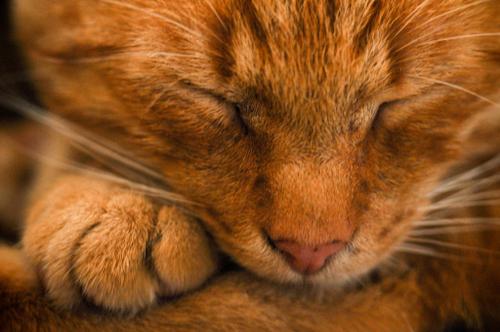
resize with width 500
Crop
Crop smart the image. Parameters:
- width - width of the cropped area.
- height - height of the cropped area.
- gravity - position of crop (optional)
Position can be one of:
- center
- north
- west
- east
- south
- smart
Preset
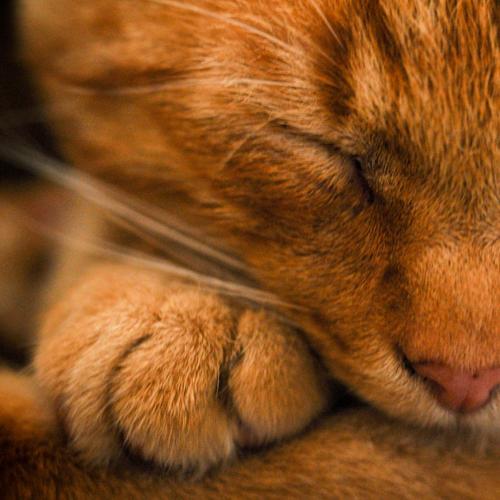
crop image with width 500
Query string
crop image with width 200 and height 200
Extract
Extract - crop given area from the image. Parameters:
- top - point on x axis
- left - point on y axis
- width - width of the cropped area.
- height - height of the cropped area.
Preset
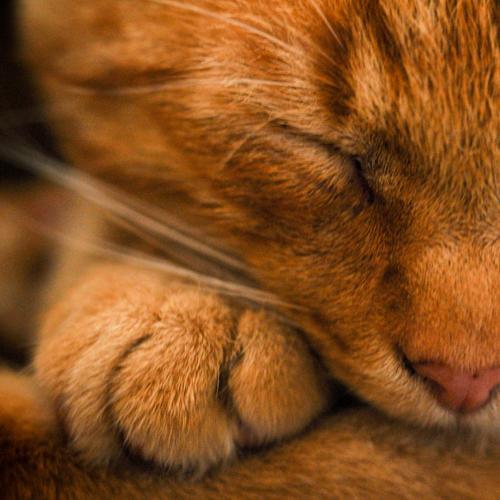
crop image with width 500
Query string

crop image with width 200 and height 200
ResizeCropAuto
resize and crop given area from the image. Do it using proportion (center of image is used) Parameters:
- width - width of the cropped area.
- height - height of the cropped area.
Preset
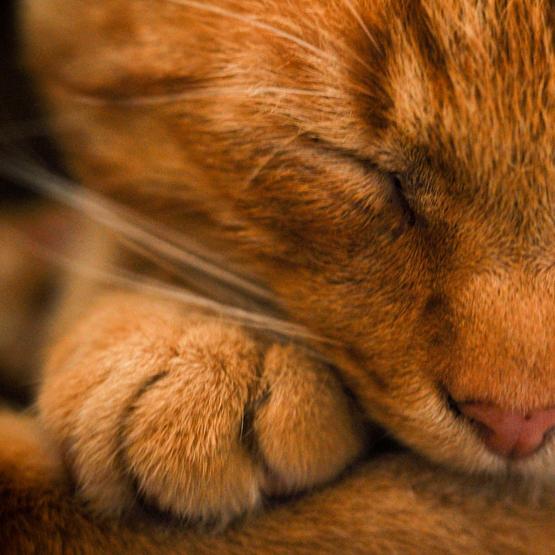
crop image with width 555
Query string
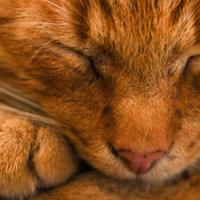
crop image with width 200 and height 200
Watermark
Add watermark to image
Paramters:
- image: url or path to image for adding
- opacity: choose transparency of image
- position: anchor point of image to combine with. Can be one of:
- top-left
- top-center
- top-right
- center-left
- center-center
- center-right
- bottom-left
- bottom-center
- bottom-right
Preset
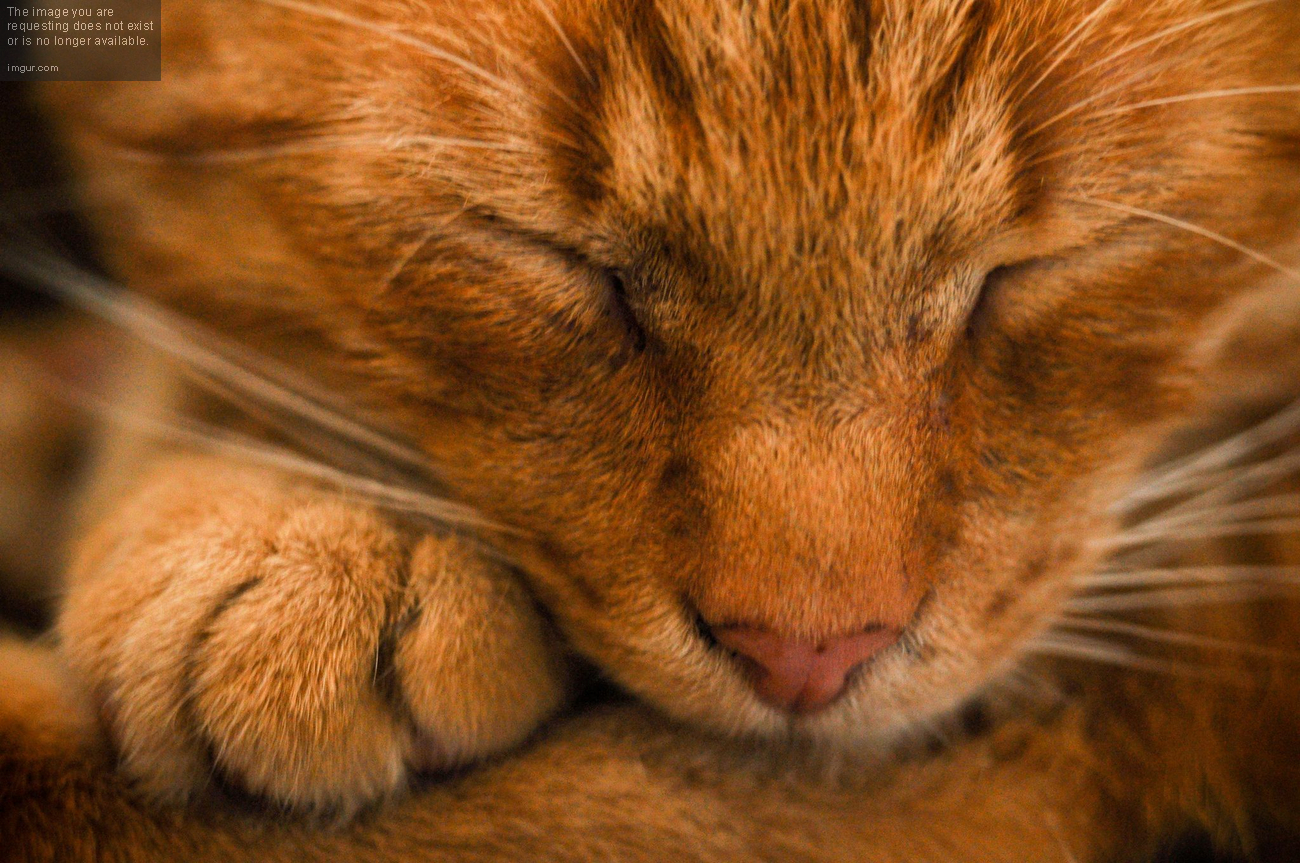
Add gradient to image
Query string
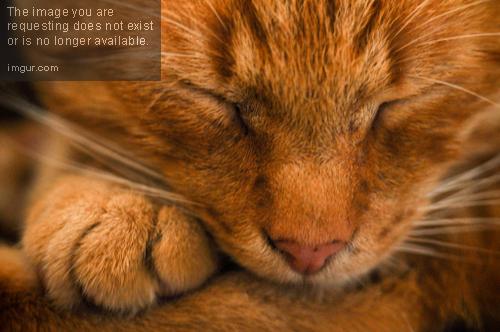
Add gradient to iamge
Image format
Change image format
Parameters:
format: image format
Formats:
- jpeg
- webp
- png
- bmp
Preset
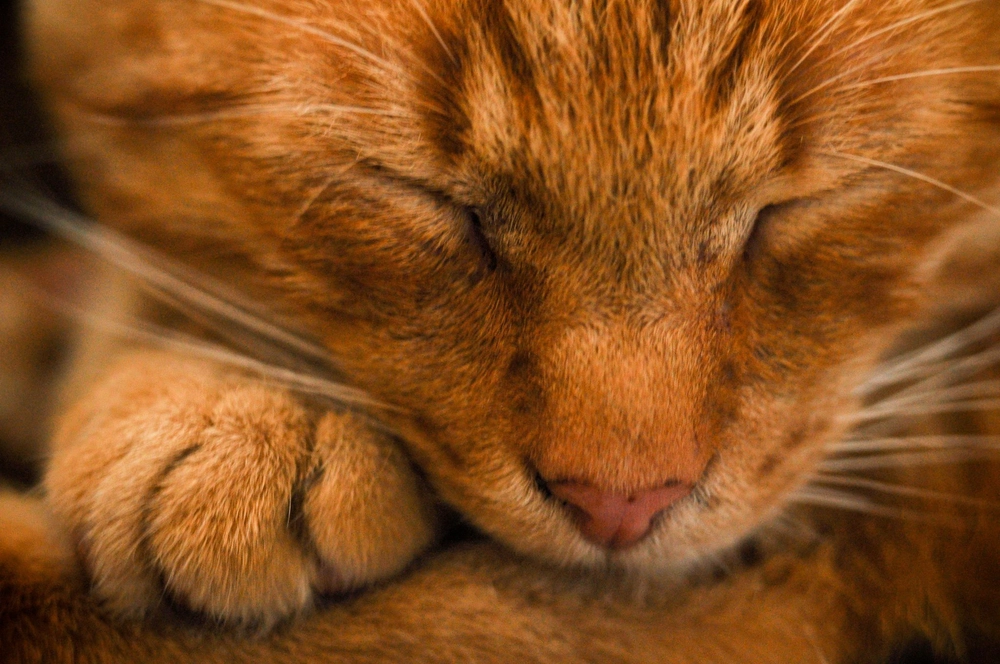
Change image format to webp
Query string
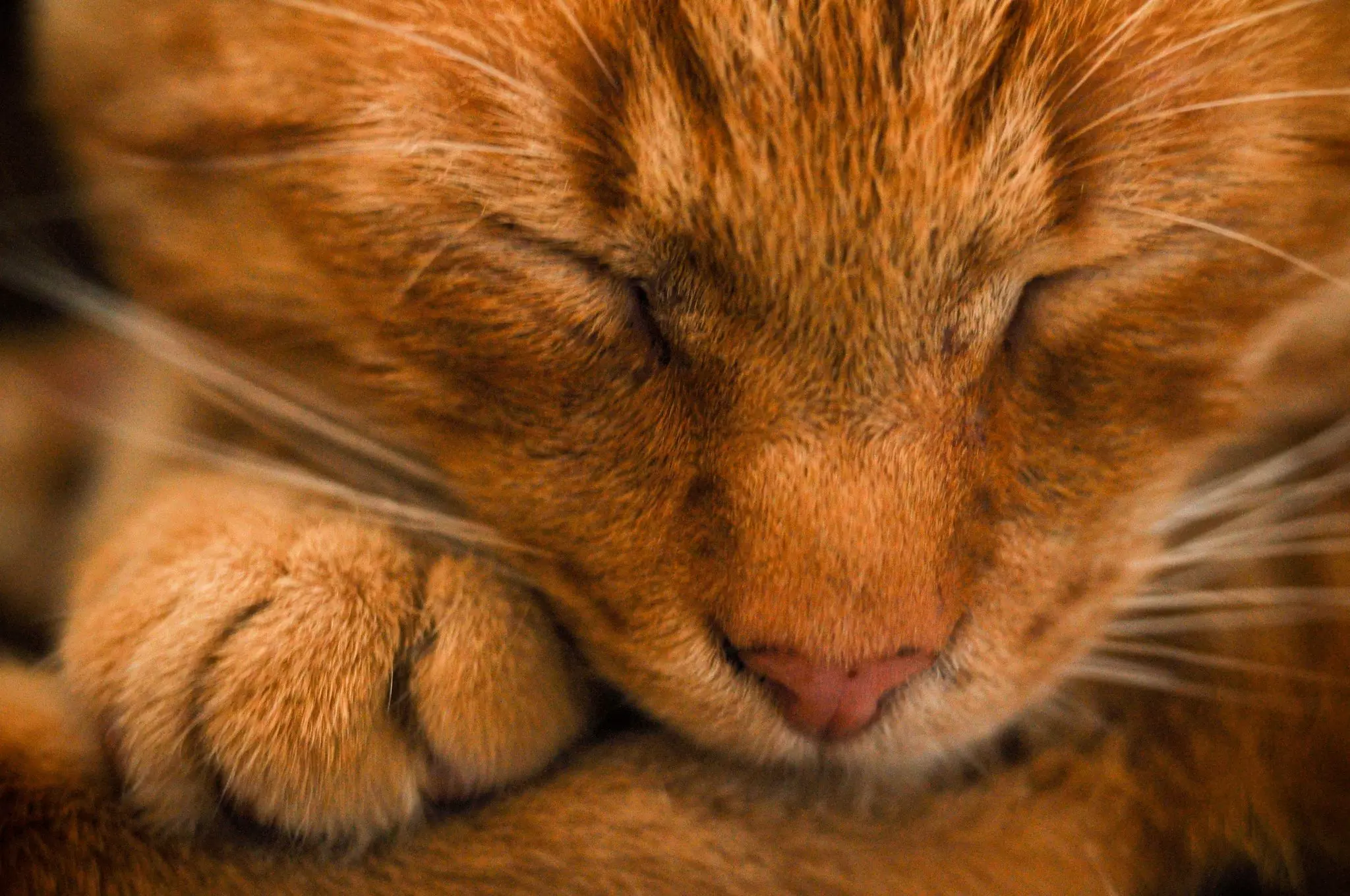
Change image format to webp