Contributing to kbcli
April 7, 2024 · View on GitHub
First, thank you for contributing to kbcli!
This document provides guidelines for how to contribute to kbcli.
Workflow
Before contributing to kbcli go through the issues and pull requests, make sure you are familiar with GitHub and the pull request workflow.
To submit a proposed change, read the following workflow:
Open an issue
Check for existing issues
- Before you create a new issue, please search on the open issues page to see if the issue or feature request has already been filed.
- If you find your issue already exists, make relevant comments or add your reaction.
- If you can not find your issue exists, choose a specific issue type and open a new issue.
Issue types
Currently, there are 4 types of issues:
- Bug report: You’ve found a bug with the code, and want to report or track the bug. Show more details, and let us know about an unexpected error, a crash, or an incorrect behavior.
- Feature request: Suggest a new feature. This allows feedback from others before the code is written.
- Improvement request: Suggest an improvement idea for this project. Use this issue type for document related improvements.
- Report a security vulnerability: Review our security policy first and then report a vulnerability.
Setup kbcli
- Fork the kbcli repository to your GitHub account, create a new branch and clone to your host.
- Branch naming style should match the pattern:
feature/|bugfix/|release/|hotfix/|support/|dependabot/. kbcli performs a pull request check to verify the pull request branch name.
- Branch naming style should match the pattern:
- Run
make kbcliin your terminal to build kbcli. The binary is located in.bin/kbcli. - To install KubeBlocks and play with
kbcliprepare environment using this guide.
Using kbcli build
To check if the local changes made in the CLI are working as desired, perform the below steps:
- Run
make helpto check all available commands. - Use
./bin/kbcliinstead of kbcli to perform tasks with your local build. For example -./bin/kbcli --help. - Run
make testto run all the tests. - To run cases by module
go test ./path/to/your/module...
Format the pull request title
The pull request title must follow the format outlined in the conventional commits spec. Because kbcli squashes commits before merging branches, this means that the pull request title must conform to this format. kbcli performs a pull request check to verify the pull request title in case you forget.
The following are all good examples of pull request titles:
feat(apps): add foo bar baz feature
fix(kbcli): fix foo bar baz bug
chore: tidy up Makefile
docs: fix typos
Make sure CI checks passed
Wait for the CI process to finish and make sure all checks are green.
Wait for the code review finished
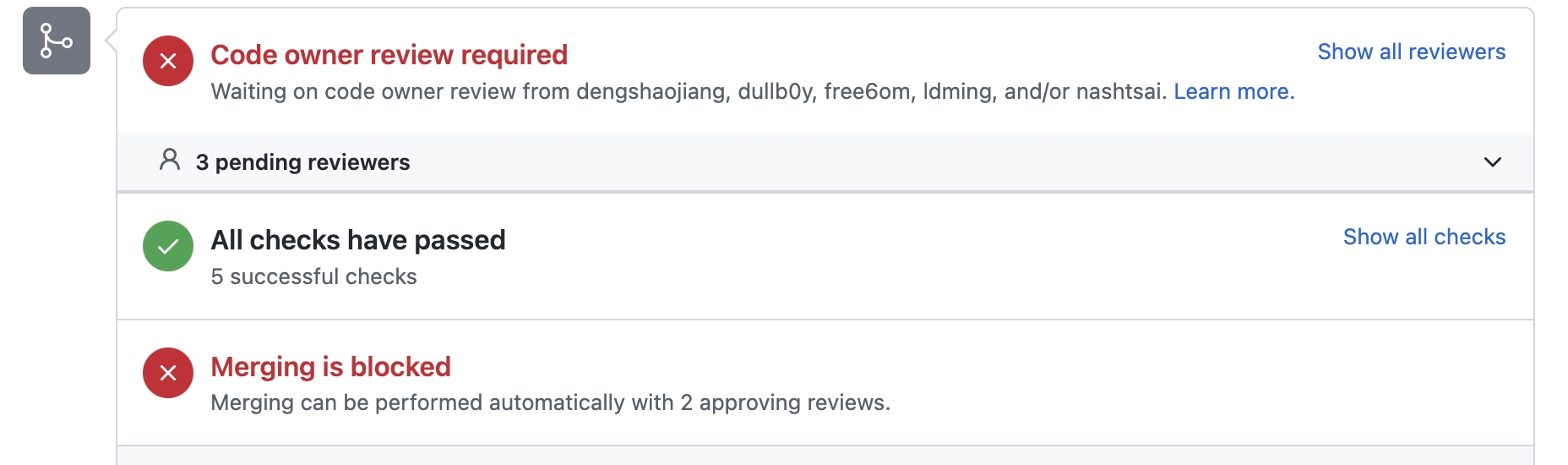
All pull requests should be reviewed and a pull request needs at least be approved by two maintainers before merging.
Merge to the main branch
All pull requests are squashed and merged. After the code review is finished, the pull request will be merged into the main branch.
Legal
To protect all users of KubeBlocks, the following legal requirements are made. If you have additional questions, please contact us at kubeblocks@apecloud.com.