Spotify Music Downloader (SMD) Desktop
December 5, 2020 · View on GitHub
NEW DEV VERSION HERE (As the bot is down, you can use this CLI version)
The SMD project is temporarily frozen due to having problems with a DMCA.








Desktop version GUI
 .
.

Desktop version CLI

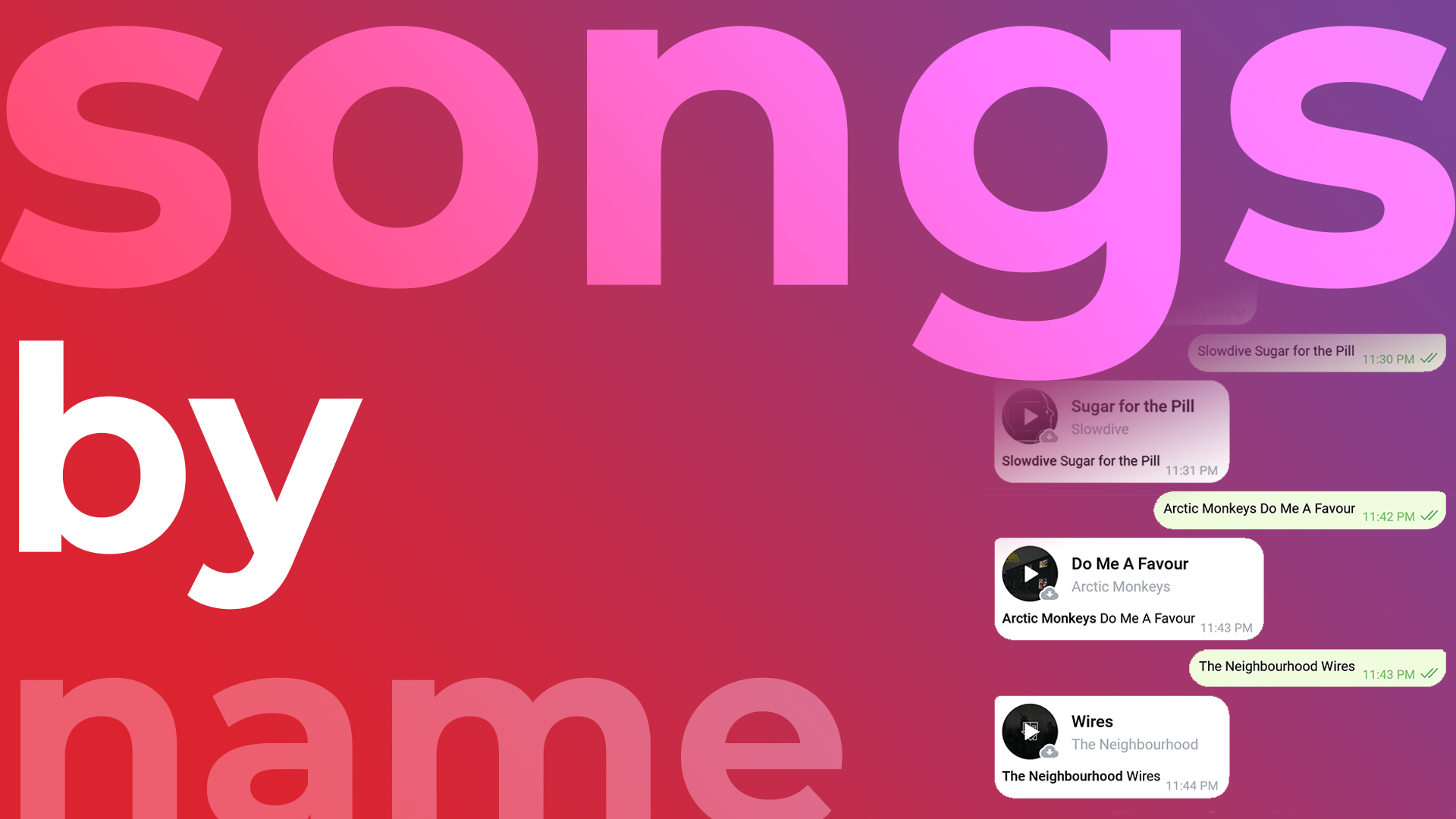
Telegram version
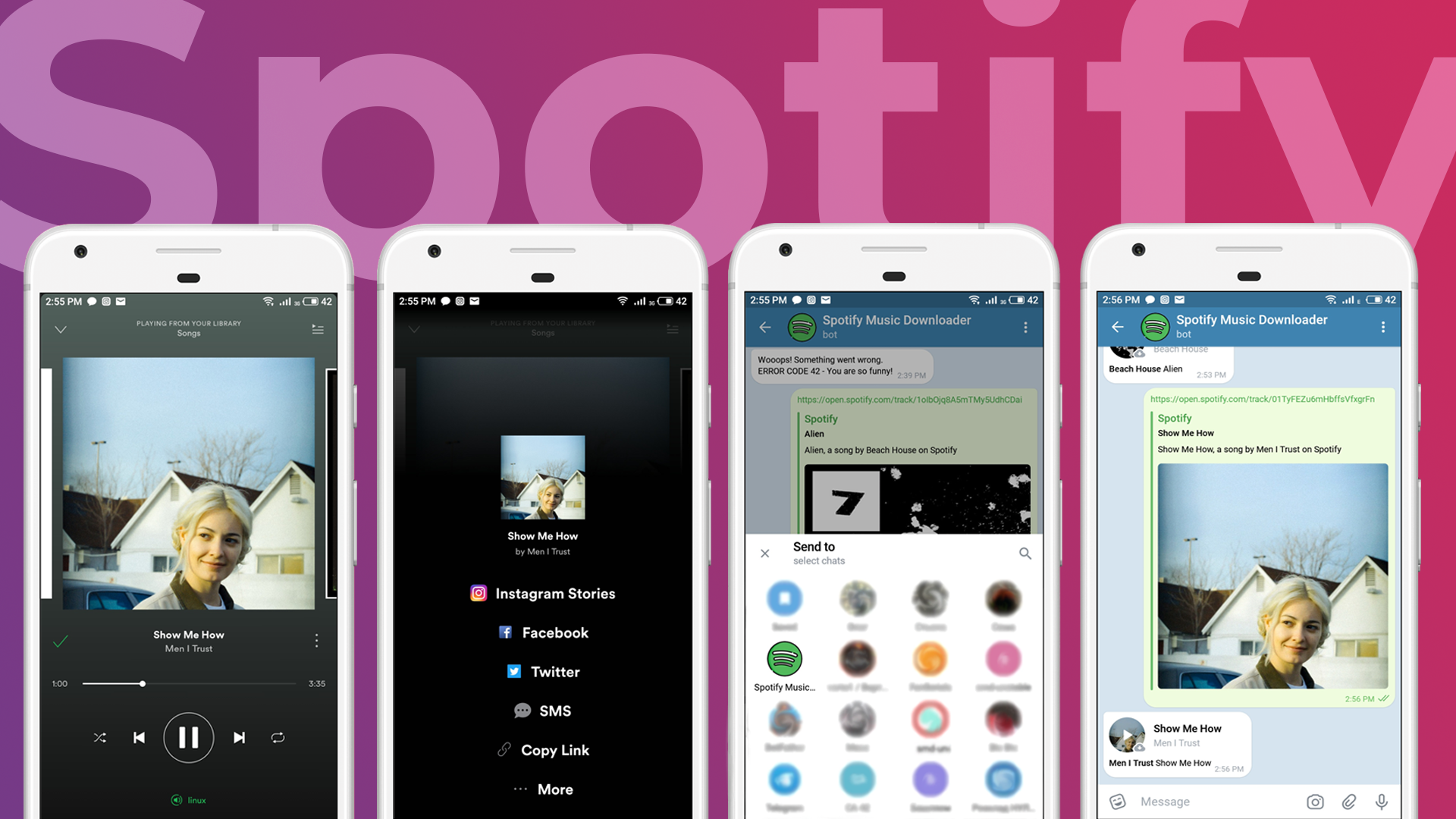
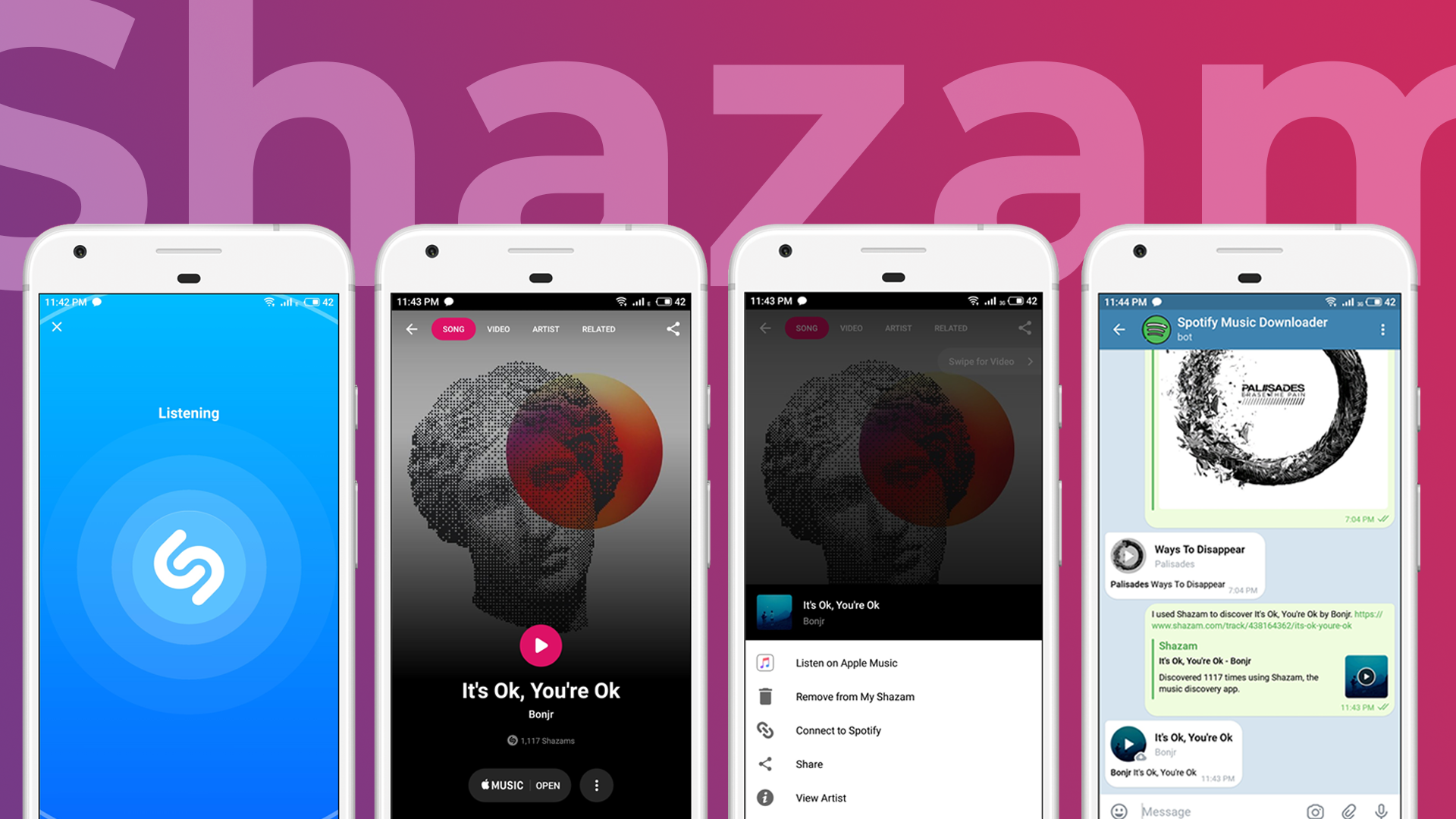
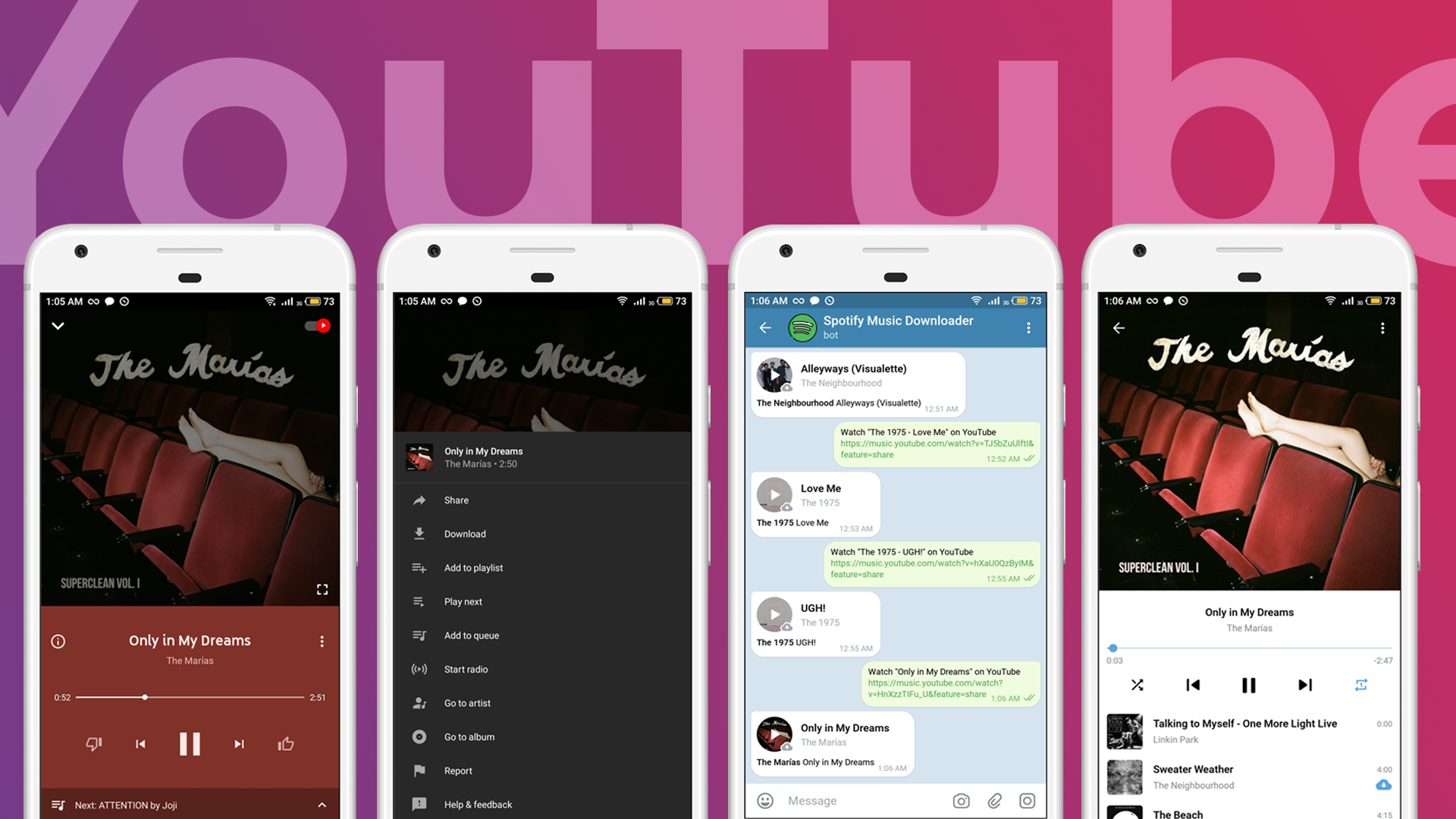
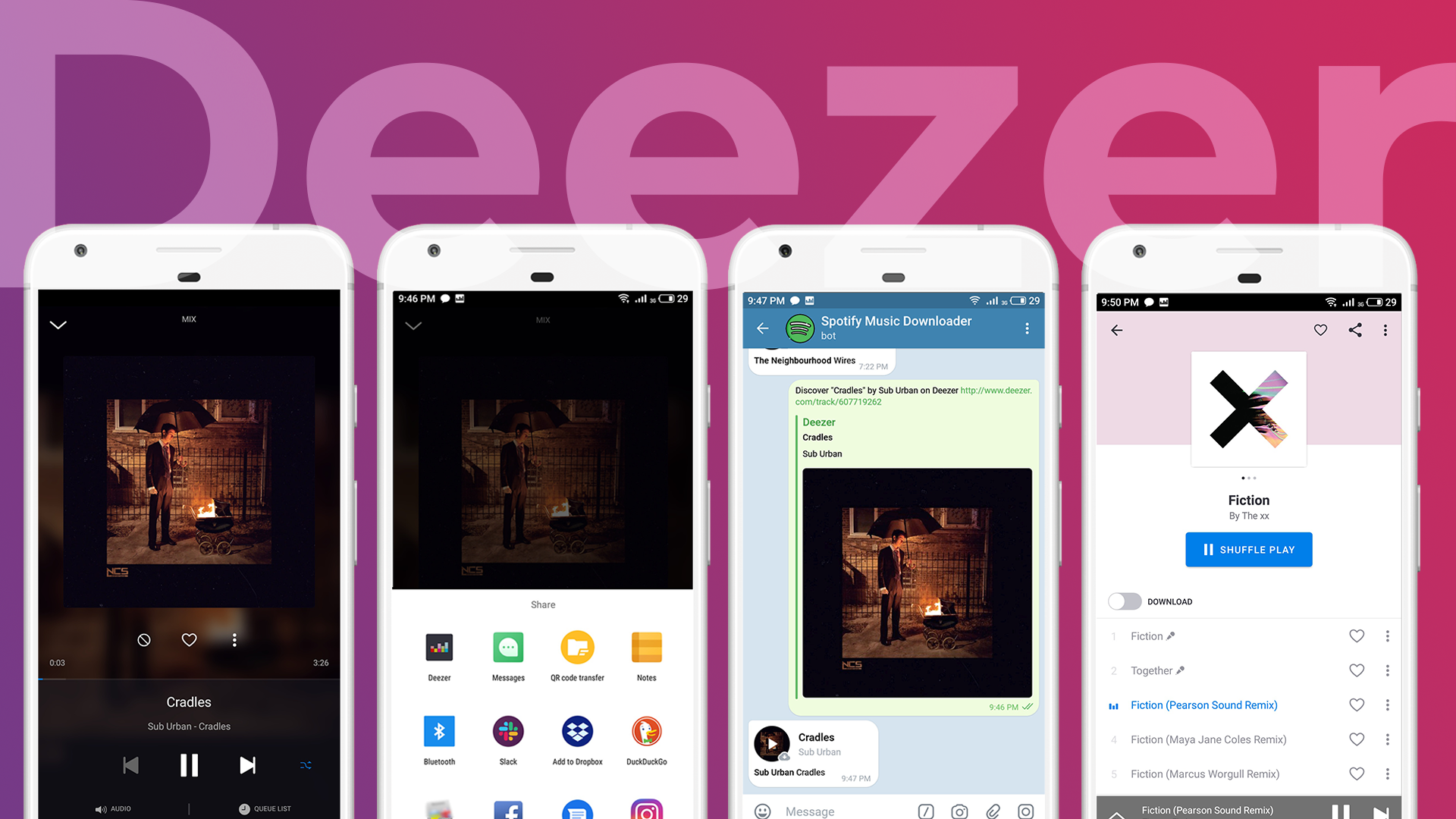
Manual (Desktop version CLI)
./main.py [argument][value] - startup with arguments

 Arguments:

        -h,  --help                  Print a help message and exit.
        -p,  --path                  Set another directory.

        -ss, --spotify-song          Spotify song link or URI.
        -sa, --spotify-album         Spotify album link or URI.
        -sp, --spotify-playlist      Spotify playlist URI.

        -ds, --deezer-song           Deezer song link.
        -da, --deezer-album          Deezer album link.
        -dp, --deezer-playlist       Deezer playlist link.

        -ym, --youtube-music         YouTube Music link.
        -yv, --youtube-video         YouTube Video link.

        -a,  --apple                 Apple Music link.
        -q,  --query                 Search query.
Installation
git clone https://github.com/artyshko/smd.git
First you have to install all dependencies
pip3 install -r requirements.txt
pip3 install PyQtWebEngine
sudo apt-get install python3-pyqt5.qtwebengine
Make file executable
chmod +x main.py
./main.py
Or use
python3 main.py
Spotify
Song:
./main.py -ss "https://open.spotify.com/track/2QoDAlMnML5haTXvYRS86X?si=eMGX4dlwQd-7dyiG6OmUHQ"
Album:
./main.py -sa "https://open.spotify.com/album/79dL7FLiJFOO0EoehUHQBv?si=lDnHRa2BR_uFUOnUOZPbUQ"
Playlist:
./main.py -sp "https://open.spotify.com/playlist/37i9dQZF1DXcRXFNfZr7Tp?si=Yd3IJQ9ATWOdFulNa7ax5g"
Deezer
Song:
./main.py -ds "https://www.deezer.com/track/3787855"
Album:
./main.py -da "https://www.deezer.com/album/1695172"
Playlist:
./main.py -dp "https://www.deezer.com/playlist/1306931615"
YouTube Music
Song:
./main.py -ym "https://music.youtube.com/watch?v=HnXzzTIFu_U&list=RDAMVMHnXzzTIFu_U"
YouTube Video
Video:
./main.py -yv "https://www.youtube.com/watch?v=JHi-WGFGWek"
Apple Music
Example:
./main.py -a "https://itunes.apple.com/us/album/i-wanna-be-yours/663097964?i=663098065"
Query mode
Example:
./main.py -q "The XX - Intro"
Choose another directory
Example:
./main.py -q "The XX - Intro" -p ~/Music

./main.py -ss "https://open.spotify.com/track/2QoDAlMnML5haTXvYRS86X" -p ~/Desktop/Music/New
Desktop version GUI


