Linting
January 14, 2026 · View on GitHub
Installation
You must declare your linters as Bazel aspects.
This is needed because Bazel only allows aspect attributes of type
bool,intorstring. We want to accept label-typed attributes, so we follow the documentation from https://bazel.build/extending/aspects#aspect_definition_2
We suggest creating a linters.bzl file in whatever package contains most of your
custom Bazel configuration, commonly in tools/lint.
This linters.bzl should contain linter aspect declarations.
See the /tools/lint/linters.bzl file under each /examples/[lang] folder for a complete install example.
See the docs/ folder for API docs of the "aspect factory functions" that declare your linters.
Some linter tools are built-in to rules_lint and may be installed by multitool.
The aspect factory function docs in the docs/ folder describe when these are available and how to use them.
Finally, register those linter aspects in the lint runner. See details below.
Usage
1. Linter as Code Review Bot
Aspect Workflows includes a lint task, which wires the reports from bazel-out directly into your code review.
The fixes produced by the tool are shown as suggested edits, so you can just accept without a context-switch back to your development machine.

We recommend this workflow for several reasons:
- Forcing engineers to fix lint violations on code they're still iterating is a waste of time. Code review is the right time to consider whether the code changes meet your team's quality bar.
- Code review has at least two parties, which means that comments aren't simply ignored. The reviewer has to agree with the author whether a suggested lint violation should be corrected. Compare this with the usual complaint "developers just ignore warnings" - that's because the warnings were presented in their local build.
- Adding a new linter (or adjusting its configuration to be stricter) doesn't require that you fix or suppress all existing warnings in the repository. This makes it more feasible for an enthusiastic volunteer to setup a linter, without having the burden of "making it green" on all existing code.
- Linters shouldn't be required to have zero false-positives. Some lint checks are quite valuable when they detect a problem, but cannot always avoid overdetection. Since code review comments are always subject to human review, it's the right time to evaluate the suggestions and ignore those which don't make sense.
- This is how Google does it, in the Tricorder tool that's integrated into code review (Critique) to present static analysis results. With Aspect Workflows we've provided a similar experience.
2. Warnings in the terminal with bazel lint
Aspect CLI adds the missing 'lint' command, so users just type bazel lint //path/to:targets.
- Lint reports are written to the terminal.
- If a linter reports errors (by exiting non-zero), then
lintexits 1. - If suggested fixes are produced by linters,
lintwill offer to apply them.
To configure it,
- Add the task to
MODULE.aspectby runningaspect axl add gh:aspect-build/rules_lint - Add the
lintconfig to.bazelrc, see aspects declared on the command-line
common:lint --aspects=//tools/lint:linters.bzl%linter1[,...]

3. Warnings in the terminal with a wrapper
If you don't use Aspect CLI, you can use vanilla Bazel with some wrapper like a shell script that runs the linter aspects over the requested targets.
See the lint.sh gist as an example, and pay attention to the comments at the top about fitting it into your repo.
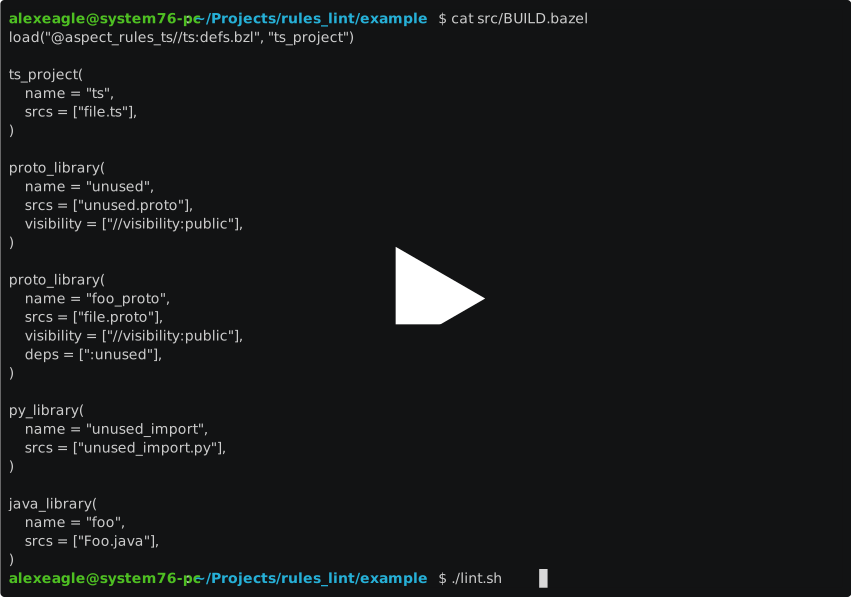
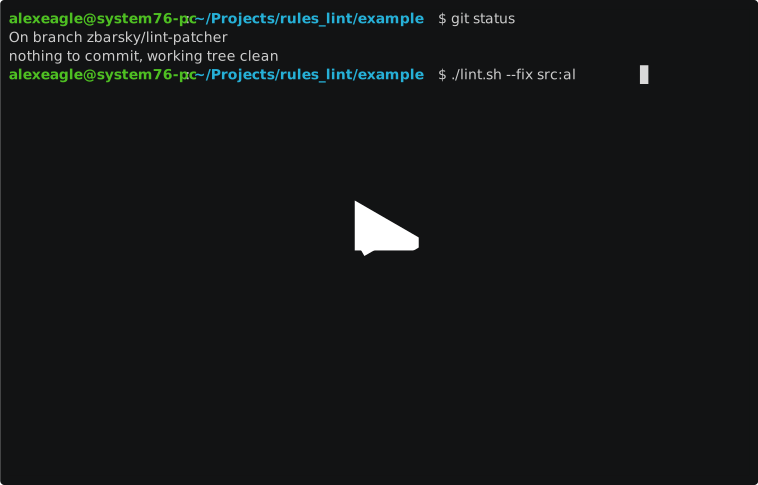
Note that you can also pass --fix to apply fixes from linters that provide them.
This is the same flag many linters support.
4. Errors during bazel build
Add at least the following to the command-line or to your .bazelrc file to cause all linter aspects to honor the exit code of the lint tool:
--aspects=//tools/lint:linters.bzl%eslint  # replace with your linter
--@aspect_rules_lint//lint:fail_on_violation
This makes the build fail when any lint violations are present.
You may wish to use the --keep_going flag to continue linting even after the first failure.
5. Failures during bazel test
Call the lint_test
factory function in your linters.bzl file, then use the resulting rule in your BUILD files or in a wrapper macro.
See the example/test/BUILD.bazel file in this repo for some examples.
Configuring linters
rules_lint doesn't provide any new way to configure linter tools. Instead you simply use the same configuration files the documentation for the linter suggests. Each linter aspect accepts the configuration file(s) as an argument.
To specify whether a certain lint rule should be a warning or error, follow the documentation for the linter. rules_lint provides the exit code of the linter process to allow the desired developer experiences listed above.
Ignoring targets
To ignore a specific target, you can use the no-lint tag. This will prevent the linter from visiting the target.
Linting generated files
By default, we filter out generated files from linting.
To bypass this filter, add tags=["lint-genfiles"] to a target to force all the srcs to be linted.
Debugging
Some linters honor the debug flag in this repo. To enable it, add a Bazel flag:
--@aspect_rules_lint//lint:debug