vscode-ibmi-languages
August 2, 2026 · View on GitHub
Syntax highlighting for IBMi languages such as RPG, CL, DDS, MI, and RPGLE fixed/free.
Please consider downloading IBM i Development Pack. This extension pack includes this extension, Code for IBM i, COBOL support, RPGLE language server, and more.
There are probably a few syntax bugs left. Please open an issue or a pull request if you see something amiss.
Contributors
Features
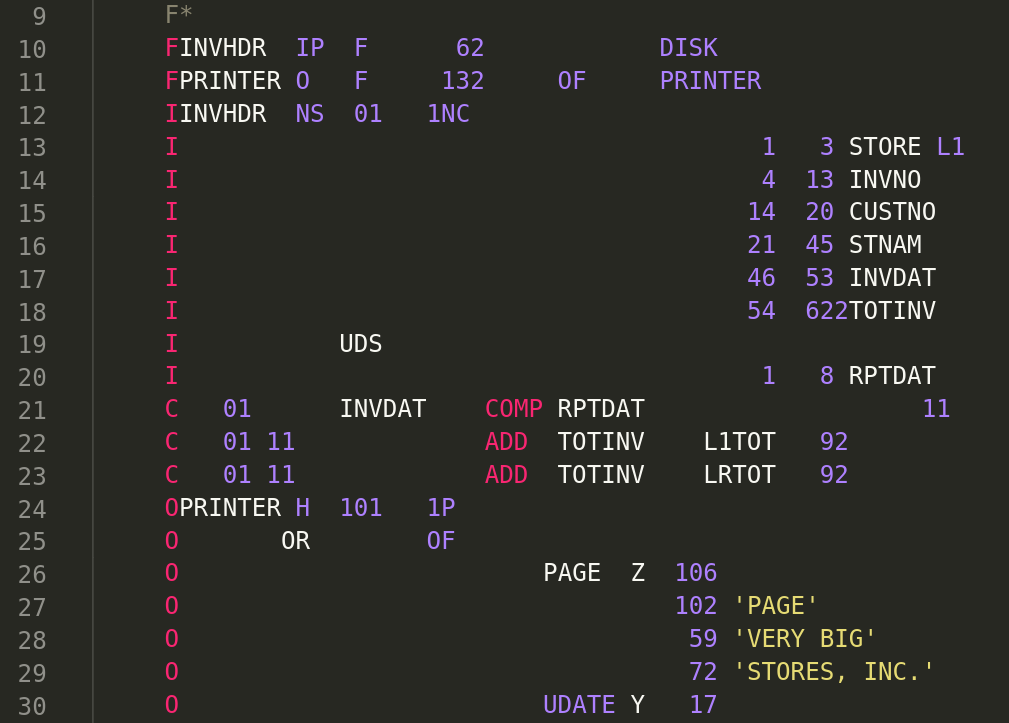
- Syntax highlighting for RPG III and RPG/400 - H,F,E,L,I,C,O specs
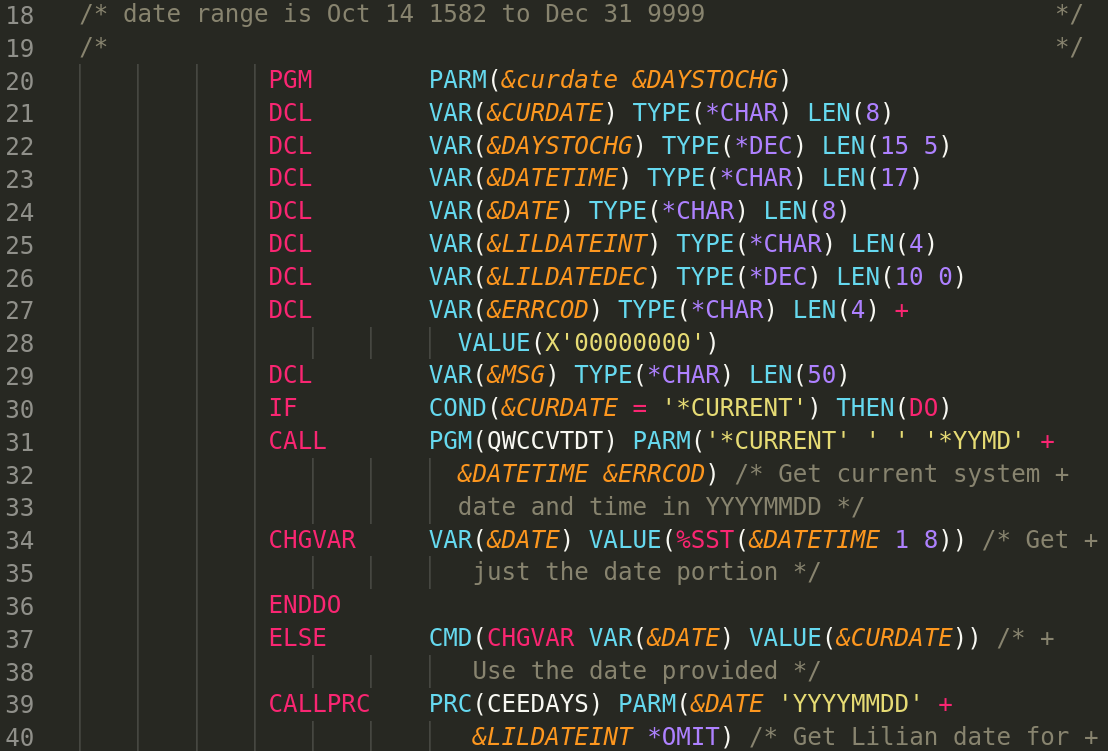
- Syntax highlighting for Control Language (CL)
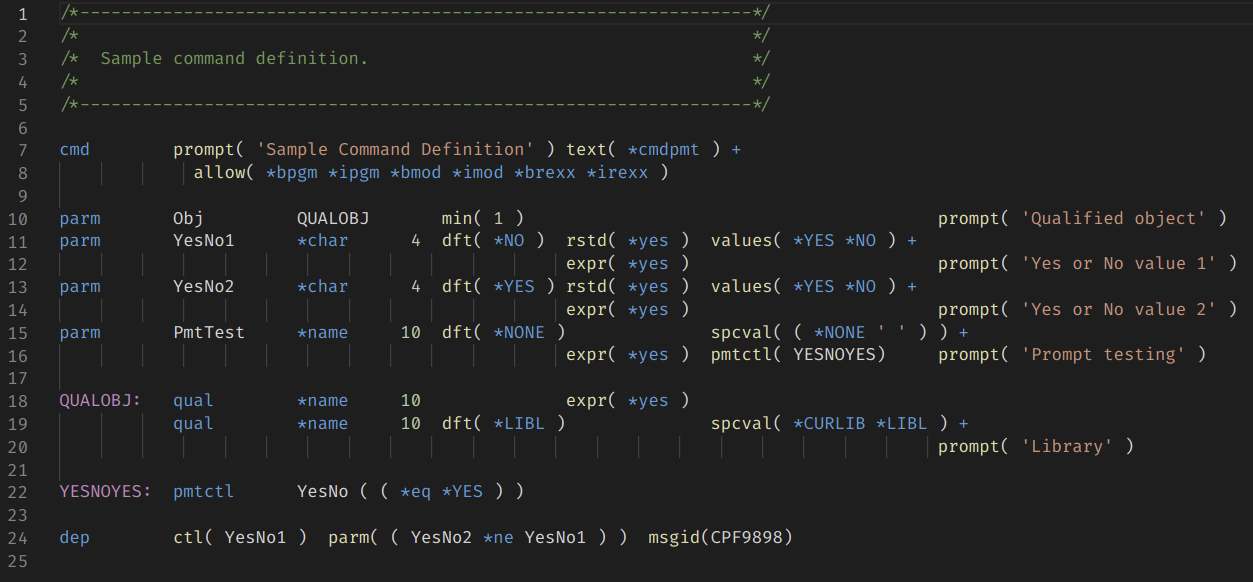
- Syntax highlighting for Command Definition (CMD)
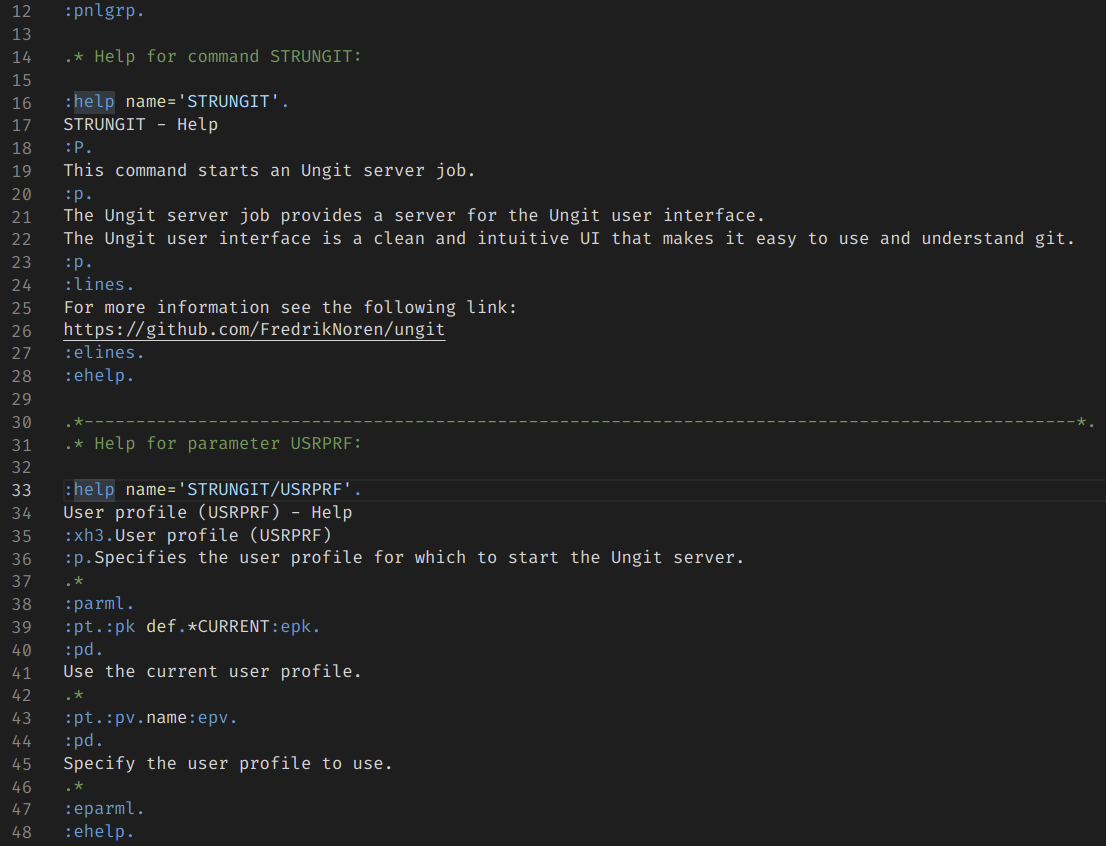
- Syntax highlighting for UIM Panel Group (PNLGRP)
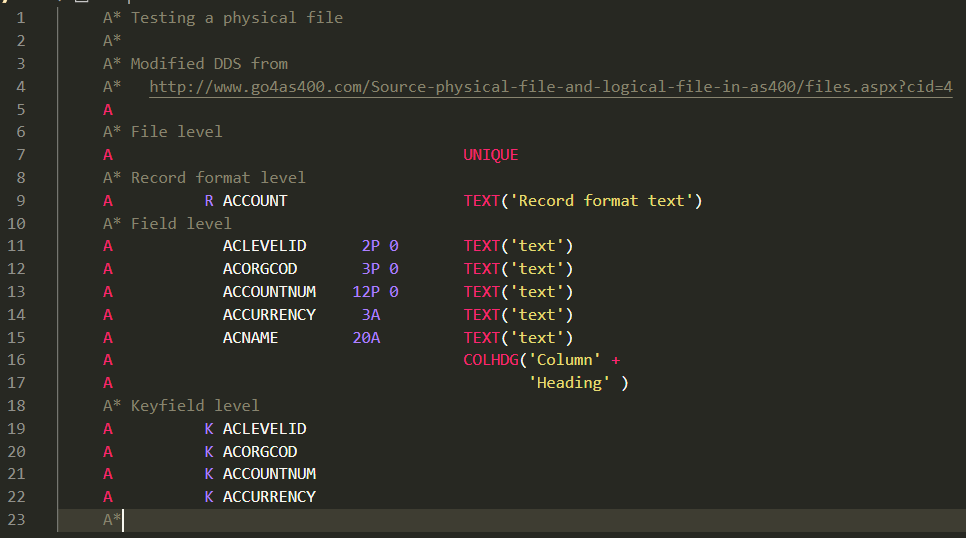
- Syntax highlighting for DDS files - physical, logical, display, printer, and ICF
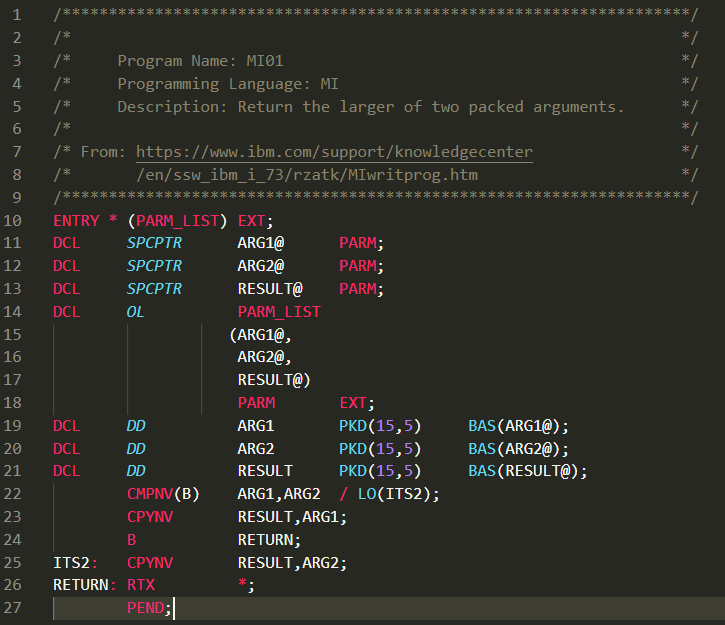
- Syntax highlighting for Machine Interface (MI)
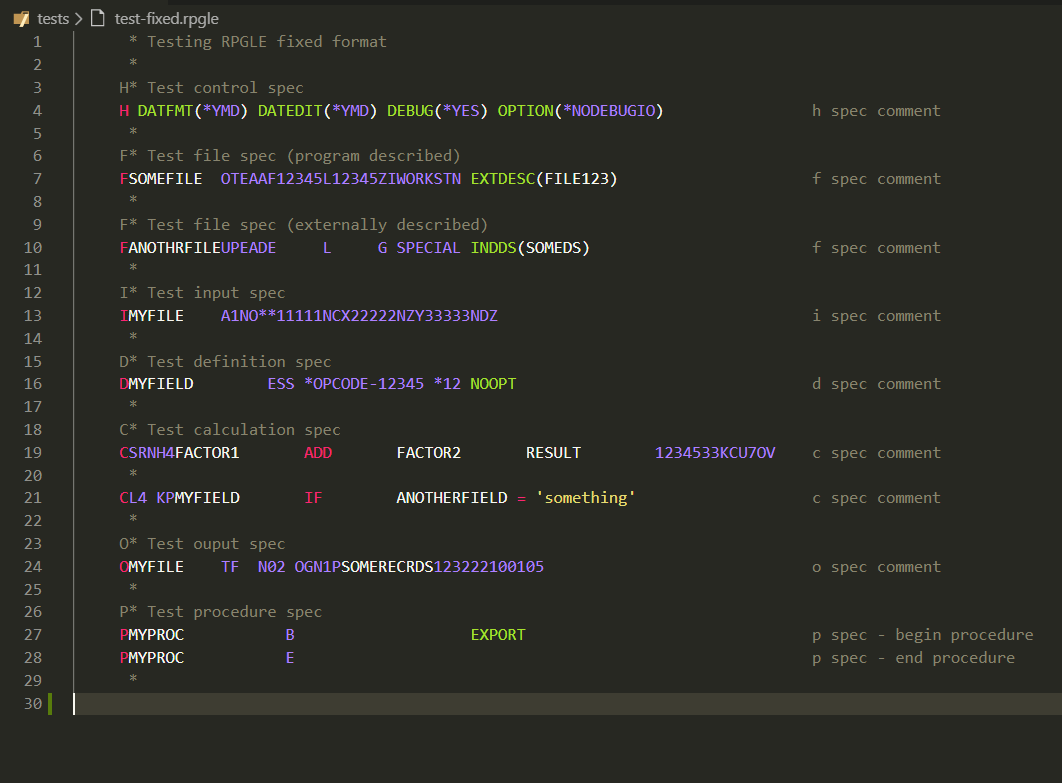
- Syntax highlighting for RPGLE fixed - H,F,D,I,C,O,P specs
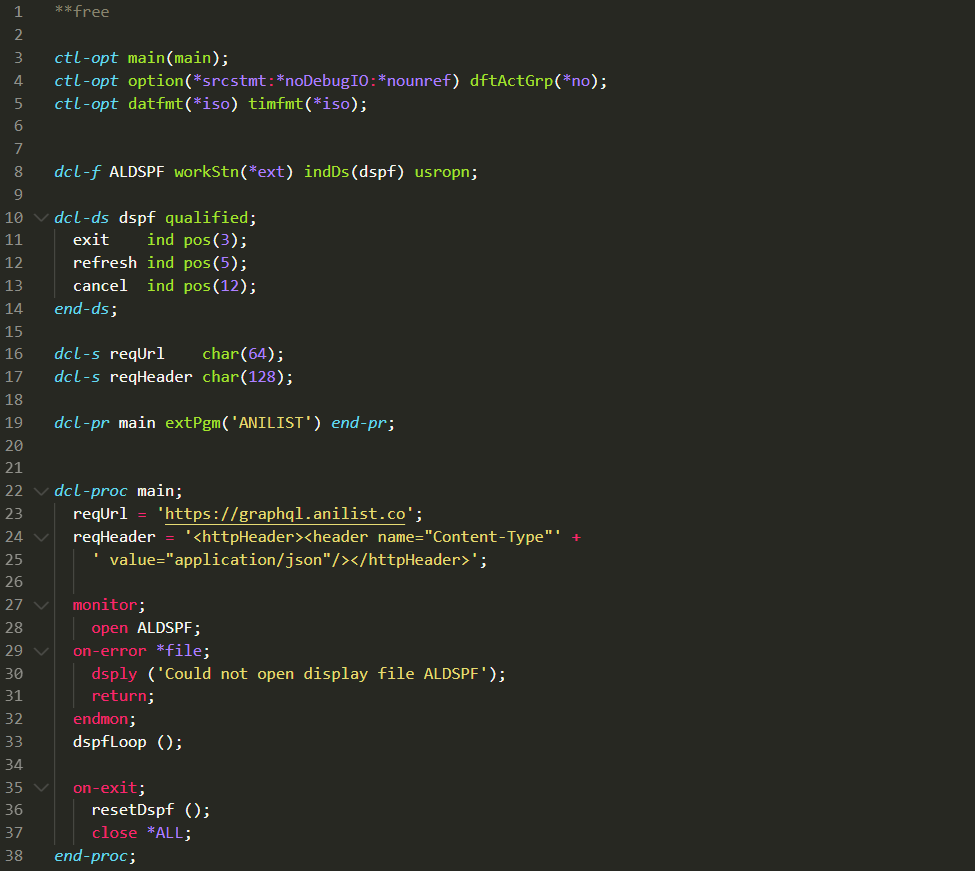
- Syntax highlighting for RPGLE free
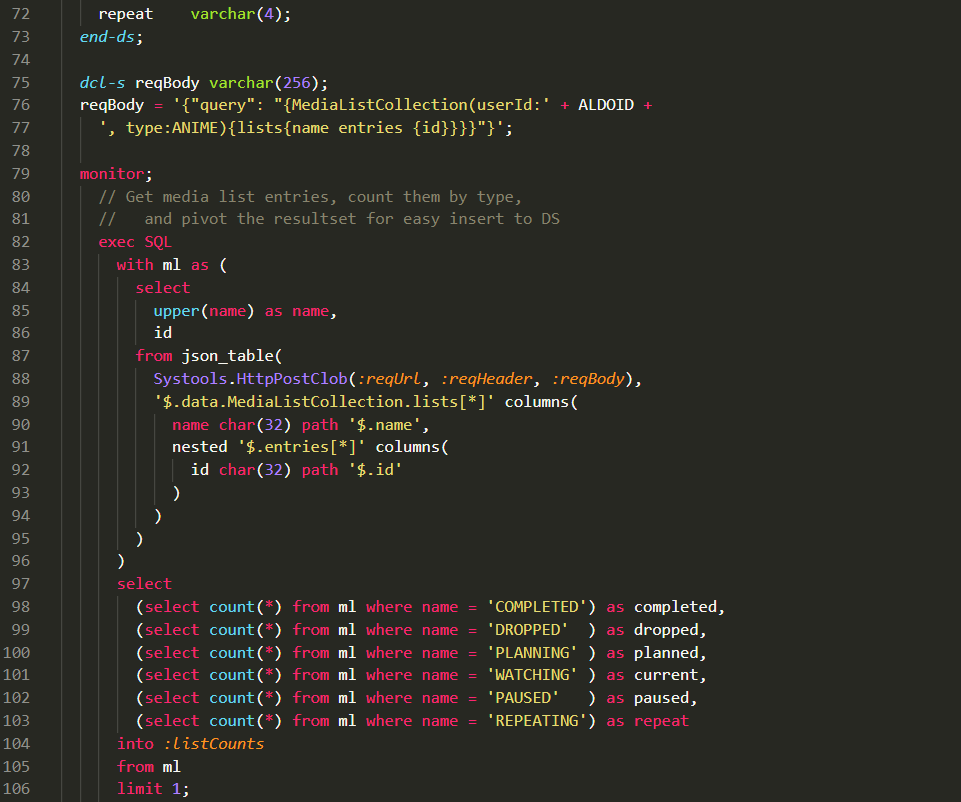
- Syntax highlighting for embedded SQL in SQLRPG and SQLRPGLE
- Support for a mix of RPGLE free and fixed format
- Support for binder language
- Support for DB2 SQL keywords in embedded SQL
Last updated to July 2026 PTF enhancements for 7.6 and 7.5
File Types (case insensitive)
For each source type, I lumped legacy (system/38) source types together with the regular source types.
| Extension(s) | Description |
|---|---|
| .cl, .clp, .clp38, .clle | Control Language (CL) |
| .cmd | Command Definition (CMD) |
| .pnlgrp | UIM Panel Group (PNLGRP) |
| .dspf, .dspf38 | DDS Display file |
| .icff | DDS ICF file |
| .lf, .lf38 | DDS Logical file |
| .pf, .pf38, .dds | DDS Physical file |
| .prtf, .prtf38 | DDS Printer file |
| .rpg, .rpg38, .sqlrpg | RPG/400 |
| .rpgle, .rpgleinc, .sqlrpgle | RPGLE and SQLRPGLE |
| .bnd | Binder Language |
| .mi | Machine Interface (MI) |
Screenshots
See screenshots/ for more examples of syntax highlighting.
RPG/400
RPGLE Fixed Format
RPGLE Free Format
RPGLE Free with Embedded SQL
Control Language (CL)
Command (CMD)
UIM Panel Group (PNLGRP)
Data Description Specification - Physical File (DDS)
Machine Interface (MI)
Contributing
See CONTRIBUTING.md for how to build, test and change a grammar, and tests/README.md for how the snapshot tests work.
npm ci
npm test              # tokenize every fixture, compare against its snapshot
npm run lint          # repository checks
npm run format:check  # prettier
Hints & Tips
tmLanguage Scope Names
The colours used in VS Code are determined by the scope names assigned in the relevant tmLanguage file, which are then mapped to colors by the active colours theme.
To see the actual scope at a cursor position:
- Place your cursor on the word (e.g. TIME)
- Press Ctrl+Shift+P (or Cmd+Shift+P on Mac)
- Type and select: Developer: Inspect Editor Tokens and Scopes
- This shows you the exact scope name and the colours applied by your theme
Releasing
Publishing a GitHub release packages the extension and publishes it to the VS Code Marketplace and to Open VSX. See docs/RELEASING.md.
Changelog
See CHANGELOG.md
Known Bugs / Future Improvements
See issues.
References
IBM language references
The grammars are built from these. Each is the authoritative keyword and positional reference for one of the languages this extension highlights. The PDF editions are linked because they are complete in one file and can be searched offline, which is how the keyword lists are checked for omissions.
| Language | IBM reference (7.5) |
|---|---|
DDS physical and logical files (.dds, .pf, .pf38, .lf, .lf38) | DDS for physical and logical files · PDF |
DDS display files (.dspf, .dspf38) | DDS for display files · PDF |
DDS printer files (.prtf, .prtf38) | DDS for printer files · PDF |
DDS ICF files (.icff) | DDS for ICF files · PDF |
| DDS concepts (all DDS types) | DDS concepts |
Binder language (.bnd) | Binder language · ILE Concepts PDF |
Control Language (.cl, .clle, .clp, .clp38) | CL overview and concepts · PDF · CL commands |
Command definition (.cmd) | Command definition statements · PDF |
Machine Interface (.mi) | Machine interface instructions · Machine Interface introduction |
ILE RPG (.rpgle, .rpgleinc) | ILE RPG Reference (SC09-2508) · PDF · Operation codes, whose first table is the set free-form accepts and whose second is the traditional syntax |
Embedded SQL in ILE RPG (.sqlrpgle) | Embedding SQL statements in ILE RPG applications · Embedded SQL programming PDF |
| SQL, all embedded dialects | Db2 for i SQL reference · PDF · Reserved words, whose Table 1 is the keyword list the SQL rules match |
UIM panel groups (.pnlgrp) | Application Display Programming SC41-5715, appendix A, which holds the UIM tag reference. IBM stopped publishing it after V6R1 and it has no topic on IBM Documentation, so the manual itself is the citation: V6R1 PDF |
RPG/400 (.rpg, .rpg38) | RPG/400 Reference (SC09-1817). IBM no longer hosts this book; its own related information page points at the Publications Center. Mirrors: RPG400 Reference.pdf (text extracts cleanly, so it is the one to search) · archived copy. For the operations RPG IV inherited, see the ILE RPG Reference PDF |
RPG/400 User's Guide (.rpg, .rpg38) | RPG/400 User's Guide (SC09-1816), also unhosted; mirror |
Embedded SQL in RPG/400 (.sqlrpg) | Embedding SQL statements in RPG/400 applications · Embedded SQL programming PDF |
| RPG II, RPG III background | RPG II, RPG III, and RPG/400 |