Cursor Exclude File Toggle
September 24, 2025 · View on GitHub
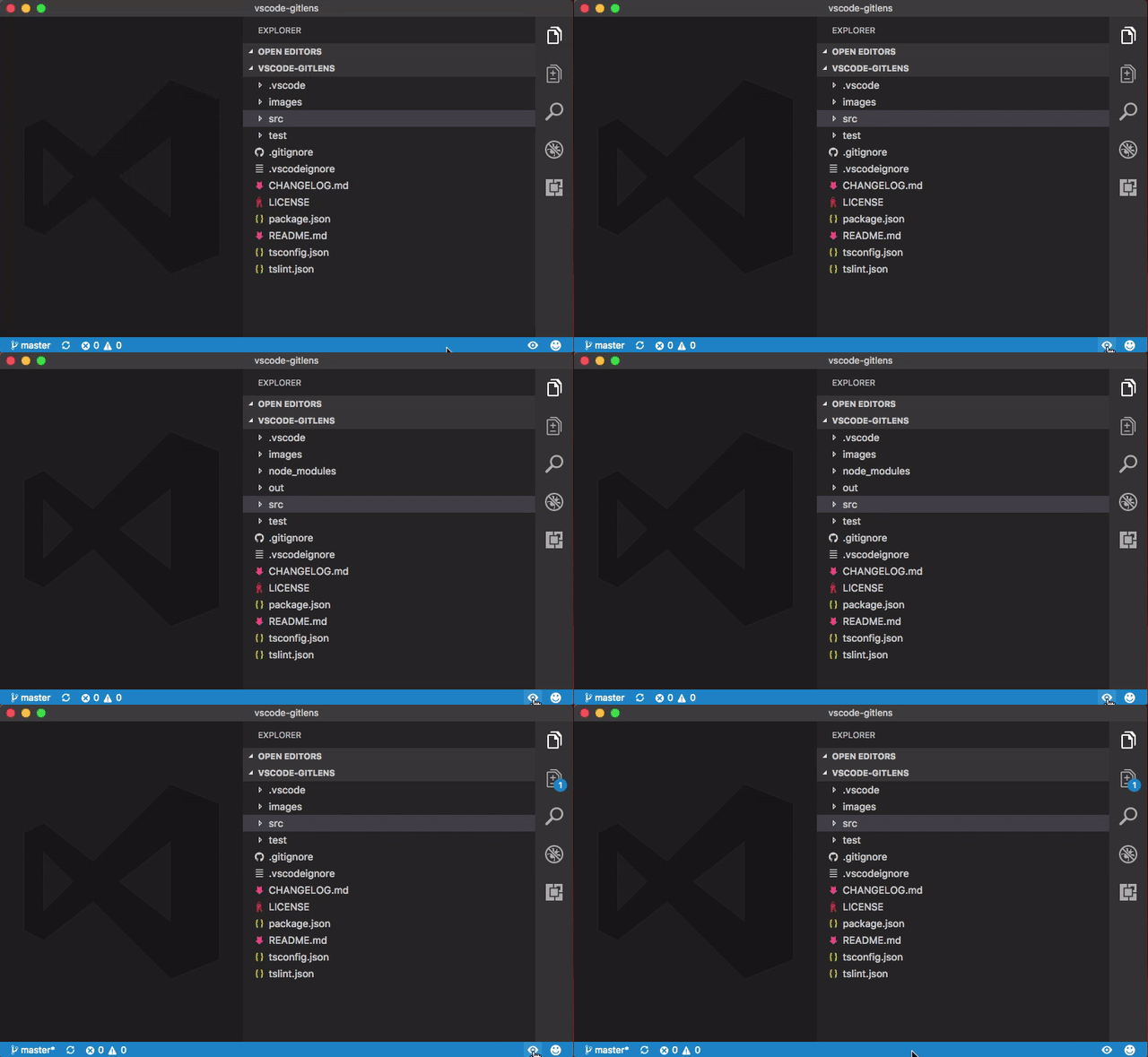
Quickly toggles excluded (hidden) files visibility in the file explorer - optimized for Cursor IDE.
Excluded files are configured in your
settings.json"files.exclude": { "node_modules": true, "out": true }
Features
-
Adds a
Toggle Excluded Filescommand (toggleexcludedfiles.toggle) with a shortcut ofctrl+shift+a(cmd+shift+aon macOS) to either show or restore the current visibility of excluded files in the file explorer -
Cursor IDE optimized with enhanced configuration and performance improvements
-
Adds a Explorer view button to toggle the excluded file visibility (optional, on by default)
-
Adds a status bar button to toggle the excluded file visibility (optional, on by default)
- An indicator icon will show when the exclude visibility is currently toggled
-
Adds a
Show Excluded Filescommand (toggleexcludedfiles.show) to show excluded files in the file explorer -
Adds a
Hide Excluded Filescommand (toggleexcludedfiles.restore) to hide (restore) excluded files in the file explorer
Extension Settings
| Name | Description |
|---|---|
toggleexcludedfiles.explorer.enabled | Specifies whether to show the toggle button in the Explorer view |
toggleexcludedfiles.statusBar.enabled | Specifies whether to show the toggle button in the status bar |
Known Issues
None